
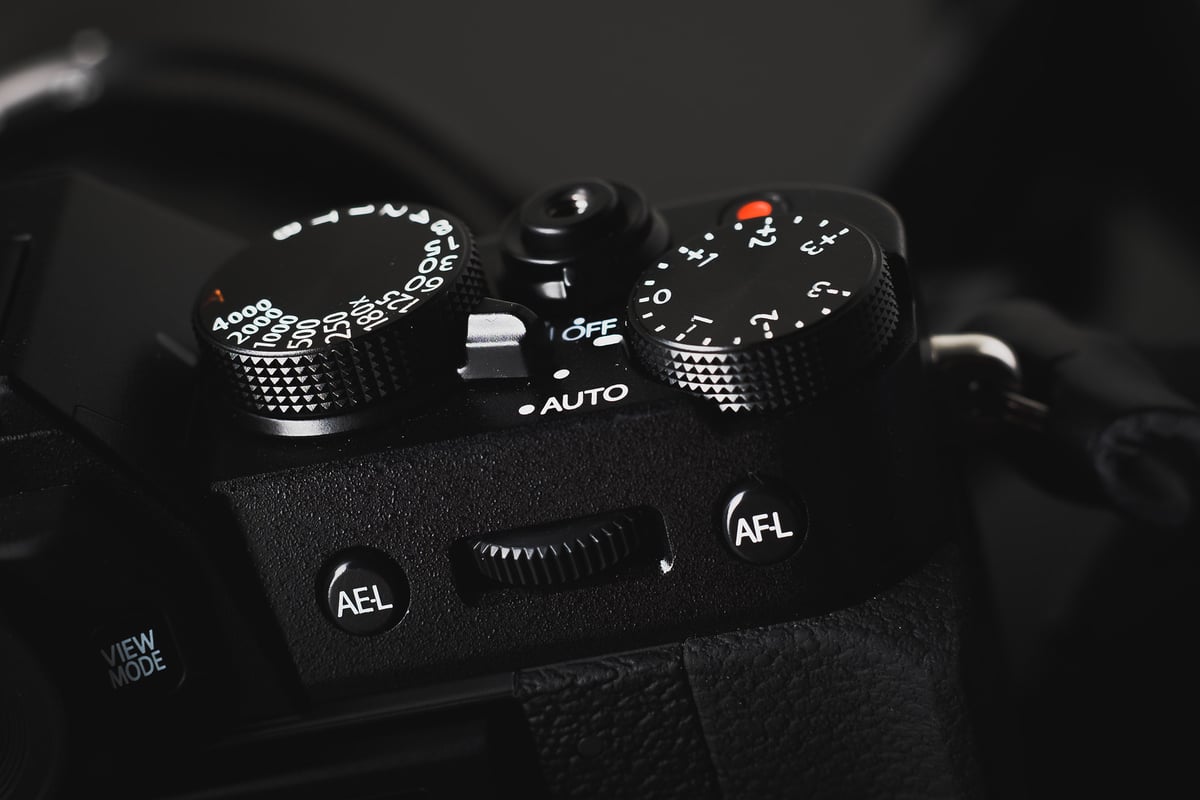
The Fuji X-T10 is a fantastic little camera. that supports UHS-I SD memory cards with a single slot.
I was surprised by how light and small it was and how well it performed all around. It feels very close to the X-T1 minus a few features. One is UHS-II. But that’s OK. This camera still uses SD memory cards at incredible speeds.
I’ve tested all the most popular cards to get an idea of how fast they perform in camera, and I will also share what I think are some great deals.
Best SD Memory Cards For The Fujifilm X-T10
The type of memory card you need will probably depend on whether you shoot exclusively RAW, JPEG, or both. But most of the newer cards are fast enough for any style of shooting.
Here is an updated curated list of some of the best SD Memory cards available today for the Fujifilm X-T10.
| UHS-I U3 SD Memory Cards | Tested USB Write | Tested USB Read | Links |
|---|---|---|---|
| Sandisk Extreme Pro 32GB-1TB | 137 | 175 | Amazon / B&H |
| Sandisk Extreme 256GB | 126 | 175 | Amazon / B&H |
| Kingston CanvasGo! 128/256/512GB/1TB | 124 | 161 | Amazon / B&H |
| Lexar SILVER Plus 128-256GB | 166 | 177 | Amazon |
| Transcend Ultra 340s A2 128/256/512GB | 90 | 148 | Amazon / B&H |
Fuji X-T10 Memory Card Speed Chart
For the speed tests, I shot at ISO 200, 1/125, f/4. I shot in speed priority mode to fill the buffer, then timed how long it took the camera to write that information to the SD card.
USB 3.0 speeds were tested in a MacBook Pro with Blackmagic Disk Speed Test. With UHS-II cards, USB 3.0 speeds were tested on Windows 8, a Transcend External UHS-II memory card reader and CrystalDiskMark.
| SD Memory Cards | USB 3.0 Read | USB 3.0 Write | Fuji X-T10 Speeds | |
| UHS-II | RAW | JPEG | ||
| Lexar 32GB 2000x UHS-II | 280.9 MB/s | 181.4 MB/s | 47.71 MB/s | 10.17 MB/s |
| Delkin 32GB UHS-II | 245.1 MB/s | 164.6 MB/s | 44.93 MB/s | 8.93 MB/s |
| Lexar 32GB 1000x UHS-II | 145.0 MB/s | 60.7 MB/s | 41.99 MB/s | 10.56 MB/s |
| Sandisk Extreme Pro 32GB UHS-II | 257.3 MB/s | 109.9 MB/s | 28.74 MB/s | 10.33 MB/s |
| UHS-I | ||||
| SanDisk Extreme Pro 32GB UHS-II | 89.0 MB/s | 84.7 MB/s | 51.19 MB/s | 11.27 MB/s |
| Kingston 64GB SDXC U3 | 88.1 MB/s | 74.3 MB/s | 50.57 MB/s | 10.15 MB/s |
| SanDisk Extreme Pro 64GB SDXC U3 | 71.3 MB/s | 52.1 MB/s | 49.30 MB/s | 9.62 MB/s |
| Samsung Pro 64GB SDXC U1 | 86.8 MB/s | 77.2 MB/s | 48.02 MB/s | 10.26 MB/s |
| Sony 64GB SDXC U3 | 87.2 MB/s | 71.9 MB/s | 46.58 MB/s | 9.97 MB/s |
| SanDisk Extreme 64GB SDXC U3 | 88.9 MB/s | 62.0 MB/s | 45.45 MB/s | 10.93 MB/s |
| Transcend 64GB SDXC U3 | 87.7 MB/s | 64.1 MB/s | 42.83 MB/s | 9.66 MB/s |
| PNY 64GB SDXC U1 | 86.1 MB/s | 54.5 MB/s | 42.72 MB/s | 9.28 MB/s |
| Lexar 600x 64GB SDXC U1 | 85.6 MB/s | 60.1 MB/s | 42.63 MB/s | 9.30 MB/s |
| PNY 64GB SDXC U3 | 87.9 MB/s | 61.6 MB/s | 42.62 MB/s | 9.10 MB/s |
| Samsung 64GB SDXC EVO U1 | 43.9 MB/s | 22.7 MB/s | 22.08 MB/s | 9.96 MB/s |
The Sandisk Extreme Pro UHS-II performed really poorly; however, this happens with Fujifilm cameras sometimes. I’m not sure why, but sometimes if the card isn’t seated perfectly or something, the card will perform very slowly. Taking the card out and putting it back in sometimes fixes this. Unfortunately, I didn’t catch this until after I sent the camera back.
Camera Write Speed Stats
The Fujifilm X-T10 has a very small buffer. It only takes 7 shots and less than a second to fill it. Because of this, it’s important to have a faster card.
However, if you’re a JPEG shooter like many X-shooters, it’s less relevant, since JPEGs are much smaller and the bottleneck is in processing each image.
(With the Sandisk Extreme Pro 64GB UHS-I SDXC U3)
| RAW | JPEG |
| Shots Taken To Fill Buffer: 7 | Shots Taken To Fill Buffer: 11 |
| Time Taken To Fill Buffer: 0.8 seconds | Time Taken To Fill Buffer: 1.16sec |
| Frames Per Second with Buffer: 7fps | Frames Per Second with Buffer: 9fps |
| Frames Per Second After Buffer: 2.6fps | Frames Per Second After Buffer: 5fps |
Fuji X-T10 Speed Tests Summary
The Sandisk Extreme Pro UHS-I card performed the best as usual. Second place was the Kingston. Both are great cards, and I use them regularly. The less expensive cards vary in speed, with the Samsung being a close competitor to the Sandisk and Kingston.
If you shoot JPEG, it won’t really matter what card you have, unless you do a lot of continuous shooting; even then, it will only make a difference of about 1 fps.
RAW+JPEG speeds are about 2MB/s slower than RAW speeds. But the frame rate and burst speed slow to about 1.2 fps after the buffer is filled.
UHS-II Cards In The Fujifilm X-T10
You won’t be able to use UHS-II cards on this camera like you can on the Fujifilm X-T1, but there are a few reasons to consider UHS-II.
– You want extremely fast USB 3.0 transfer speeds. (Assuming you have a UHS-II card reader that works well for your computer.)
– You bought this camera with the idea that you’ll buy an X-T2 or an X-Pro2 when they come out next year.
Best SD Memory Cards Fujifilm X-T10 Conclusions
All the cards, except the Samsung EVO, perform pretty closely. You probably won’t see a huge difference in camera performance from using a Sandisk Extreme Pro UHS-I or a PNY U1; however, I have used slower cards in the past with my XT1, and while shooting wave photography or HDR, where you’re continuously bursting off shots, you will end up hating your life while you wait for the card to write.
Need Some Accessories?
See the Fujifilm X-T10 Accessories Guide.
Also, check out all the available lenses for the Fuji X-T10









Leave a Reply