
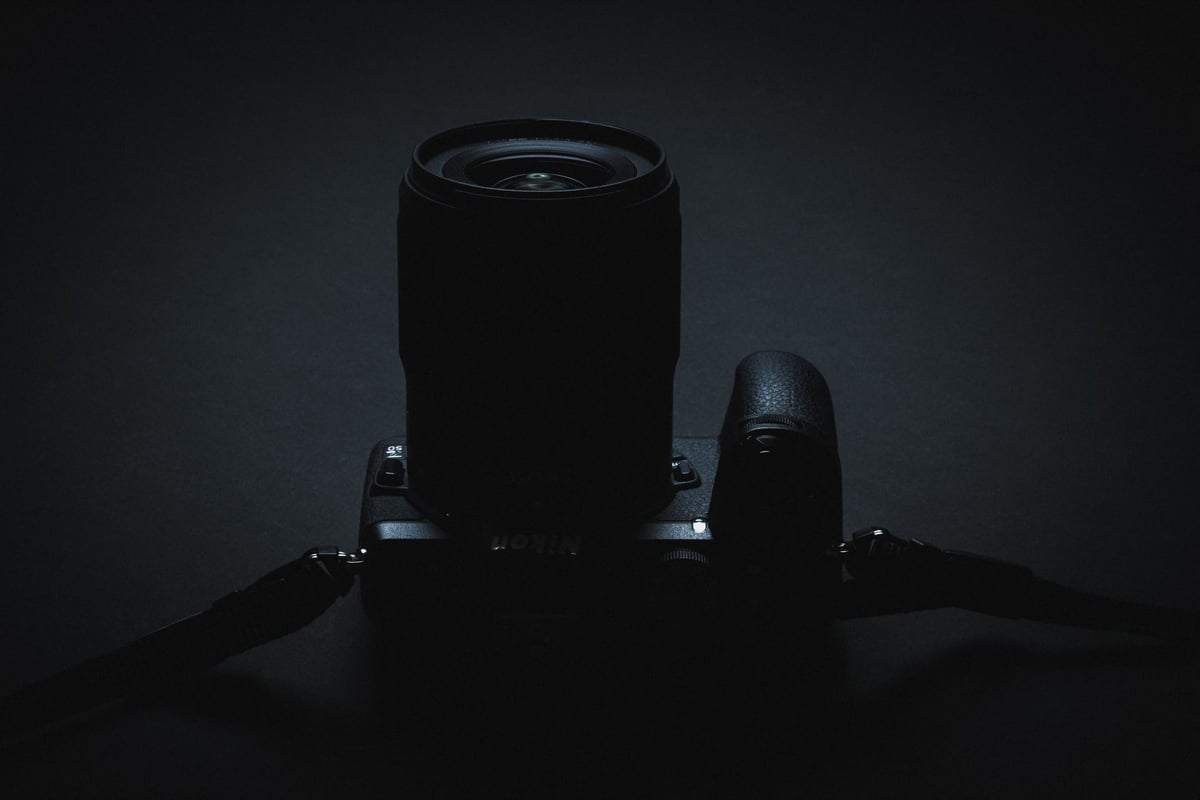
The Nikon Z50 features a single UHS-I memory card slot. The in-camera speed test shows they run at a top speed of about 55MB/s.
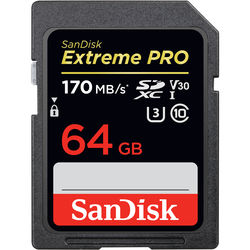
UHS-I memory cards come in two popular speed classes: U1 and U3. U1 memory cards record at a minimum speed of 10MB/s, and U3 memory cards record at a minimum speed of 30MB/s.
To take advantage of 4k video in the Nikon Z50, U3 memory cards should be used to maintain the 144MB/s or 18MB/s bitrate.
Recommended SD Memory Cards Nikon Z50
The small difference in the performance speeds in the speed chart will not be noticeable in real-world performance. While Sandisk was one of the slowest cards of these top 5, it’s still one of the most reliable brands and one of the best memory cards for the Nikon Z50.
| Memory Cards | Review Links | Speed Class | Minimum Write Speed | USB Write | USB Read | Links |
|---|---|---|---|---|---|---|
| UHS-I U3 | Hide | |||||
| Sandisk Extreme Pro 32GB-1TB | Sandisk Extreme Pro 170 | UHS-I | 30 | 137 | 175 | Amazon / B&H |
| Kingston CanvasGo! 128/256/512GB/1TB | UHS-I | 30 | 124 | 161 | Amazon / B&H | |
| Transcend 300s 128GB | Transcend U3 | UHS-I | 30 | 79 | 91 | Amazon / B&H |
| Delkin Black 32-256GB | UHS-I | 30 | 86 | 93 | Amazon / B&H | |
| Delkin Advantage 128GB-1TB | Delkin Advantage U3 | UHS-I | 30 | 77 | 93 | Amazon / B&H |
Also, check out my list of Essential Accessories For The Nikon Z50.
Nikon Z50 In-Camera Speed Test
This chart shows how fast each memory card performed in the Z50.
To evaluate memory card performance – Shoot a continuous burst of images until the camera’s buffer reaches capacity, using ISO 100 and a 1/120 shutter speed with a manual lens.
Measure the total data written and the duration required for the buffer to clear. Repeat this process several times for each card to ensure accuracy and consistency.
It’s observed that UHS-II memory cards exhibit faster performance, even in cameras like the Nikon Z50 that aren’t UHS-II compatible. While this increase in speed is expected, it doesn’t necessarily justify the higher cost of UHS-II cards. In practical shooting scenarios, the slight speed advantage of a few MB/s is often imperceptible.
Speed Chart

Many of these cards are great values; just be sure to pay attention to reviews since some brands have better quality control than others.
You may want to avoid expensive UHS-II cards unless you want very fast transfer speeds from your card to your computer. The Nikon Z50 does not have UHS-II tech, and it won’t be able to take advantage of the second row of pins. However, some UHS-II cards, like the new Sony E memory cards, have optimized write speeds for UHS-I cameras and fast UHS-II speeds for fast file transfers to your computer with a UHS-I reader.
Nikon Z50 Camera Specs And Buffer Questions
| Sensor: 20.9MP DX-Format (1.5x Crop Factor) Processor: EXPEED 6 SD Cards Slot: Single Slot, UHS-I Continuous Burst: 11 fps Video: H.264 – 4k24p / 4k25p / 4k30p What Is The Video Bitrate? 144Mbps How Big Is The Buffer? 700MB Estimate How Many Shots To Fill Buffer? 33 RAW What Size Are The Raw Files: 25MB – Average Can I Shoot Uncompressed RAW? No, Compressed RAW only. How Long To Clear Buffer? 10:45 (Toshiba Exceria Pro) |
Choosing The Perfect Card Size
For these memory card benchmarks, we’re still mostly just testing 64GB cards. 64GB memory cards are the sweet spot and the best bang for the buck, and you’ll rarely fill a 64GB card if you’re offloading your footage for backup daily. However, if you want to shoot for weeks without backing up your shots (not recommended), you might like bigger cards.
With 64GB memory cards, you get the SDXC 64-bit filesystem so video clips will not be clipped into 4GB chunks.
It’s sometimes nice for video shooters to have 128GB cards or bigger, but this depends on how much you’re shooting.
Here is a chart that shows video record times for the Nikon Z50 based on memory card sizes and the maximum 144Mbps video bitrate.
Record Time Chart
| Size | 4k 144Mbps |
| 32GB | 30min |
| 64GB | 59min |
| 128GB | 119min |
| 256GB | 237min |
Best SD Cards | Nikon Z50 Conclusions
For the price, the Nikon Z50 has some nice specs, and if you like shooting at 11fps, you may want to maximize your memory card performance. There are a lot of counterfeit memory cards out there now, so be sure to check reviews and always buy from a trusted source.
You only need UHS-I cards unless you plan on using the camera a lot for video and might want faster speeds when backing up footage to your computer. In that case, stick with the slower UHS-I cards like the new Sony E or the v60 memory cards.













Leave a Reply