
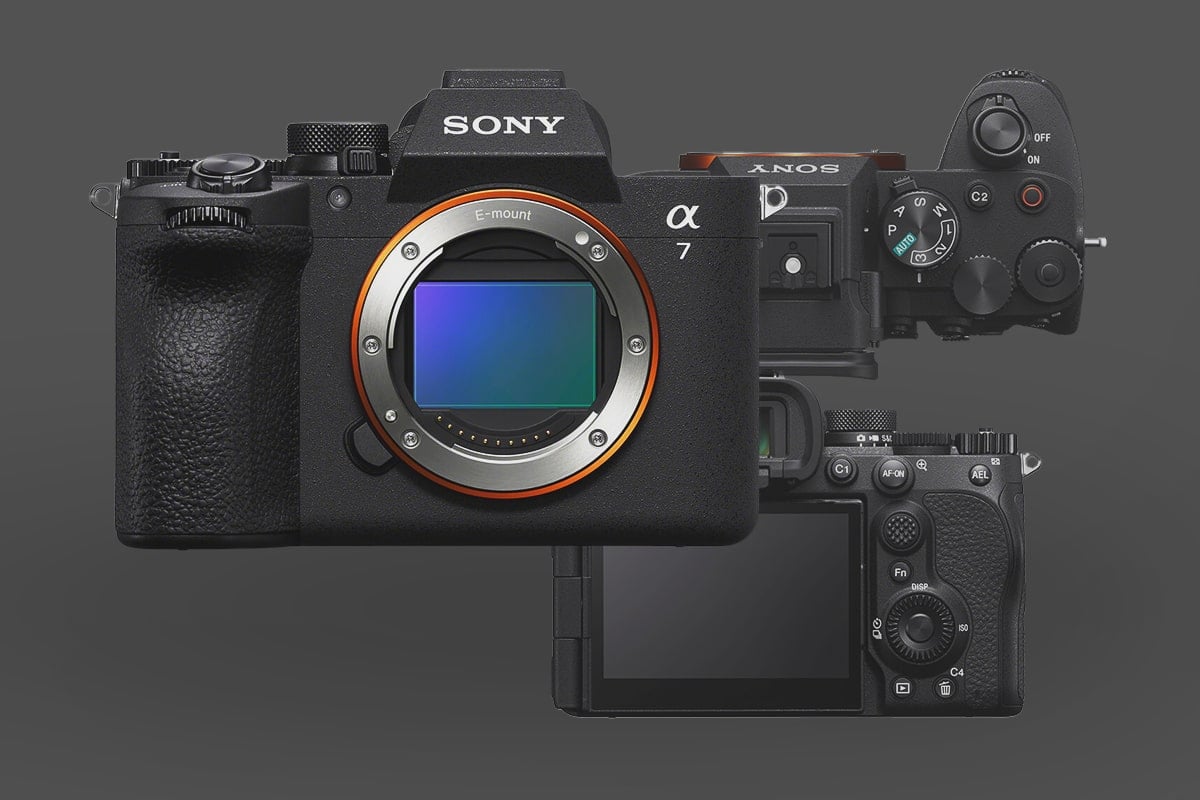
The Sony A7V isn’t just a spec bump from the A7IV; it’s a fundamental shift in how the “basic” Alpha series operates. By inheriting the AI Processing Unit from the A7R V and introducing a 33MP partially stacked sensor, this camera unlocks features we previously only saw in the A1 and A9 series—like 30fps bursts and Pre-Capture.
However, these high-performance features create new bottlenecks. 30fps bursts will choke standard SD cards, and the advanced autofocus tracking requires more power than previous generations.
Below is a guide to the best accessories for the Sony A7V, explaining not just what to buy, but why you need them to leverage the camera’s new capabilities.
Screen Protection (For the 4-Axis Mechanism)
One of the best physical updates to the A7V is the 4-Axis Multi-Angle LCD. Unlike standard tilt screens or flippy screens, this mechanism pulls away from the body and tilts, allowing you to use the screen without blocking your ports, even when cables are plugged in.
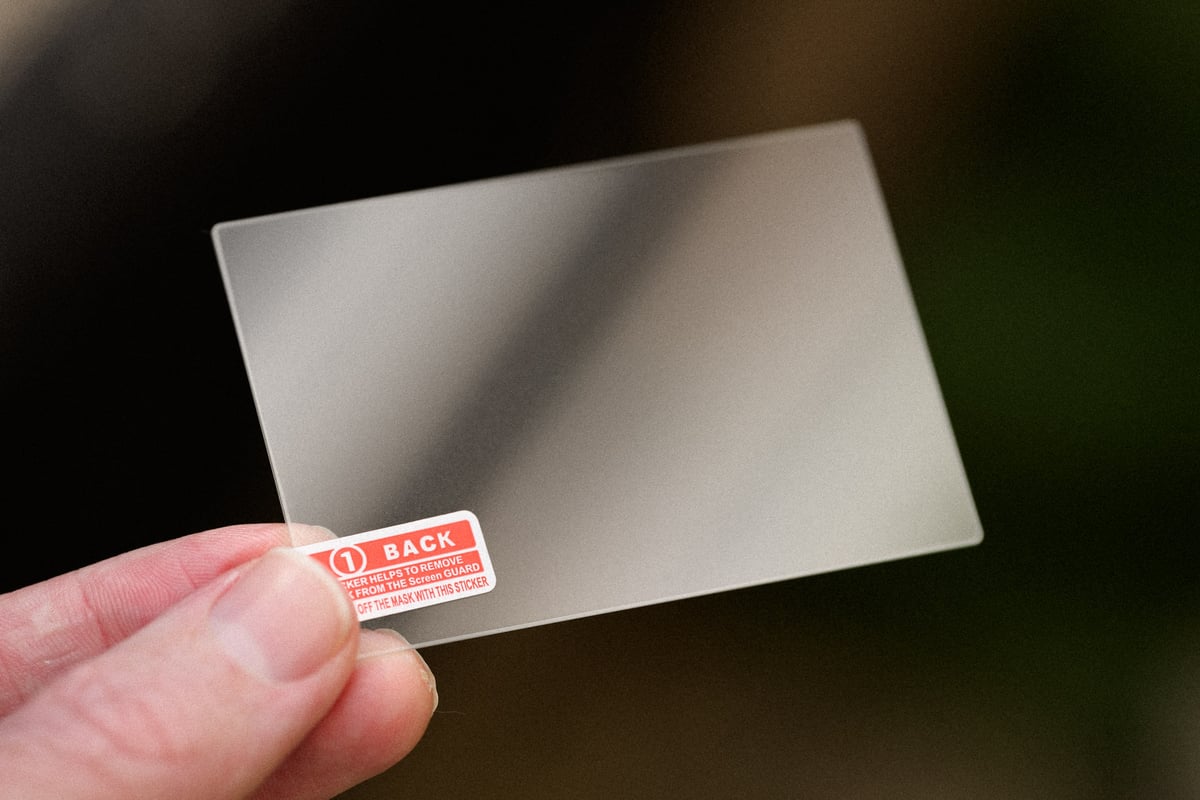
Because this screen articulates in so many directions, it is more prone to accidental bumps against zippers or belt buckles when you are moving quickly.
Best Options:
- ULBTER: This is one of the companies I use regularly for my various cameras. It’s inexpensive and comes in a 3-pack with a 9H hardness, but it also maintains the exact touch sensitivity required for the A7V’s new “Touch shutter” and subject-tracking interface. Available At: Amazon
Memory Cards (Unlocking Pre-Capture & 30fps)
The A7V introduces Pre-Capture, a game-changing feature that buffers images before you fully press the shutter.
If you are shooting wildlife or sports with Pre-Capture at 30 fps, you are generating massive amounts of data. While the A7V can use SD cards, they are the weak link here. A standard V90 SD card takes significantly longer to clear the buffer than a CFexpress Type A card, meaning you might miss the next shot while waiting for the card to write.
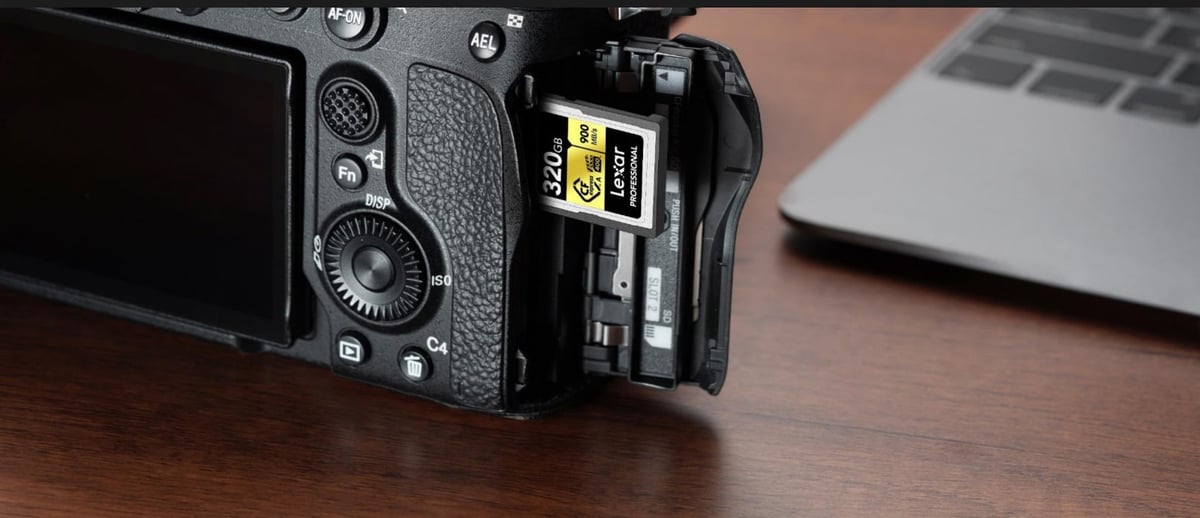
To use Pre-Capture effectively without locking up your camera:
- Top Pick: Sony CEA-G Series (CFexpress Type A). These are TOUGH-rated and practically indestructible. They support the VPG-400 standard, which is mandatory for some of the A7V’s higher intra-frame video codecs.
- Best Value: Lexar Gold Series Type A. These have come down in price significantly and offer 95% of the performance of the Sony cards.
- SD Card Option: If you don’t care about 30fps or Pre-Capture, the Sony SF-G Tough V90 cards are still the most reliable SD cards I have tested.
Read my full Sony A7V Memory Card Deep Dive Guide
The “Forgotten” Necessity: CFexpress Type A Reader
You cannot plug a CFexpress Type A card into your laptop’s SD slot, so you need a reader. However, not all readers are at the same speed. You have to choose between convenience (reading both card types) and raw speed (supporting the new CFexpress 4.0 standard).
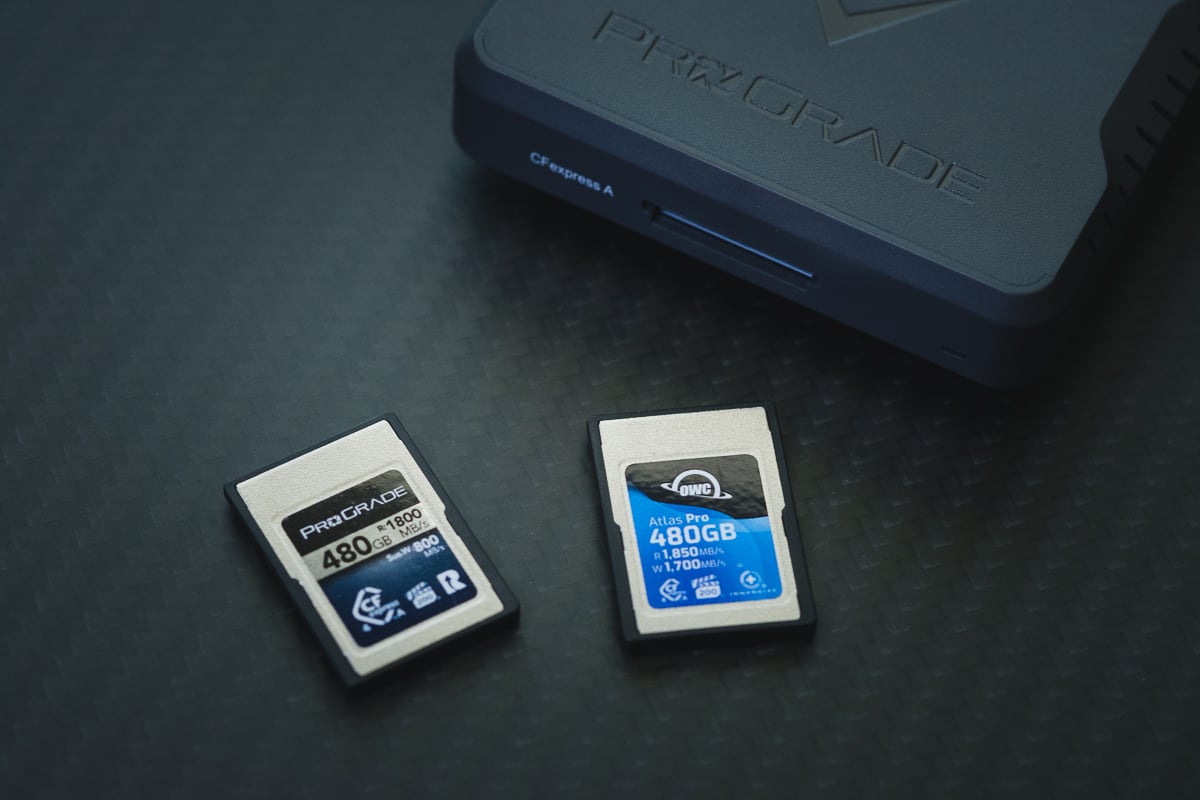
The Card Reader Bottleneck (USB 3.2 vs. USB4)
- The “Convenience” Option (Slower): ProGrade Digital Dual-Slot Reader (PG09)
- What it is: A single hub that reads both your CFexpress Type A and SD UHS-II cards.
- The Catch: It is limited to USB 3.2 Gen 2 (10Gbps). This is fine for current cards, but if you buy the newer “CFexpress 4.0” cards, this reader will cap their speed at roughly 1000MB/s, wasting the extra performance you paid for.
- Available At: Amazon / B&H
- The “Speed Demon” Option (Future Proof): ProGrade Digital USB4 Single-Slot (PG09.6).
- What it is: A dedicated, single-slot reader that uses the USB4 (40Gbps) interface.
- The Benefit: It unleashes the full potential of next-gen CFexpress 4.0 cards (up to 4000MB/s theoretical). If you are dumping 500GB of footage daily, this reader will save you 15-20 minutes per offload compared to the combo reader.
- The Catch: It only reads one card type. You will still need a separate dongle for your SD cards. You also need a computer that supports USB 4.0.
- Available At: Amazon / B&H
What I Personally Use: Even though I have both readers, I use the slower combo reader for both SD and CFExpress cards. Since I own multiple cameras, this single reader is a lot more convenient. Also, I typically offload all my footage to slower SSDs or HDDs, so I would never see the performance of the USB 4.0 reader.
Light Control: Variable ND Filters
If you plan to shoot video on the A7V, an ND filter is not “optional”—it is mandatory. To keep your shutter speed at 1/50th or 1/60th (the “180-degree rule” for cinematic motion blur), you need to cut light without closing your aperture.
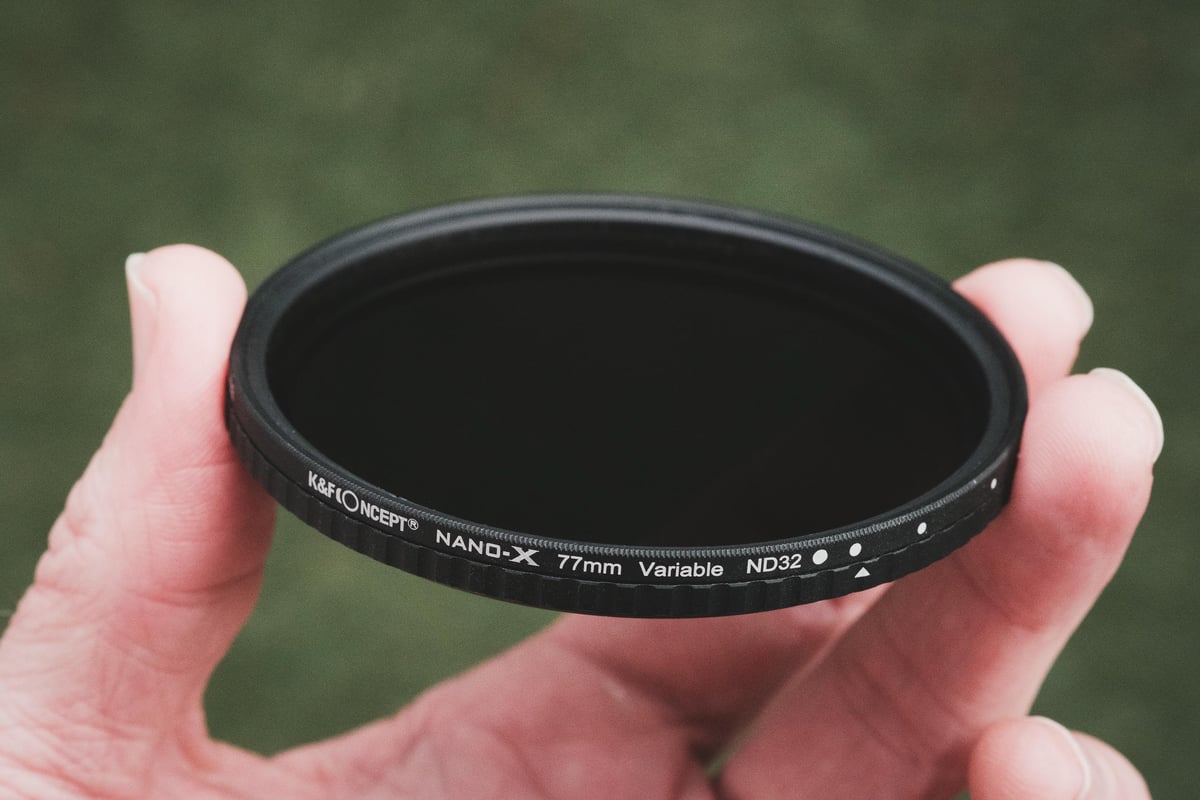
Tip: Buy the filter size for your largest lens (e.g., 82mm) and use step-up rings for your smaller lenses. It saves you hundreds of dollars.
The Best Options:
Best Option: K&F Concept Nano-X True Color VND (1-5 stops): This is the sweet spot for performance and price. Unlike older variable NDs that turn your footage yellow, the “True Color” coating is genuinely neutral. It features hard stops (so you don’t accidentally over-rotate) and absolutely zero “X-pattern” cross-polarization. This is also what I personally use. Available At: Amazon / B&H
Premium Option: PolarPro Peter McKinnon Edition II: If you want the absolute best build quality, the PolarPro feels like jewelry. It’s significantly more expensive, but the preset stop values (2, 3, 4, 5) engraved on the ring are incredibly precise. Available At: Amazon / B&H
Power & USB-C PD (For Video & Time-Lapses)
The A7V is an incredible video and time-lapse machine, allowing you to create 4K or 8K time-lapses in-camera. However, long exposures drain the NP-FZ100 battery quickly.
The A7V supports USB Power Delivery (PD), allowing you to run the camera indefinitely from an external power bank. This is also a lifesaver for video shooters who don’t want to buy the battery grip.
- Portable Power: Anker 737 Power Bank (GaNPrime). This bank outputs enough wattage to charge the battery while the camera is operating. Available At: Amazon
- Wall Charger: Since Sony no longer includes a charger in the box, I recommend looking at the Nitecore USN4 Pro. It’s a dual-slot charger that runs off USB, so you can plug it into the same Anker brick you use for your phone or laptop. Available At: Nitecore
Your third-party batteries typically come with a charger that works just fine. This one is just a bit more premium.
Wireless Audio (The Clean Setup)
While Sony on-camera shotgun mics are great for run-and-gun, you may need a wireless lavalier for interviews or wide shots. For the A7V, two third-party options stand out, but for different reasons.
The “Cable-Free” Option: DJI Mic 2. Normally, third-party mics require a messy 3.5mm cable hanging off the side of your camera. However, DJI makes a dedicated Sony MI Shoe Adapter (Amazon) that lets the receiver plug directly into the A7V’s hot shoe. Available At: Amazon
- Why I like it: It sends digital audio directly to the camera without cables, just like the native Sony mics. It also features 32-bit float internal backup recording, so you never have to worry about clipped audio.
The “Pro Audio” Option: Røde Wireless PRO. If you need absolute professional reliability, the Røde Wireless PRO is the gold standard and what I personally use. Available At: Amazon
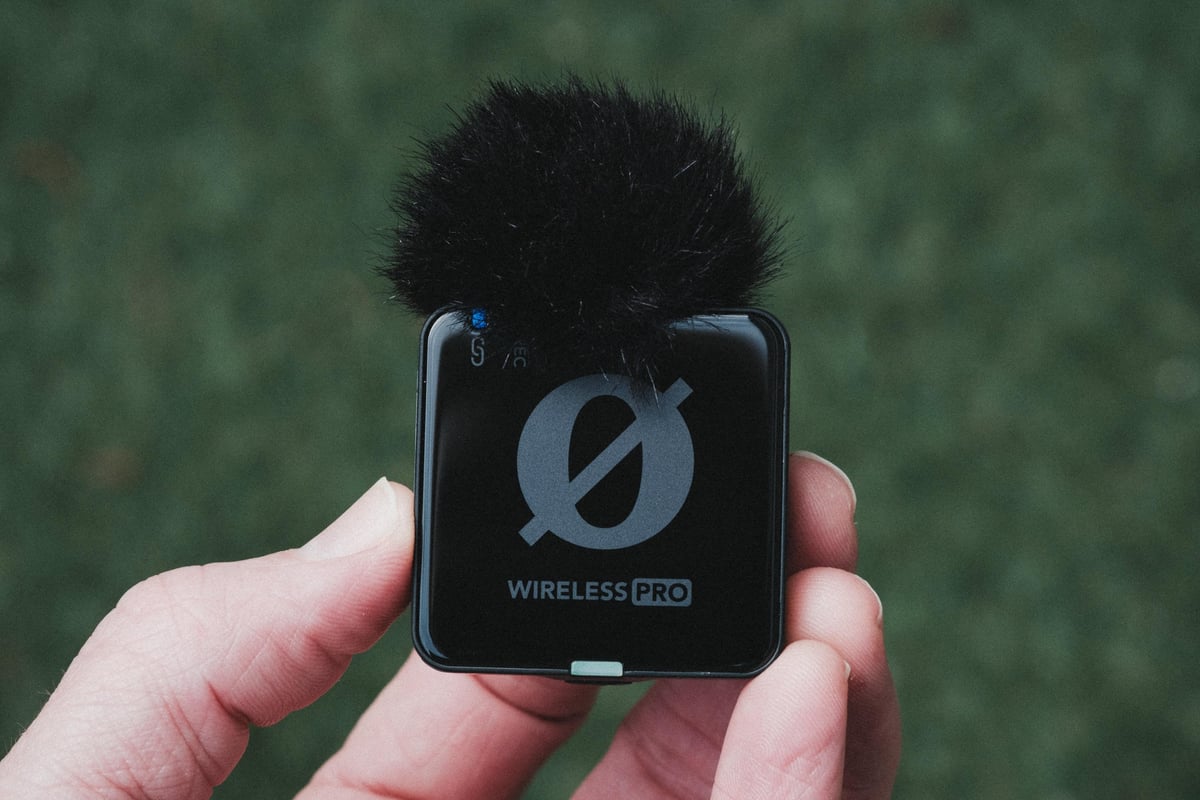
Why I like it: It includes Timecode support (essential if you are syncing multiple cameras) and comes with locking lavalier mics. While it connects via a standard 3.5mm cable, the pre-amps are pristine, and the 32-bit float implementation is seamless.
Ergonomics & Vertical Grips
The A7V shares the slightly thicker, deeper chassis of the A7R V. While this feels great in the hand, it means your old A7 IV accessories—specifically cages, L-brackets and battery grips—will not fit.
The Cage: SmallRig “HawkLock” Kit. I recently switched to the HawkLock system. It creates a unified quick-release standard for your top handles and side handles, meaning you can strip the camera down for photography in seconds, then click the handles back on for video work. Available At: Amazon
The Grip: Sony VG-C4EM. Note that this is the newer model (compatible with A7R V and A9 III). It duplicates the joystick and AF-ON placement perfectly for vertical portraits. Available At: Amazon / B&H
Straps (The Anchor Link System)
Because the A7V is a true hybrid, you will likely be switching between a strap (for photos) and a gimbal or tripod (for video).
I cannot recommend the Peak Design Anchor Link system enough. The A7V eyelets are designed to fit these anchors perfectly.
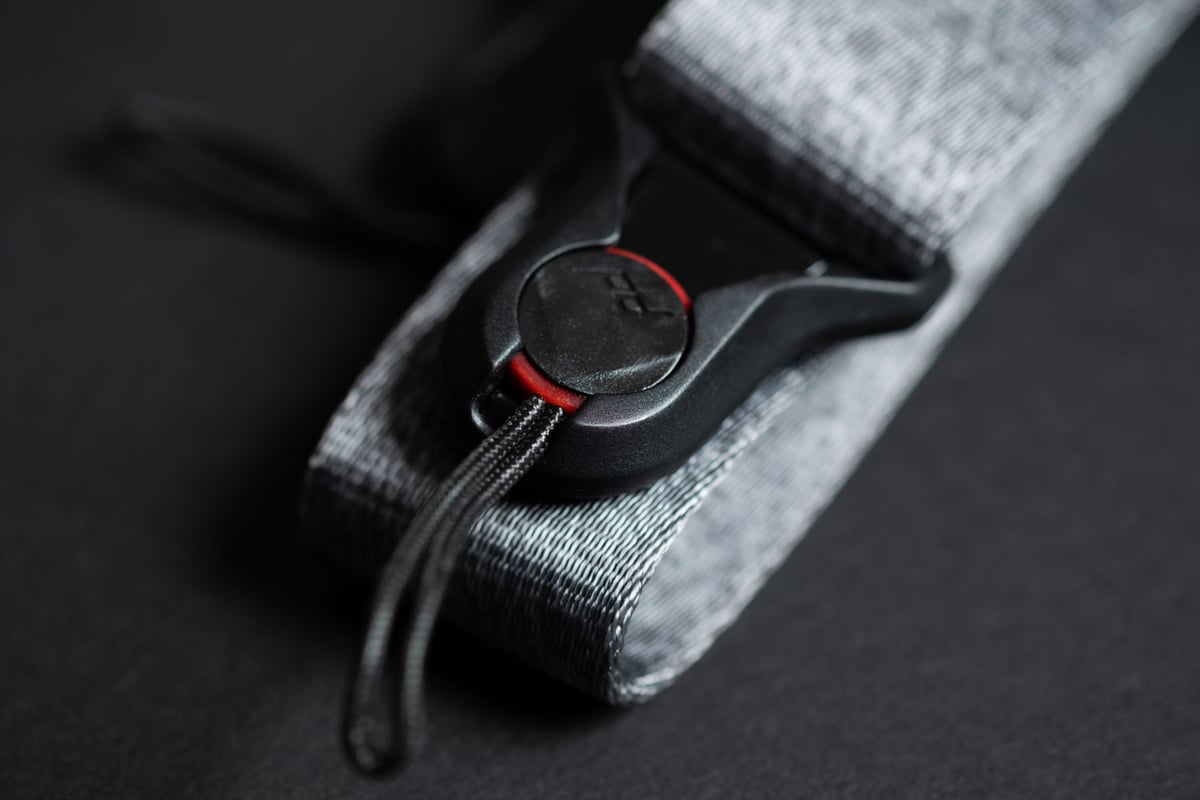
Peak Design Slide Lite: The full-size Slide is overkill for a mirrorless body; the Lite version is the sweet spot. Available At: Amazon
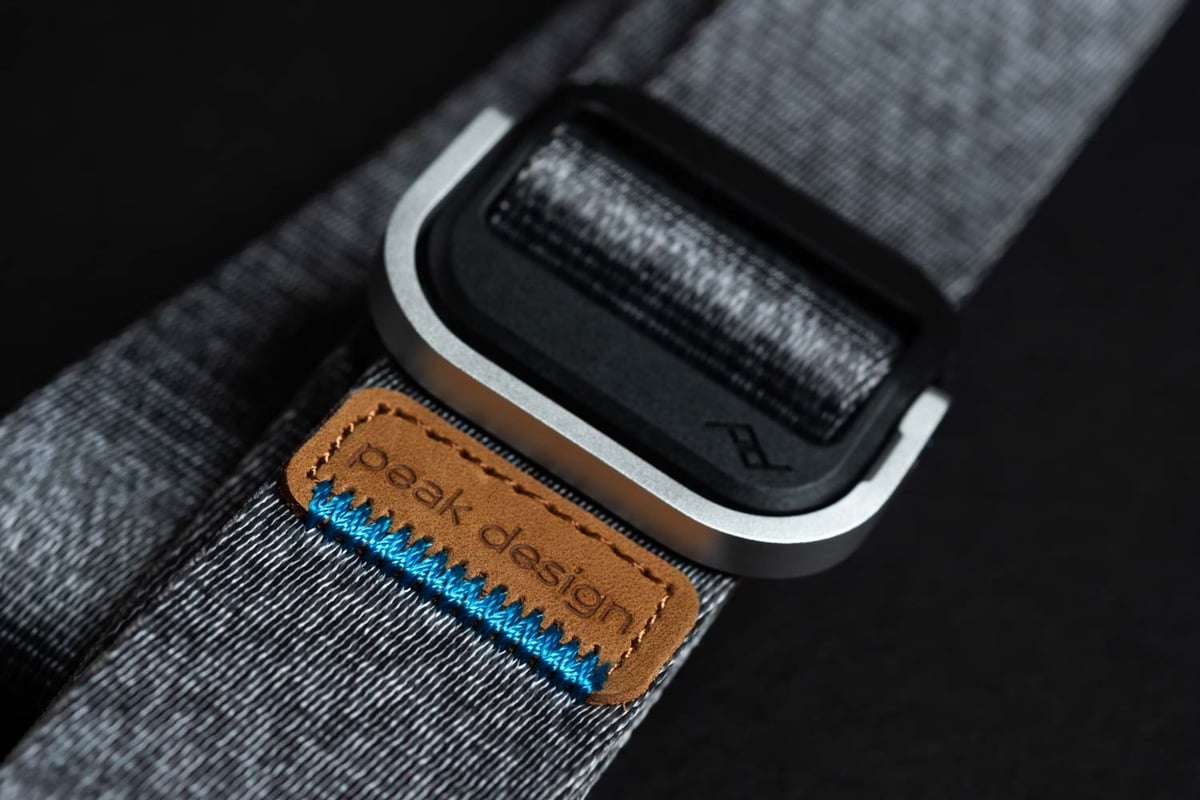
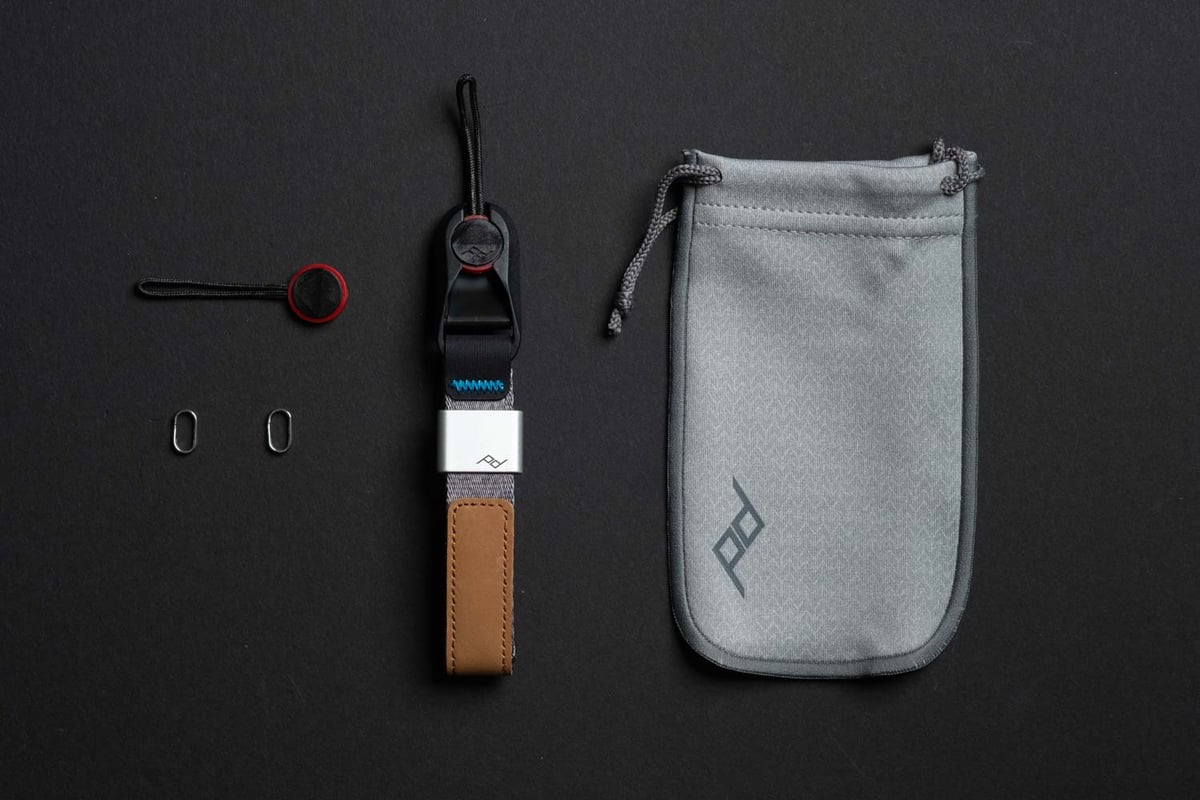
Peak Design Cuff: If you use the VG-C5EM battery grip, a neck strap often gets in the way of the vertical controls. The Cuff wrist strap is the perfect solution—it keeps the camera safe but stays out of your way. They have them in leather now. Available At: Amazon
Sensor Cleaning (The Shutter Shield)
The A7V includes the “Anti-Dust Function” (Shutter Shield), which closes the mechanical shutter when the camera is powered off to protect the sensor during lens changes.
Note: You must enable this in the “Setup” menu; it is usually off by default.
While this helps, dust eventually finds a way in. Because the A7V uses a stabilized sensor, you must be very careful when cleaning it.
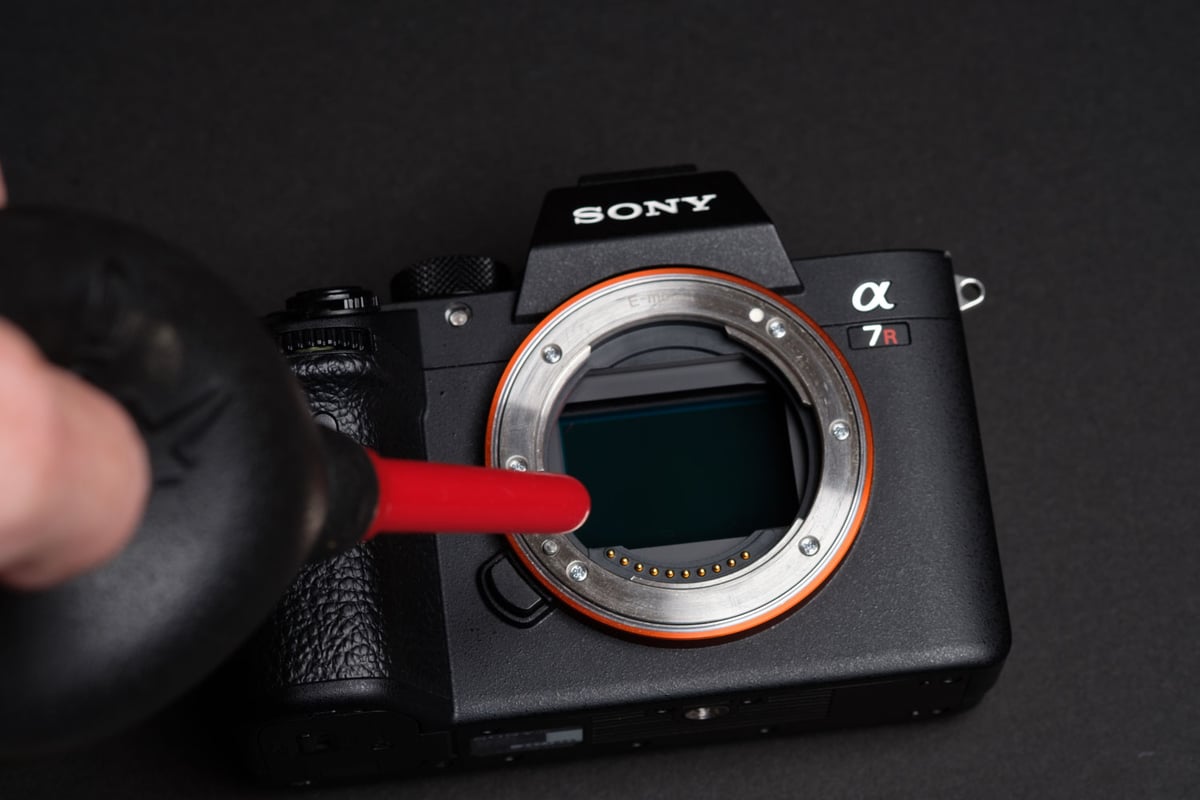
Rocket Air Blaster: Always your first line of defense.
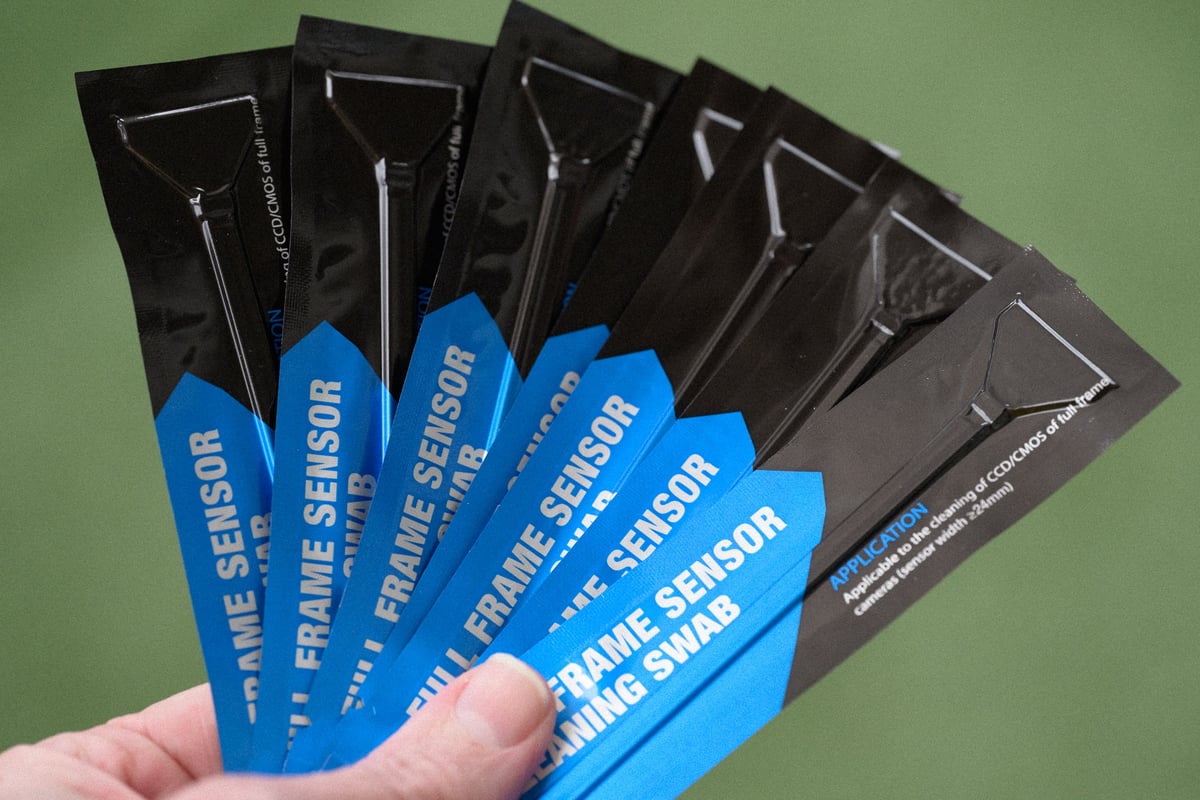
UES Sensor Swabs (Full Frame): If you have stubborn spots, these are safe to use on Sony’s IBIS mechanisms. Just be gentle and lock the sensor cleaning mode before touching it. Available At: Amazon
The Next Step: Choosing the Right Glass
Now that your rig is sorted with the right power, media, and protection, the next massive performance upgrade is your lens selection.
Because the A7V features a high-resolution 33MP sensor and high-speed autofocus, it can reveal the flaws in older glass. You need lenses that can resolve that resolution and keep up with the 120 AF calculations per second.
I have compiled extensive lists of every lens available for the system, including the latest third-party options that offer G-Master performance for half the price.
The Ultimate List of Sony E-Mount Lenses: A complete database of every native and third-party lens available for the system.













Leave a Reply