
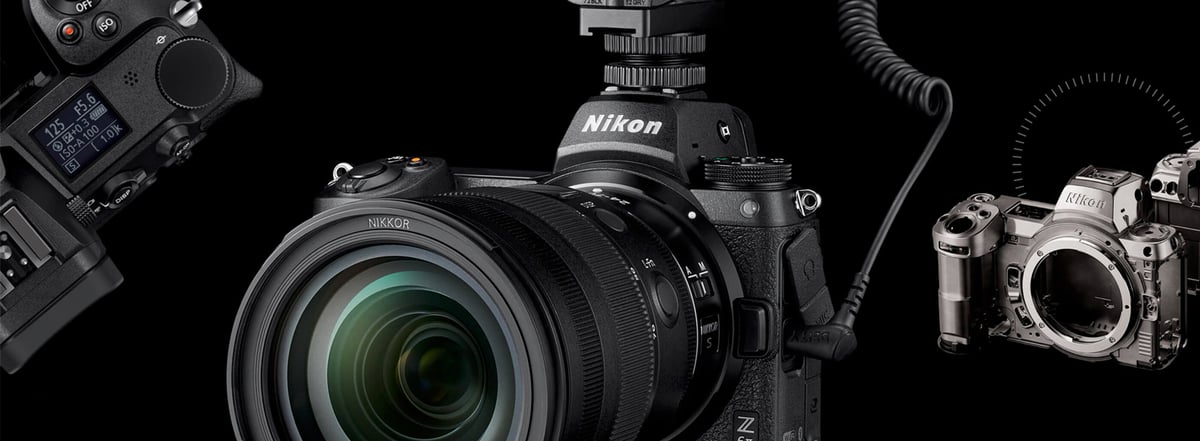
The Nikon Z6 II and Z7 II are the definition of “do-it-all” cameras. They are fast, reliable, and more than capable of handling professional event work or 4K hybrid video.
After years of using the Z6 II as a primary body, I’ve refined a kit that focuses on redundancy and reliability. This guide covers the must-have accessories that solve the Z-system’s specific needs—like balancing the dual-slot write speeds and managing the EN-EL15c power cycle—to ensure your camera is ready for a thousand-shot wedding day or a long travel shoot.
Table of Contents
Power Management: Moving to the EN-EL15c
The Z6 II and Z7 II introduced the EN-EL15c, which offers a vital 20% jump in capacity over the older “b” version. While they are backward compatible, the “c” version is essential for long days.
Power Delivery (PD): These bodies support USB Power Delivery. This allows you to power the camera during a long interview or time-lapse session using a single PD-compliant cable—keeping your kit minimalist and your camera running indefinitely.
The Professional Path: I always recommend official Nikon EN-EL15c batteries for your primary work to ensure consistent discharge rates.
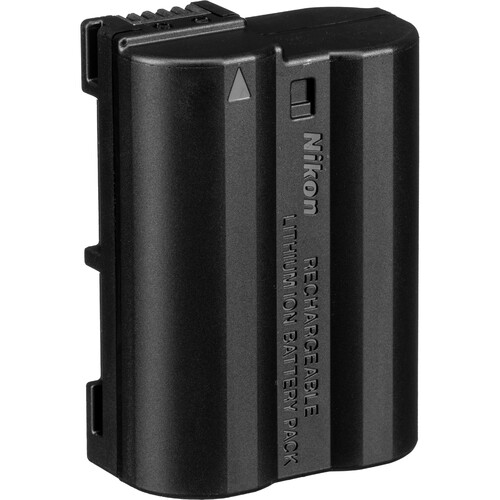
Nikon EN-EL15c Rechargeable Battery
The official Nikon Z6 II or Z7 II batteries are ideal if you frequently need a second battery. They have consistent performance, high power, and capacity. I usually rely on Nikon batteries as my primary power source and use third-party batteries only as a backup, which is uncommon.
Available At: Amazon
The Backup Innovation: For a secondary power source, the SmallRig USB-C Rechargeable Battery is a game-changer. It lets you charge the battery directly via a USB-C cable in your bag, eliminating the need to carry a bulky wall charger, making it the best third-party battery for the Nikon Z6 II.
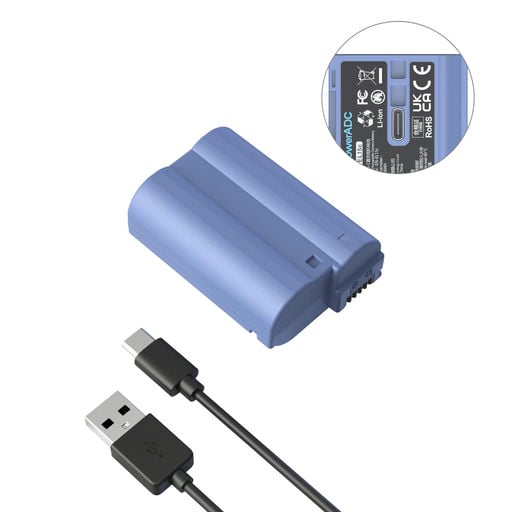
SmallRig EN-EL15c Battery Pack
1 Battery with USB-C cable
With a USB Type-C port, the EN-EL15c battery charges 45% faster than other USB-C camera batteries and 65% faster than standard methods. It takes only 2.5 hours to reach full charge with high current charging (5V/2A). The battery has a visual indicator that turns red during charging and green when fully charged.
- USB-C Fast Charging – Charges in 2.5 hours.
- Battery Capacity: 2400Ah / 17.28 Wh
- Output: 7.2 V
Available At: Amazon
Invisible Protection: .25mm Glass Shielding
Screen protectors are a fantastic way to preserve the life of your camera and minimize wear and tear. It’s easier to replace the screen protector than the screen.
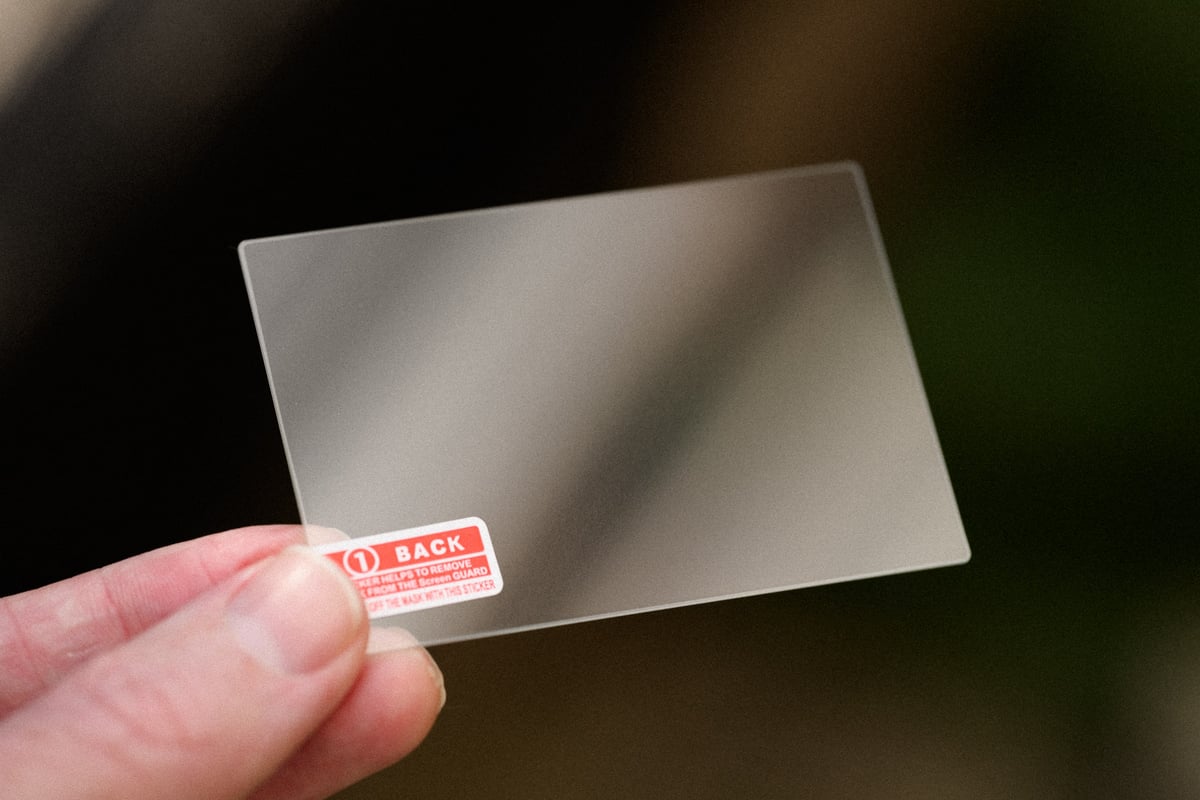
There are many options for screen protectors. I usually go with Expert Shield because they’re great and have three different styles: glass, anti-glare, or crystal clear. However, the problem with Exper Shield is that they only give you one screen protector. So if you mess up, you must go through their warranty process before you can get a new one, which could take weeks.
Debous makes a nice glass screen protector that comes in a 3-pack. So, if you mess one up or need a new one after a few years, you’re set with plenty of backups.
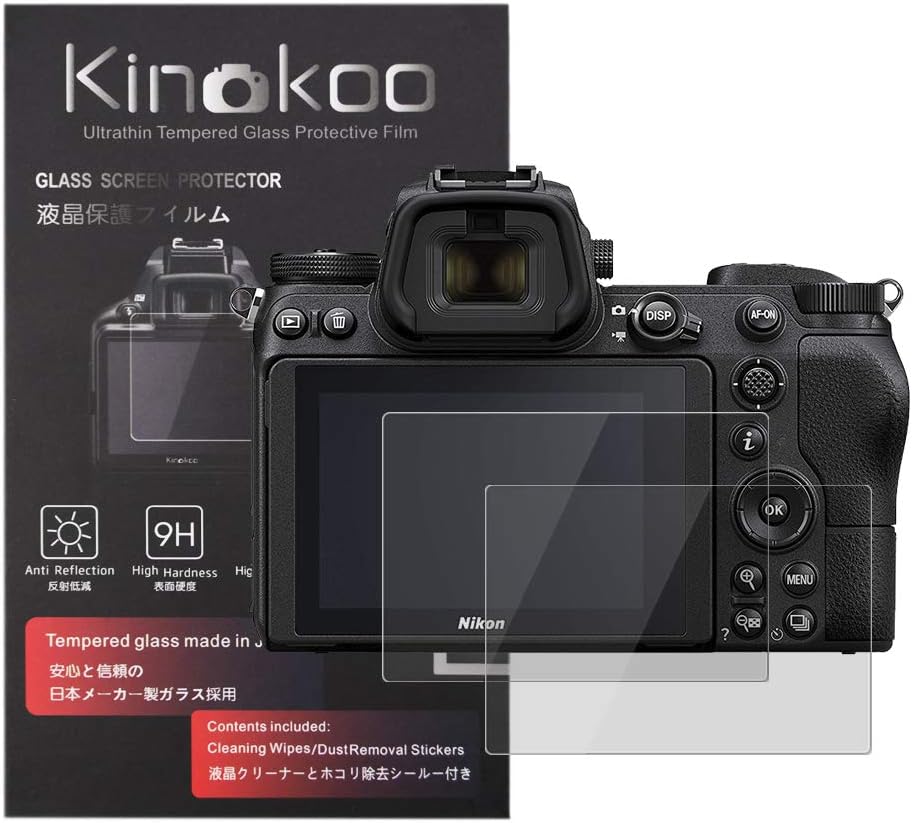
Screen Protector For Nikon Z6 II / Z7 II
Kinokoo is a Japanese brand that makes screen protectors that resist dust, scratches, and fingerprints. They are made of thin tempered glass (0.25mm) that provides a clear, low-glare view while maintaining touch sensitivity.
- 9H Hardness, .25mm thickness
- 99.99% Clarity.
Available At: Amazon
Note: The screen protector manufacturing process is imperfect, so getting a bad cut is occasionally possible. It’s also best to apply the screen protector in a dust-free environment. I usually apply my screen protectors in the bathroom with the shower running hot water. The steam will remove dust from the air.
Memory Cards: Managing the Dual-Slot Bottleneck
The Z6 II and Z7 II feature one CFexpress Type B slot and one SD UHS-II slot. If you are a professional shooting in “Backup” mode (writing to both cards simultaneously), your camera’s performance is restricted by the speed of the SD card.
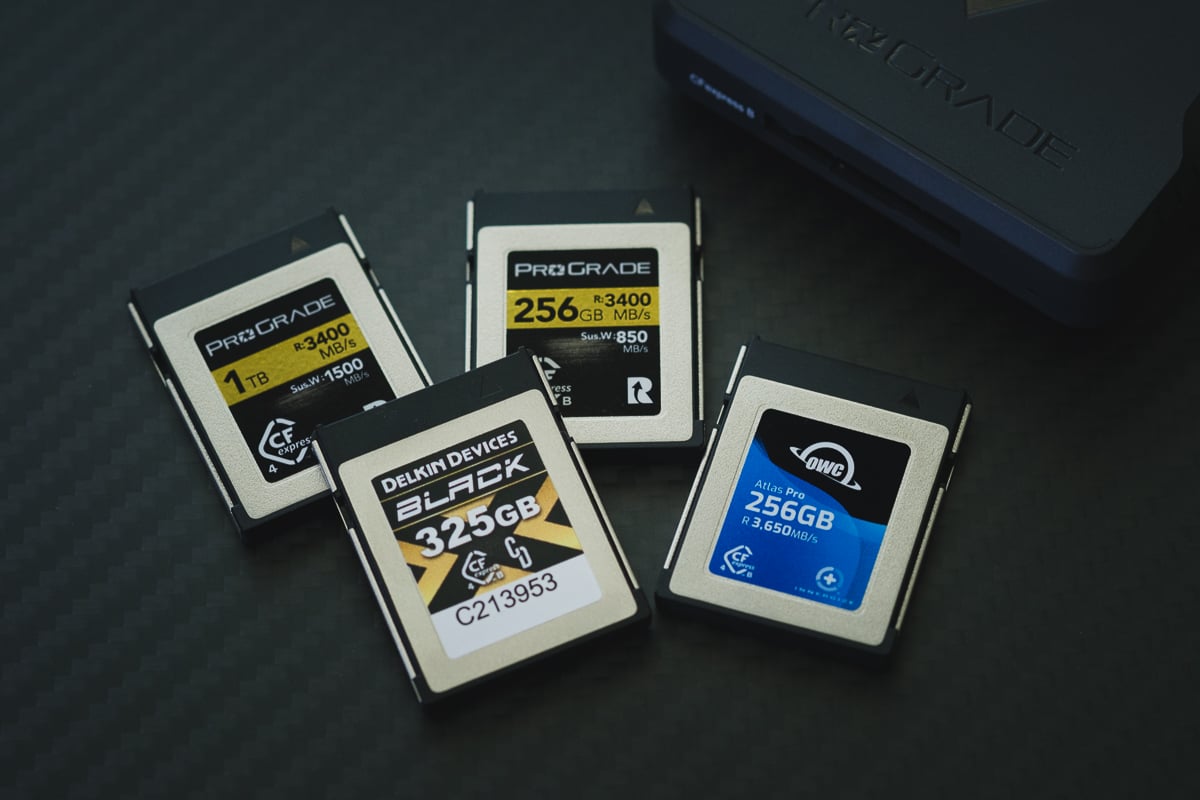
Technical Benchmarks: I’ve benchmarked over 20 cards in these bodies to see which combinations actually clear the buffer the fastest. See my Full Nikon Z6 II / Z7 II Memory Card Benchmark Guide for the raw data.
The Essential Setup: To prevent your buffer from hanging during a high-speed burst, pair your CFexpress card with a V90 SD card, such as the Sony G Tough V90.
Ergonomics: The SmallRig Modular Cage
While the Z6 II has a comfortable grip, it can feel undersized when paired with larger S-line zoom lenses.
The Hybrid Rig: I use the SmallRig Aluminum Cage. It provides vital protection while adding an integrated Arca-Swiss plate to the bottom. This lets you jump from handheld shooting to a tripod in seconds without fumbling with plates—a must-have for fast-paced event work.
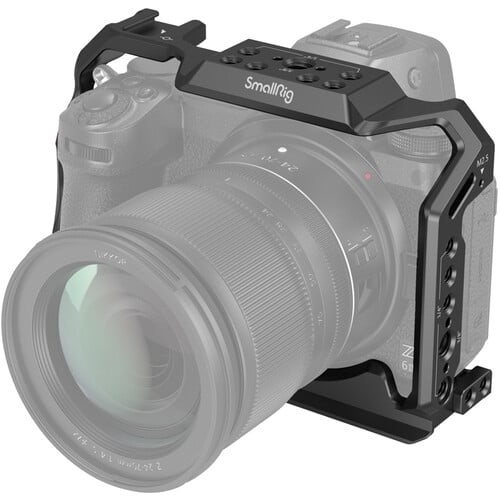
SmallRig Aluminum Alloy Cage for Nikon Z6II / Z7II
This Camera Cage from SmallRig is designed for Nikon Z7 II, Z6 II, Z7, Z6, or Z5 cameras. It is made of aluminum and fits your camera snugly. It does not block your camera’s features, screens, ports, or battery. It has a 1/4″-20 screw to mount your camera and anti-slip pads, and an M2.5 screw to keep your camera stable and straight.
- Several 1/4″-20 and 3/8″-16 Threads
- Built-in cold shoe mount with side NATO rail
Available At: Amazon
Camera Straps: Security and Weight Distribution
The Nikon Z6 II and Z7 II are remarkably light, but once you mount a professional S-Line zoom like the 24-70mm f/2.8, the system becomes front-heavy. Your strap choice should be about more than aesthetics; it’s about managing fatigue during long shoots.
The Stealth Setup: For street photography with a small prime lens (like the 40mm f/2), I ditch the neck strap for the Peak Design Cuff. It provides security against drops without the bulk of a full strap, keeping the “Workhorse” profile low-key.
The Hybrid System: I’ve standardized on the Peak Design Slide Lite for my kit. It uses a seatbelt-style weave that slides over your shoulder instantly when you need to pull the camera up for a shot.
The Anchor Advantage: The real value is the Anchor Link system. I leave anchors on all my Nikon bodies, allowing me to swap straps between my Z6 II and Z8 in seconds.
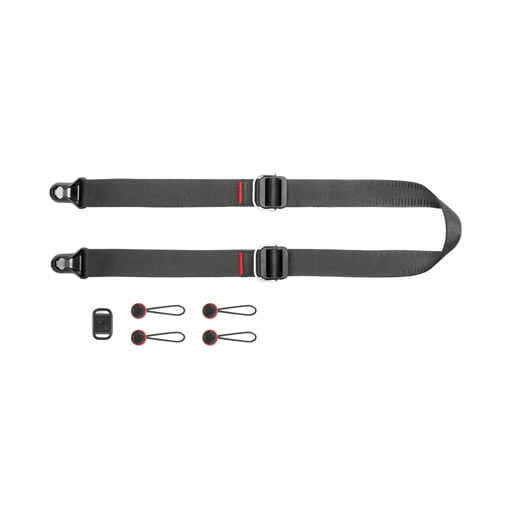
Peak Design Slide Lite
Peak Design offers straps in two sizes: Slide Lite and Slide. The best one depends on your system’s weight. You may need a thicker strap if you have big lenses and a battery grip. I use prime lenses, so Slide Lite is enough for me.
- Reconfigure the slide for quick size adjustment
- Achor Links hold 200 pounds
- Multiple color options
Available At: B&H
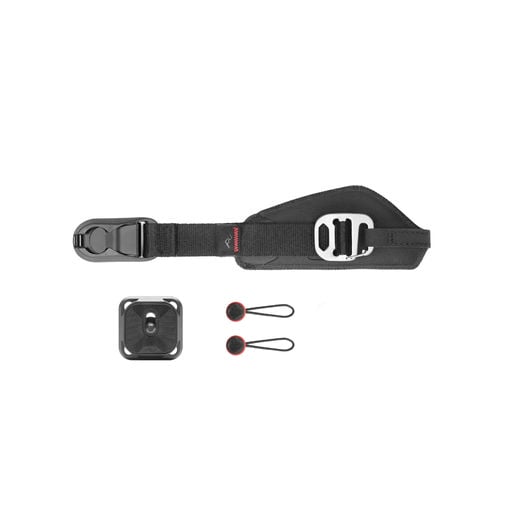
Peak Design Clutch
The Peak Design Clutch is a hand strap with anchor points on the base plate and the tension clip. These points allow you to attach other Peak Design straps without removing the hand strap.
- Quick Adjusting
- Quick Connecting Anchor System
- Tripod Arca-Swiss Plate.
Available At: B&H
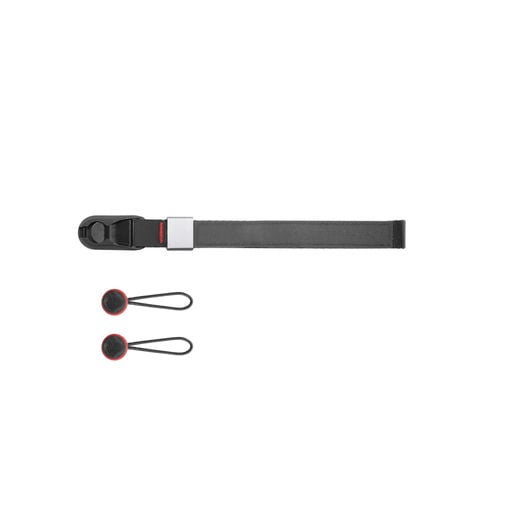
Peak Design Wrist Strap
If you’re using the Z6 or Z7 with a small pancake lens, you can likely get by with a wrist strap, but if you start using heavy zoom lenses, the system might get too heavy to make this comfortable.
- Aluminum-alloy Adjuster
- Anchor Links hold 200 pounds
- Multiple color options
Available At: B&H
Sensor Maintenance: Protecting the Z-Mount
Because the Nikon Z6 II and Z7 II lack a mechanical sensor shield when powered down, the sensor is exposed every time you change a lens. Keeping your sensor clean is an essential part of maintaining a professional workhorse.
The First Line of Defense: Before touching the sensor with liquid, I use the Dust Patrol Sensor Brush. This is a specialized tool that uses a static charge to “lift” dust off the sensor rather than just moving it around.
Deep Cleaning: For stubborn oil spots or “pollen” dots, I use UES Full Frame Sensor Swabs. These are vacuum-sealed and sized perfectly for the Z-series sensor. Always use an alcohol-free solution to avoid damaging the anti-reflective coating on the sensor’s glass stack.
I’ve also thrown in the Microfiber pack I’ve been using for years.
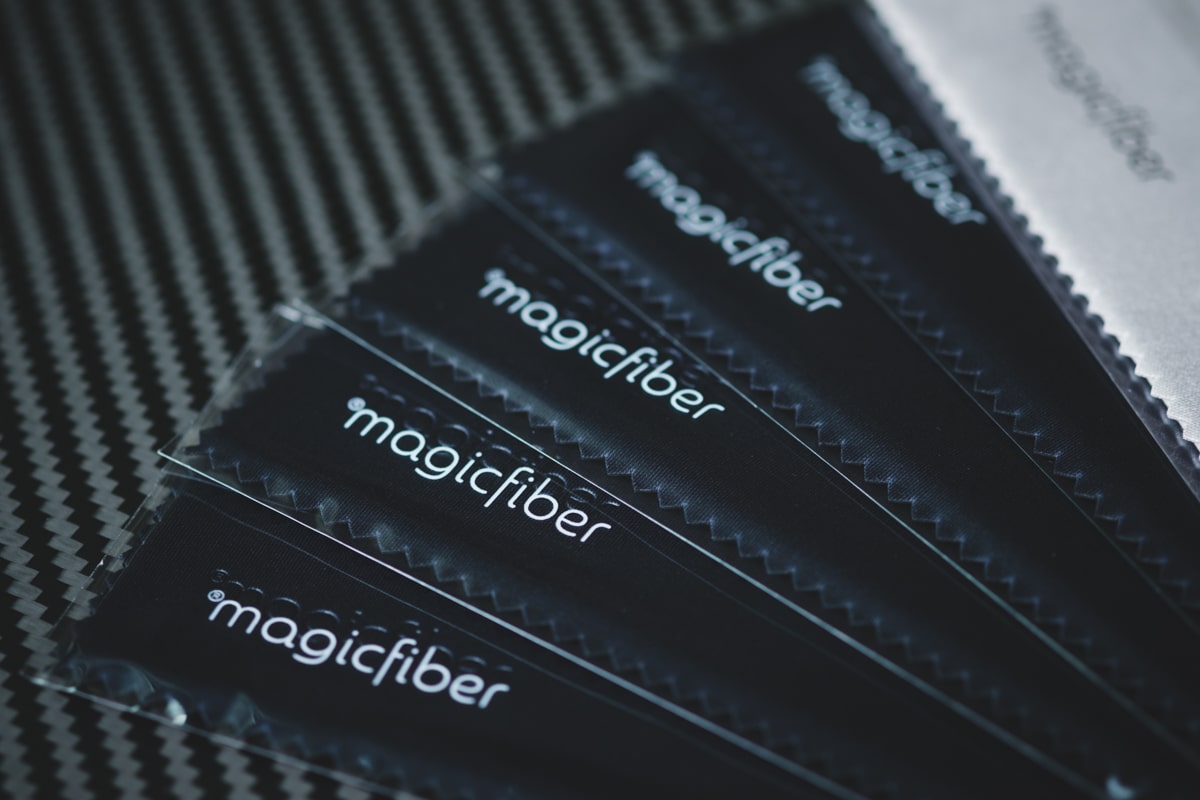
Micro Fiber Cleaning Cloths 6-Pack
6 individually wrapped Micro Fiber Cloths
Use it on any delicate surface – LCDs, laptops, phones, cars, tablets, mirrors, glass, glasses, cameras, lenses, gaming gear, and more.
- 6-Pack Individually wrapped
Available At: Amazon
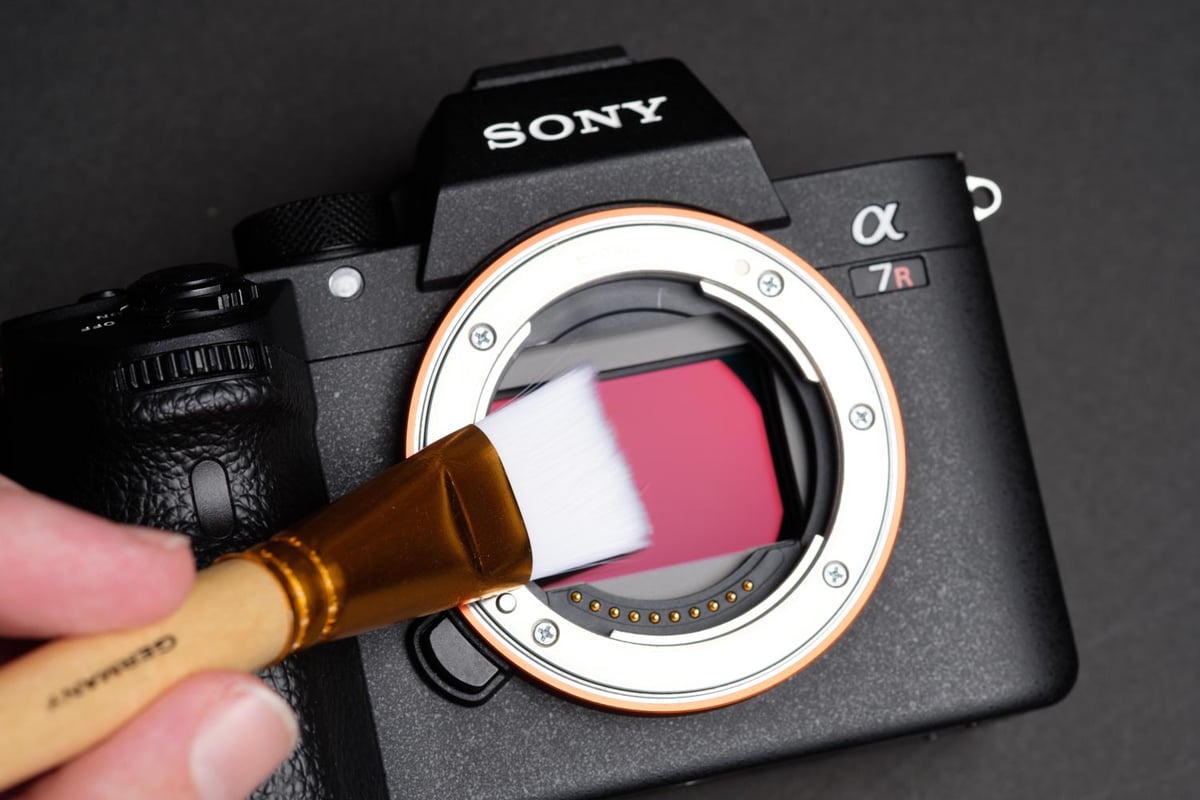
Dust Patrol – Sensor Cleaning Brush
1 Full Frame Sensor Brush + 3 Chamber Swabs + Storage Tube
German sensor cleaning brush with fine bristles. It avoids the wet method and saves time, products, and money.
Make sure to follow the instructions that come with the brush. You must keep the bristles clean.
- High-Quality fine bristles
- Made In Germany
Available At: Amazon
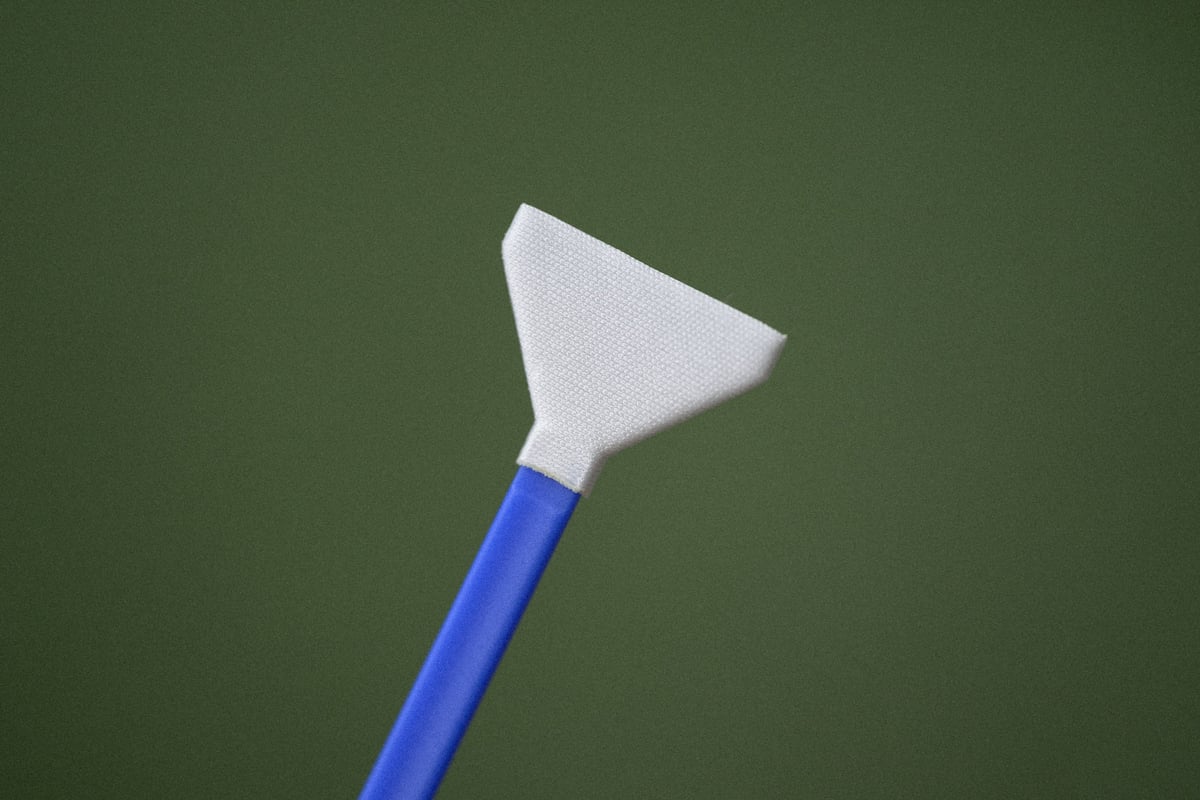
UES Sensor Swabs Full Frame 14 Piece
14 Swabs + Cleaning Solution
It is safe for all delicate surfaces, including LCDs, laptops, phones, cars, tablets, mirrors, glass, cameras, lenses, and gaming gear.
- 14 vacuum-sealed packs
- 15ml Alcohol-free sensor cleaner
Available At: Amazon
The Nikon Z Lens Ecosystem: From S-Line to Third-Party
The Nikon Z-mount has finally matured into one of the most versatile lens systems on the market. Whether you are sticking to the clinical perfection of the Nikon S-Line primes or experimenting with the unique character of new third-party glass, the Z6 II and Z7 II are the perfect platforms for both.
- The Professional Standard: If you are shooting for clients, the Nikon S-Line lenses are the benchmark. They are designed to address the high megapixel count of the Z7 II while maintaining the edge-to-edge sharpness required for professional work.
- The Third-Party Revolution: One of the biggest shifts in recent years is the arrival of autofocus-capable lenses from brands like Viltrox and Tamron. These offer incredible value for hybrid shooters who want fast apertures without the “S-Line” price tag.
Looking for the right glass? I maintain a live, regularly updated database of every lens compatible with the Z-mount.













Leave a Reply