We use minimal analytics to improve the site. Is that okay?

Alik Griffin
San Clemente Sunset
Subscription Form
  • Reviews
    • Accessory Reviews
    • Calculators
      • Video Data Rate Calculator | Record Time Calculator
      • Diffraction Calculator
      • DoF Calculator | Lens Equivalent
      • Shutter Speed to Shutter Angle Calculator
    • Camera Reviews
    • Lens Reviews
    • Memory Cards Recommendations
      • Fastests SD Memory Cards
      • Fastest MicroSD Cards
      • Fastest CFExpress Type-B Card
      • Fastest CFExpress Type-A Cards
      • Best CFast Memory Card
    • List of Mics
      • Best Streaming & Podcast Mics
  • Camera Guides
    • List of all Blackmagic Cameras
    • List Of all Canon RF Cameras
    • List of all Fujifilm Cameras
    • List of all Nikon Z Cameras
    • List of all Panasonic Cameras
    • List Of all Sony E Cameras
  • List of Lenses
    • Canon RF Lenses
    • Fujifilm GFX Lenses
    • Fujifilm XF Lenses
    • L-Mount Lenses
    • Leica M Lenses
    • Micro Four Thirds Lenses
    • Nikon Z Lenses
    • PL Mount Cine Lenses
    • Sony E Lenses (FE and APS-C)
  • Store
  • My account
Alik Griffin
Alik Griffin
  • Reviews
    • Accessory Reviews
    • Calculators
      • Video Data Rate Calculator | Record Time Calculator
      • Diffraction Calculator
      • DoF Calculator | Lens Equivalent
      • Shutter Speed to Shutter Angle Calculator
    • Camera Reviews
    • Lens Reviews
    • Memory Cards Recommendations
      • Fastests SD Memory Cards
      • Fastest MicroSD Cards
      • Fastest CFExpress Type-B Card
      • Fastest CFExpress Type-A Cards
      • Best CFast Memory Card
    • List of Mics
      • Best Streaming & Podcast Mics
  • Camera Guides
    • List of all Blackmagic Cameras
    • List Of all Canon RF Cameras
    • List of all Fujifilm Cameras
    • List of all Nikon Z Cameras
    • List of all Panasonic Cameras
    • List Of all Sony E Cameras
  • List of Lenses
    • Canon RF Lenses
    • Fujifilm GFX Lenses
    • Fujifilm XF Lenses
    • L-Mount Lenses
    • Leica M Lenses
    • Micro Four Thirds Lenses
    • Nikon Z Lenses
    • PL Mount Cine Lenses
    • Sony E Lenses (FE and APS-C)
  • Store
  • My account
  • Pure Cinema
    Viltrox TCL-X100VI Review | A Budget-Friendly 50mm Upgrade
    • February 21, 2026
  • Thypoch Simera 75mm f1.4 Review
    Thypoch Simera 75mm f1.4 Review & Sample Photos
    • February 18, 2026
  • Kakurajima View
    Viltrox WCL-X100VI Review | A Budget-Friendly 28mm Upgrade
    • February 17, 2026
  • Viltrox 9mm f2.8 Air Review
    Viltrox 9mm f2.8 AIR Review & Sample Photos
    • February 18, 2026
  • Biker Bro
    Viltrox Spark Z3 Flash – Review & Sample Photos
    • February 16, 2026
  • Pure Cinema

    Viltrox TCL-X100VI Review | A Budget-Friendly 50mm Upgrade

    View Post
  • Thypoch Simera 75mm f1.4 Review

    Thypoch Simera 75mm f1.4 Review & Sample Photos

    View Post
  • Kakurajima View

    Viltrox WCL-X100VI Review | A Budget-Friendly 28mm Upgrade

    View Post
Trending Posts
  • Nikon Zf Official Announcement 1
    Nikon Zf – The Fujifilm Killer?
    • February 18, 2026
  • Nikon Z 50mm f1.8 S Lens Review 2
    Nikon Z 50mm f1.8 S Lens Review & Sample Photos
    • February 18, 2026
  • Kamlan 50mm f1.1 II Product Shot 3
    Kamlan 50mm f1.1 II Review & Sample Photos
    • January 18, 2025
0
  • Blog

A Crazy Storm & My Current Landscape Workflow

  • Alik Griffin
  • July 8, 2018
  • No comments

This website contains affiliate links. We will earn a small commission on purchases made through these links. Some of the links used in these articles will direct you to Amazon. As an Amazon Associate, I earn from qualifying purchases.

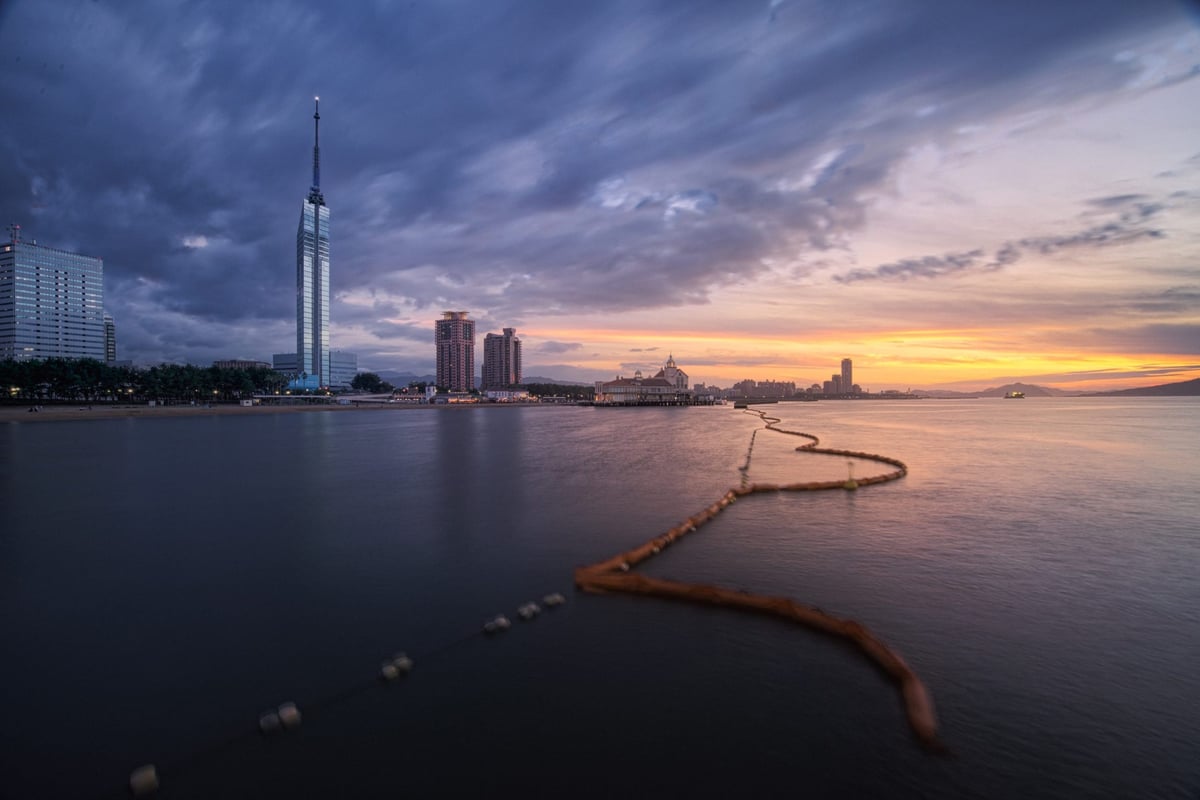
Now that I’m not working two jobs here in Japan, I’ll hopefully have a little more time to post some more photos and tell some more stories. This shot is from out on a Jetty near the Fukuoka Tower. It was the one nice day we had sandwiched between two brutal storms.

We were lucky. The rivers all around us were on the brink of overflowing and many of the neighbor towns had to evacuate. We live in a giant apartment complex that could probably withstand a tsunami so we didn’t have too much to worry about, but as the rivers all around us started filling up and our phones continued beeping with alerts about evacuations for areas near us, we were still a bit nervous. It never let up from relentless pouring rain.

Anyway, now that I’m shooting more landscapes, I’m starting to get back into the rhythm, man am I rusty. I’m trying to find the fastest and best workflow using different software for different tasks.


My Landscape Workflow
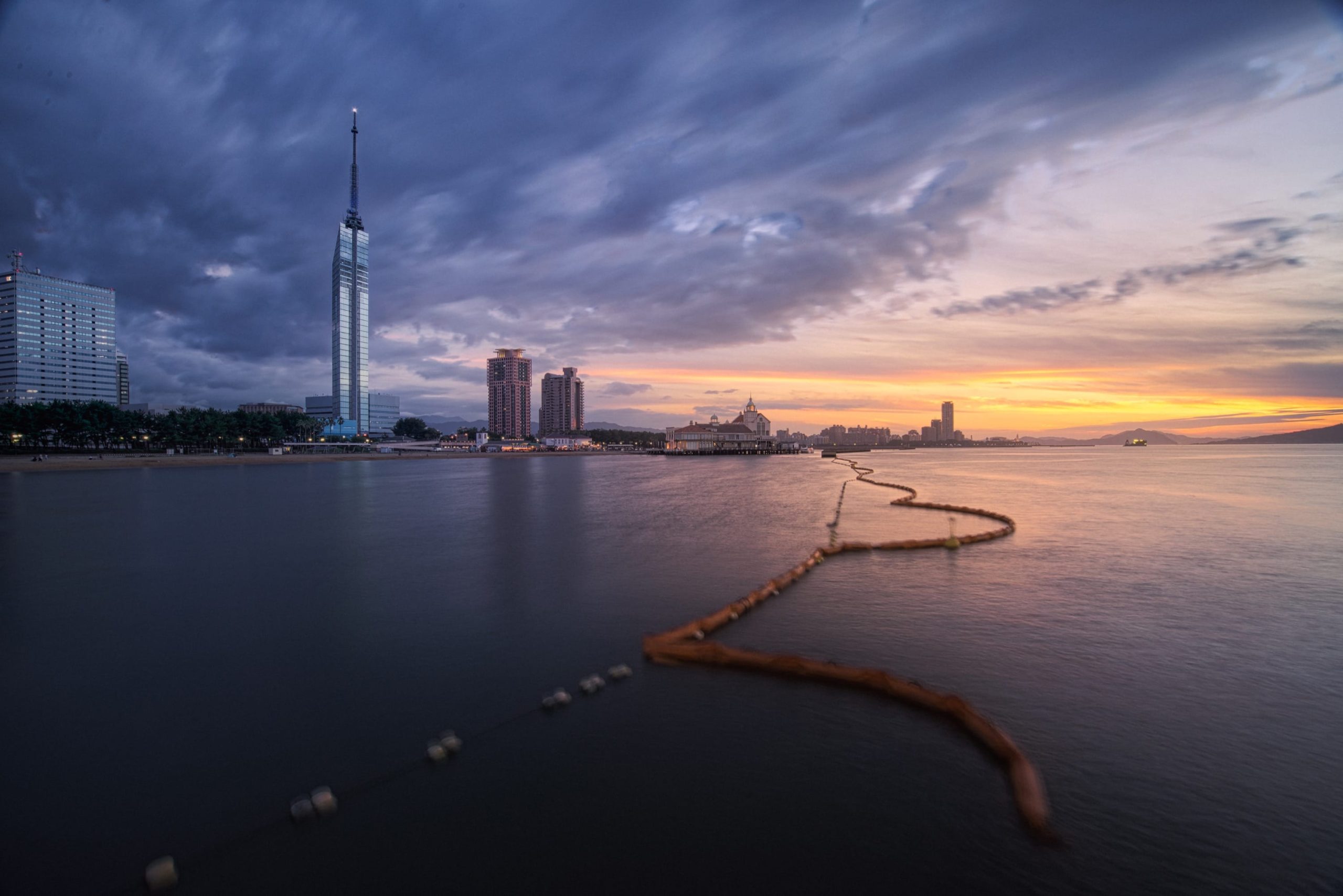
 

Shooting Fukuoka


Lightroom To AuroraHDR To Photoshop


Import all photos into Lightroom for organization purposes. Send shots to AuroraHDR for exposure blending. BTW, if you hate HDR, you can exposure blend your landscapes by hand in AuroraHDR as well.

From Aurora I go to Photoshop.

Here I do some basic adjustments, a little bit of brushing, nothing major. I then make a stamp visible layer and go to Luminar.

This is where the majority of the work happens.

I have four presets I run in Luminar that load different workspaces that are blank.

It goes like this.


Luminar


Preset 1 – Color Adjustments

Here I have all the tools for adjusting the color and tones. Develop, Curves, HSL, Color Contrast and Advance Contrast.

Once that is looking decent, I create a new adjustment layer and load my next workspace preset.


Preset Number 2 – Details

Here I load everything I need to enhance my details.

Detail Enhancer, Microstructure and Structure.


Preset Number 3 – Special Effects

Special Effects has all the effects I sometimes might use.

Orton Effect, Matte Look, Image Radiance, Golden Hour, Sunrays, Soft Glow and Photo Filter.

Once done, I sometimes go back to Photoshop or continue with Preset Number 4.


Preset 4 – Final Adjustments

Here I have some basic filters to do any final tweaks I might need before leaving Luminar. I don’t always use these as Lightroom is much faster at doing most of these effects and the effects are not permanent when using Lightroom.

These filters include, Develop, Saturation / Vibrance, Curves, HSL, Split Toning, Denoise, Detail Enhancer, Sharpening, Grain and Vignetting. 


Photoshop


Since I use Photoshop to load Luminar as a plug-in, once I’ve hit Apply in Luminar, this sends me back to Photoshop with a new layer. From here I’ll do some of the heavy color adjustments to create color harmony (something I still suck at), but here I mostly do some sunset enhancements by brushing on some colors. I use photoshop here because I can use solid colors which you can’t use in Luminar, Aurora or Lightroom and I have total control of luminosity masks and layer adjustments where I can mask out the highlights or the shadows.


Finish In Lightroom


Once Photoshop is done, I use Lightroom for my final final adjustments. Sharpness, grain, maybe a gradient filter, maybe a radial filter if the sunset needs some more pop still, or vignette. All those things that are easy to change in the future. I don’t do these things in Photoshop because I like to flatten or at least reduce my Photoshop files when I’m done so I’m not left with single comps that are gigabytes big. So Lightroom doesn’t add file size and is very quick in this regard and it allows me to program in the photos metadata.

If I post my photos to Instagram, there in Instagram I do a few more adjustments to make it look good on the phone or in a 1×1 crop. This usually includes a Fade maybe at 20, a ton of Sharpness, and a few adjustments to Exposure, Shadows, Highlights and Contrast.

That’s my current workflow, hopefully it helps you out.

0
0
0
0
0
Alik Griffin

A professional video editor, and photographer with a Bachelors in Film studies from UCSD. Based in Los Angeles, I have created commercials, trailers, and other video content for various clients and platforms since 2005. I also love to write about my passions and share my insights on my blog.

Related Topics
  • AuroraHDR
  • HDR Photography
  • Landscape
  • Luminar
  • Sony 16-35mm f4
  • Sony A7rIII
Previous Article
  • Blog
  • Hardware Reviews
  • Reviews

How To Protect Your Lenses From Moisture

  • Alik Griffin
  • May 29, 2023
View Post
Next Article
Fuji X-T2 With Batteries And Vertical Booster Grip
  • Accessory Guides
  • Camera Guides

Must Have Accessories Fujifilm X-T2

  • Alik Griffin
  • February 13, 2026
View Post

Subscribe

Subscribe now to our newsletter

You May Also Like
Pure Cinema
View Post
  • Blog
  • Featured
  • Lens Reviews
  • Reviews

Viltrox TCL-X100VI Review | A Budget-Friendly 50mm Upgrade

  • Alik Griffin
  • February 21, 2026
  • No comments
Thypoch Simera 75mm f1.4 Review
View Post
  • Blog
  • Featured
  • Lens Reviews

Thypoch Simera 75mm f1.4 Review & Sample Photos

  • Alik Griffin
  • February 18, 2026
  • No comments
Kakurajima View
View Post
  • Blog
  • Featured
  • Lens Reviews

Viltrox WCL-X100VI Review | A Budget-Friendly 28mm Upgrade

  • Alik Griffin
  • February 17, 2026
  • 2 comments
Sony A7V Announcement
View Post
  • Blog
  • What's New

Sony A7V – They’re Back In The Game

  • Alik Griffin
  • December 30, 2025
  • 4 comments

Leave a Reply Cancel reply

Your email address will not be published. Required fields are marked *


San Clemente Sunset

Join The Newsletter

Featured
  • Pure Cinema
    Viltrox TCL-X100VI Review | A Budget-Friendly 50mm Upgrade
    • No comments
  • How To Edit Photos To Look Like Film
    • 4 comments
  • Biker Bro
    Viltrox Spark Z3 Flash – Review & Sample Photos
    • 3 comments
  • Zeiss Planar 50mm f2 on the Leica M11
    Zeiss Planar 50mm f2 Review & Sample Photos
    • 5 comments
  • On Board
    Fujifilm X100VI Review & Sample Photo
    • 5 comments
  • Nikon Z 26mm f2.8 Review – A Little Miracle
    • 24 comments
  • Mud Face
    Nikon Z 35mm f1.4 vs Nikon Z 35mm f1.8 S – Sample Images
    • 28 comments
  • What is Micro Contrast
    Micro-Contrast, Is It Real? – Samples With Lens Comparisons
    • 17 comments

Subscribe

Subscribe now to our newsletter

Privacy Policy | Licensing | About Me | Contact

Copyright © Alik Griffin Inc. 2025

Input your search keywords and press Enter.











