
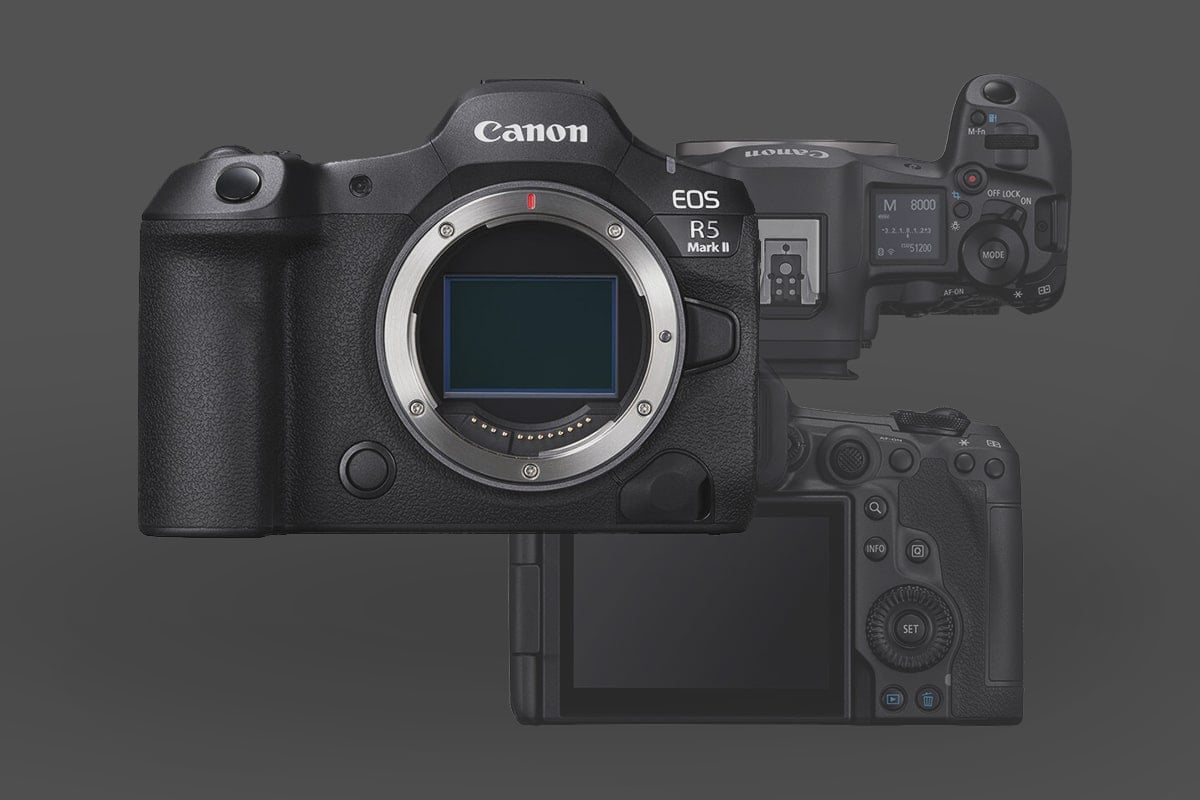
The Canon R5 II is a flagship-class hybrid, merging the high-resolution world of the R5 with the high-speed processing of the R3. Because of the new Stacked Sensor and Accelerated Capture engine, the Mark II has specific power and data requirements that the original Canon R5 Mark I didn’t have.
This guide covers the essential accessories that unlock the Mark II’s 8K/60p RAW and 30fps burst capabilities.
Table of Contents
1. Screen Protection: Preserving the Interface
The R5 II uses the same high-resolution articulating touchscreen as the original, but in a “Workhorse” environment, this is your primary point of failure.

Canon R5 II ULBTER Screen Protector: Amazon
- 9H Tempered Glass: Avoid plastic films. I recommend ULBTER Tempered Glass. They offer a dual-screen kit for the rear LCD and the top status OLED.
- Touch-to-Focus Integrity: 0.25mm-quality glass is essential to maintaining the R5 II’s capacitive touch sensitivity.
- Pro Tip: If you need to remove an old protector, use a hairdryer on low heat to soften the adhesive. Never pry it off cold, or you risk delaminating the LCD’s coating.
2. Memory Cards: Feeding the 8K RAW Beast
The R5 II features one CFexpress Type B slot and one UHS-II SD slot. Unlike the Mark I, the Mark II’s 8K/60p N-RAW and Pre-Continuous Burst modes require massive sustained write speeds
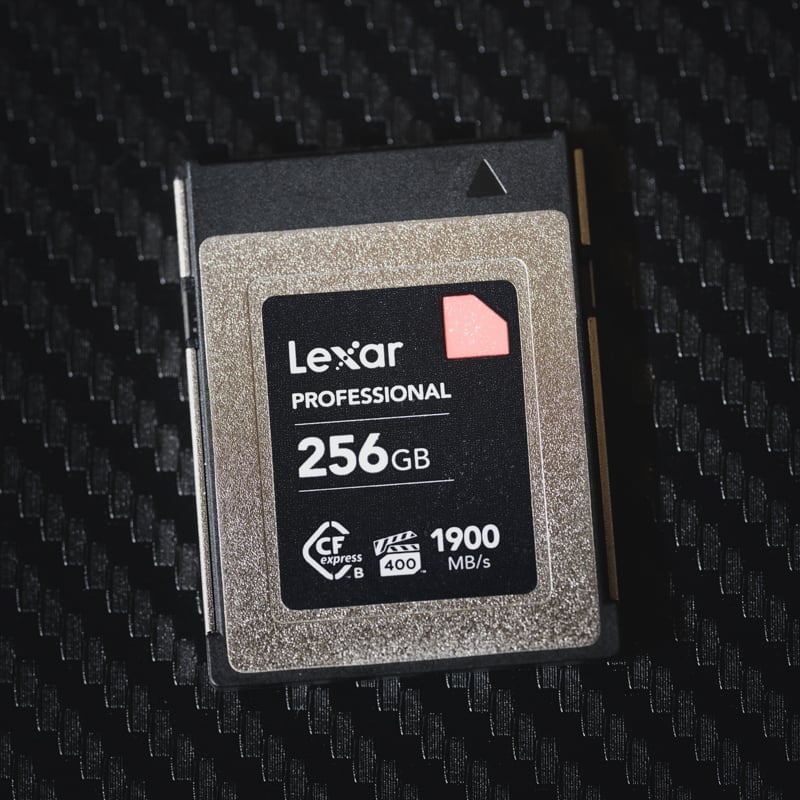
Slot 1 (CFexpress Type B): You now need cards with high Sustained Write Speeds, not just “burst” speeds. I recommend cards like the Lexar Diamond or Delkin Black for 8K video work.
Slot 2 (SD UHS-II): If you are shooting in “Backup” mode, the camera will be bottlenecked by the SD card’s speed. To maintain a fast buffer, a V90 card like the Sony G Tough V90 is mandatory.
Deep Dive: See my Canon R5 II Memory Card Recommendations here.
3. Power & Battery: The LP-E6P Requirement
This is the most critical change over the Canon R5 Mark I. The R5 II introduced the LP-E6P battery.
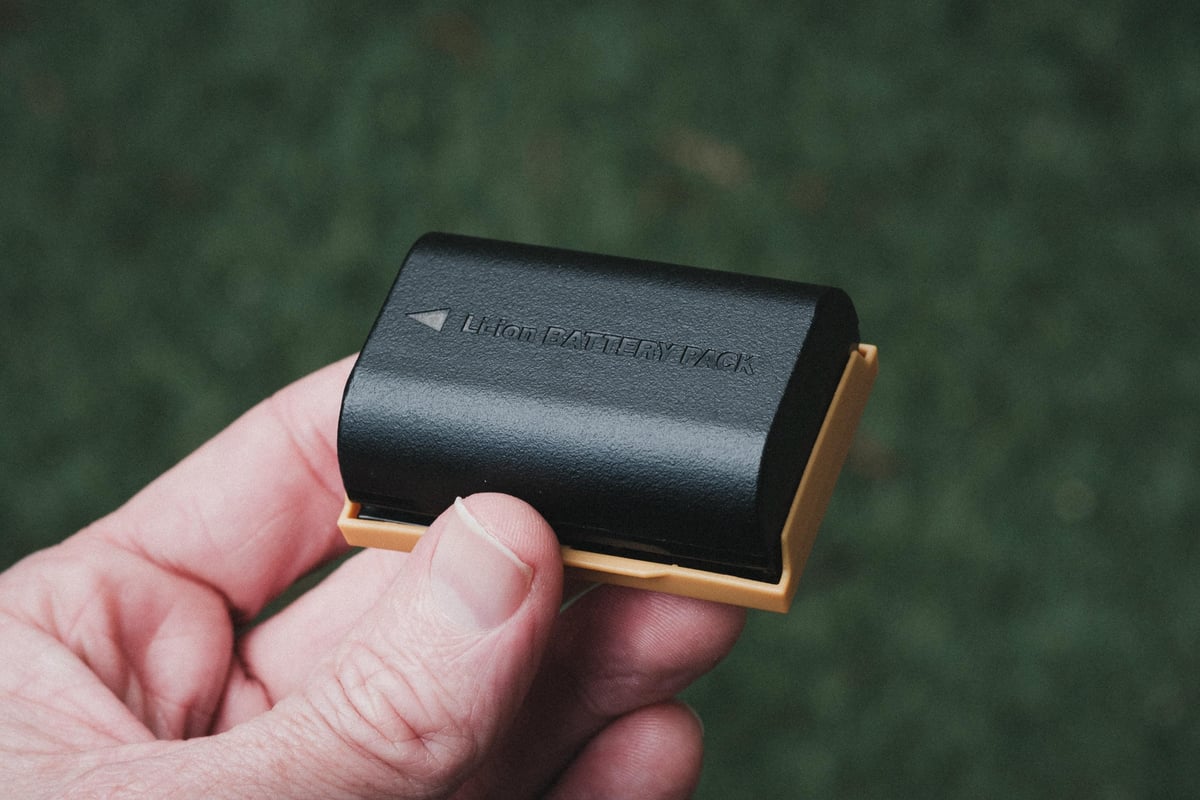
Canon LP-E6P Battery: Amazon / B&H
- The Limitation: While older LP-E6NH batteries physically fit, they disable several key features on the Mark II, including 8K RAW recording and the highest burst rates.
- The Official Standard: Stick to the Canon LP-E6P. It supports the higher 6 Amperes continuous discharge needed for the stacked sensor.
- Third-Party Warning: Be careful with older third-party LP-E6NH batteries; many will not allow the Mark II to turn on or will severely limit its functionality. Only use “decoded” batteries specifically labeled for the Mark II.
4. Cooling & Battery Grips
To address the heat issues that plagued the Canon R5 Mark I, a new battery grip with active cooling has been introduced alongside the standard BG-R20.
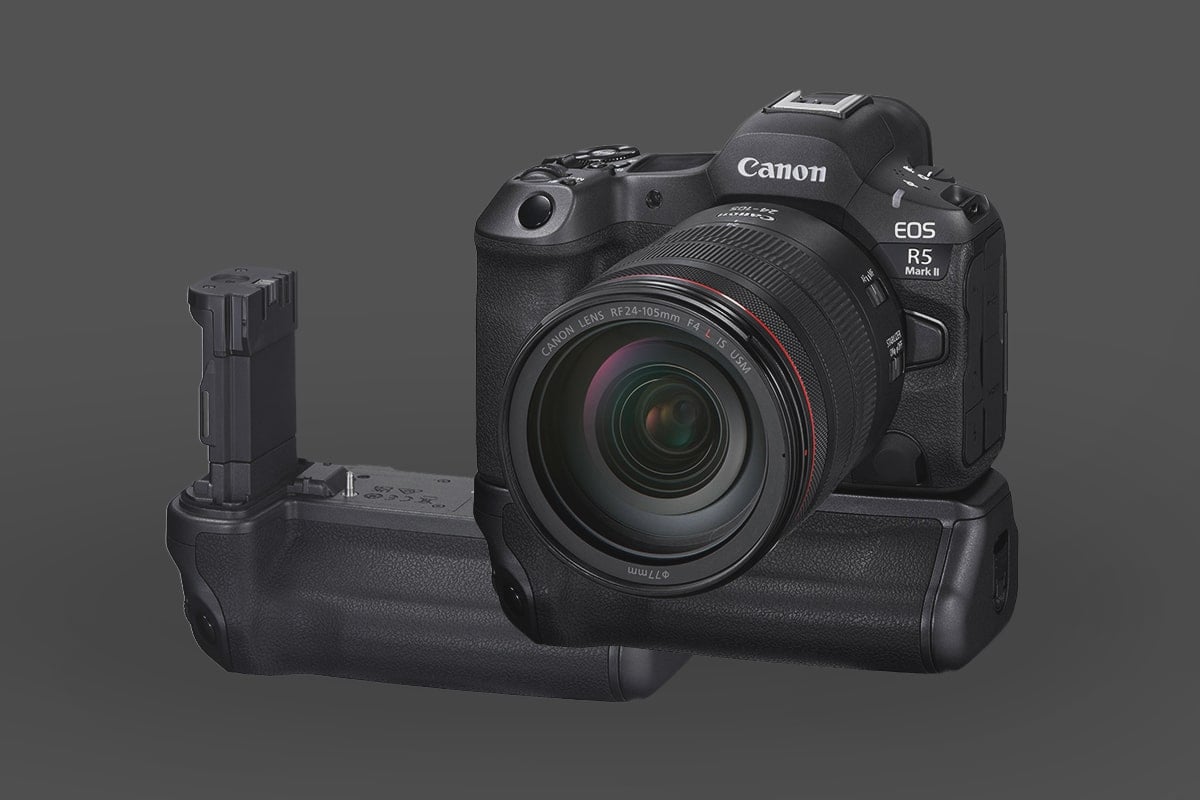
Canon Grip BG-R20: Amazon / B&H
- The Standard Grip (BG-R20): For photographers, the standard vertical grip doubles your battery life and improves balance with heavy RF glass like the 28-70mm f/2.
- The Cooling Grip (BG-R20EP): Canon now offers a specialized Cooling Fan Grip. If you shoot long-form video, this is better than a standard grip because it actively cools the internals through vents behind the LCD. When you attach the grip, it aligns with a dedicated intake port on the bottom of the camera body. This port is usually sealed but opens up to the grip’s airflow path when mounted.
5. Cages & Ergonomics
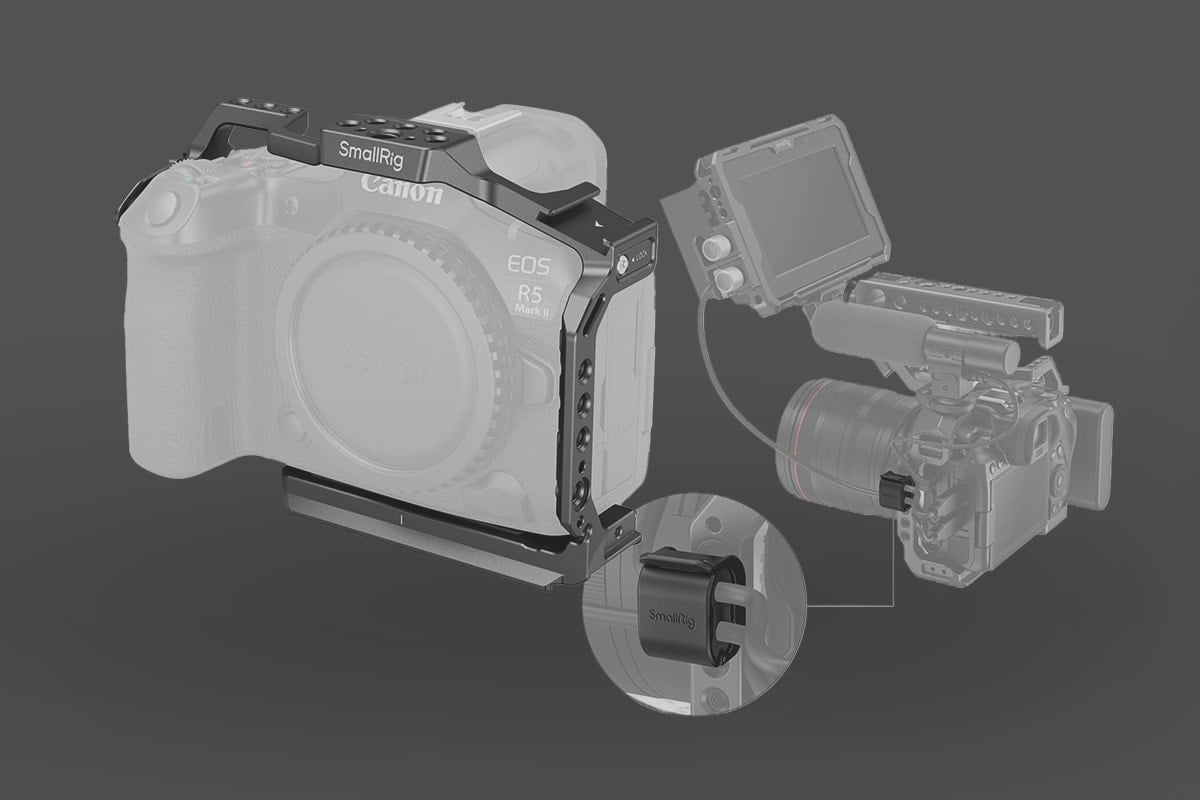
SmallRig R5 II Cage: Amazon / B&H
- Recommendation: The SmallRig R5 II Full Cage is essential for video. I pair SmallRig Cages with the Rotating NATO Side Handle, which is a lifesaver for low-angle work or when you need to clear the flip-out screen.
- Cable Security: Even with a full-size port, a cable “snag” can still ruin it. I highly recommend using a SmallRig Cable Protector if you are shooting tethered in a studio or using an external monitor. It screws into the side of the cage and clamps the USB-C and HDMI cables in place, providing strain relief.
6. Camera Straps
Peak Design straps offer many great options for the Canon mirrorless system. I often use the Clutch hand strap with an additional strap attached.
Peak Design Clutch Camera Strap

Clutch Camera Strap: Amazon / B&H
The Peak Design Clutch hand strap includes a versatile Arca-Swiss-compatible base plate with integrated loops for attaching secondary straps. Because the Clutch also accepts Anchor links, you can maintain a fully modular camera strap system. This allows you to quickly swap between a neck strap and the handgrip without removing any hardware from your camera.
Peak Design Slide Lite
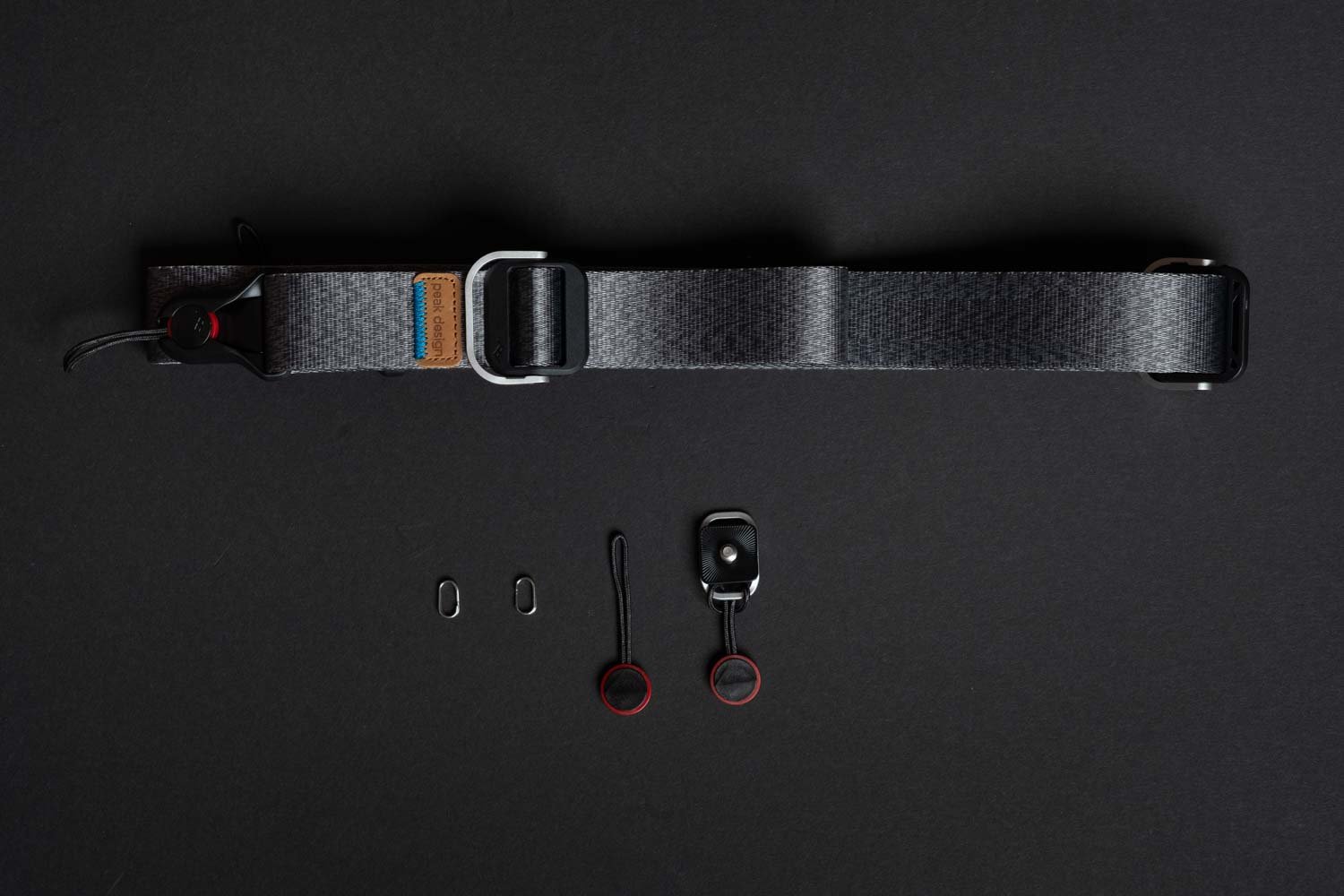
Peak Design Slide Lite: Amazon / B&H
Peak Design offers a versatile range of camera straps in various widths to suit any kit. Their proprietary Anchor Link system makes these the best quick-release camera straps on the market, allowing for instant attachment or removal. For full-frame mirrorless bodies like the Canon EOS R5 Mark II, the medium-width Slide Lite is the ideal balance of comfort and packability. However, if you are running a lightweight setup with prime lenses, the thinner Peak Design Leash is an excellent minimalist alternative.
7. Audio: Leveraging 4-Channel Recording
The R5 II supports 4-channel, 24-bit audio through its multi-function shoe.
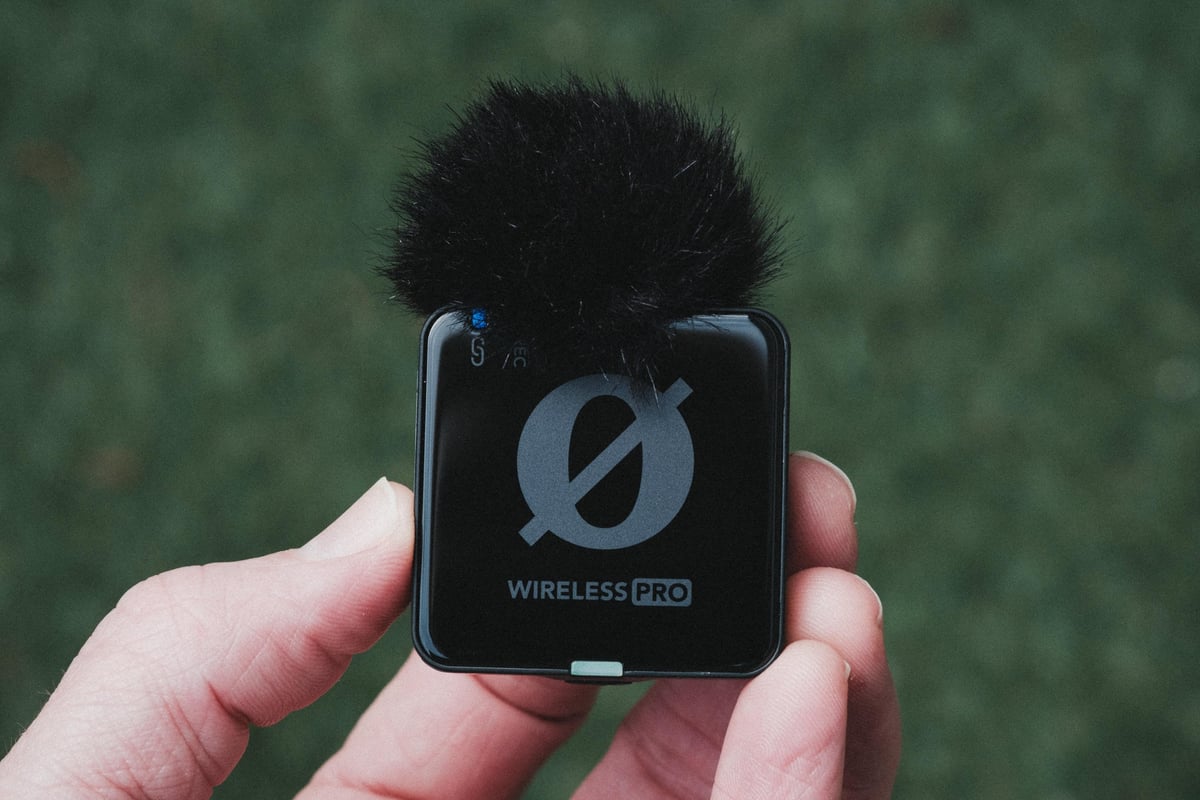
The Wireless Kit: My pick is the Rode Wireless PRO. Its 32-bit float internal recording serves as the perfect safety net for the R5 II’s high-dynamic-range video.
The DJI Mic 2 and Mic 3 are also very popular options, but I personally own the RODE and love it.
Rode Wireless Pro: Amazon / B&H
The Hybrid Mic: The Rode VideoMic NTG remains the best on-camera shotgun. Its low impedance works perfectly with Canon’s pre-amps, providing a much lower noise floor than budget alternatives.
Rode VideoMic NTG: Amazon / B&H
8. Cleaning Accessories
The Sensor Risk: Since the R5 II sensor is “always on” for the EVF and AF, it generates a static charge that attracts dust.
- Dust Patrol Sensor Brush: Best for “lifting” dust without risking wet swabbing.
- UES Full Frame Swabs: For stubborn oil spots on the sensor only.
- Essential Tools: Rocket Air Blaster: Your first line of defense.
Dust Patrol Sensor Brush
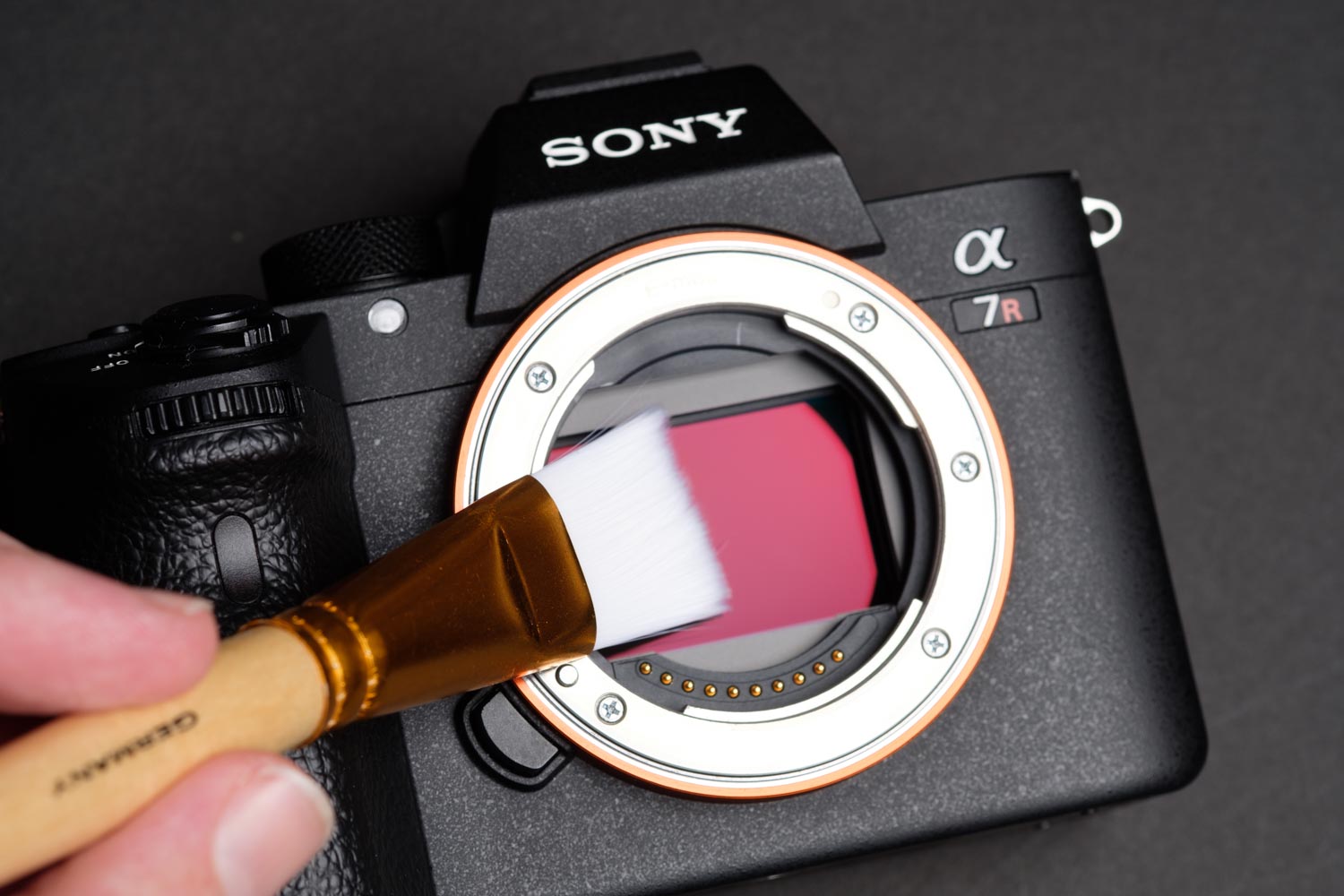
Available At: Amazon
While the R5 II has an internal “Self Cleaning” unit, it often fails to dislodge stubborn, statically charged dust. If a rocket blower doesn’t work, a dedicated sensor brush is the most effective way to “lift” debris without the risks associated with wet swabbing.
- Static Attraction: I prefer the Dust Patrol Sensor Brush. These brushes use statically-charged fibers to pull dust off the sensor rather than just moving it around. If you keep the brush stored in its original anti-static tube and never touch the bristles with your fingers, it will effectively last forever. It’s a one-time investment that handles 95% of sensor contaminants.
- Bypassing the Swab: I rarely need wet sensor swabs (which can leave streaks if not used properly). A quick pass with a clean brush is usually all it takes to keep the R5 II’s 45MP files spotless.
A Note for R5 II Owners:
Before cleaning, navigate to the Setup Menu > Sensor Cleaning > Clean Manually. This locks the In-Body Image Stabilization (IBIS) and opens the shutter curtains. Never attempt to “brush” the sensor while the camera is simply powered off, as the floating IBIS mechanism is fragile and needs to be electronically locked for safety.
UES Full Frame Swabs
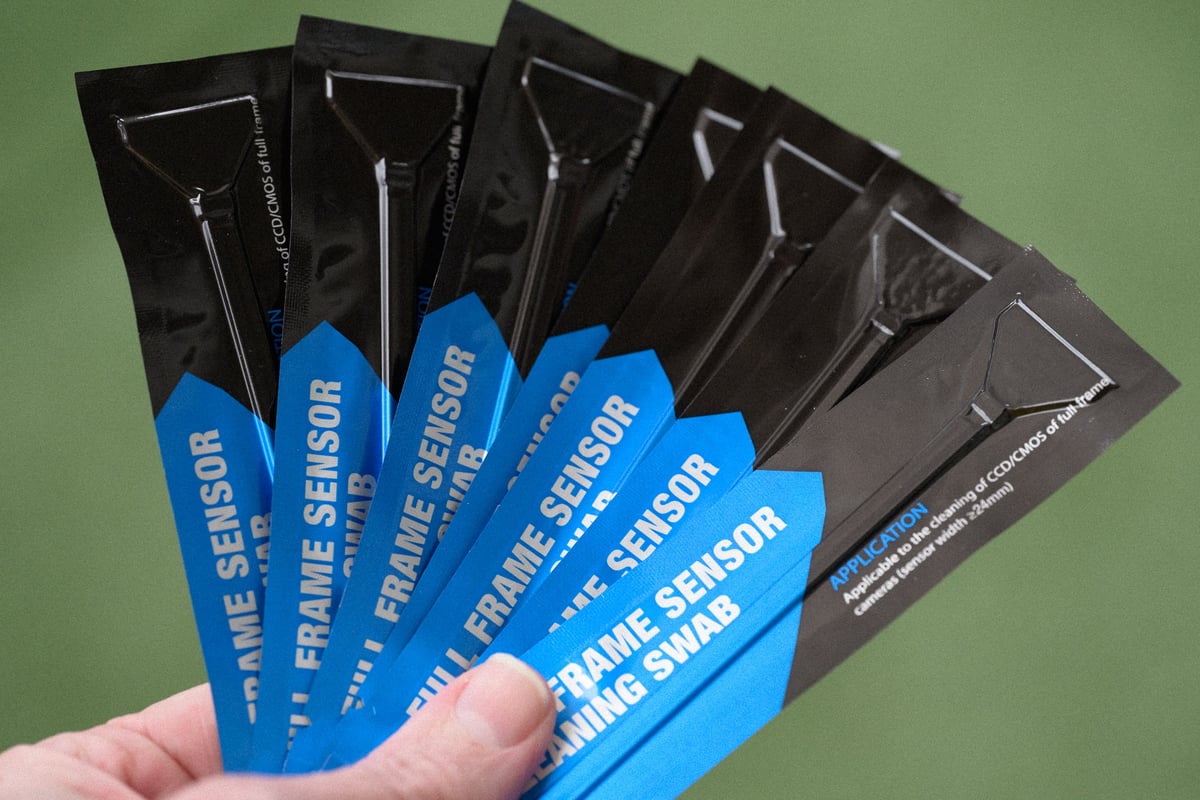
Available At: Amazon
For maintaining a pristine image sensor, UES Full-Frame Sensor Cleaning Swabs are a reliable and cost-effective choice. Each 24mm swab is manufactured in a Class 100 cleanroom and vacuum-sealed to ensure it’s completely dust-free before use. The flexible, paddle-style head is covered in superfine microfiber, ensuring even pressure across the sensor of your Canon R5 without leaving streaks or lint.
Rocket Air Blaster
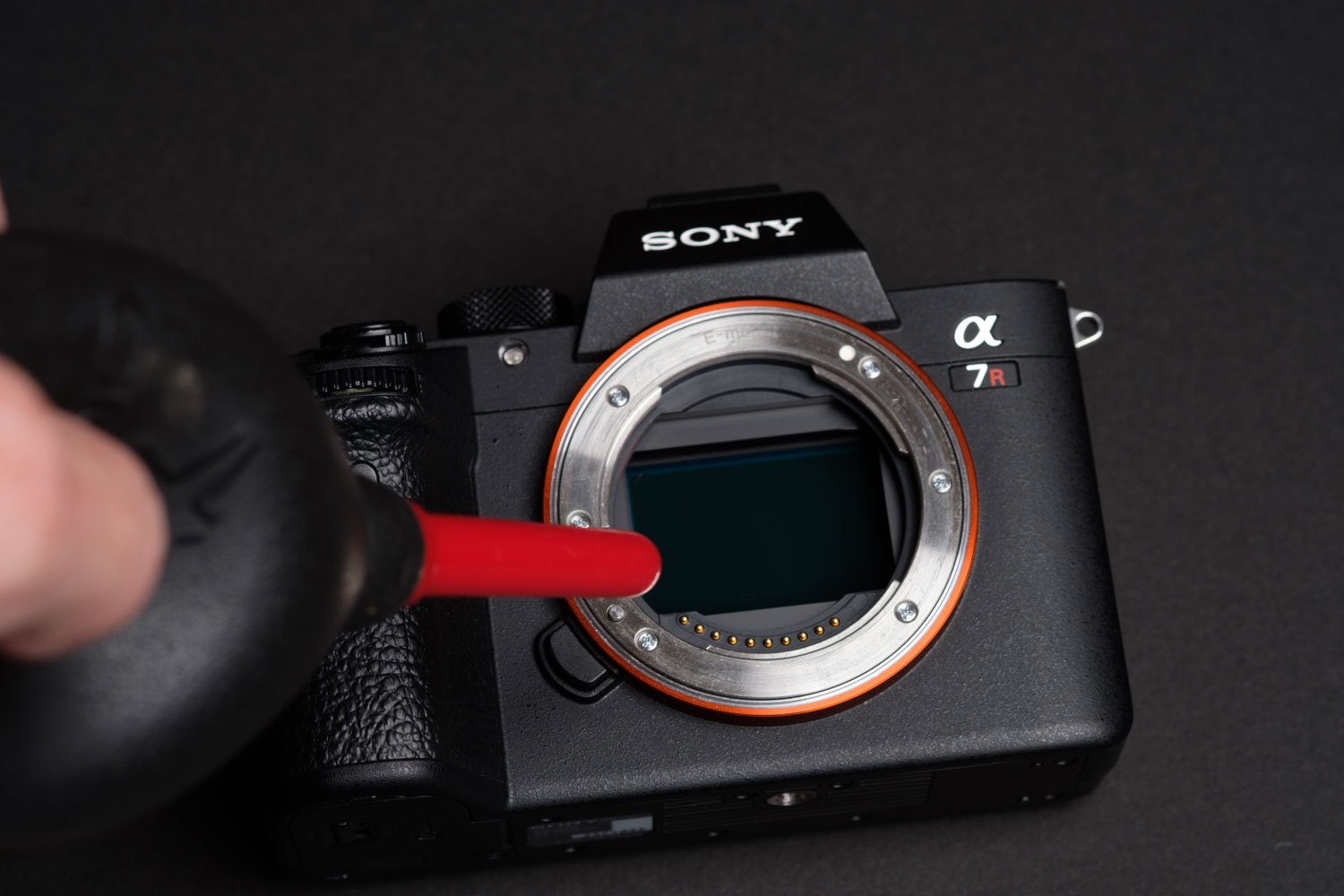
Available At: Amazon
When it comes to sensor cleaning tools, the Giottos Rocket Air Blower remains a gold standard. Unlike generic air blasters, the Rocket Air features a unique “fin” design that keeps it standing upright, preventing it from rolling off your desk or picking up dust on flat surfaces. While they are available in several sizes, the medium Rocket Air blaster offers the perfect balance of air pressure and portability for most gear bags.
Micro-Fiber Cleaning Cloths 6-Pack
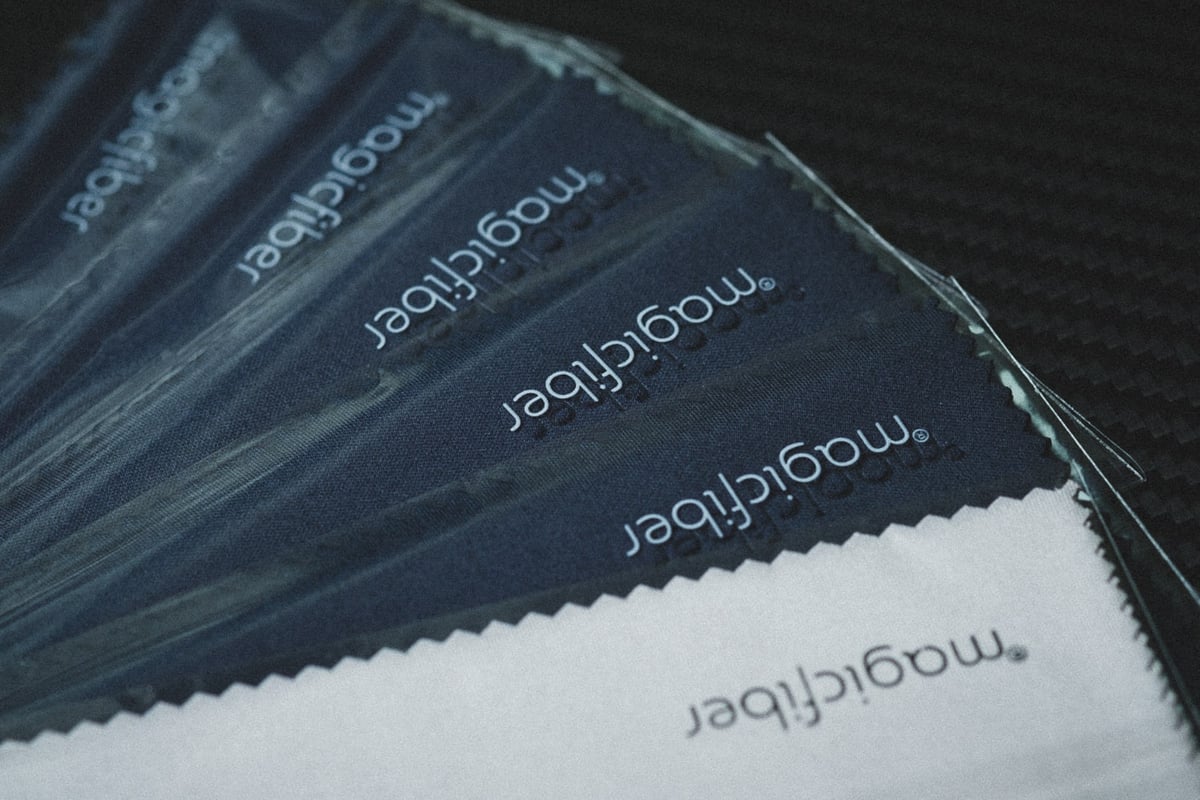
Available At: Amazon
- Lint-Free Cleaning: Specifically designed for UV filters and lens elements.
- No Residue: Superior to standard cloths for removing oils without leaving dust behind.
- Bulk Value: I suggest a 6-pack bundle so you can rotate them and always have a clean one available for your Canon or Fujifilm glass.
9. Remote Shutters: Wired vs. Bluetooth
The R5 II retains the professional N-3 type remote terminal on the front of the body. Unlike the R6 series, which uses the 2.5mm “E3” jack, the R5 II requires the locking “N3” connector for wired stability.
Wired Precision: The Canon RS-80N3 is the standard shutter release. It’s essential for long exposures or macro work, where even the slightest vibration from a Bluetooth click might be noticeable.
Canon RS-80N3: B&H
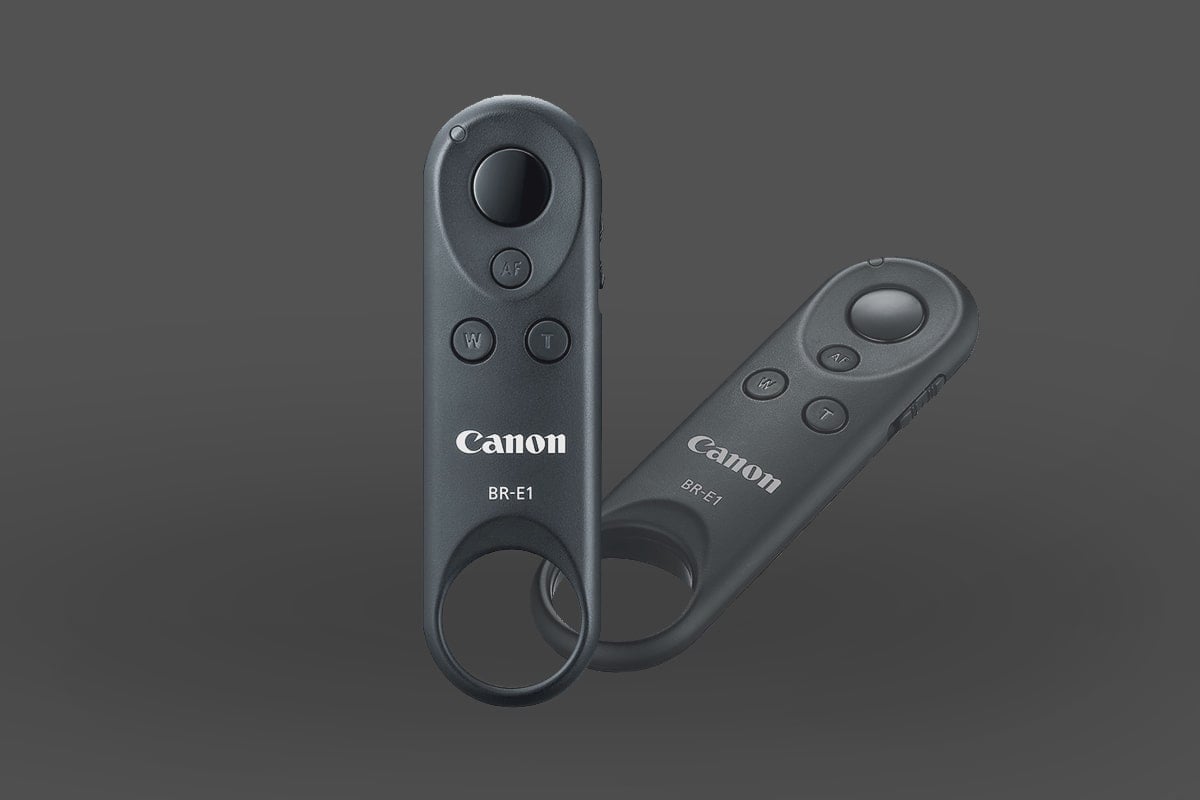
The Bluetooth Option: If you want to trigger the shutter or start video from 10 feet away without cables, the Canon BR-E1 Wireless Remote is the best choice. On the R5 II, the Bluetooth pairing is much more stable than previous generations, making it a reliable tool for group shots or self-portraits.
Canon BR-E1 Wireless Remote: B&H
Canon RF Lenses: The Hybrid Revolution
The release of the R5 Mark II marks a shift in Canon’s lens philosophy. While the “Trinity” zooms remain the professional standard for stills, Canon has introduced a new line of Hybrid Lenses designed to bridge the gap between Cinema EOS and the R-series mirrorless bodies.
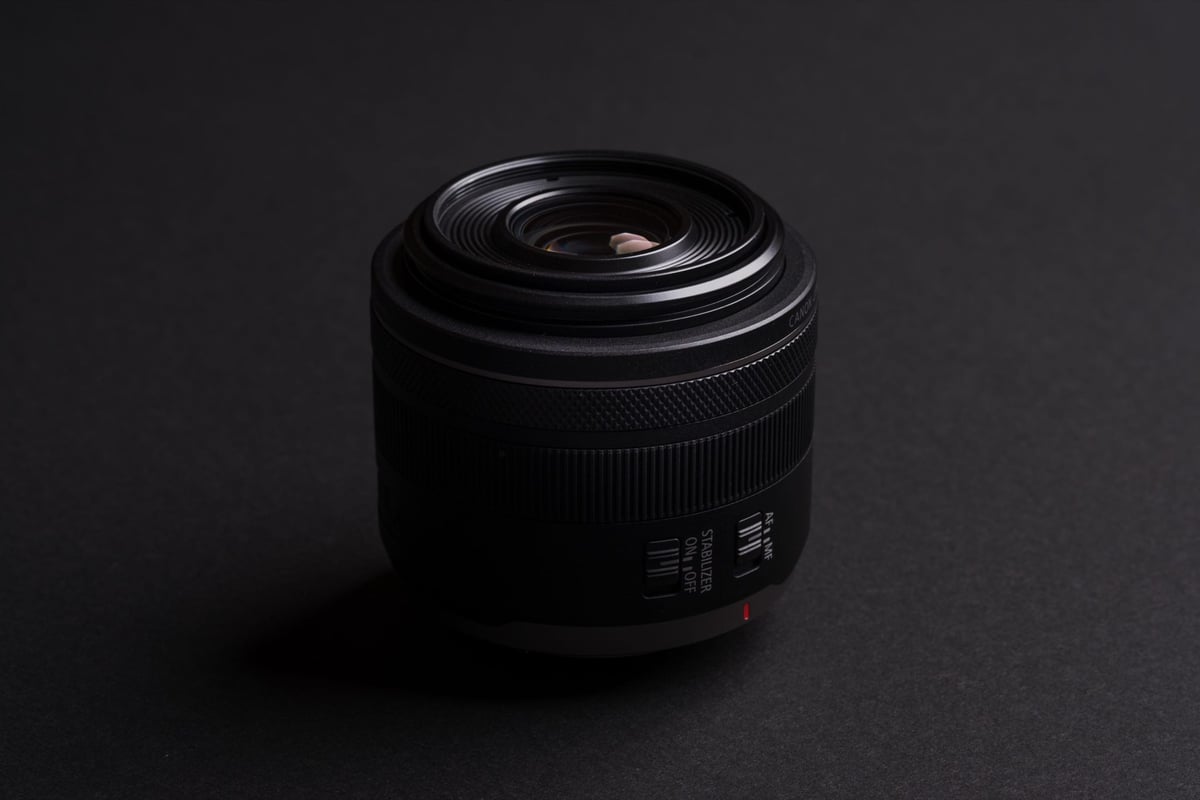
- The VCM Prime Series: Lenses like the RF 24mm, 35mm, and 50mm f/1.4 L VCM feature both a Voice Coil Motor and a Nano USM. This enables near-silent, lightning-fast focusing optimized for the R5 II’s advanced Eye-Control AF and video tracking.
- Power Zoom Capabilities: If you are a high-end hybrid shooter, the RF 24-105mm f/2.8 L IS USM Z is the standout choice. It’s designed to work with optional Power Zoom adapters, giving you smooth, broadcast-style zooming previously only available on dedicated cine glass.
- Third-Party Progress: While Canon has been slow to open the RF mount, we are finally seeing autofocus-capable options from Sigma and Tamron, particularly in the APS-C (RF-S) space and select full-frame wide-angle primes.
Looking for the right glass for your R5 II? I maintain a database of every RF-mount lens.
Final Thoughts
The Canon R5 II is a pro-tier investment. While it’s tempting to reuse your old R5 accessories, the LP-E6P battery and V90/CFexpress media are non-negotiable if you want to use the features you paid for. Focus on protecting the body and feeding the sensor the power and data speed it demands.













Leave a Reply