
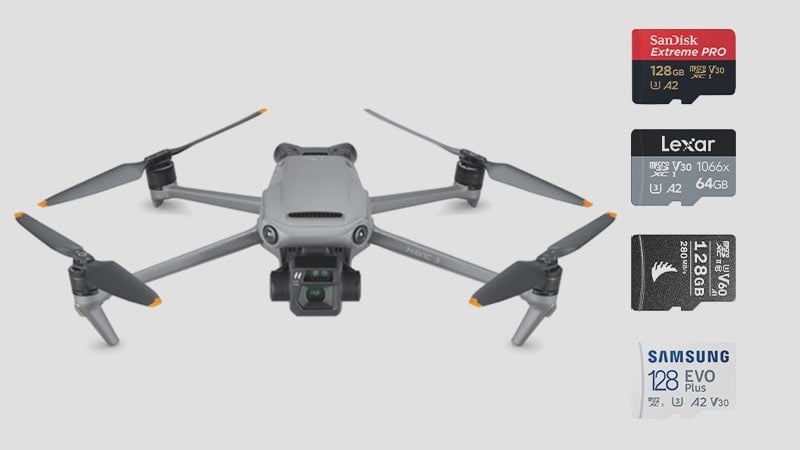
While the Mavic 3 has 8GB of built-in memory, you’ll likely want a larger external micro SD memory card to access the files quickly.
This guide will help you find the best memory cards for the DJI Mavic 3.
Recommended Micro SD Memory Cards DJI Mavic 3
The DJI Mavic 3 will take a single micro-SD memory card up to 2TB in size. While it has 8 Gigabytes of internal memory, I would only consider that a backup if you’re looking to grab only a few photos; otherwise, pulling a shot from the drone itself can be a little tedious.
For Videographers, Mavic 3 outputs 5.1k and 4k video at 200Mbps, translating to a data rate of 25MB/s. To guarantee these speeds on a memory card, you must get a micro SD card with a rating of U3. Any U3 micro SD card is fine if it’s under 2TB.
A2 or A1-rated cards are okay, but those ratings concern how apps cache data on smartphones and tablets.
The size you’ll need will likely depend on whether you’re shooting video or stills. With a 200Mbps bitrate, I would consider 128GB as a starting point for video—this will give you 85 minutes of record time, about two batteries’ worth of flight time.
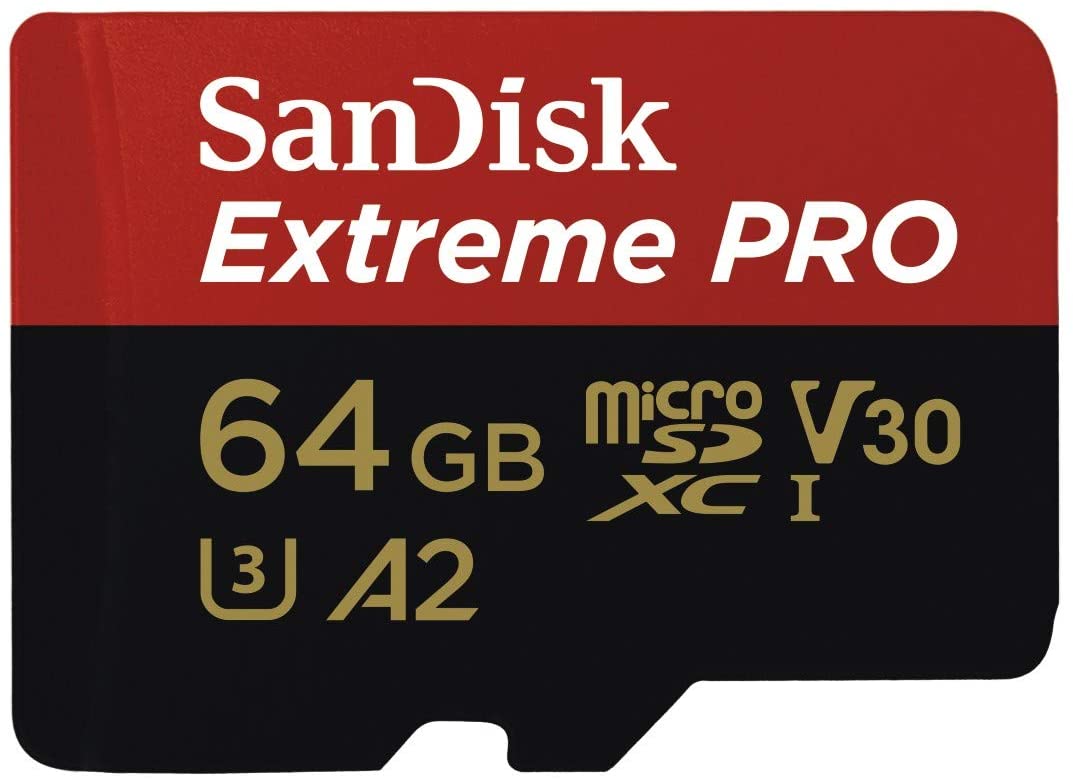
Sandisk Extreme Pro U3 64GB
|
Sandisk Extreme U3 64GB, 128GB or 256GB 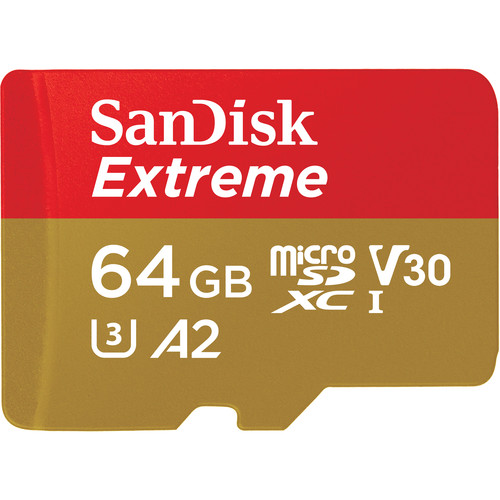 The Sandisk Extreme is the most popular microSD card and works flawlessly on any device. It is great on all DJI action cams, drones, and even any GoPro. |
Sandisk Extreme U3 64GB, 128GB or 256GB The Sandisk Extreme is the most popular microSD card and works flawlessly on any device. It is great on all DJI action cams, drones, and even any GoPro. |
Lexar 1066xx 64GB V30 A2 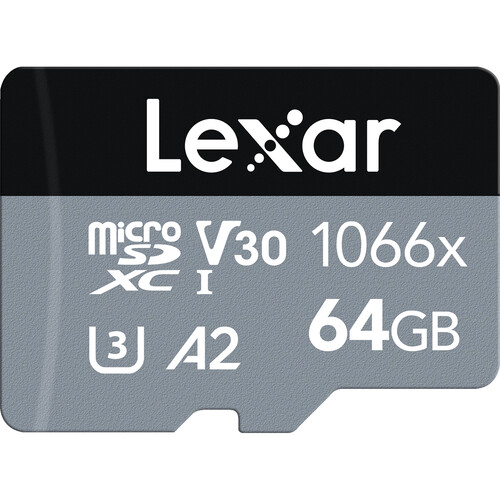 Lexar has revamped its micro SD memory card line with some new offerings, the best of which is the 1066x. Previously, Lexar’s best card was only the UHS-II option, which almost no device is fully compatible with. Now, they’ve switched to making high-quality UHS-I micro SD cards. These are great, and Lexar is back on track as one of the best memory card brands. |
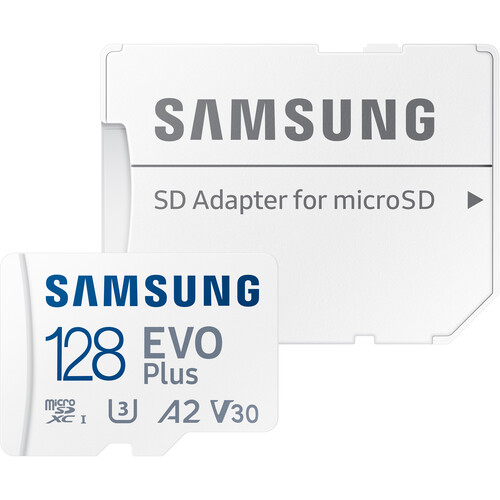
| Samsung EVO Plus 128GB, or 256GB
|
DJI Mavic 3 Specs
| Sensor: 20MP 5.1k Micro Four Thirds Flight Time: 46 Minutes Max Speed: 47 mph Memory Card Compatibility: Single UHS-I, U3 Max Memory Card Capacity: 2TB 5.1k Datarate: 200Mbps 4k Datarate: 200 Mbps Video Codecs: H.264 / H.265 LOG Support: D-Log, HLG |
Memory Card Compatibility
| UHS-I or greater, U3 or greater SDXC – 64GB or larger Memory Card Max Capacity: 2TB Max Size. |
What Size Memory Card Is Best For Mavic 3
The Memory card capacity for the DJI Mavic 3 is 2TB. The max capacity for older drones like the Mavic 2 was only 256GB. This is something to keep in mind if you have multiple drones.
When deciding what size memory card to buy for the Mavic 3, you’ll likely get about a maximum of 40 minutes per battery. With the three batteries included in the fly more combo, that’s 120 minutes of record time, which would require a 256GB card at the 200Mbps maximum video bitrate.
Record Times
Record times are taken from the Video Record Time Calculator.
When deciding what size card to use, remember that the Mavic 3’s flight time is about 40 minutes per battery.
| DJI Mavic 3 Record Times | 64GB | 128GB | 256GB |
| 200Mbps | 43min | 85min | 171min |
SDXC vs. SDHC Memory Cards
SDXC memory cards can support 64bit
SDHC memory cards can only support 32-bit.
UHS-I vs UHS-II
DJI recommends using memory cards with at least a U3 rating. Internally, the drone only uses the UHS-I interface, but UHS-II memory cards work fine at slower UHS-I speeds.
UHS-II cards are nice for transferring speeds to an external drive. If you want to speed up the time to offload footage from your cards, consider investing in a UHS-II card and reader. There is no other advantage to using a UHS-II card unless you want to share it with another camera.
Micro SD Memory Cards DJI Mavic 3 – Bottom Line
The DJI Mavic 3 has a new higher bitrate of 200Mbps, requiring a U3 memory card.
You can use UHS-II cards for faster transfer speeds from your footage to your computer, but otherwise, you are only required to use UHS-I U3 memory cards with a max size of up to 2TB.















Leave a Reply