
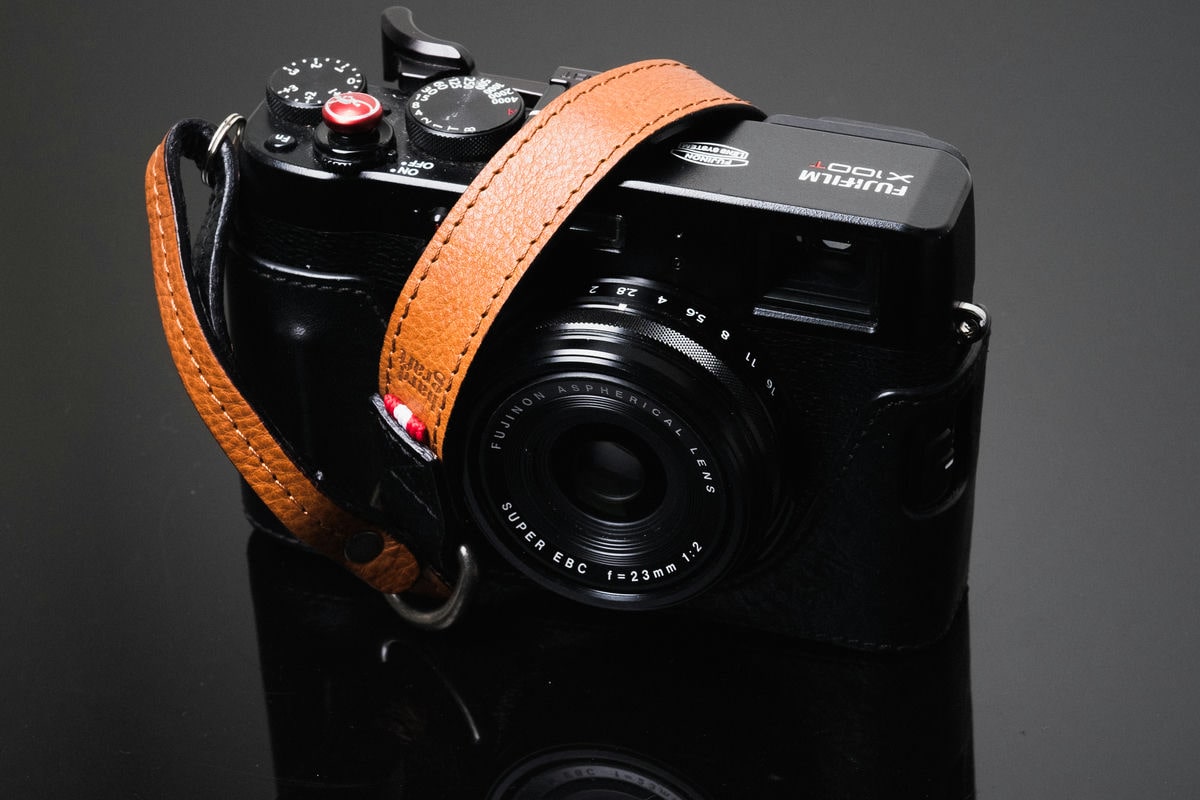
The Fujifilm X100T, X-E2, and X30 are all UHS-I cameras that use the same memory controller, so the recommended memory cards for each camera will be the same. I’ve benchmarked cards in most Fujifilm cameras to give you an idea of the internal buffer speeds.
Recommended Memor Cards for Fujifilm X100T, X-E2, X30
You only need a UHS-I SD memory card for the Fujifilm X100T, X-E2 or X30, but I recommend at least sticking with the V30 or U3 speed class so you never have any problems with video. Here are some of the top recommendations based on the latest cards available today.
| UHS-I U3 SD Memory Cards | Tested USB Write | Tested USB Read | Links |
|---|---|---|---|
| Sandisk Extreme Pro 32GB-1TB | 137 | 175 | Amazon / B&H |
| Sandisk Extreme 256GB | 126 | 175 | Amazon / B&H |
| Kingston CanvasGo! 128/256/512GB/1TB | 124 | 161 | Amazon / B&H |
| Lexar SILVER Plus 128-256GB | 166 | 177 | Amazon |
| Transcend Ultra 340s A2 128/256/512GB | 90 | 148 | Amazon / B&H |
The FujiX100T Memory card speed test was done by shooting a burst of RAW images for a dedicated amount of time. Recorded video with another camera to capture the time it took to clear the buffer, then used the total amount of bytes captured per run, did the math, and got these numbers. Average of three runs per card.
| SD Memory Cards | USB 3.0 Read | USB 3.0 Write | Fuji X100T Write Speeds |
| Sandisk Extreme Pro 64GB Class 10 / U3 | 89.0 MB/s | 84.7 MB/s | 55.81 MB/s |
| Samsung Pro 64GB Class 10 / U1 | 86.8 MB/s | 77.2 MB/s | 51.93 MB/s |
| Sony 64GB Class 10 / U3 | 87.2 MB/s | 71.9 MB/s | 48.23 MB/s |
| SanDisk Extreme Pro 64GB Class 10 / U3 | 88.9 MB/s | 62.0 MB/s | 46.66 MB/s |
| Transcend 64GB Class 10 / U3 | 87.7 MB/s | 64.1 MB/s | 45.56 MB/s |
| PNY 64GB Class 10 / U1 | 86.1 MB/s | 54.5 MB/s | 45.33 MB/s |
| Lexar 600x 64GB Class 10 / U1 | 85.6 MB/s | 60.1 MB/s | 43.73 MB/s |
| SanDisk Extreme Plus 64GB Class 10 / U3 | 71.3 MB/s | 52.1 MB/s | 40.83 MB/s |
| Kingston 64GB Class 10 / U3 | 88.1 MB/s | 74.3 MB/s | SanDisk Extreme 64GB Class 10 U/3 |
Expect the 32GB and 128GB versions of the cards listed above to perform similarly.
The SanDisk Extreme Pro Class 10/U3 cards are the fastest. The Kingston comes in second with MBP write speeds, but the Fuji doesn’t like them for some reason.
Expect all the newer Fuji cameras, even the Fuji X30, to perform about the same as with the X100T, since they use similar sensors and processors. The Fuji X-Pro 1 will not support Class 10 cards, so it will perform more slowly than newer cameras. The X-T1 will also perform faster, as it supports UHS-II cards. I’ll have tests for that in a few weeks.
Shooting JPEG
Shooting JPEG gives me interesting results. I seem to get write speeds between 25-35MB/s. But I think that is because the camera can only shoot so fast, and the JPEGs are small, so the write speeds don’t need to be that high. On the faster cards, I can shoot JPEG indefinitely at a high continuous shooting speed. It’s not till the slower cards that I start noticing a slowdown in my continuous shooting – but only after fifty or so shots. So if you’re exclusively a JPEG shooter, you won’t see a speed difference on any of these cards unless you’re continuously shooting for over a minute or two.
Shooting Raw+JPEG doesn’t really affect write speeds; however, it significantly slows down your burst speed because for every shot, it has to write both RAW and JPEG files.
Do You Think You Need A Fast Card?
The Fuji X100T has a very small memory buffer of about 100MB-200MB, and RAW/RAF files are about 33.5MB each. You’ll only be able to burst 7 or 8 shots before the buffer fills. Clearing your buffer is all about memory card write speeds. JPEG files are about 6.5MB each.
If you like to shoot in burst mode, then get the fastest SD card you can, which right now is the Sandisk Extreme Pro. Also, this camera now has a built-in intervalometer. So if timelapse is your thing, get a faster card.
I would say go with a 32GB card, but since the Fuji X100 series cameras and Fuji X-E2, X30, and X-T1 shoot such large RAW files, you might want to consider using a 64GB card just in case. I frequently fill up 32GB cards when I’m traveling. If you’re a JPEG-only shooter, then a 32GB card will be fine.
Speed Class 1 vs Class 3
On each card, you’ll see a U with a small number inside, either a 1 or a 3. This stands for the UHS speed class and refers to the minimum write speed.
A Class 1 or U1 card has a minimum write speed of 10MB/s
A Class 3 or U3 card has a minimum write speed of 30MB/s
Minimum write speeds just mean that when a memory card is near full or fragmented, it will still perform at its minimum class speed. This doesn’t mean a Class 1 can’t write at 30MB/s; it just means a Class 3 is guaranteed to write at 30MB/s.
On older cards, you’ll see a circle or a C with a number in it. These numbers also represent minimum speeds.
Class 2 – Minimum write speed 2MB/s
Class 4 – Minimum write speed 4MB/s – Fuji X10, X-Pro1, X-E1, X100, XF1, XS1
Class 6 – Minimum write speed 6MB/s
Class 10 – Minimum write speed 10MB/s – Fuji X-E2, X30, X20, X100s, X100T, X-T1, XQ1, XA1, XM1
SDXC Cards – Why They Are Important
SDXC and SDHC (which are older) are based on the host controller that handles memory storage. The SDHC, which has now been replaced by SDXC, used the FAT32 file system. Now, SDXC cards use a mandatory 64-bit exFAT file system.
This file system is important when using new Sony video codecs, such as XAVC, introduced back in 2012. If you have a Sony A7ii or a Sony action camera, you must use an exFAT SDXC card to shoot XAVC video. This is why, from now on, if you buy any new cards, you should buy SDXC cards so you have something that will work on future devices.
My Thoughts on Choosing The Best SD Memory Card for Your Fuji X100T, Fuji X-E2
It’s hard to say what card you should buy for your Fujifilm X100 T, Fujifilm X-E2, or Fuji X30. It really depends on your budget and shooting style. I personally would get the fastest card. Well, personally, I have purchased all the cards, but the SanDisk Extreme Pro line always seems to be on the cutting edge of innovation, and they have some of the highest-quality cards out there. But that doesn’t necessarily make them any better than a Transcend or a PNY in real-world, everyday shooting situations. If you don’t shoot a lot, 32GB is probably fine. I rarely fill up a 32GB card in one day unless I’m traveling.
If you’re a photographer who likes to have the best and shoots a lot in burst mode, get the good cards. If you’re a photographer who wants more space or more cards, then try out the cheaper ones and see how they work for you. You probably won’t be able to notice the difference between a faster card and a slower card in most situations.














Leave a Reply