
Category: Photo Tips
-
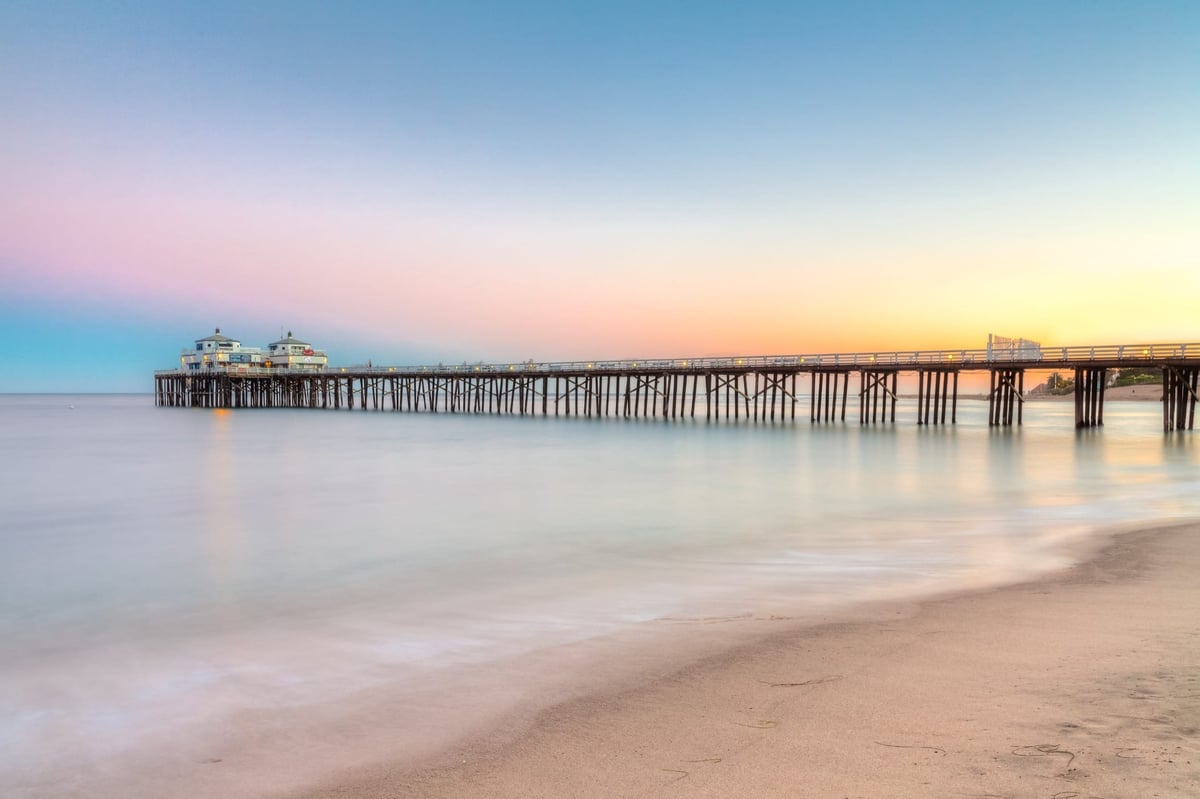
How to Shoot Better Photography with a Tripod
I’ve started shooting many more landscapes, long exposures, cityscapes, and HDR Photography in the last few years. Using a Tripod has taught me a great deal about why and how to use a tripod and other photography techniques.
-
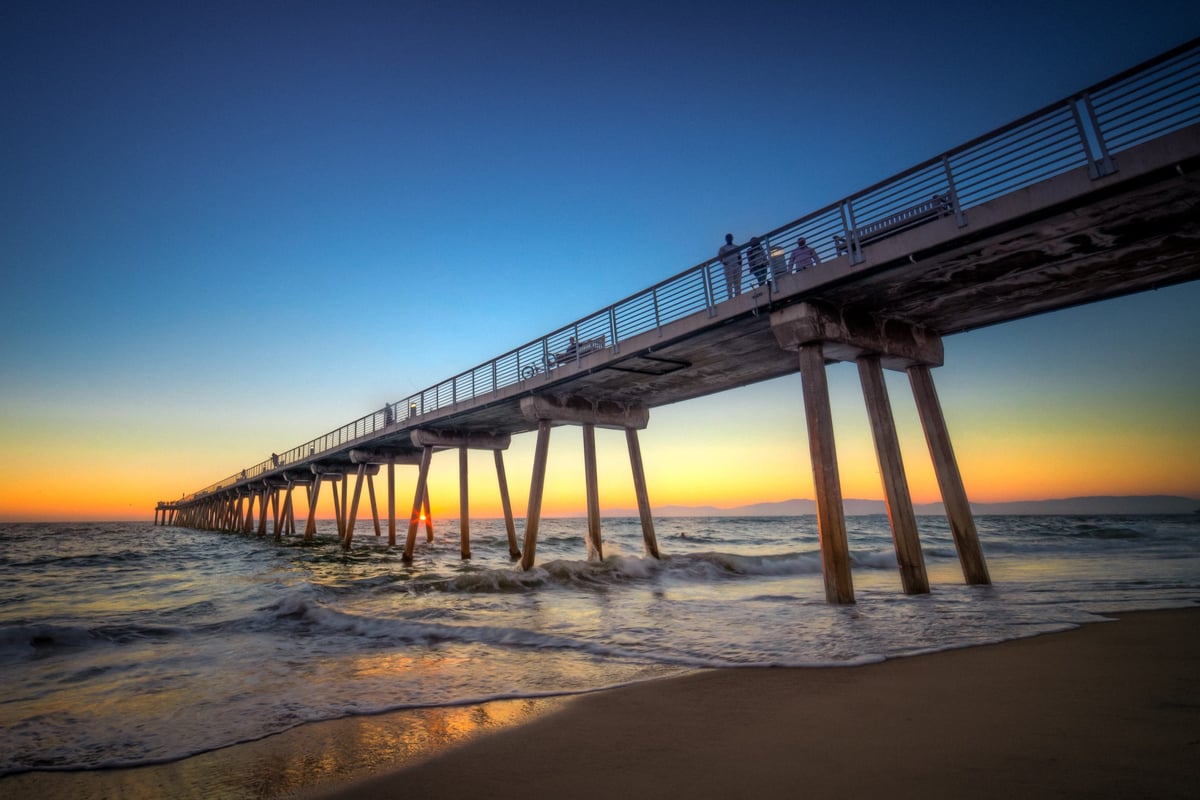
Beach Photography
Like most people, I love the beach, I love shooting there, and I always love great ocean and beach pictures. I grew up on the beach and have spent a lot of time in the water—hours a day surfing on summer break or between semesters. It’s safe to say I’ve learned a thing or two…
-
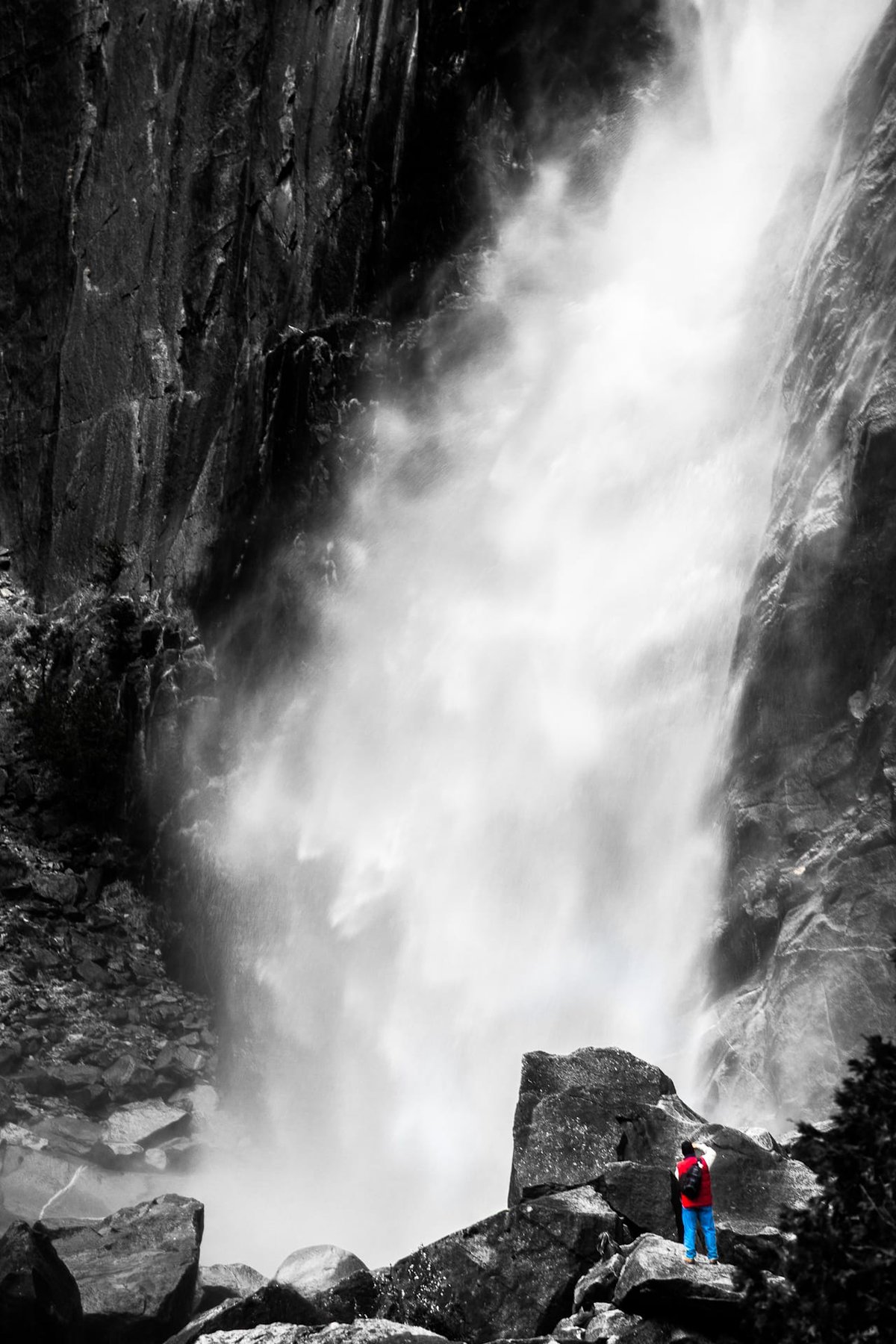
Yosemite Falls – Selective Coloring Technique
This is a shot of the Yosemite Falls. I singled out the color of the man at the base of the falls to really capture the scale of the falls. This trick is pretty easy to do, and there are a few ways to do it. I did it with Lightroom. Here is how.
-
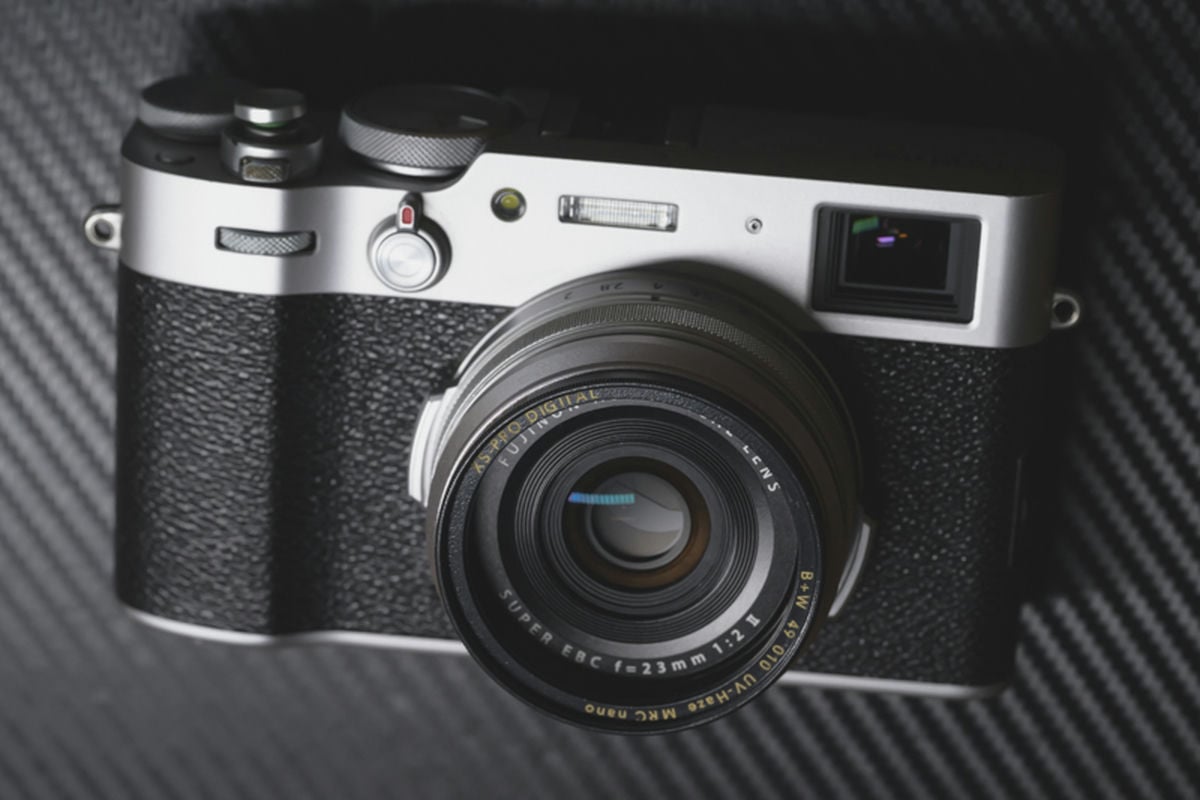
UV Filters – Should You Use Them?
Should you use a UV filter? Let’s dive into why having one on your camera can be helpful and when it’s simply not required.
-

What is HDR in photography?
You see it popping up all over the place, and you keep hearing the term HDR. Even our smartphones have built-in HDR modes. But what is it?
-
The Latest on Rolling Shutter Solutions and Fixes
After all the big updates to DSLRs this year it would seem they are still the only choice for the filmmaker on a budget. And it seems none of the manufacturers have done anything to help the distortion (also known as skew, or temporal aliasing) from the rolling shutter.
-
Fixing dead or stuck pixels on your DSLR
Something every photographer should know but might not be aware of are dead or stuck pixels on your DSLR sensor. It’s something that is very common with DSLRs and often goes unnoticed. The reason is, apps like Lightroom4 and Aperture automatically remove them. I only noticed it on my camera because I shoot a lot…