
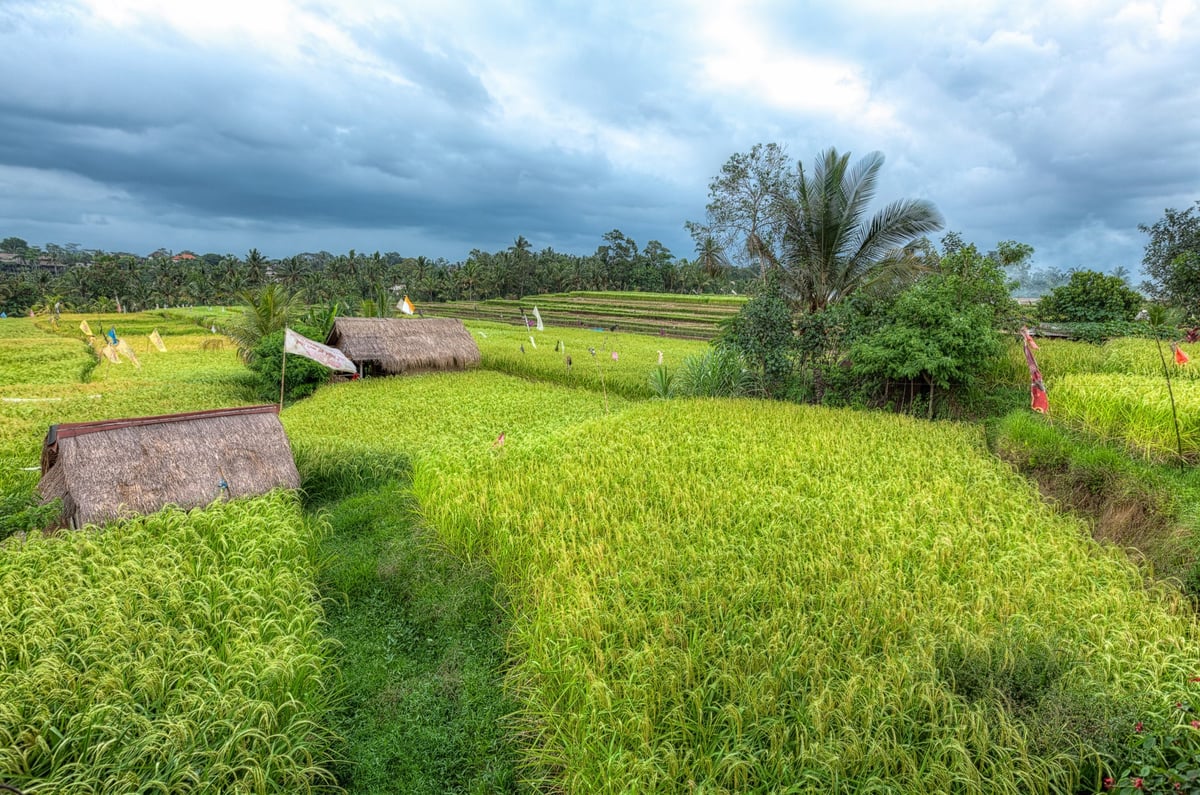
Color Efex Pro 4 is one of my favorite photo editing programs in the Nik Collection. A software collection that gives you quick and easy control of photo manipulation without any advanced photo editing knowledge.
NIK Color Efex Pro Review

Initial Thoughts
When I first picked up this program, I didn’t really like it much. I didn’t like having to leave Lightroom to alter my photos. It added steps in my workflow and created additional tiff files of each photo, which were huge. Plus, it was slow and required a lot of RAM. I felt it was really just a program of filters, most of which can only be achieved if you know Lightroom or Photoshop very well. So, I hardly used it.
Then I went through this phase where I really wanted a few looks with my photos, but I could not figure out how to get them with Lightroom and Photoshop. So I started playing around with Nik’s Color Efex Pro and its various filters a lot more. That’s when I discovered its power.
It’s now a staple software I use on almost all of my photos. Here is why.
The Recipes
The most powerful feature of Color Efex Pro is, by far, its recipes. You can create and save different combinations of filters and their settings to form custom looks that you can use over and over. So now there are certain styles and looks I have in my night photos or my Landscape photos. All of these use similar filters and settings I’ve built that work for what I want.
My Workflow
So now my workflow goes something like this. Adjust the lens profiles in Lightroom, clean up the photo a little bit, and export for Color Efex Pro 4. I load up some of my custom recipes until I find the one I like. From there, do a few tweaks. Export it back to Lightroom for final color or sharpness, which I sometimes do in Photoshop. My HDR workflow is a little different. It always creates the HDR file before going into Color Efex Pro.
The Cross Balance Filter
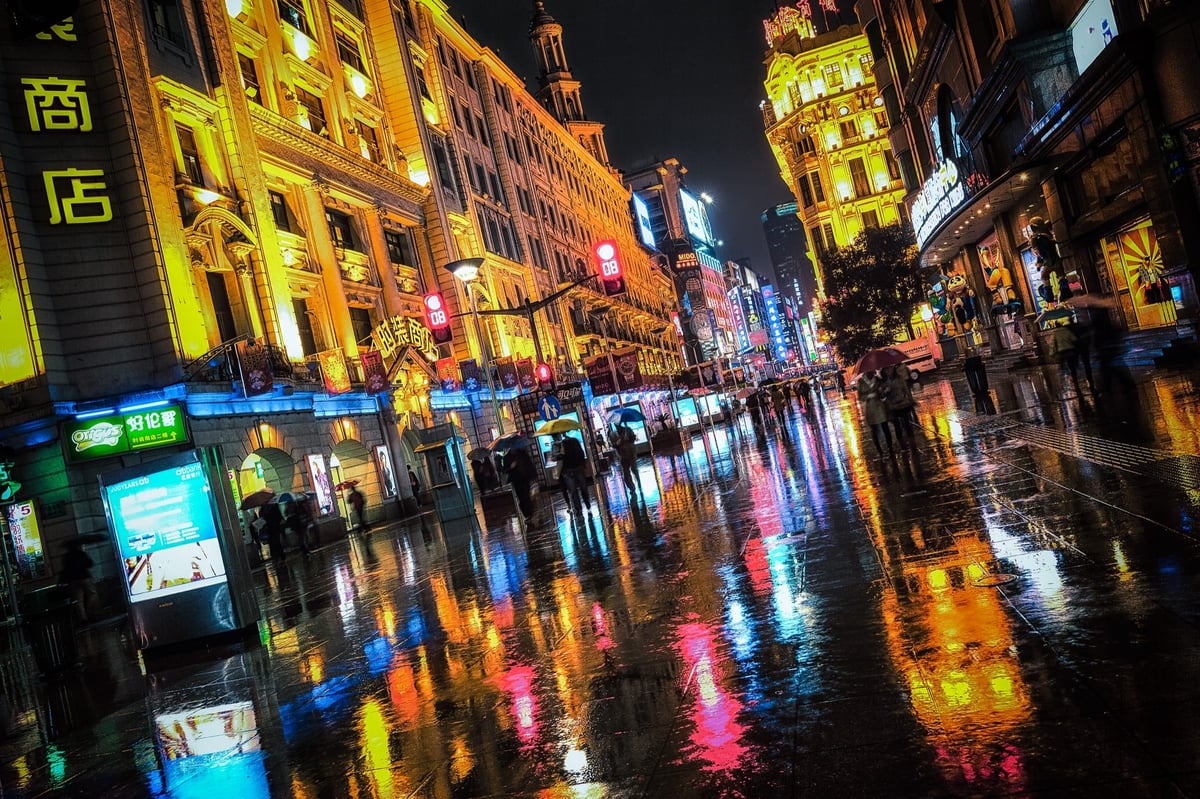
This filter has an interesting way of creating Tungsten to Daylight or vice versa. It has a few different tools to create a cool look that I like for my night city photos.
The Detail Extractor
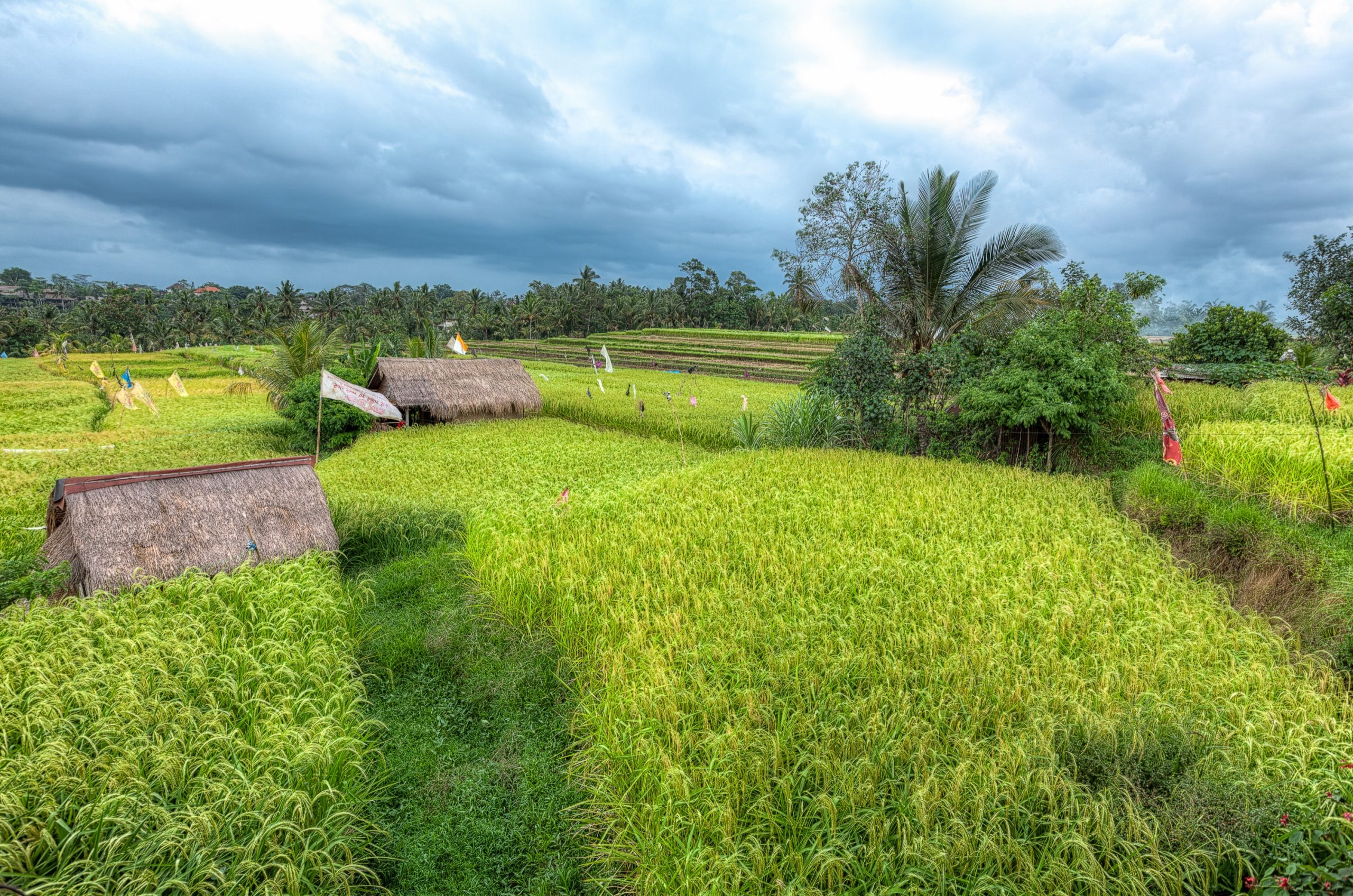
This filter pulls out detail. It has a few great settings to refine and give you the look you want, which is why many of my photos look so crisp.
The Sunlight Filter
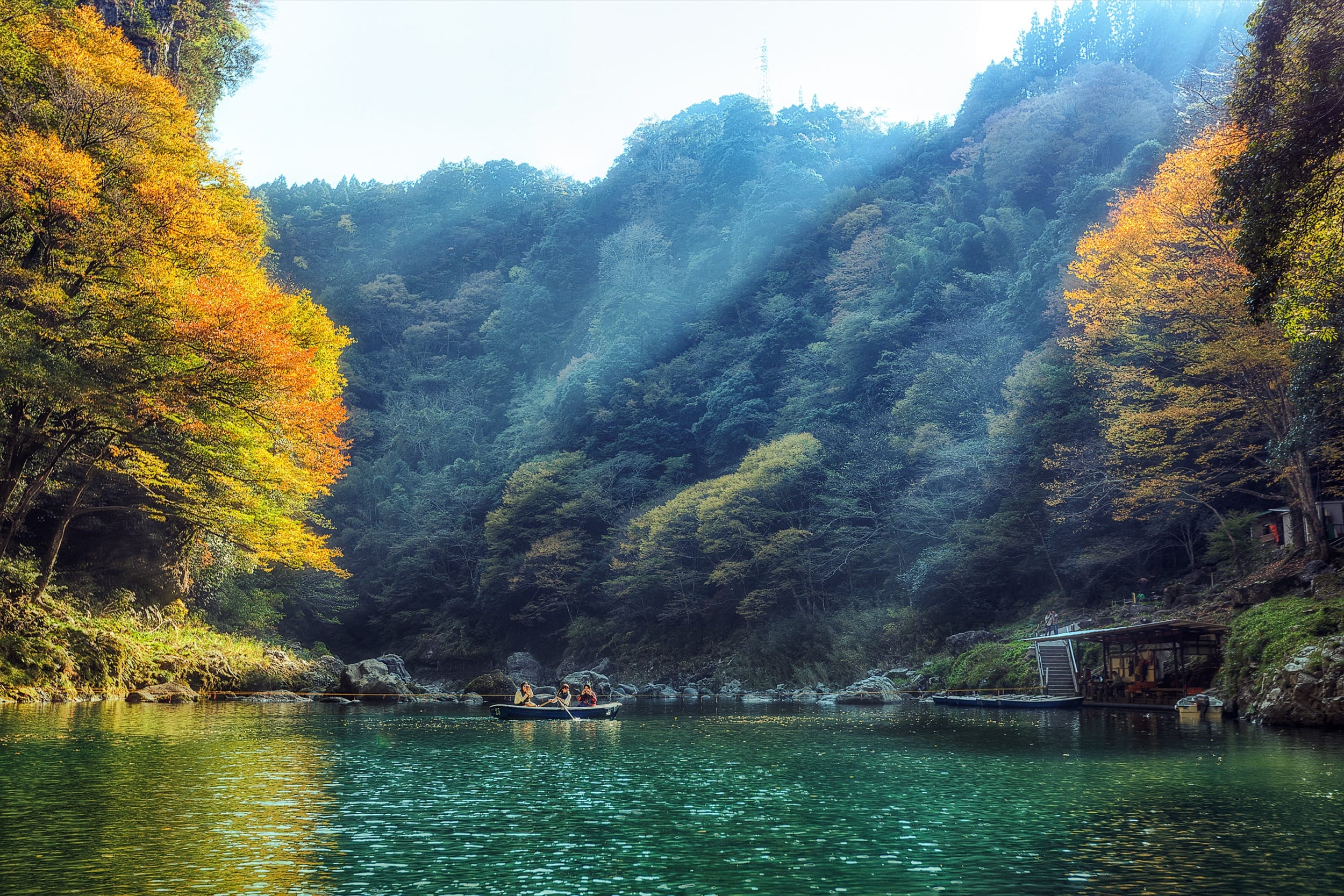
I would like to use this one in my landscape. It can add a nice warmth-like glow to the photo, making the overall mood of the image feel a bit brighter and alive.
Filters I Use Regularly
Cross Process
Gives you that shifted colors look.
Vintage
It can be used to shift the colors or create an old film look.
Pro Contrast
Amazing contrast tool. I could do a full several-page post just about how great this tool is and what it does. You’ll just have to play with it.
Bi-Color User Defined
Adds color gradients to your photos.
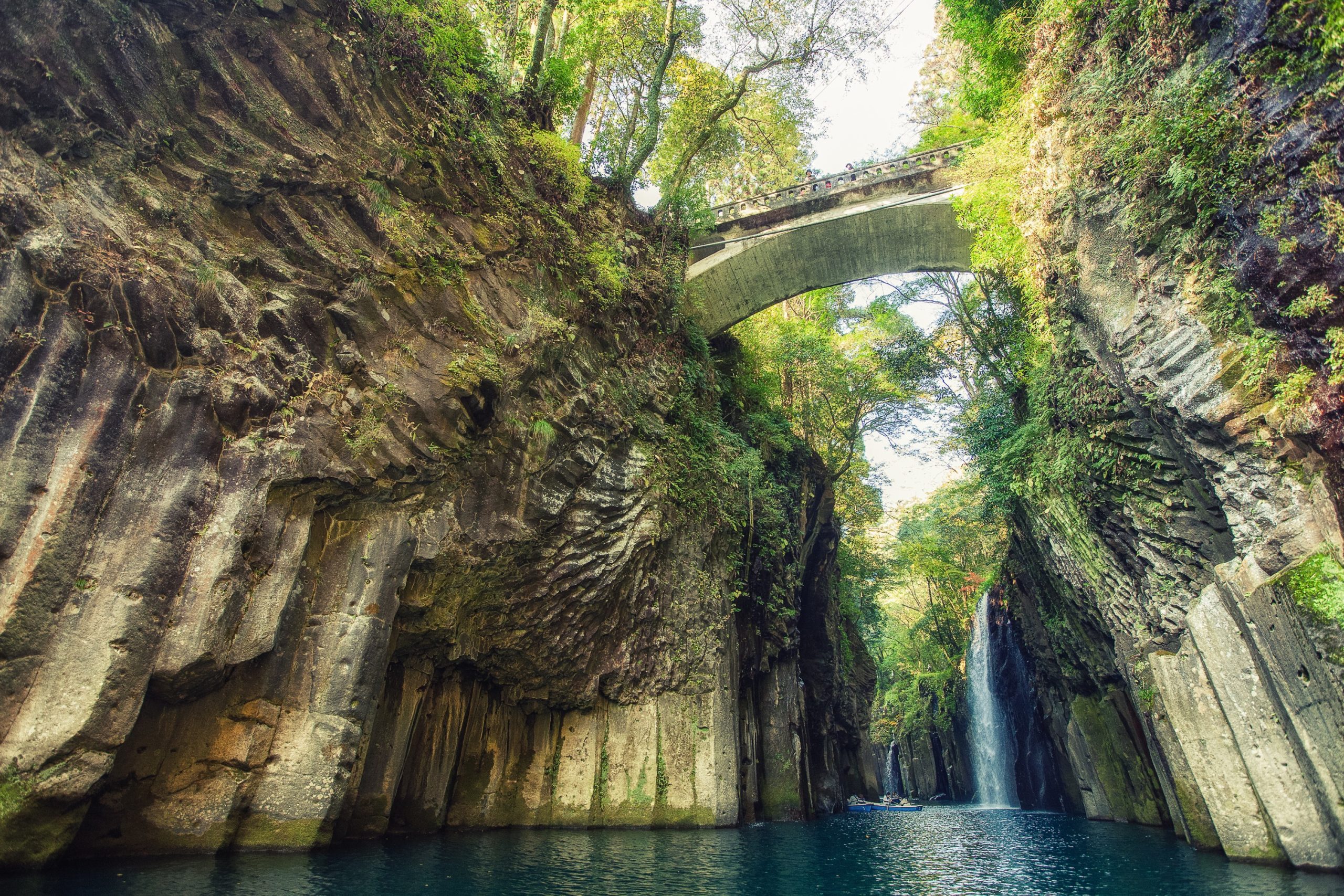
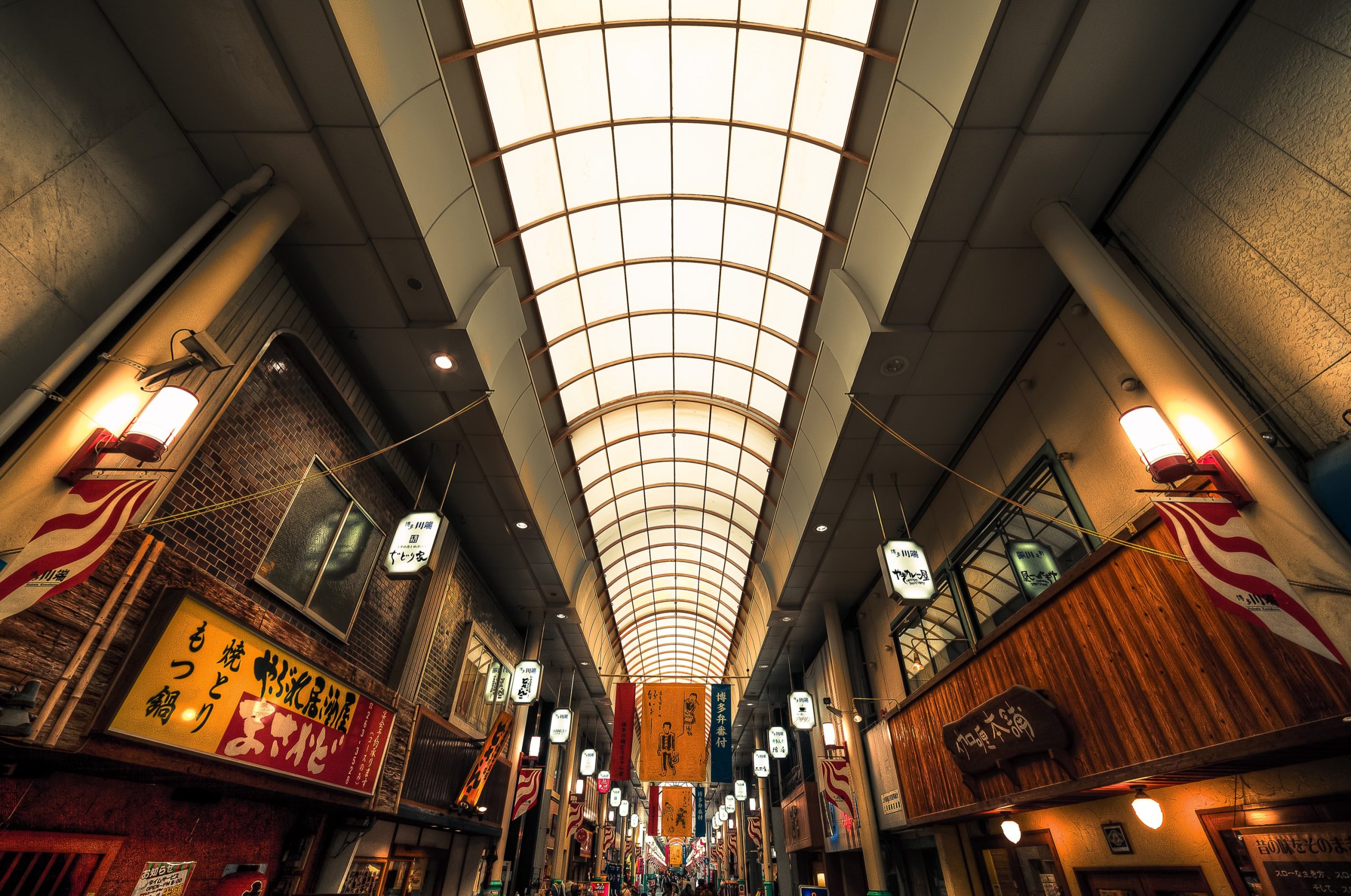
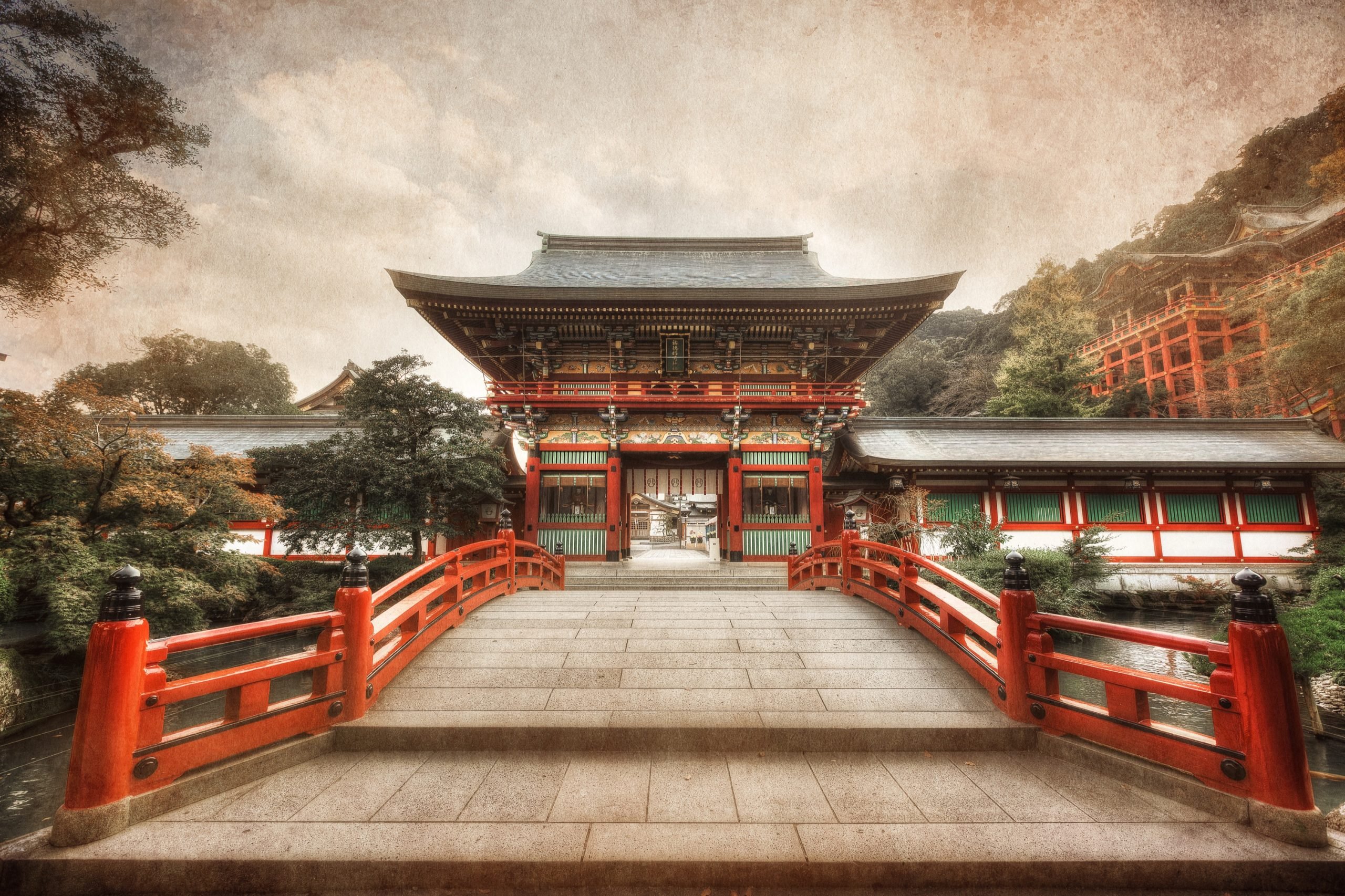
Color Efex Pro | Sample Photos













Leave a Reply