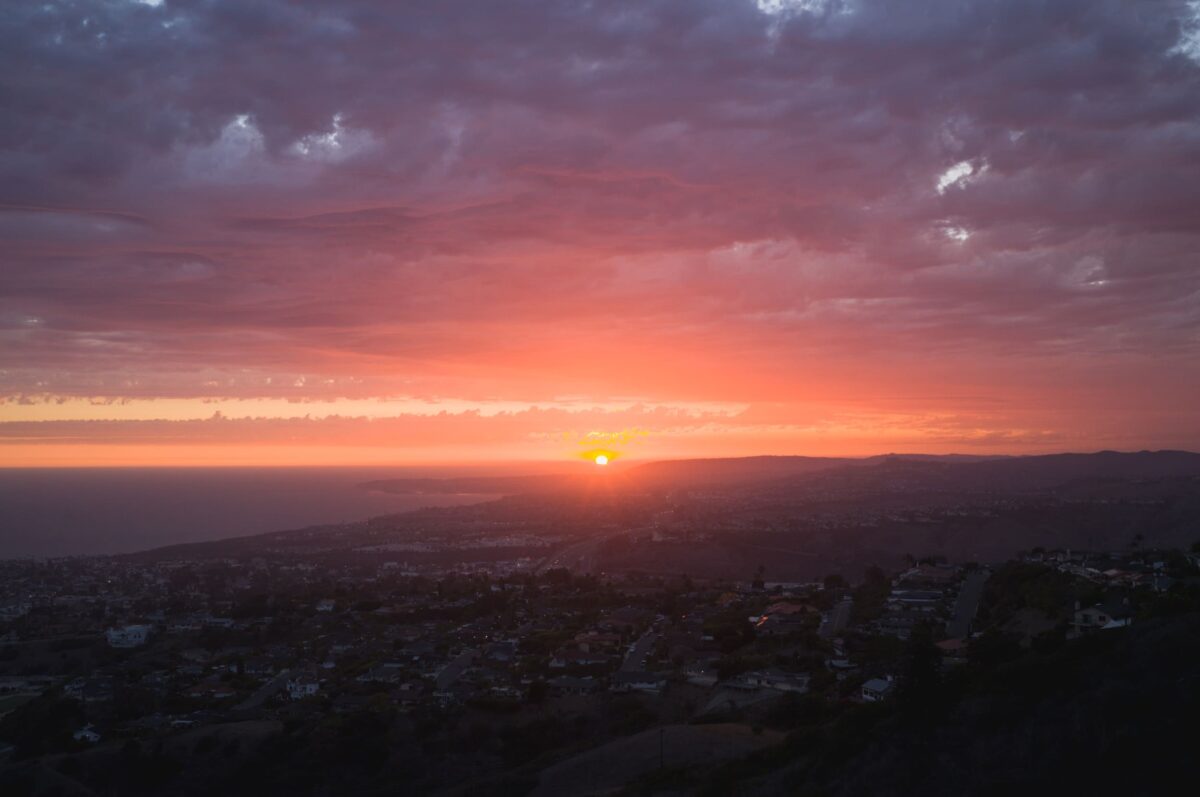

When editing my photos I always like to tweak the colors with the curves tool. I found the if you build an S curve within the colors channel, you can get the same contrast from the standard luminance curve as long as all the colors match up perfectly.
For years I would always build these curves in the different color channels to match manually which was always extremely difficult and tedious. Then one day I was poking around in some preset files and found I can edit the values manually to make the colors curves all perfectly line up and it’s super easy.
This allows me to move the standard luminance S-curve that I build into the color channels and then I still have a luminance curve that was free to use however I wanted for fades, extra contrast tweaks, etc. It ends up allowing me to have two curves tools in one. Not just that, editing the colors on an S-curve in the individual channels also looks a little nicer and is easier to manage.
| **This website contains affiliate links. We will earn a small commission on purchases made through these links. Some of the links used in these articles will direct you to Amazon. As an Amazon Associate, I earn from qualifying purchases. |







Nice work!