
For the last few years, Fujifilm has been on a tear when it comes to releasing new film simulators. Some of these are great and very useful, and some are just so-so.
Recently, (September 2023) Fujifilm released Reala Ace with its GFX 100 II camera, which I think is one of the best Fujifilm Film Simulators so far.
Based on colors, it’s very similar to Provia, except it softens the shadows a little and adds a bit of contrast to the mids and highlights, essentially giving Provia a bit more punch. I’m finding it really useful and I even love using it as the base look for my Presets, even more so than Classic Chrome which I also used to love for general-purpose photography.
In this test, I wanted to take a look at Reala Ace and how Lightroom handles the look. Previously in older versions of Lightroom or at least with the X-Trans sensors, sometimes there was quite a bit of a shift between the JPGs the camera was giving us and what the RAW files with the Lightroom profile would give.
I’m not sure if it’s the Bayer Sensor on the GFX100 II or if it’s just that Lightroom has improved over the years with color (it has) but the color matching is almost identical with the out-of-camera JPG and the built-in Profiles we see in Lightroom. The only time I see slight shifts is when I push exposure a little in-camera vs just lifting exposure in Lightroom.
Here are a few samples to look at.
RAW vs JPG with REALA ACE
Here are a few different samples comparing the RAW output with Reala Ace applied as a Profile in Lightroom, compared to the JPG output from the GFX100 II.
This shot has a +1EV applied with camera settings and I added +1 to exposure in Lightroom. The JPG (On The Right) has a slight extra lift to the shadows it looks like.

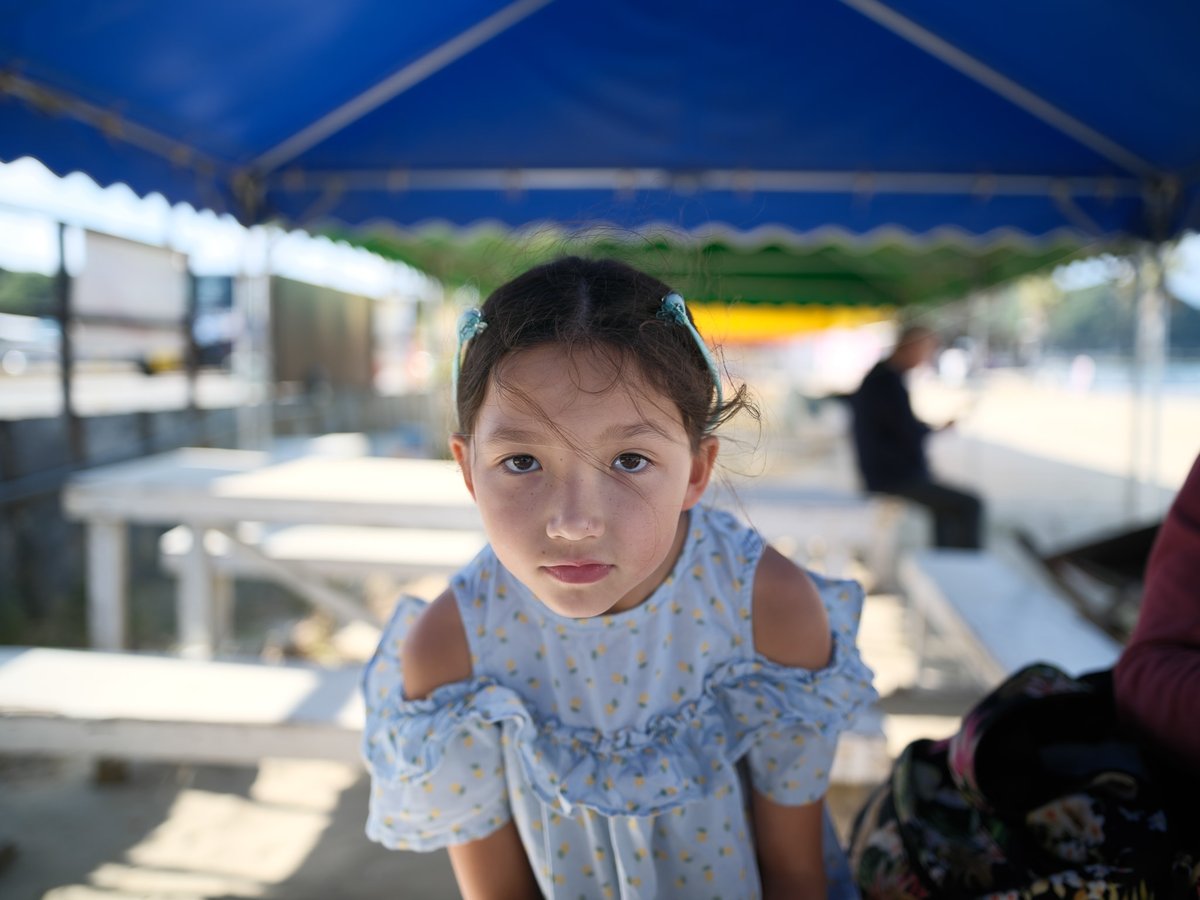
This is a standard exposure with no lift in post.


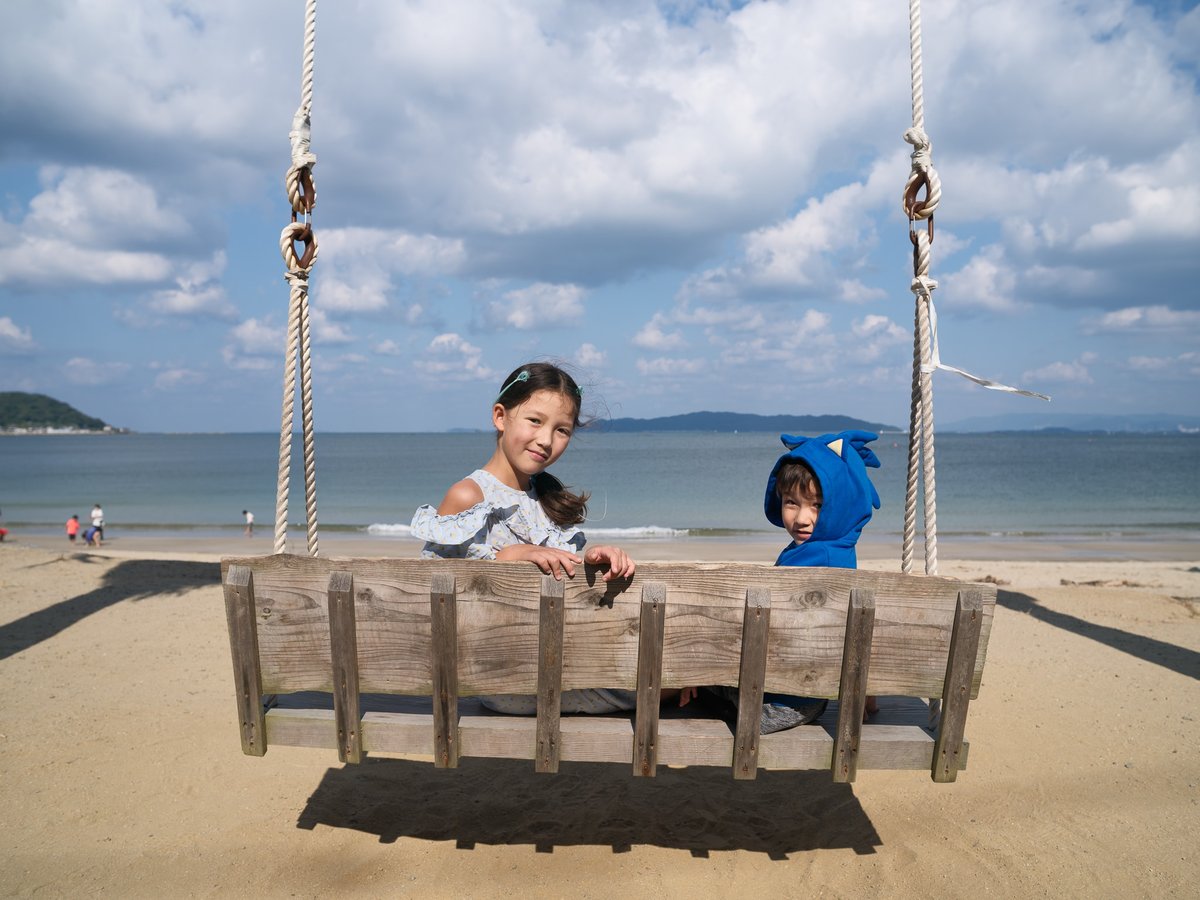
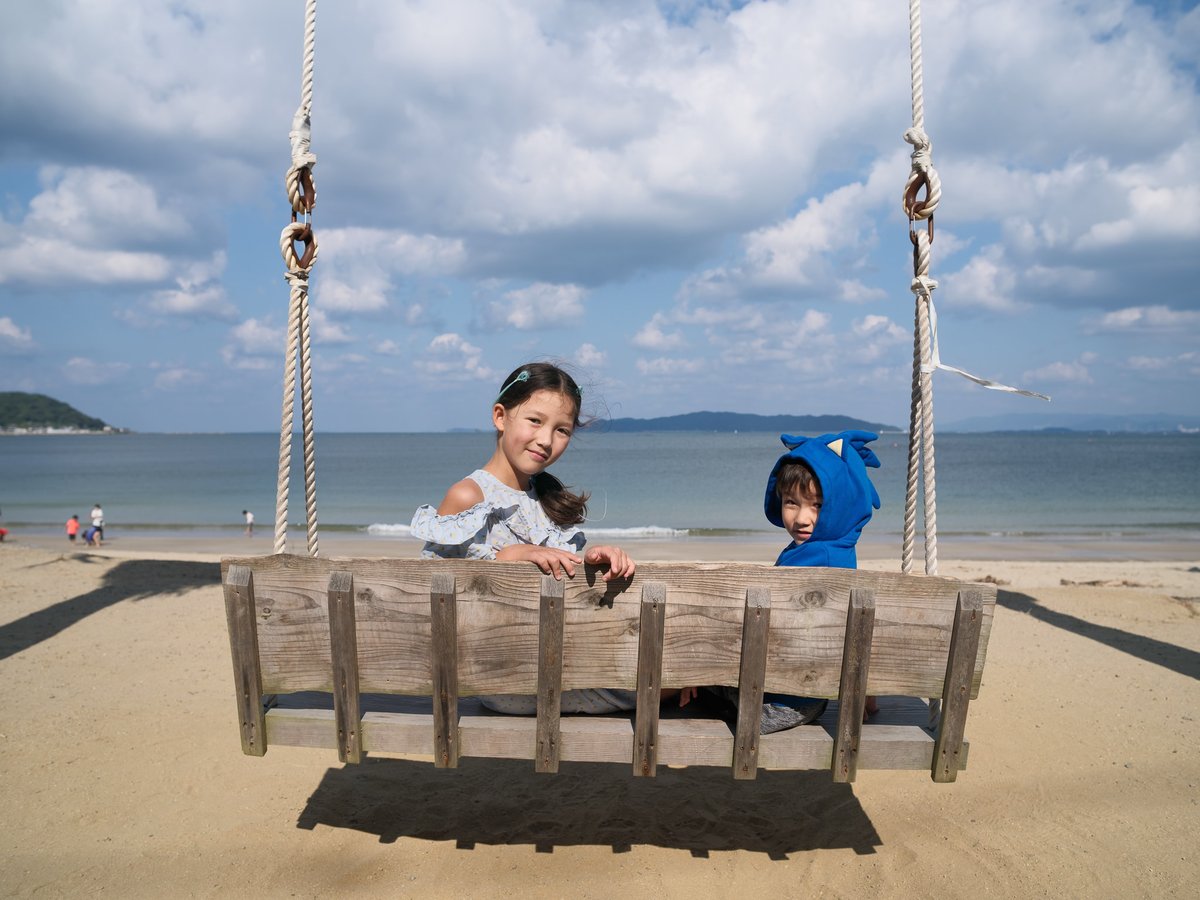
Summing up what REALA ACE is – In Lightroom, It looks like Provia with about a +15 Clarity then some smoothing of the shadows like a +5 to blacks with some softer highlights. It’s a little difficult to simulate exactly. It also looks like there is a baked-in color chrome blue effect.
Different Color Effects On Reala Ace
Let’s look at the different color effects for Reala Ace. This includes Color Chrome, Color Chrome Blue, and Soft Skin.
REALA ACE Color Chrome Strong
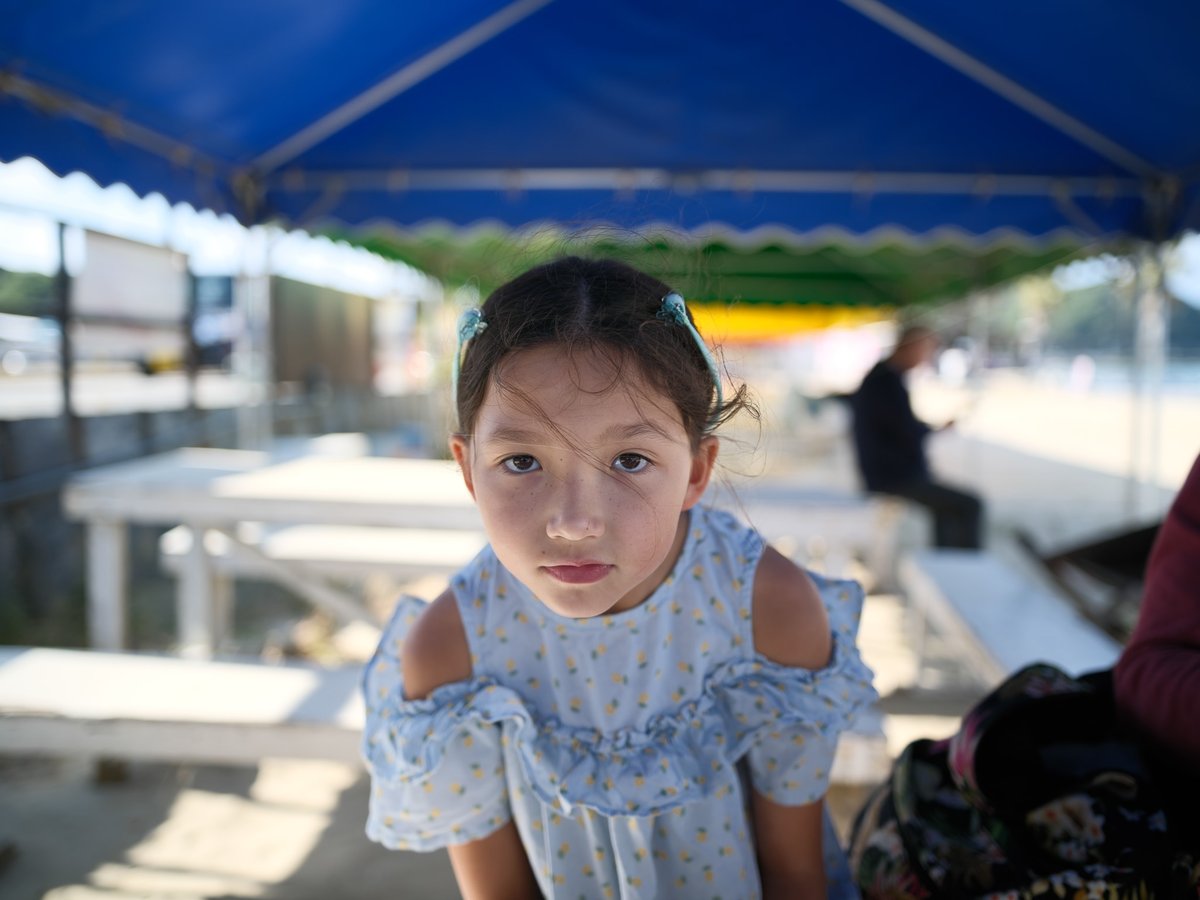
I never realized until doing this comparison, but it looks like Color Chrome Strong mostly just boosts greens to magenta/purples while mostly leaving skin tones and blue alone.
REALA ACE Color Chrome Blue Strong
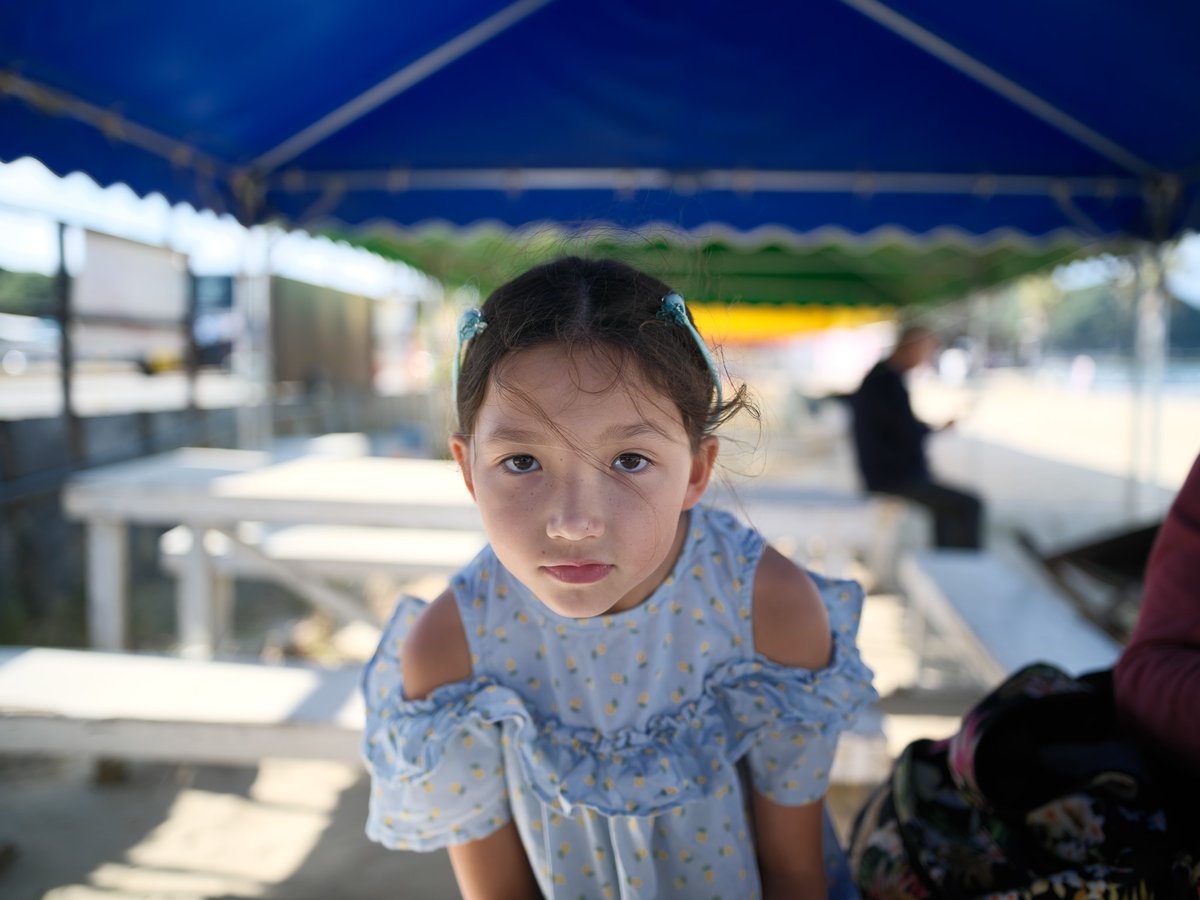
REALA ACE Cholor Chrome Strong + Color Chrome Blue Strong
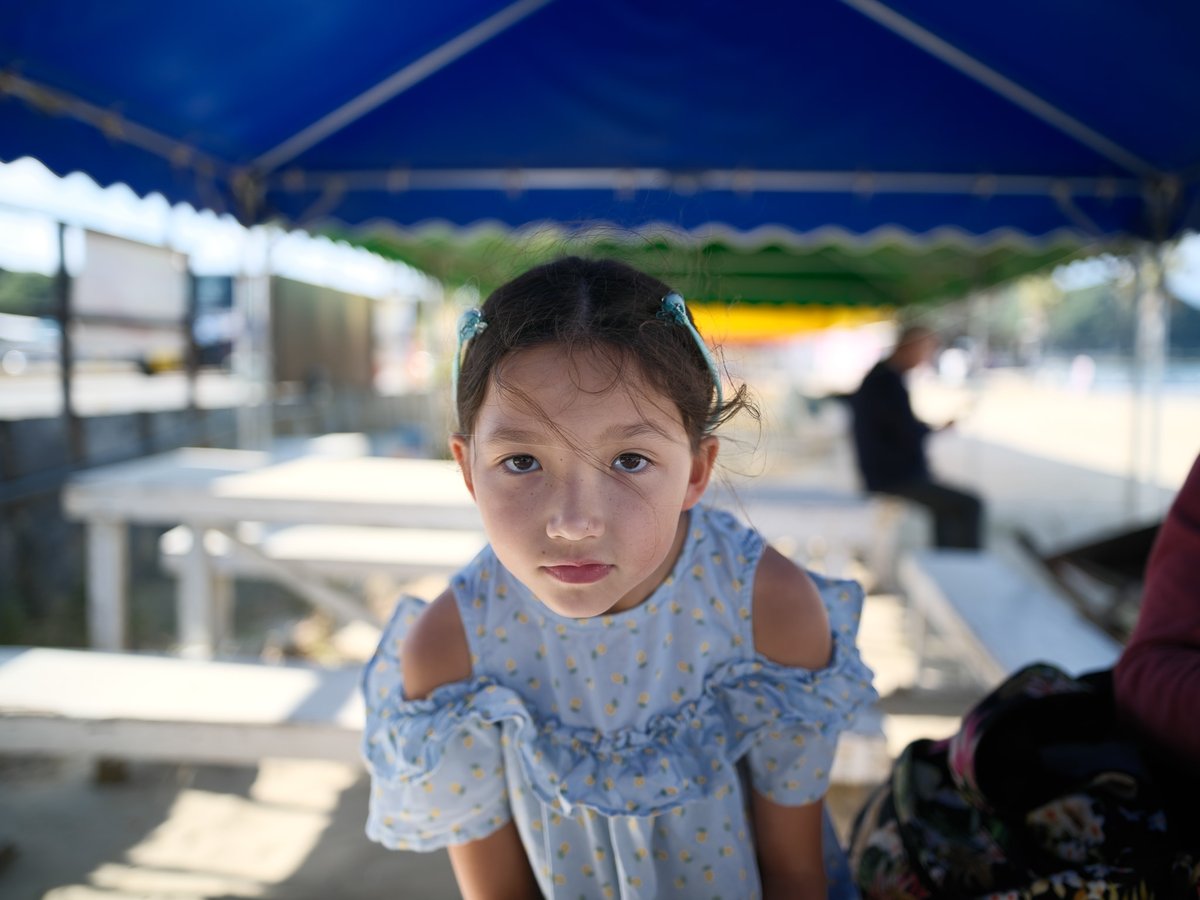
REALA ACE Soft Skin Strong
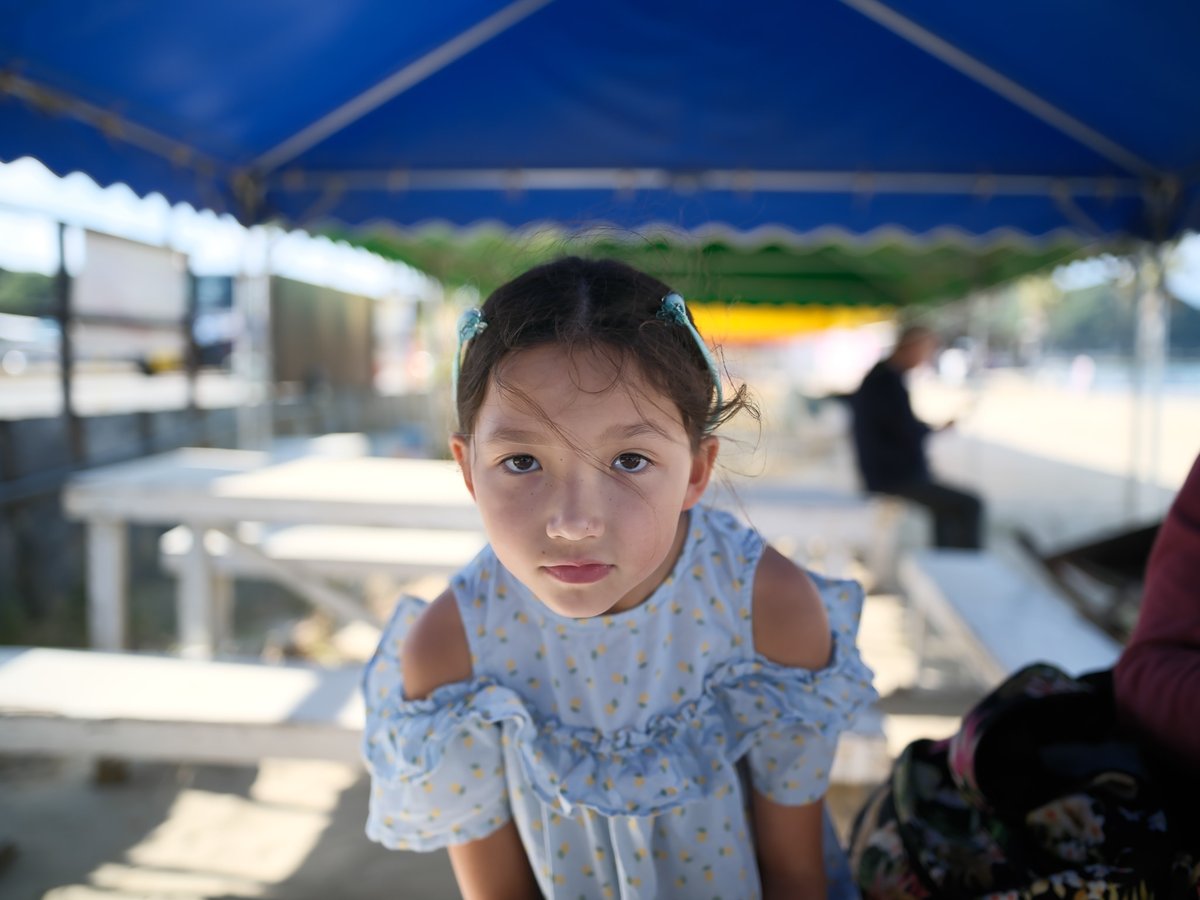
COMPARING REALA ACE TO OTHER FILM SIMULATORS
Here we will compare REALA ACE to a few of the other Film Simulators that have a similar look.
PROVIA VS REALA ACE
This look feels the most like Provia over any other looks, except it has a bit more punch to it, compared to Classic Neg looks which always felt a bit flatter which I never used much except for when product shots.
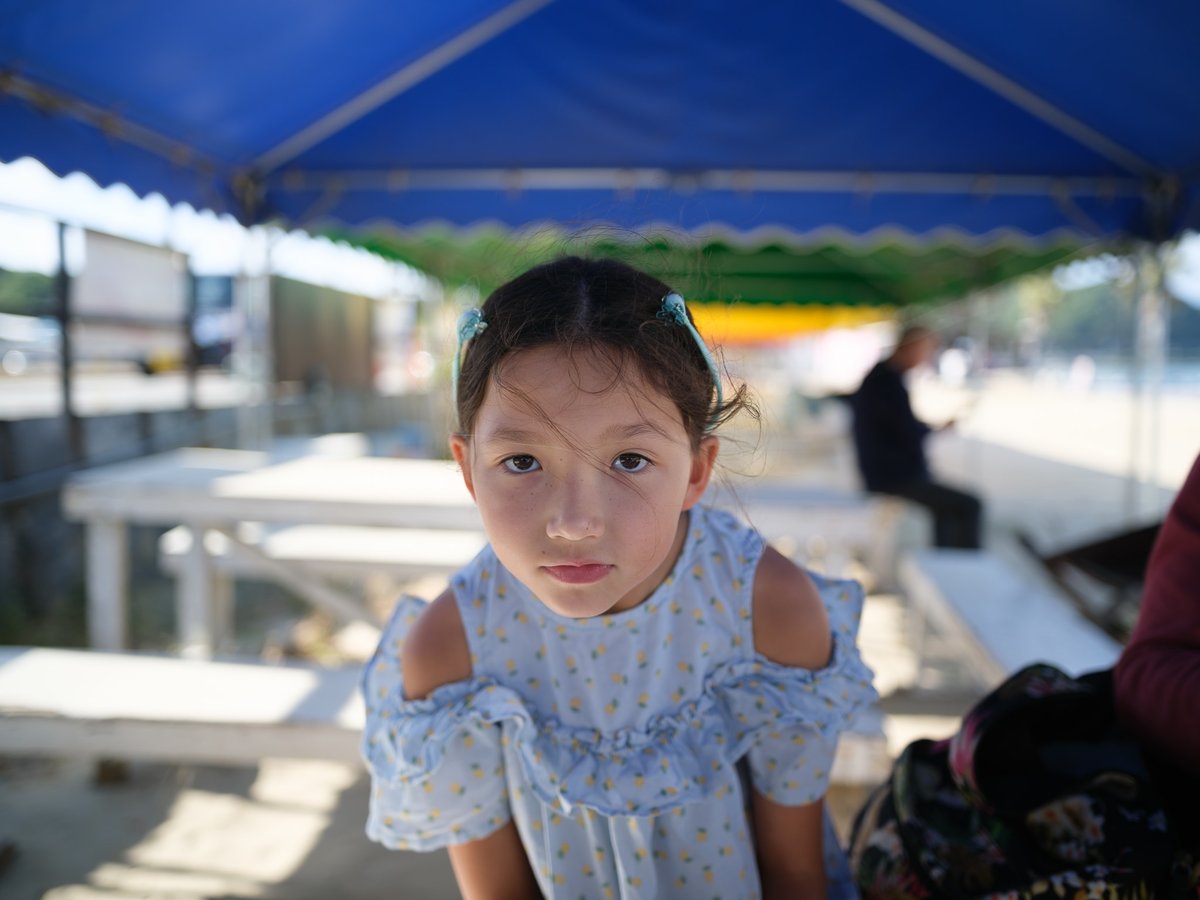
Here is a different scene comparing Provia vs Reala Ace.


CLASSIC CHROME vs REALA ACE
Classic Chrome has been a Fuji Fan favorite for years and is still one of their best looks.

NOSTALGIC NEG vs REALA ACE
Nostalgia Neg is another fairly new look that has a similar tonal curve to Reala Ace except it adds a bit of warmth.

REALA ACE THE NEW GOAT
My favorite Fujifilm Film Simulators have been Classic Chrome, Provia, and Astia. Those are what I almost always use before applying presets to any images I have. However, I’ve absolutely loved editing Reala Ace. It’s easily now one of the best Film Simulators Fujifilm has and I can’t wait to see what other photographers do with it when building Fujifilm Recipies.
Here are a few samples I’ve shot with The GFX 100 II using the Contax645 Zeiss Distagon 45mm f2.8 (one of the best lenses I’ve ever used) and the Zeiss Planar 80mm f2 using the Kipon 645 to GFX Focal Reducer that I edited using my presets. I’ll post more on this setup in the future, but you can see the kit I’m using here on Kipon.com
I have a lot more samples but I’m saving them for some upcoming reviews on the gear listed above. Here are my Latest Presets. I think I was mostly using the base CORE IV look on most of these.



















Leave a Reply