
When shooting Bodie, a ghost town high in the Sierras of California, I had my ten-month-old baby with me, and I needed to get some shots quickly without thinking about it. It was also 94 degrees outside and somehow raining on and off. I felt that bracketing shots was a good approach to getting an interesting take on this crazy California ghost town. I was so confident in the X-Pro 2 to do this that I even left my A7rII in my car, hidden, of course.
With the new +-2EV bracketing, HDR on the X-Pro 2 is a lot of fun and much easier.
So, how do you shoot HDR on the X-Pro 2?
Shooting HDR on the X-Pro 2 has never been easier. Setting up the camera is probably the quickest of any camera I’ve ever used. All you need to do is select the button above the menu to alternate between your drive modes (at least, that’s how I set it). Then, with the Q menu, you can set the countdown timer if needed, and you’re ready to go. It takes me two seconds to punch in and out of the HDR bracketing settings on the X-Pro 2. I love it.
Last week, I went to Bodie, so I figured this would be the perfect place to shoot some of that classic tone-mapped HDR photography we’re all used to seeing when we hear those three letters . . . HDR.
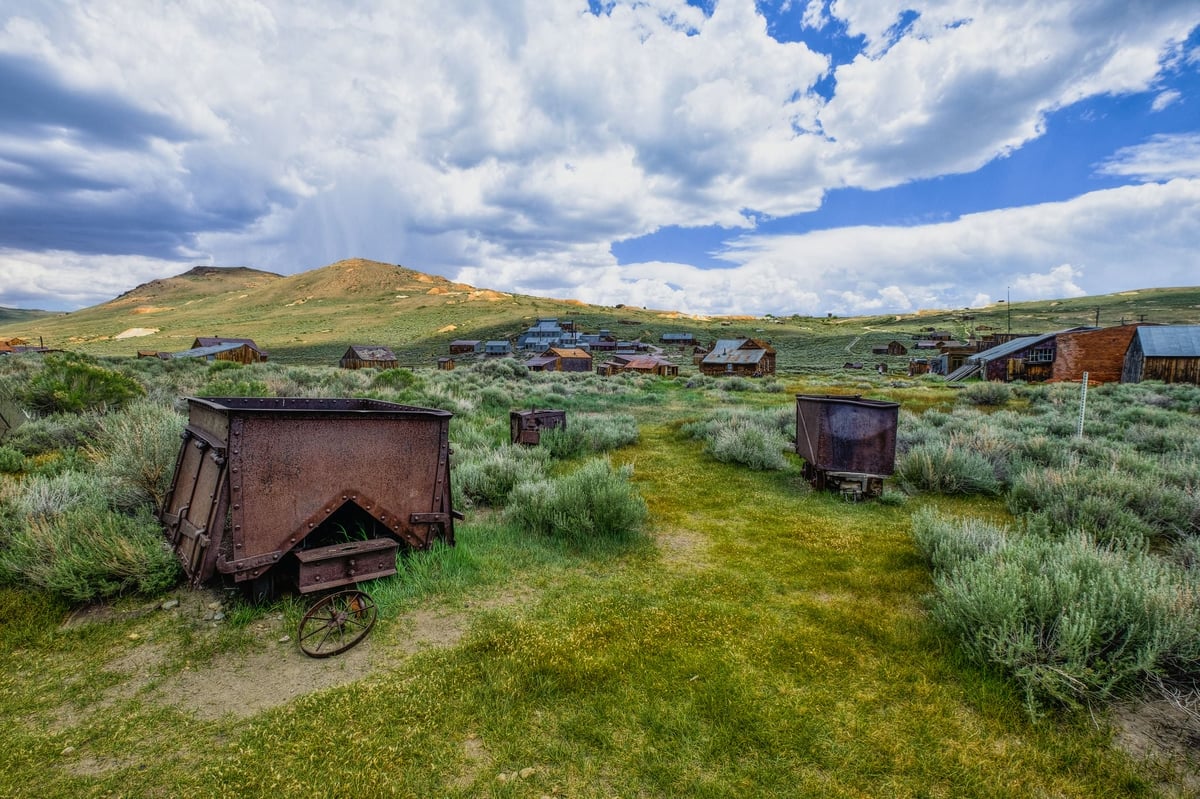
Fujinon 10-24mm f4 @10mm – ISO 200, f8, 1/450+-2
The HDR Method
For most of these shots, I bracketed +-2 EV with the camera on a tripod and a countdown timer of 2 seconds. The exception is the last shot, which was a single exposure.
For the processing techniques, I first used Lightroom to set the color profile to Velvia. I then went through a few of my Photomatix Presets until I found one that came close to what I wanted, tweaked it a bit, and then saved it. From there, I adjusted a little bit more in Lightroom or Photoshop, and that was it. No fancy tricks.
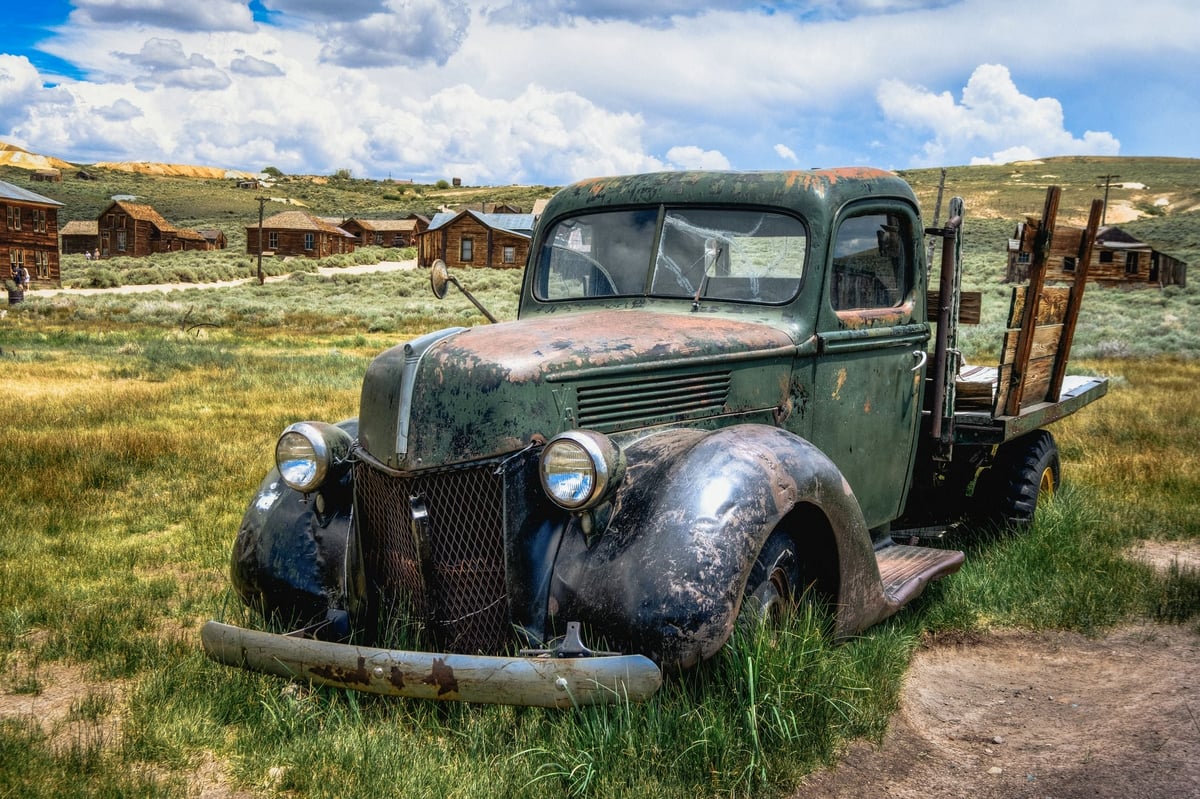
Fujinon 10-24mm f4 @23mm – ISO 200, f8, 1/350+-2
This isn’t Bodie, but I shot it just outside of Bodie near June Lake.
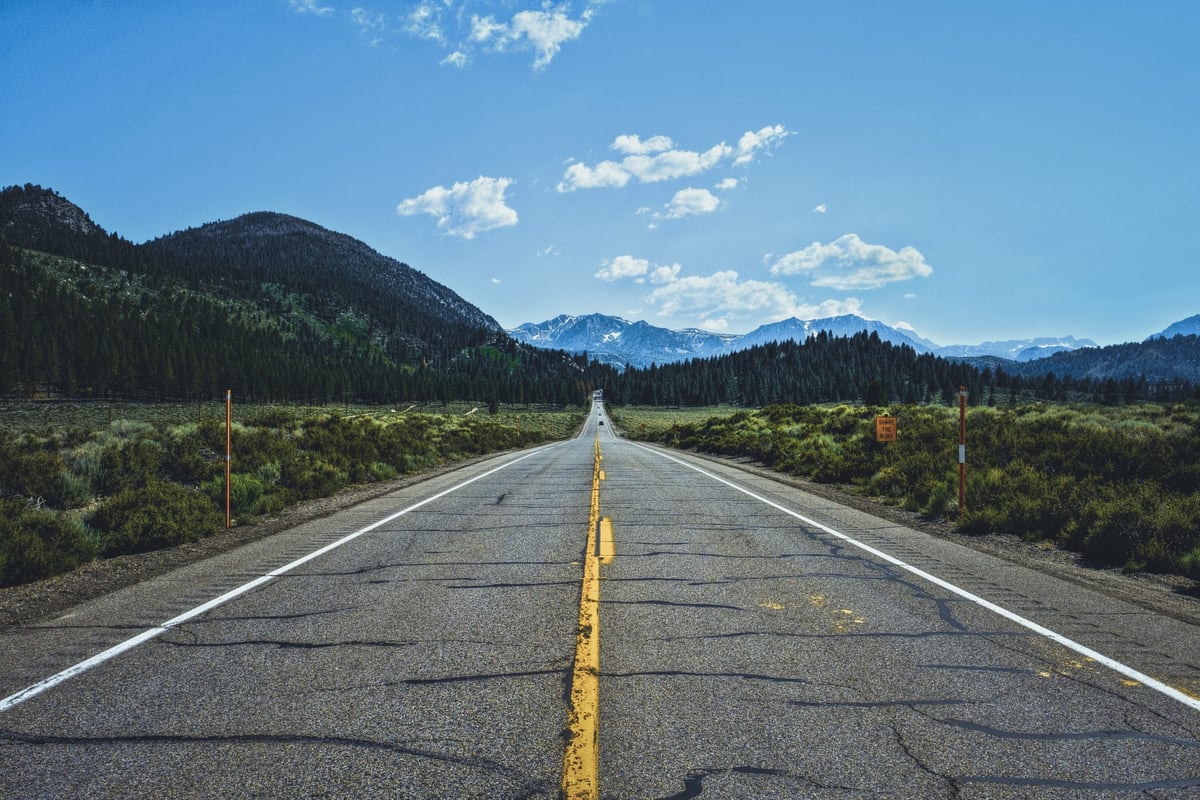
Fujinon 16mm – ISO 400, f8, 1/650
The Bottom Line
I know HDR photography has a bad reputation because of all the bad HDR out there, but it’s still a very fun way to add a little flavor to our travel photography, and now it’s easier than ever on the X-Pro 2.
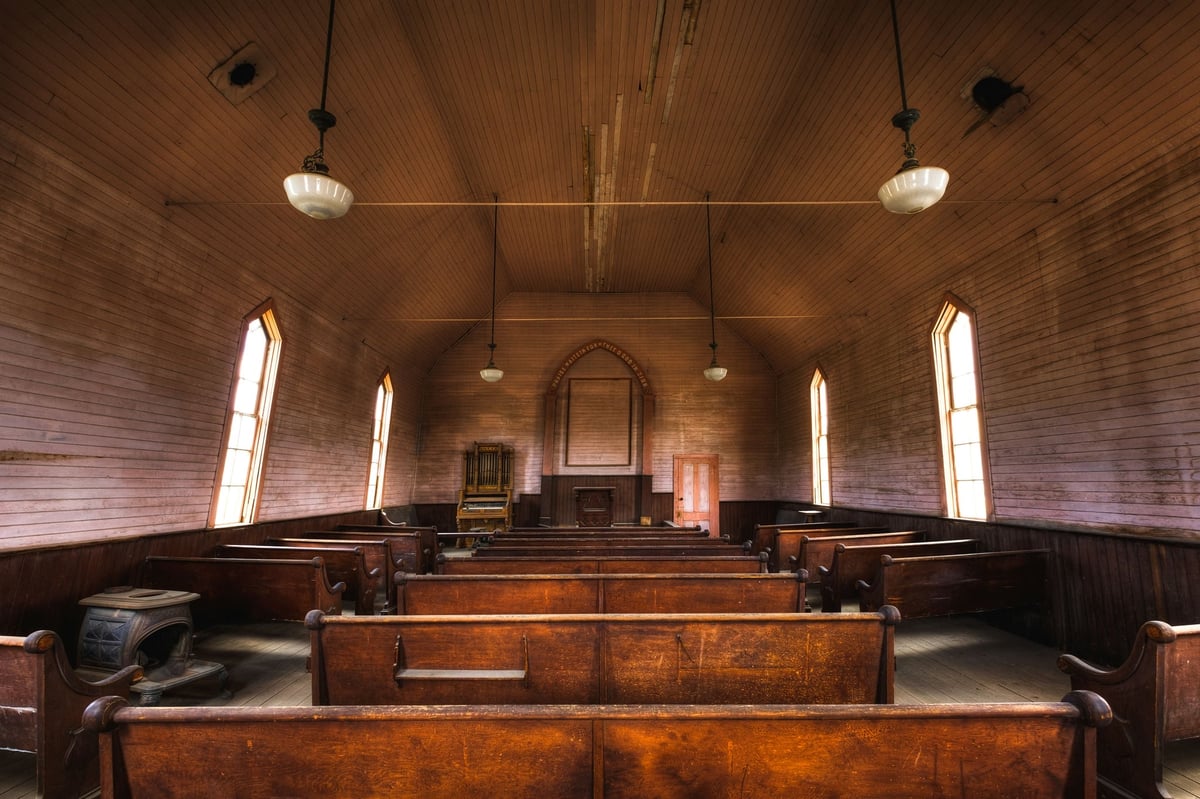















Leave a Reply