
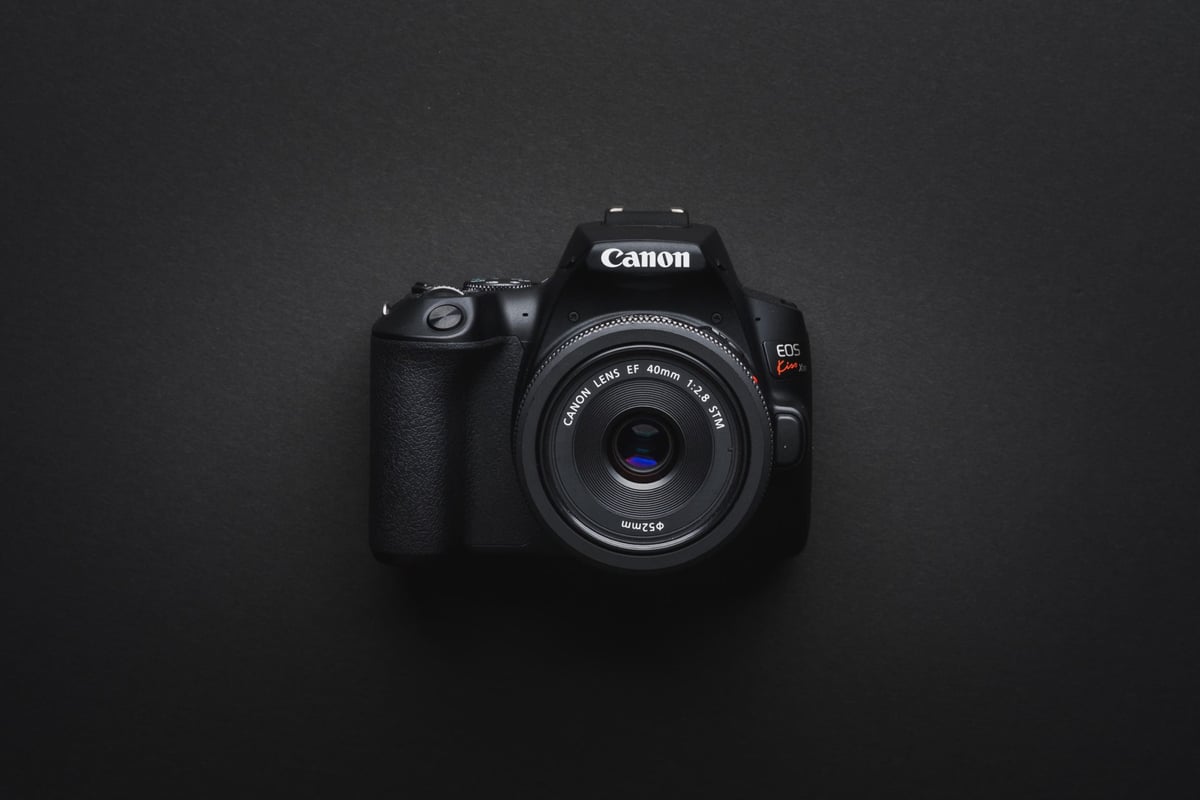
This in-camera speed test compares all the most popular memory cards for the Canon SL3. These are our recommended SD memory cards for the Canon SL3, EOS 250D, also known as the Kiss X10.
Recommended SD Cards
Here are the top-performing or fastest sd cards from the brands we trust. Any of these cards will work great in the Canon SL3 for photos or 4k video. I’ve also listed the speed at which each card performs in-camera.
| Card Name | In-Camera Speed | Order |
| Sandisk Extreme Pro 200MBs | 65.5MB/s | Amazon |
| Sony Professional U3 | 70.1MB/s | Amazon |
| Transcend U3 | 67.9MB/s | Amazon |
| Delkin Advantage U3 | 63.7MB/s | Amazon |
| Kingston CanvasG1 A1 U3 | 63.0MB/s | Amazon |
In-Camera SD Memory Card Speed Test
Here is a list showing the in-camera speed of each card.
I tested 40 cards, both UHS-II and UHS-I, in the Canon SL3 to see which cards perform the fastest and most reliably.
The test involves shooting burst sequences and measuring the time it takes for the buffer to clear.
Canon SL3 Cameras And Buffer Specs
| Sensor: 24.1MP APS-C CMOS Sensor Processor: DIGIC 8 Image Processor Screen: 3.0″ 1.04m-Dot Vari-Angle Touchscreen Video: 4K24p What Is The Bitrate? 120Mbps What Kind Of Memory Card? Single UHS-I Continuous Shoot: 5fps How Big Is The Buffer? 256MB How Many Shots TO Fill The Buffer? 15 ( Sony Professional U3 64GB ) How Long To Clear The Buffer? 2:47 |
Also, check out my list of Accessories for the Canon SL3
What Size Memory Card To Buy, Canon SL3
I typically find 64GB cards perfect for my shooting style. I mostly shoot photos with a little bit of video here and there. It’s enough to go a day or two without emptying your card, just in case you’re traveling for a weekend or something and don’t have a laptop.
For those shooting video here are some bitrate numbers and shoot durations.
Canon SL3 / 250D video bitrate
4k 24p bitrate: 120Mbps
1080 FHD: 60fps 60Mbps or 30fps 30Mbps
Canon SL3 Video Bitrate Record Time Chart
| Record Times | 32GB | 64GB | 128GB | 256GB |
| 4k 120Mbps | 38min | 71min | 142min | 284min |
| 1080p 60Mbps | 71min | 142min | 284min | 569min |
| 1080p 30Mbps | 142min | 284min | 569min | 1138min |
Best Memory Cards For 4k Video Canon SL3
Canon cameras are usually known for their good bitrate, it’s the one thing they don’t skimp on so you will want at least a card that is rated for U3. This will give you a minimum write speed of 30MB/s, which is more than enough to handle what the SL3 can put out.
While some U1 cards will work in the SL3, I wouldn’t recommend them. The SL3 does not have a very large buffer, so it won’t be able to catch any hiccups in a poor-performing memory card. Be sure to grab a decent card if the video will be a focus. Grab one of the cheaper UHS-II cards, like the Lexar 1000x, for quick transfer speeds from your card to your computer, assuming you have a UHS-I card reader.
Key Takeaways
The SL3 does a really good job of clearing that buffer quickly with UHS-I cards, but the buffer isn’t very large. A quick card can make a difference here, and the camera will feel much more responsive and ready to go after each burst.
Most cards from the big brands are pretty good these days; I haven’t really seen any serious issues or bad production runs.
Stick with the higher-end UHS-I cards that are at least U3 or v30, and you’ll have a very good setup that will be able to handle anything you throw at it.













Leave a Reply