
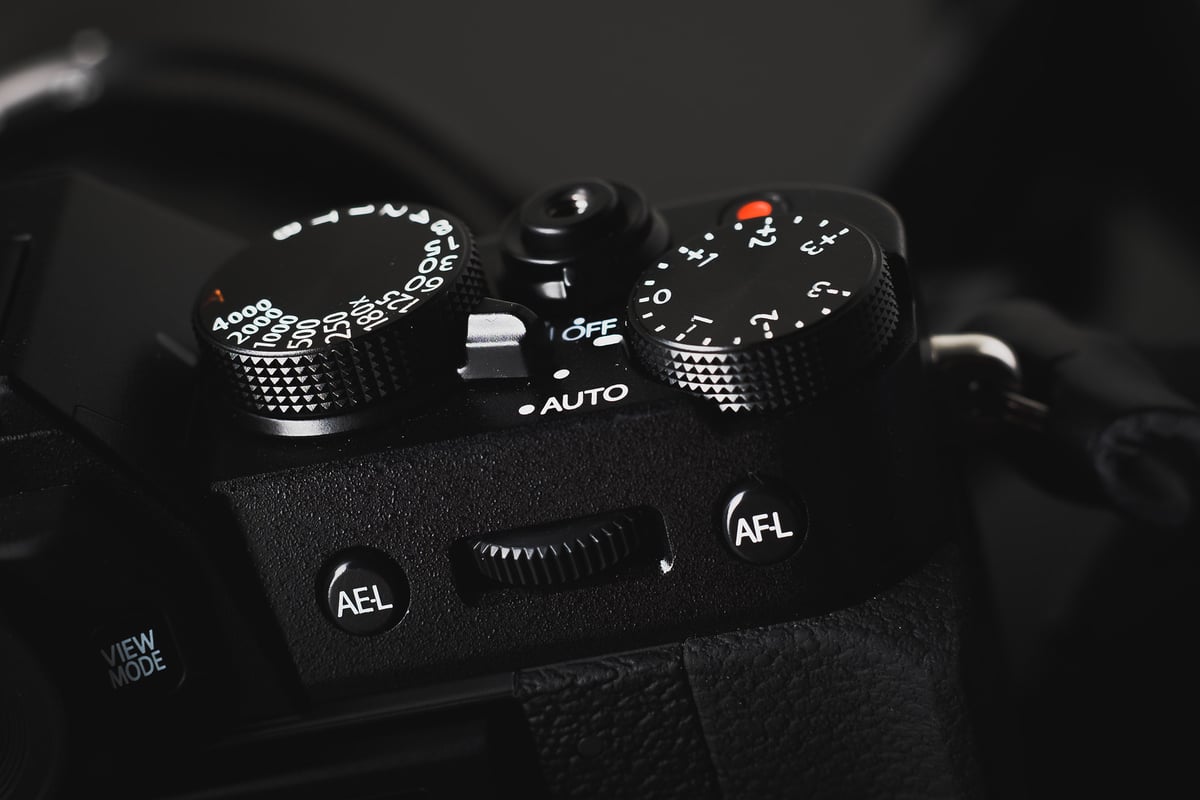
An in-camera comparison between all the most popular SD memory cards and how they perform in the X-T20.
While memory card performance is great with most cards in the X-T20, there are a few clear winners, or I should say, “best cards.”
Recommended SD Memory Cards For The X-T20
Like most of the mid-range Fujifilm cameras, the Fujifilm X-T20 features a single UHS-I SD memory card slot. Some of my favorite brands that have consistently worked well with Fujifilm cameras over the years are SanDisk, Lexar, and Kingston. Toshiba and Transcend are generally good as well. PNY can be hit-or-miss, but lately they’ve been very good.
Here are some of my favorite SD memory cards that are available today.
| UHS-I U3 SD Memory Cards | Tested USB Write | Tested USB Read | Links |
|---|---|---|---|
| Sandisk Extreme Pro 32GB-1TB | 137 | 175 | Amazon / B&H |
| Sandisk Extreme 256GB | 126 | 175 | Amazon / B&H |
| Kingston CanvasGo! 128/256/512GB/1TB | 124 | 161 | Amazon / B&H |
| Lexar SILVER Plus 128-256GB | 166 | 177 | Amazon |
| Transcend Ultra 340s A2 128/256/512GB | 90 | 148 | Amazon / B&H |
Fujifilm X-T20 Speed and Buffer Tests
Unlike the X100F, I actually didn’t have any problems while testing memory cards in the X-T20. It performed flawlessly with all cards.
All USB 3.0 tests were performed using CrystalDiskMark on Windows 10 with the Lexar SR2.
| SD Memory Cards | USB 3.0 R | USB 3.0 W | Fuji X-T20 |
| UHS-II | |||
| Lexar 2000x | 272.7 MB/s | 244.5 MB/s | 67.03 MB/s |
| Toshiba Exceria Pro | 258.8 MB/s | 226.5 MB/s | 66.33 MB/s |
| Delkin V90 | 245.1 MB/s | 164.6 MB/s | 66.25 MB/s |
| SanDisk Extreme Pro 300 | 263.2 MB/s | 233.4 MB/s | 65.72 MB/s |
| Transcend | 290.2 MB/s | 182.1 MB/s | 64.42 MB/s |
| Sony M | 253.2 MB/s | 91.62 MB/s | 62.56 MB/s |
| Delkin 1900X v60 | 273.3 MB/s | 97.3 MB/s | 59.62 MB/s |
| Lexar 1000x | 147.4 MB/s | 78.4 MB/s | 55.87 MB/s |
| SanDisk Extreme Pro 280 | 260.5 MB/s | 214.8 MB/s | 35.78 MB/s |
| UHS-I | |||
| SanDisk Extreme Pro U3 | 98.6 MB/s | 90.8 MB/s | 66.63 MB/s |
| Kingston U3 | 98.1 MB/s | 90.4 MB/s | 66.00 MB/s |
| Samsung Pro+ U3 | 97.5 MB/s | 87.3 MB/s | 65.00 MB/s |
| Delkin 633x U3 | 98.3 MB/s | 88.7 MB/s | 64.82 MB/s |
| Samsung Pro U1 | 96.3 MB/s | 82.2 MB/s | 63.93 MB/s |
| Samsung Pro U3 | 97.7 MB/s | 78.6 MB/s | 62.83 MB/s |
| Sony U3 – Old Model | 96.5 MB/s | 84.5 MB/s | 61.36 MB/s |
| SanDisk Extreme Plus U3 | 99.0 MB/s | 64.4 MB/s | 55.75 MB/s |
| PNY Elite Performance U1 | 96.5 MB/s | 66.5 MB/s | 53.00 MB/s |
| PNY Elite Performance U3 | 96.5 MB/s | 66.1 MB/s | 52.20 MB/s |
| Transcend U3 | 96.7 MB/s | 68.4 MB/s | 51.72 MB/s |
| Lexar 633x U3 | 93.3 MB/s | 67.3 MB/s | 50.00 MB/s |
| Lexar 600x U1 | 95.4 MB/s | 64.8 MB/s | 51.77 MB/s |
| Sony U3 – New Model | 96.7 MB/s | 56.2 MB/s | 47.91 MB/s |
| SanDisk Extreme U3 | 72.43 MB/s | 54.1 MB/s | 47.53 MB/s |
| Samsung U1 EVO | 47.7 MB/s | 27.3 MB/s | 20.53 MB/s |
Camera Specs
Sensor: APS-C 24.3 MP X-Trans CMOS III / Processor: X-Processor Pro
SD Memory Card Type: UHS-I
Video: 4K Video Recording at 30 fps
Continuous Burst: 14fps
Size of Buffer: 1GB
Uncompressed Shots Till Buffer Fills: 22-24
Est. Time Taken To Clear Buffer: 15-16 seconds.
Must-Have Accessories For The Fujifilm X-T20
I recommend the Sandisk Extreme Pro cards as the best cards simply because of their reliability and performance. I test a lot of cards in a lot of cameras, and Sandisk is the only brand that gives me almost no problems across the board. I say “almost” because SanDisk was having some issues with the Canon 1DX II and the GoPro Hero5, depending on which card you used.
Fujifilm X-T20 Frequently Asked Questions
Can I use Micro SD Memory Cards in the Fujifilm X-T20?
Yes, you can, and I often use microSD memory cards. However, I don’t test them in these cameras because I don’t recommend them. The cards can come loose in the adapters, causing errors. It happens to me a lot with some brands, or in some cases, so, as a general note, I don’t recommend them.
What Cards Work Best For Video?
I didn’t have any issues with any cards shooting 4 K video. Fujifilm cameras don’t shoot at very high bitrates, so you’re in the clear with most modern cards or any of the cards I’ve listed here.
My Card Isn’t Fast. What’s Wrong?
People still have many problems with cards. Here are a few reasons.
- Could simply be a bad card. Sometimes, bad production runs go out. It happens. Most cards come with a decent warranty, so you can always send them in for a replacement.
- You could have a fake card! There are a lot of counterfeit cards out there, especially on eBay and occasionally on Amazon. Be sure to get your cards from a trusted source. B&H and Adorama are great, or, if you use Amazon, make sure you buy from a trusted seller.
- Sometimes, some cards perform slowly until you put a few shots on them. Not sure why this is, but if you notice your card performing slowly right after formatting, this could be the cause.
- Make sure your cards are clean, and that the connection terminals inside your camera are clean and undamaged.
Do Lexar Cards Suck?
No, they don’t suck. I’ve had no issues with Lexar, and the only people I know who have had issues had counterfeit cards. If you’re having problems with your Lexar card, email Lexar and make sure the card is authentic. If so, they will replace it for you.
Do I really need a UHS-II memory card?
With the X-T20, you don’t need UHS-II memory cards. However, if you’re shooting a lot, it does save time when transferring cards to your computer if you have a UHS-II memory card reader.
What Size Memory Card Should I Get, 32GB or 64GB?
I use 32GB cards when I’m just shooting photos, and I rarely fill them. If I’m shooting photos with some videos here and there, I’ll need a 64GB card.
Best SD Memory Card Fuji X-T20 | Bottom Line
The X-T20’s performance with memory cards is very good, and most cards listed here will work just fine. If you’re looking to save some money, you can buy some of the less expensive cards with very few problems. However, if you’re looking for the fastest speeds and the best-performing cards, SanDisk and Lexar are my top choices, but I also like Samsung and Sony cards.















Leave a Reply