
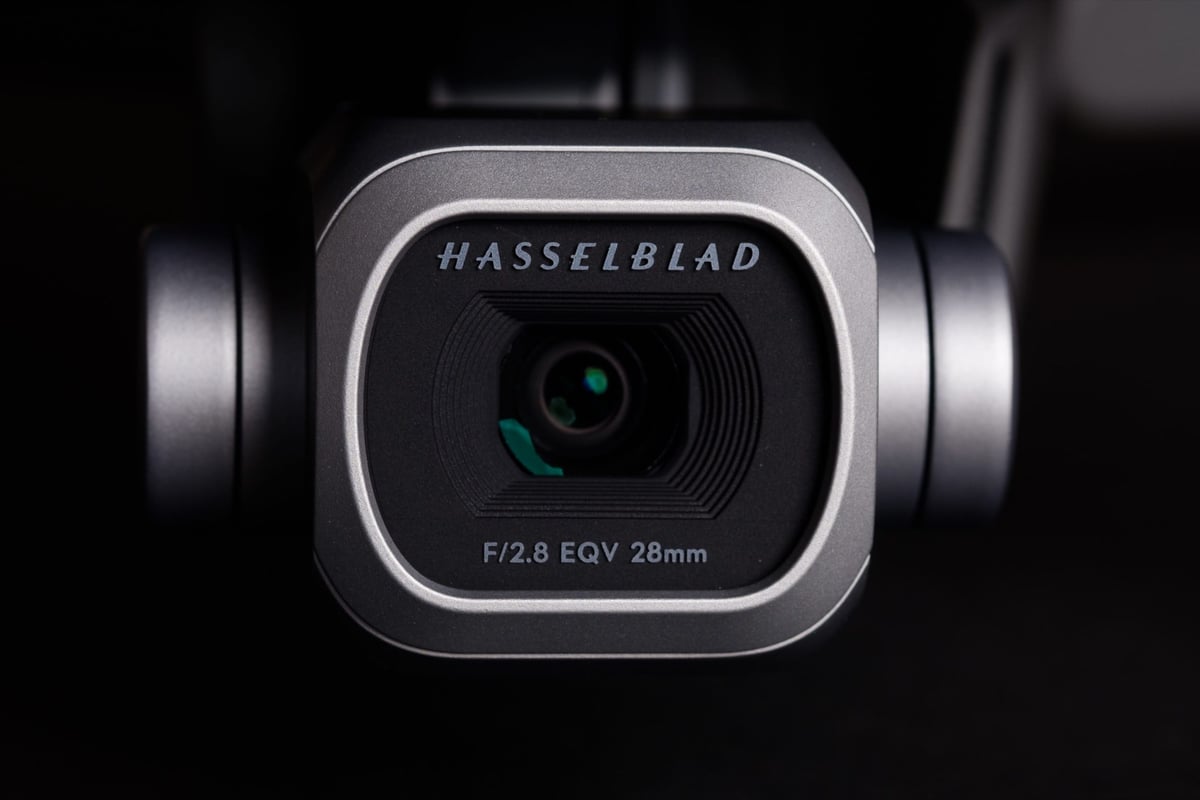
In this guide, we used an actual in-camera memory card speed test between all the most popular micro SD memory cards to compare how each performed in the DJI Mavic 2 Pro and Zoom.
Use this guide to find the best and fastest memory cards for your Mavic 2.
Table of Contents
One great thing about the Mavic 2 Pro and Zoom is that they have very fast buffers, so they can take advantage of faster cards. You will notice a speed increase when clearing the buffer if you are shooting RAW photos, which are about 41.1MB in size.
If you’re just shooting video, you will not need the fastest card; you will only need a card fast enough to handle 4k 100mbps, which means almost any U3 card.
Here is the list of recommended cards with their performance scores.
Also, check out my new list of Must-Have Accessories for the Mavic 2.
DJI Mavic 2 Pro / Zoom Recommended Memory Cards
Sandisk Extreme Pro U3 64GB 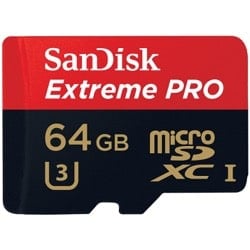 The Sandisk Extreme Pro is the best micro SD memory card for the Mavic 2 Pro and Zoom. It performed the best and is the fastest. Sandisk now makes this card with an The Sandisk Extreme Pro is the best micro SD memory card for the Mavic 2 Pro and Zoom. It performed the best and is the fastest. Sandisk now makes this card with anA2 rating. |
Sandisk Extreme Plus U3 64GB 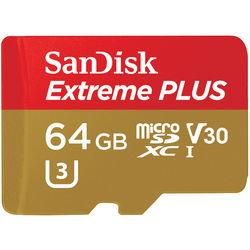 The Sandisk Extreme Plus also ran very fast in our tests. If you’re just using a card for mostly video, this will be a good choice. Sandisk now makes this card with an The Sandisk Extreme Plus also ran very fast in our tests. If you’re just using a card for mostly video, this will be a good choice. Sandisk now makes this card with anA2 rating. |
Delkin U3 64GB 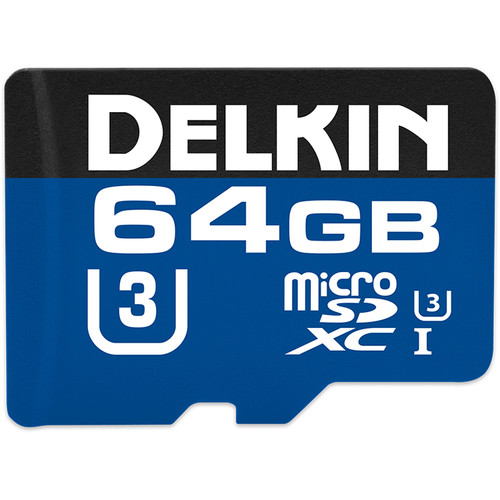 The Delkin micro SD U3 cards ran very well in the Mavic 2 Pro. Delkin is a great brand and works well in most cameras and electronic devices. |
Samsung Pro+ U3 64GB 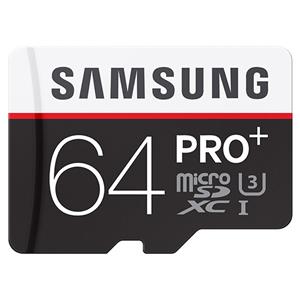 Samsung micro SD memory cards are some of the best and always rank high in the list. The Samsung Pro+ is the best UHS-I card they offer right now, with speeds and performance nearly equal to Sandisk. |
DJI Mavic 2 Pro Memory Card Speed Chart
We tested each card in the Mavic 2 by shooting a series of burst photos to see which cleared the buffer the fastest. This is a list of how each card generally performed.
| Micro SD Memory Card | Read Speeds | Write Speeds | Quality |
| Sandisk Extreme Pro 64GB U3 | 99.38 MB/s | 90.33 MB/s | 😀 |
| Samsung Pro+ 64GB U3 | 97.72 MB/s | 87.23 MB/s | 😀 |
| Delkin 64GB U3 | 98.50 MB/s | 88.44 MB/s | 😀 |
| Sandisk Extreme Plus 64GB U3 | 99.45 MB/s | 89.85 MB/s | 😀 |
| Samsung Pro Select 64GB U3 | 97.84 MB/s | 86.80 MB/s | 😀 |
| Transcend Ultimate 633x 64GB U3 | 96.67 MB/s | 79.62 MB/s | 🙂 |
| Samsung Pro 64GB U3 | 97.42 MB/s | 79.51 MB/s | 🙂 |
| Samsung Evo Select 64GB U3 | 98.88 MB/s | 70.52 MB/s | 🙂 |
| PNY Pro Elite 64GB U3 | 98.44 MB/s | 64.43 MB/s | 🙂 |
| Medium | |||
| Sandisk Extreme 64GB U3 | 99.49 MB/s | 70.29 MB/s | 🙂 |
| Samsung Evo 64GB U3 | 98.85 MB/s | 68.23 MB/s | 🙂 |
| Lexar 1000x 64GB U3 UHS-II | 151.7 MB/s | 53.18 MB/s | 😐 |
| Netac Pro 64GB U3 | 77.70 MB/s | 49.70 MB/s | 😐 |
| PNY Elite U1 | 96.88 MB/s | 41.18 MB/s | 🙁 |
| Samsung Evo 64GB U1 | 47.65 MB/s | 26.48 MB/s | 🙁 |
| Samsung Evo+ 64GB U1 | 96.81 MB/s | 28.31 MB/s | 🙁 |
| Transcend High Endurance C10 | 22.88 MB/s | 21.84 MB/s | 🙁 |
| Slow | |||
| Sandisk Ultra C10 – New Version | 99.46 MB/s | 79.64 MB/s | 🙁 |
| Sandisk Ultra C10 – Old Version U1 | 47.69 MB/s | 36.23 MB/s | 🙁 |
| Transcend Premium 400x 64GB U1 | 96.87 MB/s | 32.58 MB/s | 🙁 |
| Transcend Premium 300x 64GB U1 | 96.88 MB/s | 33.29 MB/s | 🙁 |
| Lexar 633x 64GB U1 | 96.89 MB/s | 33.29 MB/s | 🙁 |
| Lexar 300x 64GB U1 | 47.37 MB/s | 31.17 MB/s | 🙁 |
| Samsung Evo Select 64GB U1 | 97.65 MB/s | 29.52 MB/s | 🙁 |
| Patriot 64GB U1 | 82.76 MB/s | 14.92 MB/s | 🙁 |
DJI Mavic 2 Memory Card Recommendation
DJI recommends using memory cards that are at least U3-rated. In its documentation, DJI also states that the Mavic 2 will take cards up to 128GB.
I’ve tested various cards and found that 16GB cards do not work, but 32GB, 64GB, and 128GB work great. I did not test any cards larger than 128GB in the Mavic 2 as you would need a backpack full of batteries to keep the drone up long enough to even shoot enough video to fill a card that large. Even 128GB memory cards are going to be overkill for a 100mbps video codec.
DJI Mavic 2 Pro / Zoom Memory Card Recommendations
Buy cards that are only:
| UHS-I or greater, U3 or greater SDXC Memory Card Capacity: 128GB Max Size |
The DJI Mavic 2 Pro will format and use a 64-bit filesystem, which means it will format memory cards to ExFat. However, the video will still be broken up into 4.7GB chunks, which is about 5 minutes of H.265 video. This is called chaptering, and it is often done as a safety precaution. If a clip gets corrupted, you only lose a maximum of 5 minutes instead of the whole clip.
SDXC vs SDHC Memory Cards
SDXC memory cards can support 64bit
SDHC memory cards can only support 32-bit.
U3 vs U1
We found that U3 memory cards run consistently better than U1 memory cards and highly recommend them over U1. DJI also officially recommends U3 memory cards.
U3 sets the minimum record speed to 30MB/s, no matter the situation. Even if the card is fragmented or almost full, you’ll always get a minimum write speed of 30MB/s.
U1 has a minimum record speed of 10MB/s. This means performance can drop in certain situations.
While the DJI Mavic 2 Pro and Mavic 2 Zoom only record 100mbps (12.5MB/s), they need memory card write speeds of at least 12.5MB/s to operate. Having a U3 memory card ensures that your video will never be interrupted by a drop in speed.
What the new stats written on cards means
V30, V60, and V90.
This is the same thing as class 10, U1 and U3.
V30 = U3
V60 has a minimum speed of 60MB/s
V90 has a minimum speed of 90MB/s
UHS-I vs UHS-II
Although there are a few UHS-II Micro SD Memory Cards on the market now, you don’t need them. In fact, the old Lexar 1000x UHS-II memory card didn’t perform as well as standard U3 cards.
The Mavic 2 Pro does not have the hardware to support the extra pins in UHS-II cards, so there is no reason to spend the extra money on them.
Different Records Formats | Getting The Best Image Quality
The DJI Mavic 2 Pro and Zoom have a few new record formats and are slightly different because they each have different sensors.
The DJI Mavic 2 Pro Specs
| Sensor: 1″ Record Modes 4kHQ / 4K FOV Max Video Bitrate: 100mbps Video Containers: MOV / MP4 Video Codecs: H.264 / H.265 Still File Size: 41.1MB Memory Card Max Capacity: 128GB |
You have two recording formats for the Mavic 2 Pro.
4KHQ and 4KFOV
4KHQ will crop the sensor down to 8 Megapixels so there is no pixel binning.
There are some pros and cons to cropping your sensor with 4KHQ. The main advantages are improved image quality, fewer artifacts, and 10-bit color.
There are a few disadvantages to using 4KHQ, which involves a tighter FOV and an increase in perceived depth of field. In other words, if you reposition your DJI Mavic 2 Pro to give you the same field of view as 4KFOV using the full sensor, you’ll have more depth of field. Although, this could be a good thing for drone footage since you typically want everything to be in focus.
4KHQ
Pros: 10-bit color, fewer artifacts, improved overall image quality Cons: tighter field of view Pro or Con: Deeper depth of field (matching fov) |
4KFOV
Pros: Wider field of view Cons: 8-bit compression Pro or Con: Shallower depth of field |
H264 vs H265
With the DJI Mavic 2, you can record H.264 or H.265.
H.265
Pros: H.265 is a superior recording format and will allow for smaller files and a slightly higher quality of compression. Cons: Harder on your computer |
H.264
Pros: H.264 is a lighter codec, not as efficiently compressed as H.265 but it’s much easier for older computers to handle. Cons: Not as high quality as H.265. |
Common Memory Cards Issues | DJI Mavic 2
Trouble Initializing Memory Cards In OSx
I discovered some issues where, after using the card in the Mavic 2 Pro, it would not be recognized in OSX. I’m not sure why this is, but the last place my cards were formatted (before being formatted in the Mavic) was on a Samsung Galaxy S8. This must have created an ExFat filesystem that was not friendly to OSX but friendly to Mavic 2, and when formatting the card in the Mavic, it did not replace the filesystem.
If you have an issue where OSX does not recognize your card, there is a fix.
You can pull your data off of the Mavic through a USB cable and then format the card in OSX. When formatting your memory card in OSX or Windows, you’ll have to format it to exFAT. On MAC, the option for a Master Boot Record will work great.
No Card Error
If your Mavic 2 isn’t detecting your memory cards, they are likely formatted to an incompatible filesystem. The solution would be to format them to ExFat, either in OSX, windows, or even a GoPro will do the job. If you format the memory cards to the OSX filesystem, the Mavic will not recognize them.
SD FULL
There was one issue where the remote displayed that the SD Card was full, “SD FULL.” However, recording to the card worked just fine, and there were no noticeable issues with actual performance or writing to the cards. This was only seen once in our tests, and we have not been able to reproduce it.
If you get this problem, reformat the memory card to ExFat in OSX or Windows, or take the card out of the drone and re-insert it with the drone turned off, then format it again in the drone.
Best Memory Cards Mavic 2 Zoom / Pro
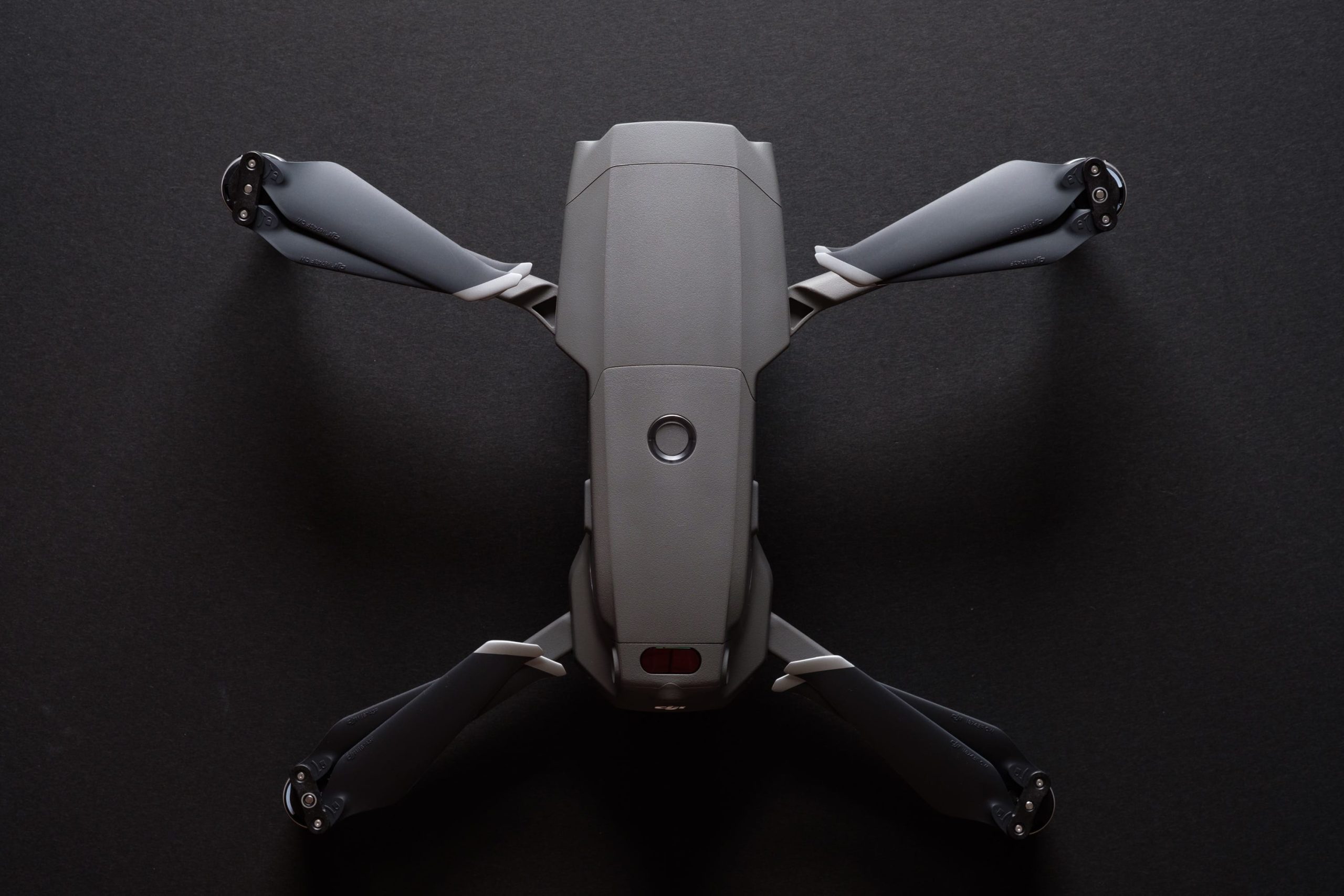
Since the Mavic 2 Pro / Zoom has a very fast buffer and produces massive DNG raw files, buying the fastest UHS-I SD memory cards will make a difference. UHS-II memory cards in the Mavic 2 do not produce improved results since the Mavic 2 Pro does not use UHS-II technology, so there is no reason to buy UHS-II cards.
When it comes to picking the best memory card size, 64GB cards will be the best choice for most people. 128GB cards are compatible but will likely be overkill even if you have three batteries from the fly more combo. Record times roughly give you about 10GB of data for 10 minutes of footage. Non-stop recording for two flights would give about 60 minutes of footage, so choose your card size according to your average record sessions.















Leave a Reply