
This is my first photo to be processed with Iridient Developer 3. I finally bit the bullet and bought it after playing with the beta for the last few months.
There are many different things this software does that I’m still getting used to, and I want to have it figured out before going into detail with a full review and guide. So far, with my first impressions, I’m seeing some great potential we cannot get from Lightroom.
I will be looking to answer whether the pros outweigh the cons. I think they might because the sharpness and detail I get from these Fuji X RAW files are unlike anything I’ve seen. It honestly feels like these 16MP files give me the details of a 22-megapixel camera when using Iridient. Maybe more. And that’s a significant improvement in image quality, especially when printing large.
Huntington Pier Sunset
To process the sunset at the Huntington Beach Pier, I used a single RAW exposure taken from the Fuji X100T. I loaded the RAW file into Iridient, where I applied the new Fuji Velvia/Vivid film simulators, then massaged the tones, sharpness, detail, and noise reduction before exporting it to Color Efex Pro to add a few effects. Then, I finished all the metadata and final tweaks in Lightroom.
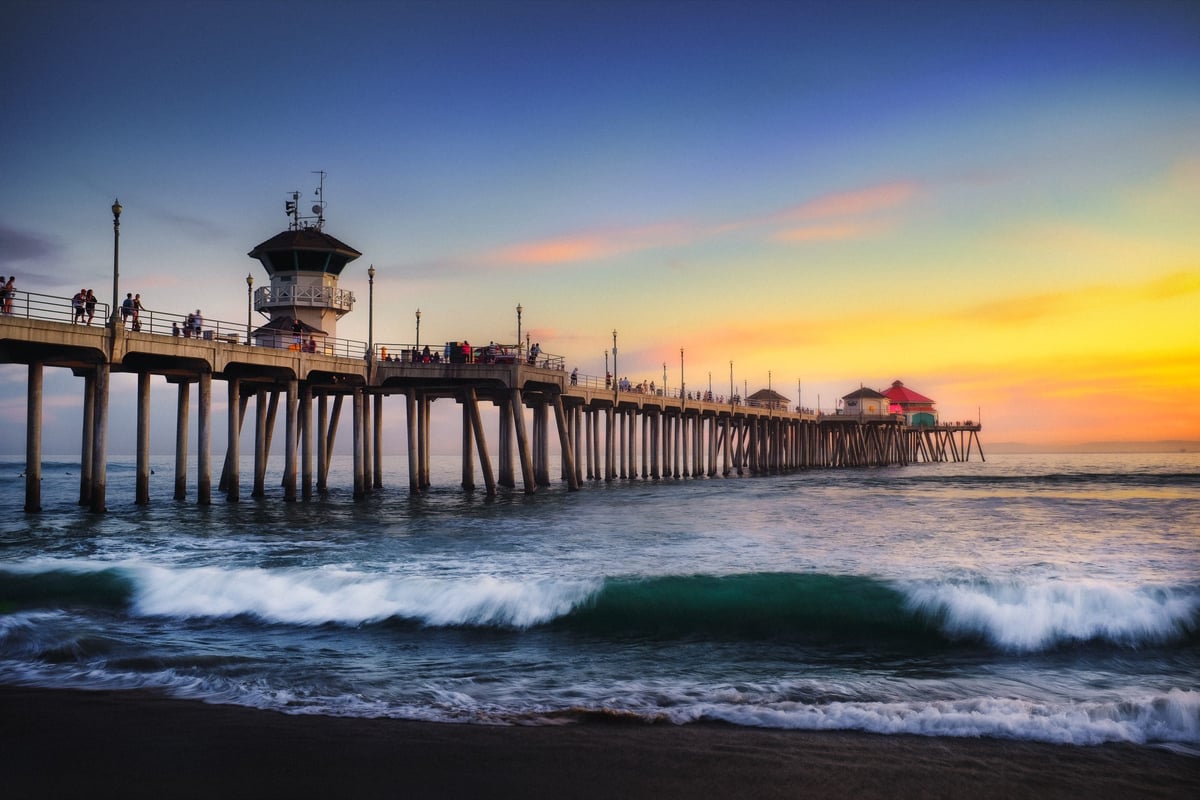
Location: Huntington Beach
Camera Used: Fuji X100T
ISO 200, f/11, 1/5sec
Software Used: Iridient, Color Efex Pro 4, Lightroom













Leave a Reply