
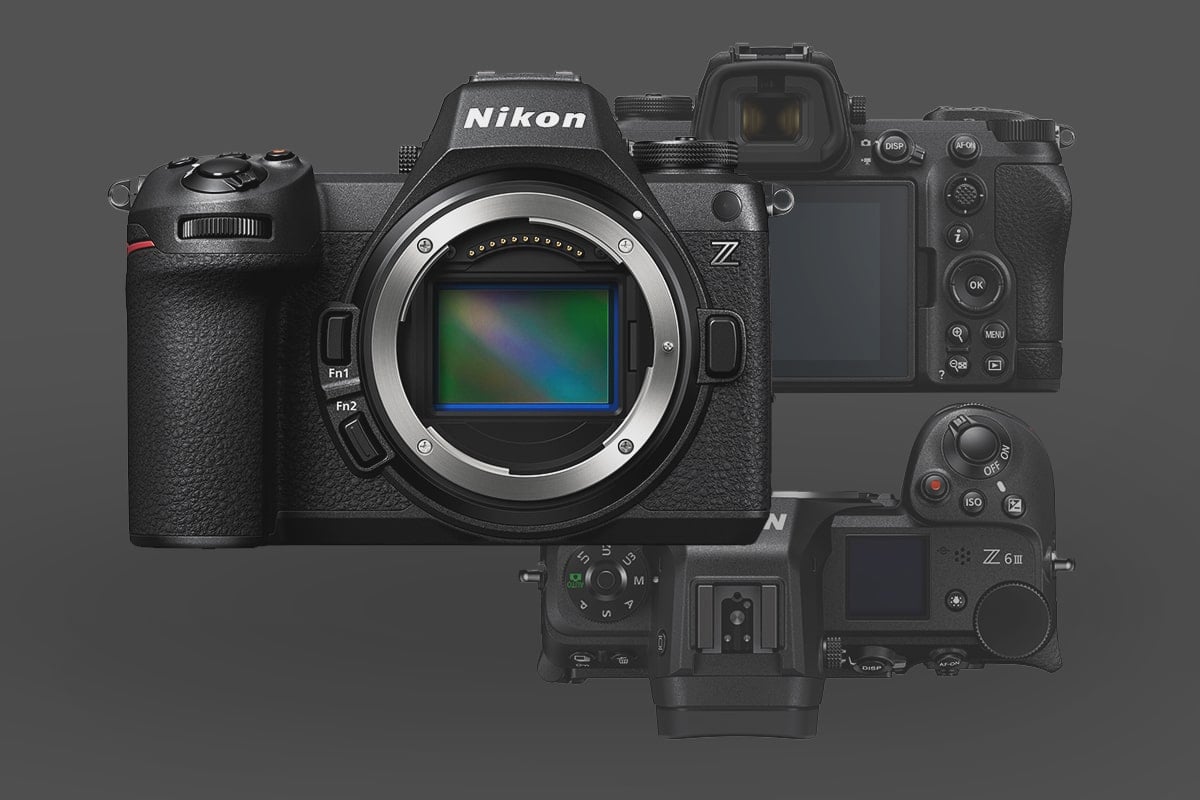
The Nikon Z6 III is no longer just a ‘middle-ground’ camera—with its world-first partial-stacked sensor and internal 6K RAW capabilities, it’s a high-speed data engine that demands a more intentional setup. If you are moving up from a Nikon Z6 II or the original Z6, your old accessory workflow likely won’t keep up with this body’s power draw and massive data rates.
In this guide, I’ve skipped the generic filler to focus on the essential accessories that actually unlock the Z6 III’s potential for both professional 6K cinema and high-speed action photography.
Table of Contents
What’s Different for the Z6 III Kit?
If you are moving up from a Z6 or Z6 II, your old gear needs a technical audit:
The Flip-Out Screen & Updated Body: The new vari-angle display means older “tight-fit” L-brackets or cages will likely obstruct the screen’s rotation. You need a dedicated Z6 III cage.
The Data Rates: To shoot 6K N-RAW, your CFexpress card needs a significantly higher sustained write speed than what was required for the older 4K/30p models.
The Power Kit: the EN-EL15c Battery
The Z6 III ships with the EN-EL15c, and while it can use older versions, you will lose the ability to charge via USB and likely see a drop in maximum burst rates.
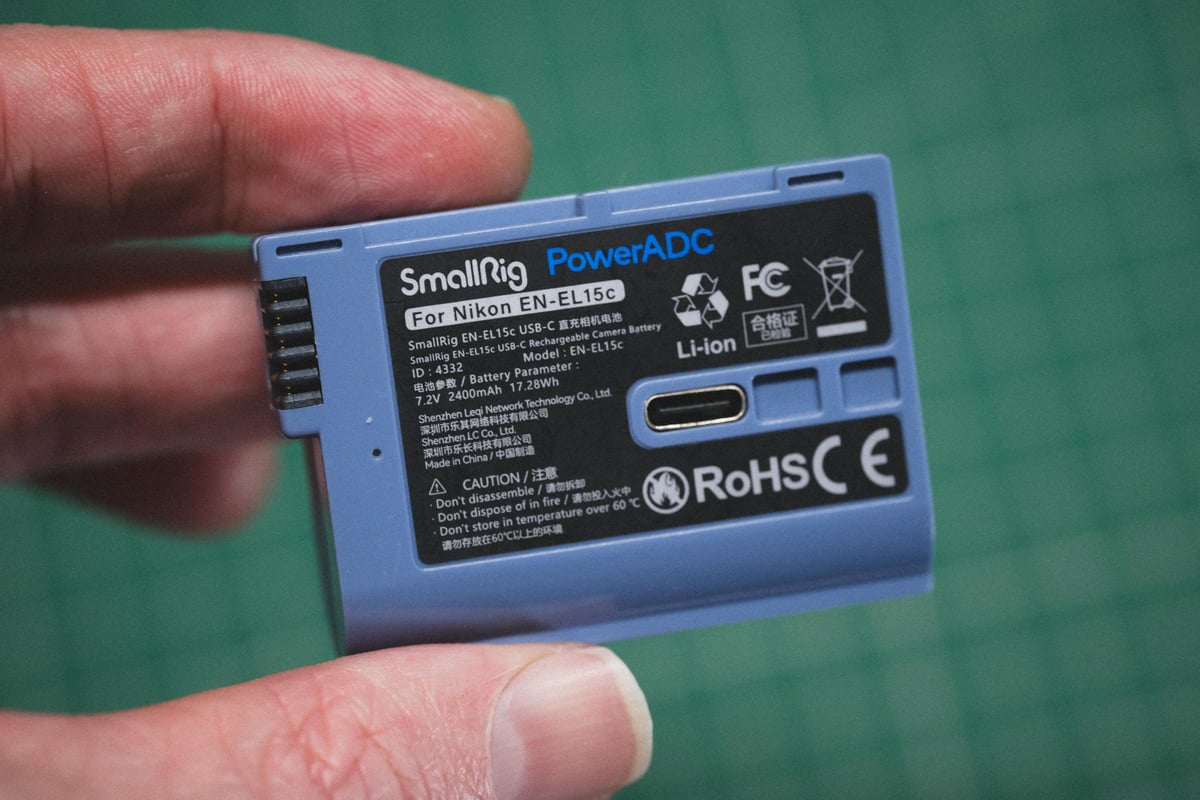
The Battery Strategy: I recommend carrying at least one spare official Nikon EN-EL15c. Then, for a more affordable backup, the SmallRig EN-EL15c USB-C Battery is brilliant, thanks to its built-in charging port—no wall cradle required.
Best Third-Party Battery: SmallRig EN-EL15c
The Memory Card Setup
You have two slots: one CFexpress Type B and one SD UHS-II.
Full Benchmarks: To see exactly how these cards perform in the Z6 III body, check out my Nikon Z6 III Memory Card Deep Dive.
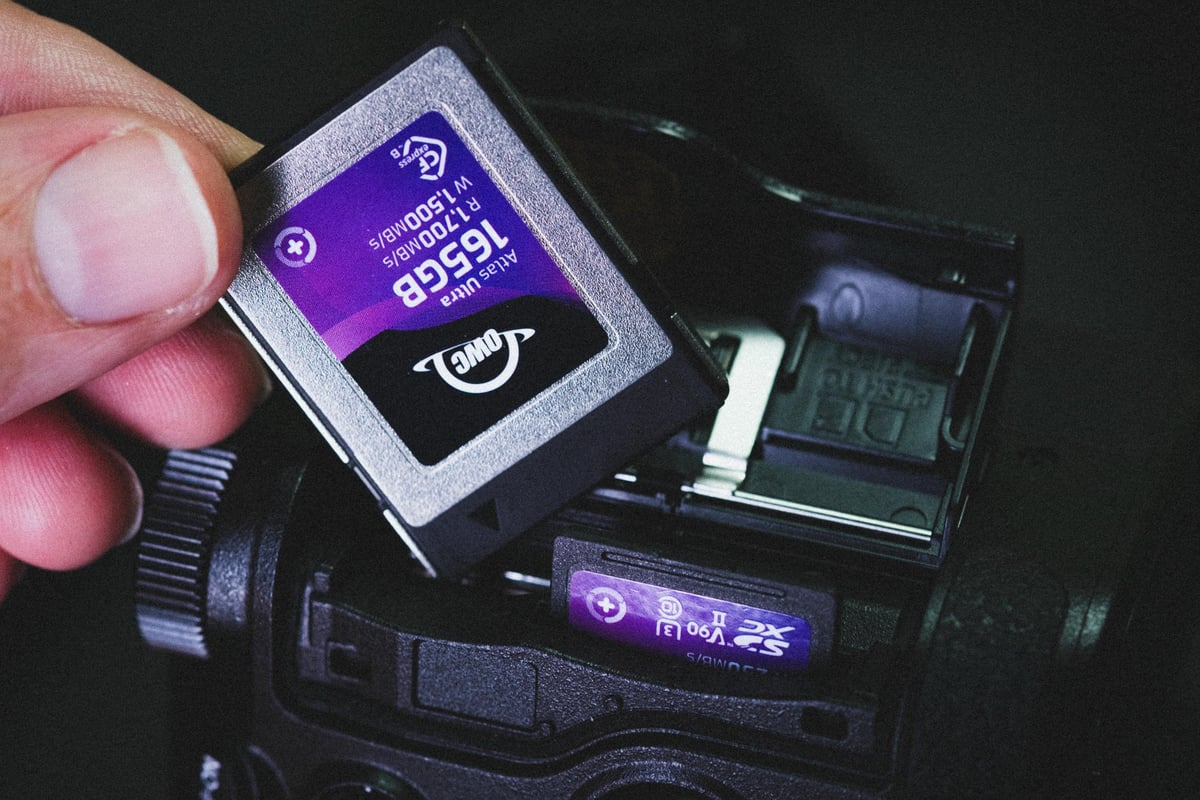
Slot 1 (The Speed Slot): For 6K RAW or 120fps bursts, don’t just look at “Max Speed.” You need a card with a high Minimum Sustained Write Speed. I’ve found cards like the Lexar Gold and Delkin Black to be the most reliable for internal RAW recording without dropped frames. Other brands like NextStorage or OWC are also working very well.
Slot 2 (The Backup Slot): If you are shooting to both slots (Backup mode), the SD card is your bottleneck. You must use a V90 SD card like the Sony G Tough V90 to prevent your CFexpress card from being dragged down to slow write speeds.
Rigging: The Modular Foundation
The Z6 III is a professional video tool, and its rigging should reflect that.
The “No Brainer” Strap System: For a minimalist setup, the Peak Design Slide Lite is the perfect balance. It’s wide enough to distribute the weight of the Z6 III but thin enough to fold away in a small bag. There is no reason to get all hipster with leather straps on this camera. Get the Nikon Zf for that.
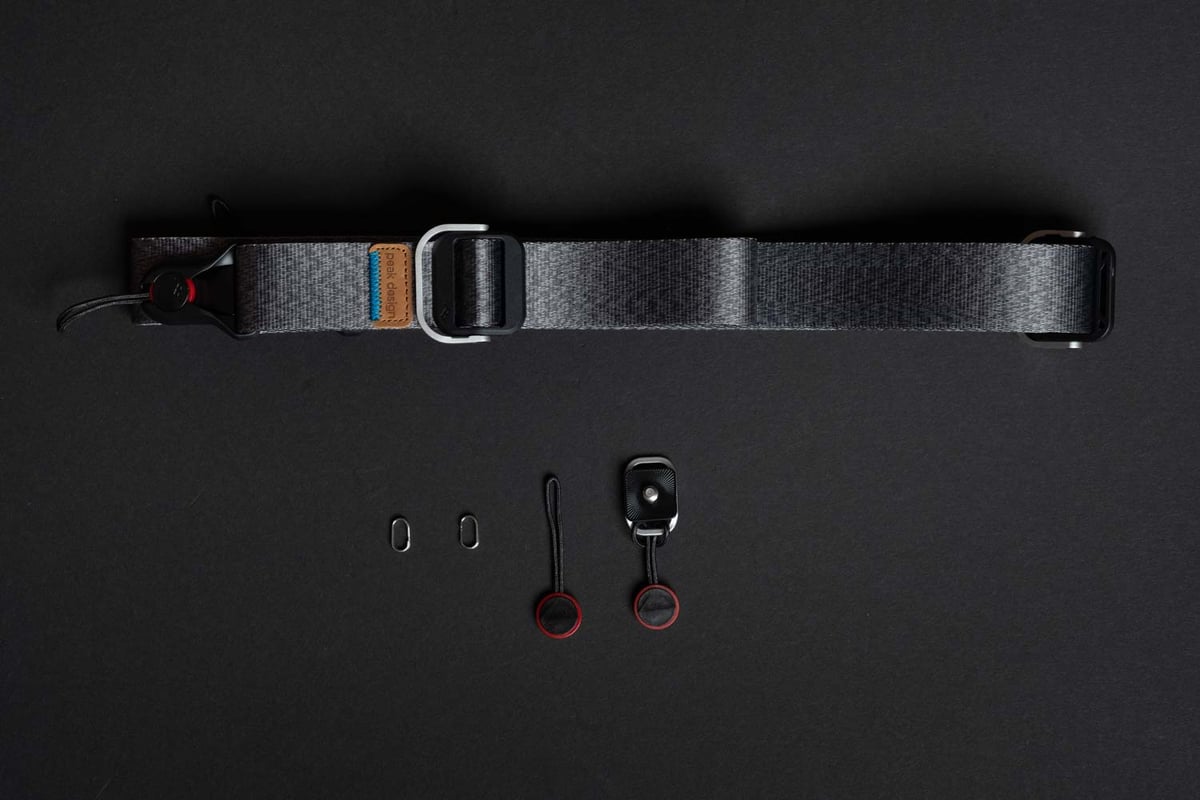
Peak Design Strap System: Amazon
The Hybrid Cage: The SmallRig Cage is the new gold standard for this body. It protects the new flip-out screen while providing 1/4″-20 and 3/8″-16 mounting points. This is what I use on my Nikon Z8 and absolutely love it, even for photography, since it allows me to mount a flash off to the side.
Also, if you have the Peak Design strap above, these SmallRig cages give you several mounting points for perfect balancing.
Nikon Z6 III SmallRig Cage: Amazon
Audio: The “Line-In” Advantage
One of the Z6 III’s “hidden” pro features is a dedicated Line-In audio setting.
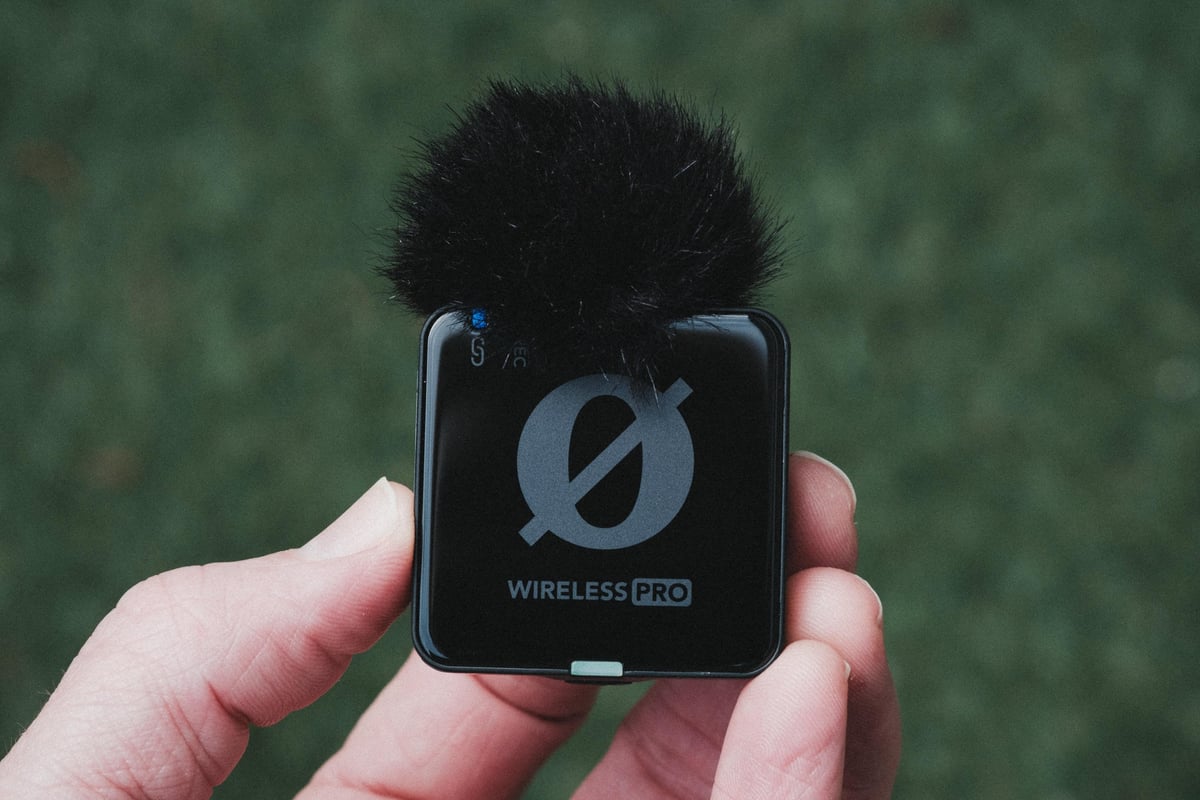
Clean Pre-Amps: Most cameras only have a “Mic” input, which often has noisy pre-amps. Using the Z6 III’s Line-In mode with a wireless system like the DJI Mic 3 or Rode Wireless Pro delivers a much cleaner, professional-grade signal directly into your 10-bit video files.
Why Line-In Improves Audio
When you use a high-end wireless system like the Rode Wireless Pro or DJI Mic, those devices have their own high-quality internal pre-amps. They can output a “Line Level” signal, which is much stronger than a “Mic Level” signal.
- Bypassing the Hiss: In Line-In mode, the camera expects a hot signal and reduces the amount of internal amplification it applies. This effectively bypasses the noisy part of the camera’s circuitry.
- Better Dynamic Range: You are letting the dedicated audio hardware (the DJI or Rode) do the heavy lifting, while the camera acts as a transparent recorder.
For wireless mics, I personally use the Rode Wireless Pro system, but the DJI Mic 2 or 3 is also a very popular choice.
The “Invisible” Upgrade: Tempered Glass Protection
If you’ve ever tried to sell a used camera, you know that a single scratch on the LCD can knock a lot of cash off the resale value. For the Z6 III, the goal isn’t just protection—it’s maintaining the touch-to-focus responsiveness and screen clarity. As I’ve seen some pretty destroyed screens in my time, including one of my own personal cameras.
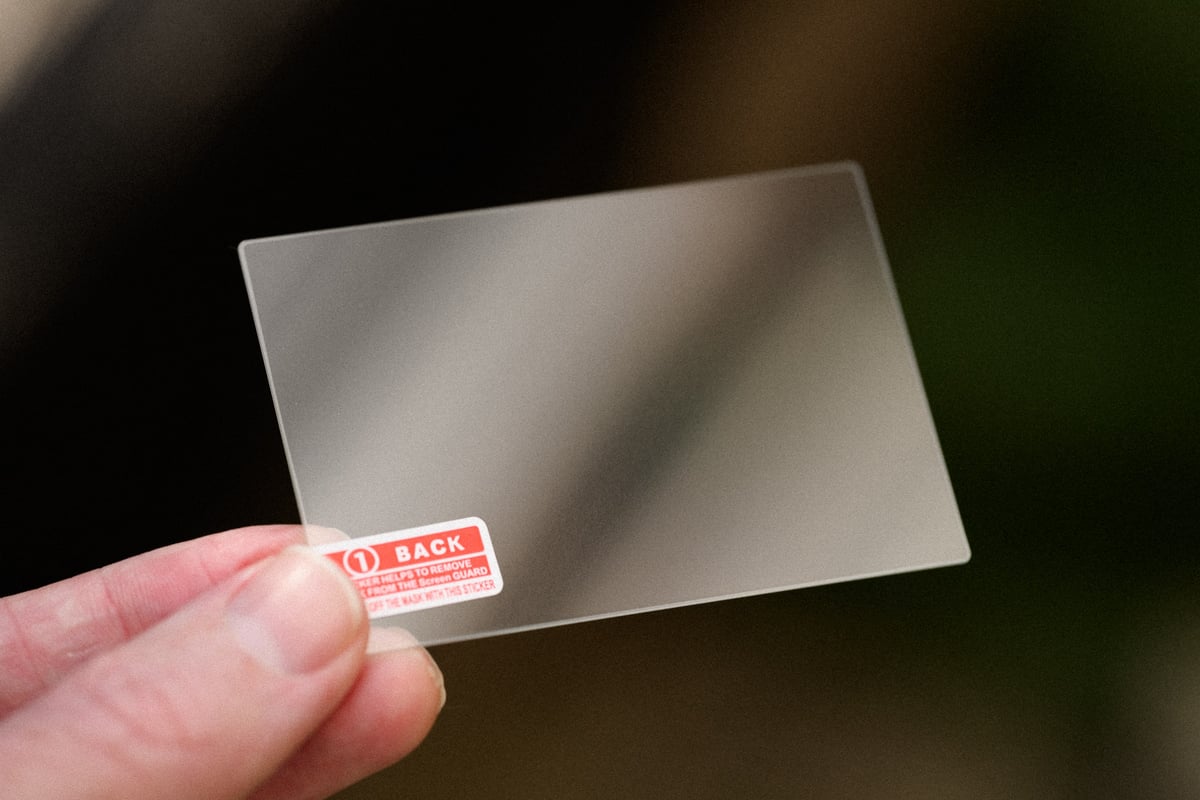
- The 9H Hardness Standard: Forget plastic “film” protectors. You want 9H Tempered Glass. It’s much more resistant to impact.
- The Precision Cut: I recommend the Kinokoo Glass Protector. High-quality 0.25mm glass is essentially invisible to the Z6 III’s capacitive touch system, so your AF point selection remains instant.
Available At Amazon
Pro Tip: The “Bathroom Steam” Trick
The biggest frustration with screen protectors is the dust that gets trapped under them. To get a factory-perfect seal, run a hot shower for 2 minutes in your bathroom. The steam grounds the static-charged dust in the air. Apply the glass there, and you’ll get a bubble-free installation most of the time.
The Nikon Z Lens Ecosystem
The Nikon Z-mount has matured into a very diverse system. You now have the choice between the clinical perfection of the Nikon S-Line primes and a growing list of autofocus-capable lenses from brands like Viltrox and Tamron. The Z6 III handles both types of glass remarkably well.
Explore the Full Nikon Z-Mount Lens Database & Reviews.













Leave a Reply