
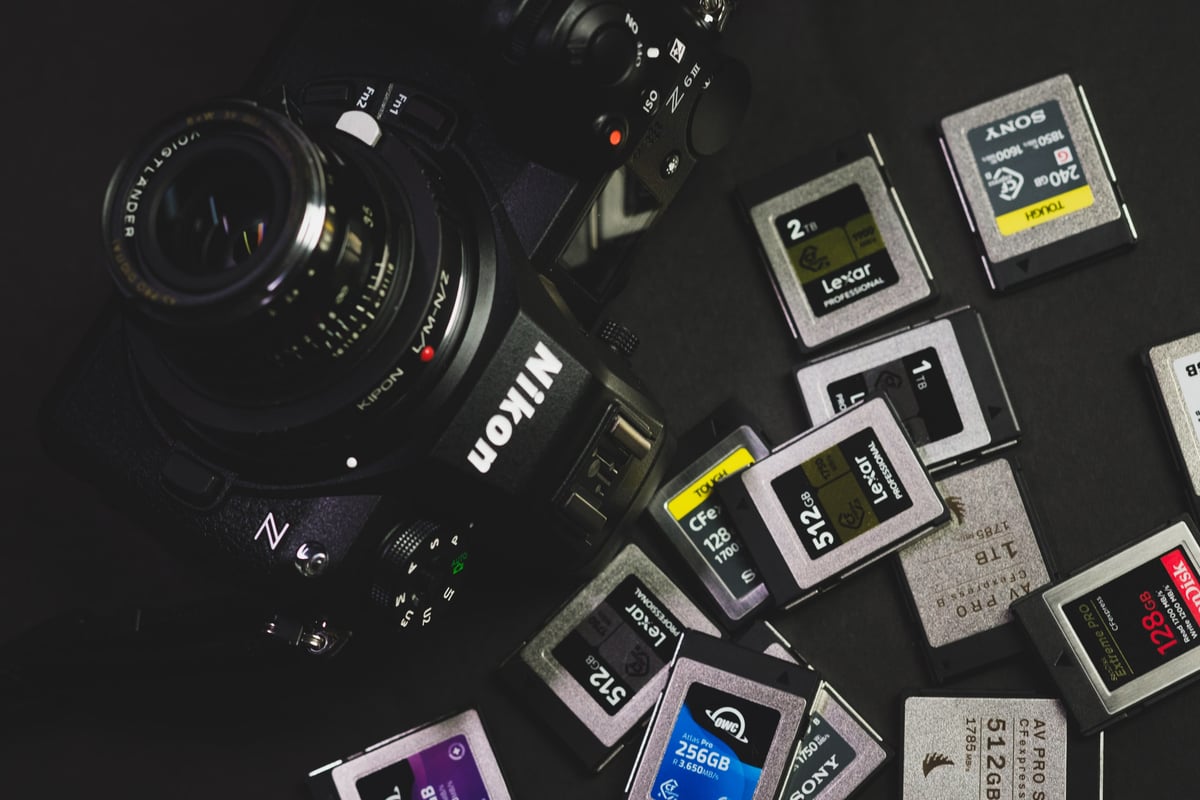
The Nikon Z6 III has two card slots: Slot 1 takes CFexpress Type B cards, and Slot 2 takes SD cards up to UHS-II. For stills, any CFexpress Type B card gives you an effectively bottomless RAW buffer. Card choice really matters for video, where 6K 60p N-RAW needs a card that can sustain about 470 MB/s. It sits between the Nikon Z6 II and the Nikon Z8, and its partially stacked sensor pushes a lot more data than the Z6 II ever did.
How I tested: For SD cards, I shoot Lossless Compressed RAW only (about 25MB files) at 20fps with the electronic shutter, the fastest burst rate available in that format, until the buffer is full, then measure how fast the camera writes it to the card. With a CFexpress Type B card, the RAW buffer never fills, so I tested those cards with 120fps JPEG bursts instead, which filled the buffer after about 380 JPEGs. Processing that many JPEGs bottlenecks the camera’s processor, so those results show the camera’s JPEG limit, not how fast it can actually write to a CFexpress Type B card. My test scene is fairly simple, so files from more detailed scenes can be larger, which means fewer shots before the buffer fills.
Quick Picks
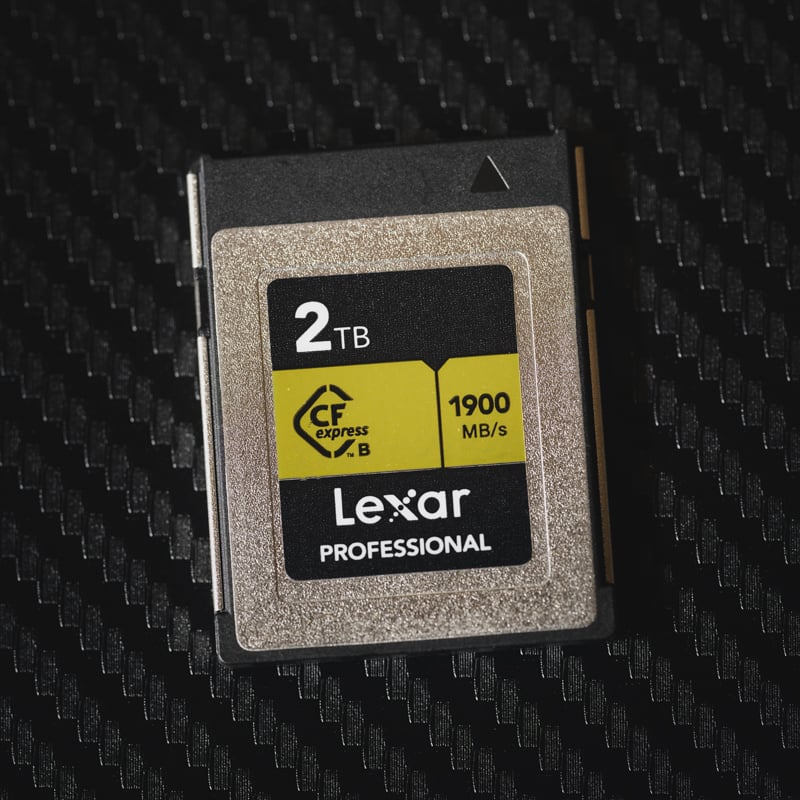 | Slot 1, best overall: Lexar Professional GOLD CFexpress Type B. Fast enough to sustain 6K 60p N-RAW, and it’s proven itself in my Z6 III and Z8 tests. For stills, any CFexpress Type B card gives you a bottomless RAW buffer, so you’re really paying for video headroom. |
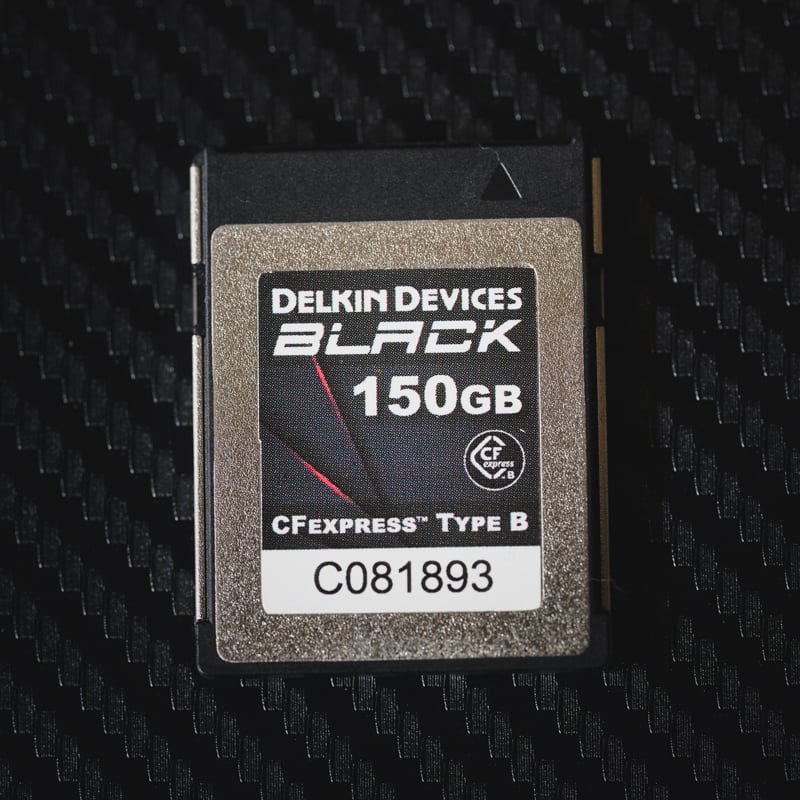 | Slot 1, warranty and durability: Delkin BLACK CFexpress Type B. The Delkin BLACK line carries a lifetime warranty. Every CFexpress Type B card I tested wrote at about the same speed in the Z6 III, so pay for the warranty and build, not the speed rating. |
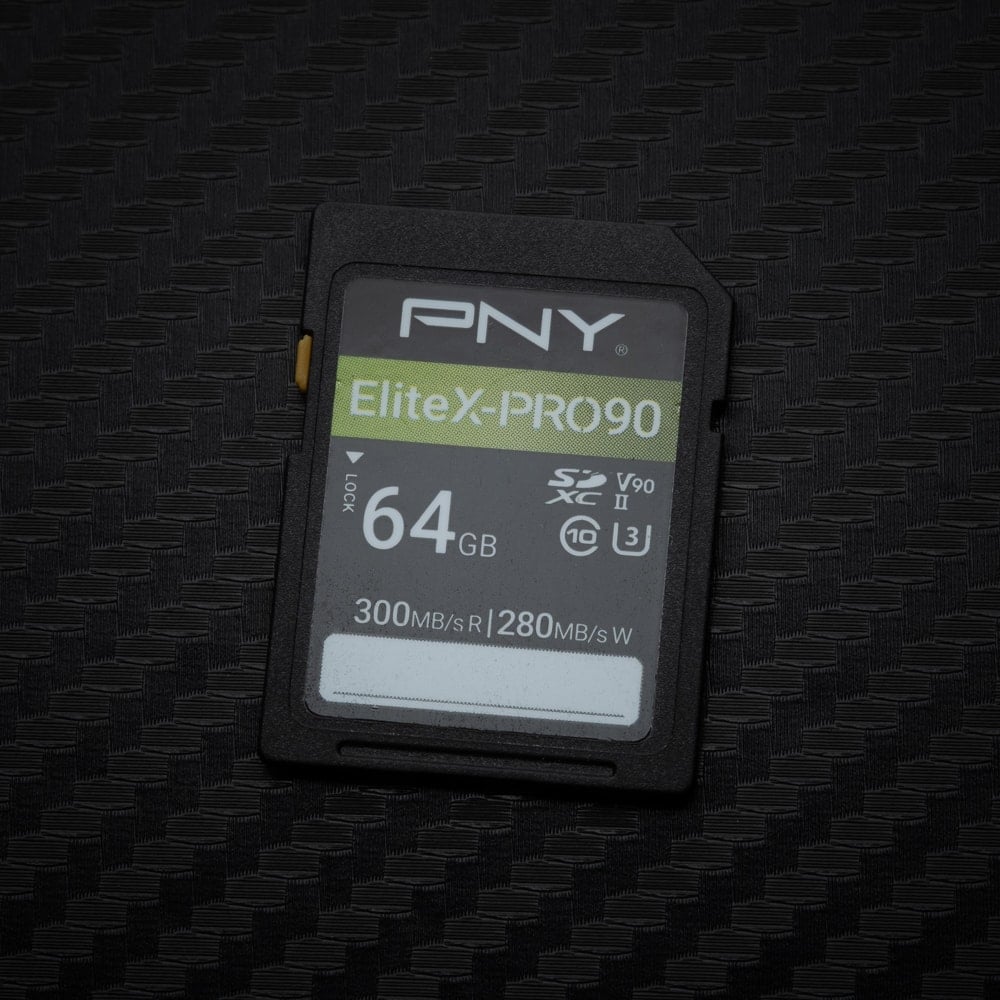 | Fastest SD (V90): PNY EliteX-PRO90 or OWC Atlas Ultra V90. 224 MB/s and 220 MB/s in the Z6 III, the fastest SD cards I tested. Good V90 cards gave me about 90–100 RAW shots before the buffer filled. Use one in Slot 2 if you record to both cards. |
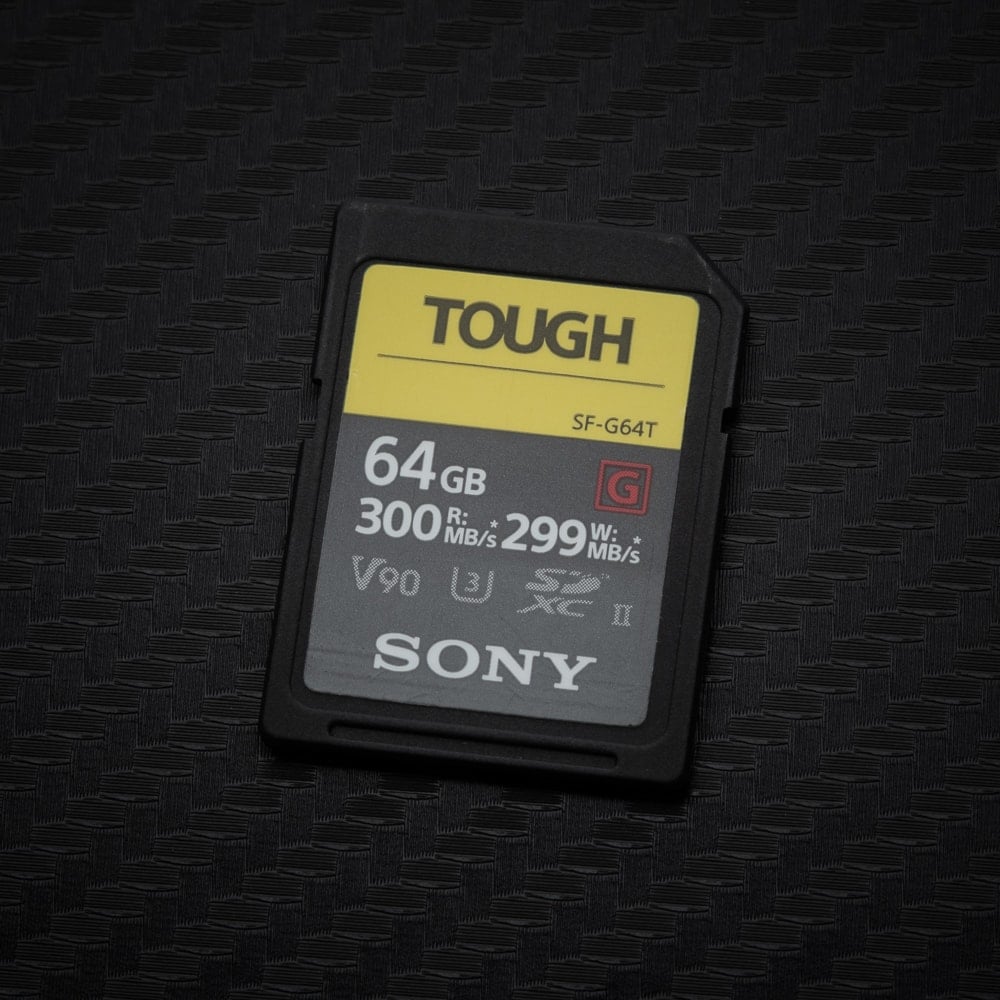 | Most durable SD (V90): Sony TOUGH G V90. 209 MB/s in the Z6 III, only a little behind the fastest cards. It has a one-piece body with no ribs or write-protect switch to break off. |
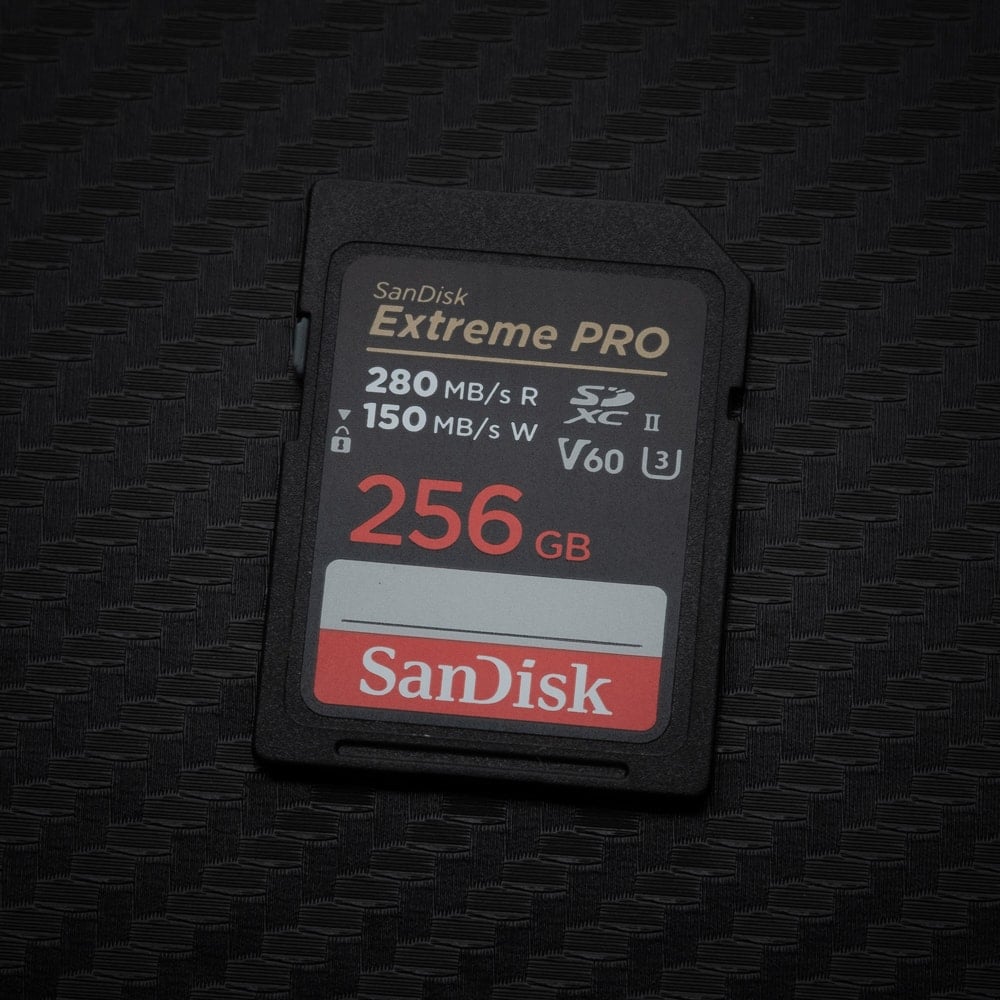 | Budget SD (V60): SanDisk Extreme PRO V60 256GB+ or Lexar 1800x. 164 MB/s and 163 MB/s, the fastest V60 cards in my Z6 III tests, good for about 70 RAW shots before the buffer fills. Plenty for H.265 at the Z6 III’s highest bitrate. Skip the 64–128GB SanDisk V60, which only wrote 94 MB/s. |
The Dual-Slot Strategy: CFexpress vs. SD Cards
The Nikon Z6 III has one CFexpress Type B slot and one UHS-II SD slot. How you set them up decides what card you need in Slot 2:
- Backup: the camera writes to both cards at once, so it can only go as fast as the SD card. If you shoot bursts in backup mode, use a fast V90 card in Slot 2 to keep the camera responsive.
- Overflow: the camera switches to the SD card when the CFexpress card is full. Match the SD card to what you’re shooting; a V60 card is fine for stills and H.265.
- RAW Slot 1 – JPEG Slot 2: RAW files go to the CFexpress card and JPEGs to the SD card, so even a basic V60 card works in Slot 2.
Best CFexpress Type B Memory Cards for the Nikon Z6 III
Every CFexpress Type B card I tested in the Nikon Z6 III wrote at 141–150 MB/s with JPEG bursts. That’s the camera’s limit when it’s processing JPEGs, not the cards, which is why they all landed in the same place. For RAW stills, the buffer is effectively bottomless with any CFexpress Type B card. Where cards differ is video: 6K 60p N-RAW in High Quality runs at about 3,730 Mbps (466 MB/s), so you need a card that can sustain that for the length of your clip.
CFexpress 4.0 cards: The Z6 III is a CFexpress 2.0 camera, but CFexpress 4.0 cards like the ProGrade Iridium are backward compatible. They won’t make the camera faster, but you’ll get much faster offloads with a CFexpress 4.0 reader.
Current CFexpress Type B Cards I Recommend
I update this list as new cards come out. The speeds are from my card reader tests, not the Z6 III. I haven’t been able to test every new CFexpress 4.0 Type B card in the camera; the format has changed quickly, and memory prices have climbed enough that keeping up with every release isn’t practical. Since the Z6 III is a CFexpress 2.0 camera, the newer 4.0 cards won’t be any faster in it anyway.
| Memory Cards | Review Links | Rating | USB-C Write | USB-C Read | Tested Sustain Speeds | Check Price |
|---|---|---|---|---|---|---|
| CFExpress Type-B | ||||||
| Lexar Diamond CF4.0 128GB-1TB | VPG400 | Amazon / B&H | ||||
| Lexar Gold CF4.0 512GB-4TB | Amazon / B&H | |||||
| Lexar Silver CF4.0 512GB/1TB | Amazon | |||||
| Lexar Gold 128/256GB | Lexar Gold 128-512GB CFeB Review | 1410 | 1525 | 1382 | Amazon / B&H | |
| Prograde Iridium CF4.0 400GB | VPG400 | 2704 | 3212 | 808 | Amazon / B&H | |
| ProGrade Gold CF4.0 512GB | 2545 | 3203 | 844 | Amazon / B&H | ||
| Delkin Black CF4.0 512GB/1/2TB | 1736 | 2476 | 1693 | Amazon / B&H | ||
| Delkin Power G4 128/160/256/325GB | Delkin Power 128-512GB G4 CFeB Review | 920 | 1226 | 842 | Amazon / B&H | |
| Angelbird Pro XT Mk II 660/1320GB | 1595 | 1597 | 1583 | Amazon / B&H | ||
| Nextorage B2 Pro CF4.0 660/1330GB | VPG400 | B&H | ||||
| Nextorage B2 Pro CF4.0 165/330GB | VPG400 | Amazon / B&H | ||||
| Lexar Silver 512GB | 1141 | 1624 | 891 | B&H |
See all the CFexpress Type B benchmarks to compare other cards.
Best SD Cards for Slot 2 on the Nikon Z6 III
In the Nikon Z6 III, SD card speed matters a lot more than CFexpress. The fastest V90 cards wrote at 209–224 MB/s and gave me about 90–100 RAW shots before the buffer filled, while good V60 cards topped out around 164 MB/s and about 70 shots. Slower V60 cards dropped to around 85–95 MB/s.
For hybrid shooters: Use a V90 card like the PNY EliteX-PRO90, OWC Atlas Ultra, or Sony TOUGH G V90, especially if you shoot bursts in backup mode.
For casual shooters: A V60 card like the Lexar 1800x is plenty if you’re shooting JPEGs or H.265 video. It runs cooler and costs significantly less.
For a current list of SD cards I recommend, with reader speeds for every card I’ve tested, see my SD card guide. For how each card performs in the Z6 III itself, see the in-camera results below.
If an SD card isn’t running properly in the Nikon Z6 III, try removing the battery and card, then inserting the card and the battery again. Sometimes that helps the camera correctly identify the card as UHS-II.
Also, keep your UHS-II card pins clean. Dirt or lint can make a card run at UHS-I speeds, which happens occasionally when I test these cards.
Which Cards You Need for Video on the Nikon Z6 III
On the Nikon Z6 III, N-RAW and ProRes RAW need a fast CFexpress Type B card, while H.265 at the highest bitrate works fine on a V60 SD card. These are Nikon’s average bitrates from the Z6 III reference guide:
- 6K 60p N-RAW (High Quality): about 3,730 Mbps (466 MB/s). Normal Quality is about 1,870 Mbps (234 MB/s). Use a fast CFexpress Type B card that can sustain these speeds.
- 4K 120p N-RAW (DX, High Quality): about 3,240 Mbps (405 MB/s).
- 5.4K 60p or 4K 120p H.265 10-bit: about 400 Mbps (50 MB/s), so a V60 SD card handles the highest H.265 bitrate the camera offers.
If video is your main use for the Z6 III, buy a VPG400-rated CFexpress Type B card. VPG400 guarantees a minimum sustained write speed of 400 MB/s, so the card won’t drop frames partway through a long clip. That covers ProRes 422 HQ, ProRes RAW, and N-RAW in Normal Quality with room to spare. N-RAW in High Quality at 6K 60p (466 MB/s) and 4K 120p (405 MB/s) is a little above the 400 MB/s guarantee, but in my testing, most VPG400 cards sustain write speeds well above 400 MB/s, so they handle these modes too. The Lexar GOLD and Delkin BLACK are both safe picks.
If you’re only going to shoot H.265, you can save a lot of money with V60 cards, and they run much cooler than CFexpress cards. I recommend them if you’re not a serious videographer, or if you’re doing very long takes where heat buildup from a CFexpress Type B card could cause problems.
Should you shoot ProRes 422 HQ or H.265?
When the Nikon Z6III was first announced, I saw a lot of people saying it does 4:2:2 10-bit H.265. But the reference manual says H.265 and H.264 are 4:2:0 only, so it’s the same as the Nikon Z8. If you’re doing a lot of color grading, you might want to shoot ProRes for the 4:2:2 subsampling.
ProRes 422 HQ on the Z6 III goes up to 5.4K 30p and 4K 60p. According to Apple’s ProRes White Paper, 4K 60p ProRes 422 HQ runs at about 1,770 Mbps (about 220 MB/s), so you’ll need a decent CFexpress Type B card for it.
What Size Memory Card Do You Need for the Nikon Z6 III?
For stills and H.265, 256GB is plenty for most people. At the Z6 III’s highest H.265 bitrate (400 Mbps), 256GB holds roughly 80 minutes. For 6K 60p N-RAW in High Quality, go with 1TB or larger: at about 466 MB/s, a 1TB card holds roughly 35 minutes, and a 512GB card only about 17.
Nikon Z6 III In-Camera Memory Card Benchmarks
These results come from the Nikon Z6 III itself, not a card reader. For In-Camera Speed, I fill the buffer with a continuous burst, then divide the total data written by the time it takes the camera to fully clear the buffer.
CFexpress Type B (Tested August 2024)
Tested with 120fps JPEG bursts, since the RAW buffer never fills with a CFexpress Type B card. Every card landed at 141–150 MB/s because the processor becomes the bottleneck when it has to process that many JPEGs, so the whole system slows down. The camera’s true write speed to CFexpress Type B is higher than this, but there’s no way to measure it in-camera. Treat these as proof that every card keeps up for stills, not as a ranking.
| Card | In-Camera Speed (MB/s) |
|---|---|
| OWC Atlas Pro CF4.0 256GB | 150 |
| Lexar Gold 2TB | 148 |
| Delkin POWER G4 128GB | 148 |
| OWC Atlas Ultra | 148 |
| Lexar Diamond 512GB | 147 |
| Lexar Silver 512GB | 147 |
| ProGrade CF2.0 128GB | 147 |
| Delkin BLACK CF4.0 325GB | 147 |
| Delkin BLACK G4 325GB | 147 |
| Delkin BLACK 150GB | 147 |
| Nikon MC-CF660G 660GB | 147 |
| Hoodman Steel 512GB | 147 |
| Angelbird AV PRO MK2 1TB | 147 |
| Angelbird AV PRO SX 160GB | 147 |
| Lexar Silver 128GB | 146 |
| ProGrade Gold CF4.0 1TB | 146 |
| Delkin POWER G4 650GB | 146 |
| Angelbird AV PRO SE 512GB | 146 |
| Lexar Gold 512GB | 145 |
| Lexar Silver 1TB | 145 |
| SanDisk PRO-CINEMA | 145 |
| SanDisk Extreme PRO 128GB | 145 |
| Sony TOUGH G 480GB | 145 |
| ProGrade Gold CF4.0 256GB | 145 |
| ProGrade CF2.0 1TB | 145 |
| Hoodman Steel 128GB | 145 |
| Angelbird AV PRO XT MK2 330GB | 145 |
| OWC Atlas Pro 512GB | 145 |
| ProGrade Iridium CF4.0 400GB | 144 |
| ProGrade Cobalt 325GB | 144 |
| ProGrade CF2.0 256GB | 144 |
| Delkin BLACK 75GB | 144 |
| Hoodman Steel 1TB | 144 |
| Wise Pro 160GB | 144 |
| Sony TOUGH G 240GB | 143 |
| Sony TOUGH G 128GB | 143 |
| OWC Atlas Pro 256GB | 143 |
| Ritz Gear 128GB | 143 |
| Silicon Power Cinema 512GB | 143 |
| OWC Atlas Pro 128GB | 142 |
| Sabrent Rocket 512GB | 142 |
| Sabrent Rocket 1TB | 142 |
| Ritz Gear 256GB | 142 |
| Silicon Power Cinema 256GB | 142 |
| Transcend 820 512GB | 142 |
| Transcend 820 256GB | 142 |
| CFTek Shooter 1TB | 141 |
UHS-II SD (Tested August 2024)
Tested with Lossless Compressed RAW bursts (about 25MB files). Good V90 cards gave me about 90–100 shots before the buffer filled, and V60 cards about 70.
| Card | Class | In-Camera Speed (MB/s) |
|---|---|---|
| PNY EliteX-PRO90 V90 | V90 | 224 |
| Wise PRO V90 | V90 | 221 |
| OWC Atlas Ultra V90 | V90 | 220 |
| Kodak V90 | V90 | 215 |
| Amplim V90 | V90 | 213 |
| Angelbird AV PRO V90 MK2 | V90 | 212 |
| Ritz Gear Video Pro V90 | V90 | 211 |
| Kingston Canvas React Plus V90 | V90 | 210 |
| SanDisk Extreme PRO V90 | V90 | 209 |
| Sony TOUGH G V90 | V90 | 209 |
| Delkin BLACK V90 | V90 | 209 |
| Delkin POWER V90 | V90 | 201 |
| Lexar 2000x V90 | V90 | 193 |
| Hoodman Steel 2000x V90 | V90 | 148 |
| Transcend V90 | V90 | 83 |
| ProGrade V90 (older, pre-Iridium) | V90 | 82 |
| SanDisk Extreme PRO V60 256GB+ | V60 | 164 |
| Lexar 1800x V60 | V60 | 163 |
| PNY EliteX-PRO60 V60 512GB | V60 | 162 |
| Sony E V60 128GB | V60 | 161 |
| PNY EliteX-PRO60 V60 256GB | V60 | 159 |
| Lexar Professional SILVER PRO V60 | V60 | 142 |
| Sony TOUGH M V60 | V60 | 129 |
| Angelbird AV PRO V60 MK2 | V60 | 129 |
| Amplim 2000x V60 | V60 | 124 |
| Lexar 1667x V60 | V60 | 95 |
| Ritz Gear Video Pro V60 | V60 | 95 |
| SanDisk Extreme PRO V60 64–128GB | V60 | 94 |
| Delkin PRIME V60 | V60 | 93 |
| Hoodman Steel 1500x V60 | V60 | 93 |
| OWC Atlas Pro V60 | V60 | 93 |
| Wise V60 128GB | V60 | 93 |
| Sony E V30 64GB | V30 | 91 |
| ProGrade V60 | V60 | 85 |
Nikon Z6 III Memory Card FAQ
Do I need a CFexpress Type B card for the Nikon Z6 III?
Only for RAW video or if you want a bottomless buffer. N-RAW and ProRes RAW need a fast CFexpress Type B card. For stills and H.265 video, a good UHS-II SD card works fine: V90 cards gave me about 90–100 RAW shots before the buffer filled, and V60 cards about 70.
Does it matter which CFexpress Type B card I buy for the Z6 III?
For stills, not really. The RAW buffer never fills with any of them, and in my 120fps JPEG tests every card landed at 141–150 MB/s, which is the camera’s JPEG processing limit rather than the cards. It matters for video: 6K 60p N-RAW in High Quality needs a card that can sustain about 466 MB/s.
What’s the fastest SD card for the Nikon Z6 III?
The PNY EliteX-PRO90 at 224 MB/s, followed by the Wise PRO V90 (221 MB/s) and OWC Atlas Ultra V90 (220 MB/s). Most good V90 cards landed between 209 and 224 MB/s.
Can I shoot 5.4K H.265 on a V60 card?
Yes. The Z6 III’s highest H.265 bitrate is about 400 Mbps (50 MB/s) at 5.4K 60p or 4K 120p, which is under the 60 MB/s a V60 card guarantees.













Leave a Reply