We use minimal analytics to improve the site. Is that okay?

Alik Griffin
San Clemente Sunset
Subscription Form
  • Reviews
    • Accessory Reviews
    • Calculators
      • Video Data Rate Calculator | Record Time Calculator
      • Diffraction Calculator
      • DoF Calculator | Lens Equivalent
      • Shutter Speed to Shutter Angle Calculator
    • Camera Reviews
    • Lens Reviews
    • Memory Cards Recommendations
      • Fastests SD Memory Cards
      • Fastest MicroSD Cards
      • Fastest CFExpress Type-B Card
      • Fastest CFExpress Type-A Cards
      • Best CFast Memory Card
    • List of Mics
      • Best Streaming & Podcast Mics
  • Camera Guides
    • List of all Blackmagic Cameras
    • List Of all Canon RF Cameras
    • List of all Fujifilm Cameras
    • List of all Nikon Z Cameras
    • List of all Panasonic Cameras
    • List Of all Sony E Cameras
  • List of Lenses
    • Canon RF Lenses
    • Fujifilm GFX Lenses
    • Fujifilm XF Lenses
    • L-Mount Lenses
    • Leica M Lenses
    • Micro Four Thirds Lenses
    • Nikon Z Lenses
    • PL Mount Cine Lenses
    • Sony E Lenses (FE and APS-C)
  • Store
  • My account
Alik Griffin
Alik Griffin
  • Reviews
    • Accessory Reviews
    • Calculators
      • Video Data Rate Calculator | Record Time Calculator
      • Diffraction Calculator
      • DoF Calculator | Lens Equivalent
      • Shutter Speed to Shutter Angle Calculator
    • Camera Reviews
    • Lens Reviews
    • Memory Cards Recommendations
      • Fastests SD Memory Cards
      • Fastest MicroSD Cards
      • Fastest CFExpress Type-B Card
      • Fastest CFExpress Type-A Cards
      • Best CFast Memory Card
    • List of Mics
      • Best Streaming & Podcast Mics
  • Camera Guides
    • List of all Blackmagic Cameras
    • List Of all Canon RF Cameras
    • List of all Fujifilm Cameras
    • List of all Nikon Z Cameras
    • List of all Panasonic Cameras
    • List Of all Sony E Cameras
  • List of Lenses
    • Canon RF Lenses
    • Fujifilm GFX Lenses
    • Fujifilm XF Lenses
    • L-Mount Lenses
    • Leica M Lenses
    • Micro Four Thirds Lenses
    • Nikon Z Lenses
    • PL Mount Cine Lenses
    • Sony E Lenses (FE and APS-C)
  • Store
  • My account
  • Pure Cinema
    Viltrox TCL-X100VI Review | A Budget-Friendly 50mm Upgrade
    • February 17, 2026
  • Thypoch Simera 75mm f1.4 Review
    Thypoch Simera 75mm f1.4 Review & Sample Photos
    • February 18, 2026
  • Kakurajima View
    Viltrox WCL-X100VI Review | A Budget-Friendly 28mm Upgrade
    • February 17, 2026
  • Viltrox 9mm f2.8 Air Review
    Viltrox 9mm f2.8 AIR Review & Sample Photos
    • February 18, 2026
  • Biker Bro
    Viltrox Spark Z3 Flash – Review & Sample Photos
    • February 16, 2026
  • Pure Cinema

    Viltrox TCL-X100VI Review | A Budget-Friendly 50mm Upgrade

    View Post
  • Thypoch Simera 75mm f1.4 Review

    Thypoch Simera 75mm f1.4 Review & Sample Photos

    View Post
  • Kakurajima View

    Viltrox WCL-X100VI Review | A Budget-Friendly 28mm Upgrade

    View Post
Trending Posts
  • Nikon Zf Official Announcement 1
    Nikon Zf – The Fujifilm Killer?
    • February 18, 2026
  • Nikon Z 50mm f1.8 S Lens Review 2
    Nikon Z 50mm f1.8 S Lens Review & Sample Photos
    • February 18, 2026
  • Kamlan 50mm f1.1 II Product Shot 3
    Kamlan 50mm f1.1 II Review & Sample Photos
    • January 18, 2025
0
  • Blog
  • Camera Reviews

Classic Chrome – Raw vs Jpeg FujiX100T

  • Alik Griffin
  • December 14, 2024
  • No comments

This website contains affiliate links. We will earn a small commission on purchases made through these links. Some of the links used in these articles will direct you to Amazon. As an Amazon Associate, I earn from qualifying purchases.

I was curious to see how the FujiX100T manipulated images between JPEG and RAW using the new Classic Chrome color profile.

At first, I thought they would be almost indistinguishable or at least extremely close. After all, why would a JPEG image look any different than RAW with Classic Chrome? The profile is built by the same company using the same curves, but the results are surprising.
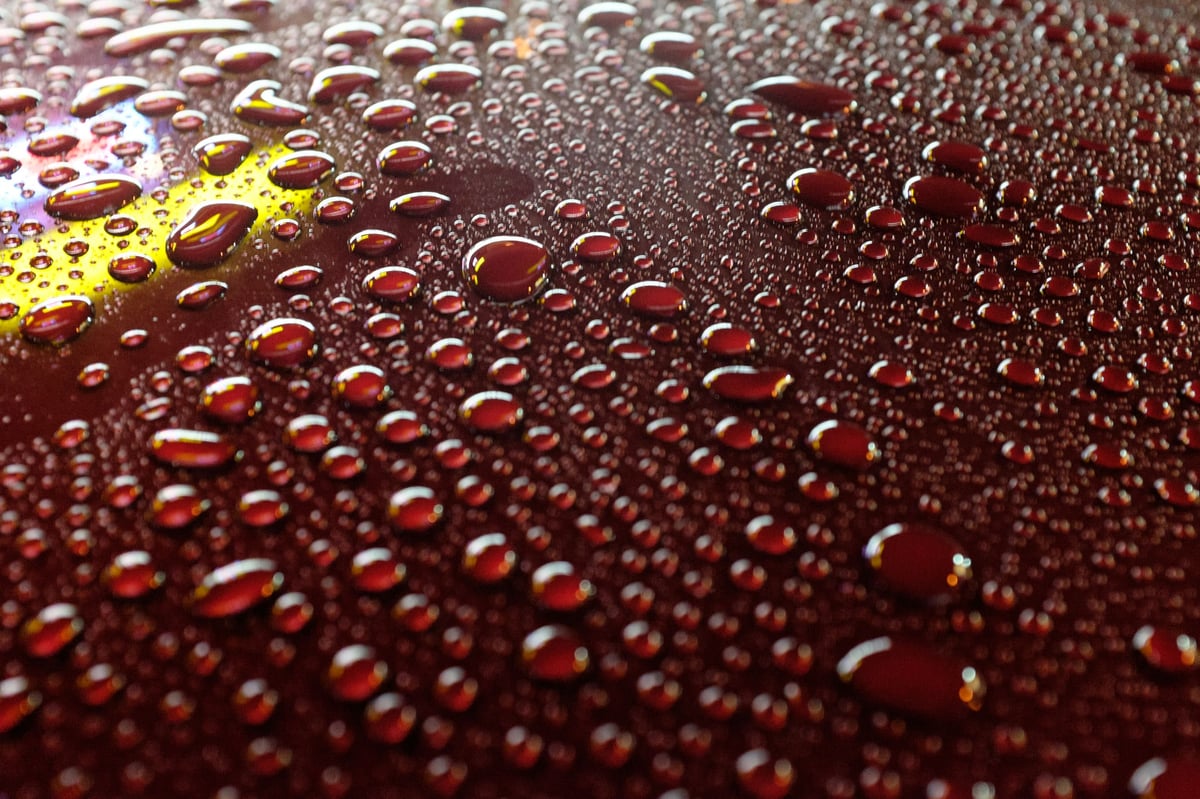
Fujifilm X100T Water Droplets

Raw vs. JPEG with Classic Chrome

Several of the shots looked very close, but then I had a lot that turned out to look nothing like the RAW. I thought I maybe had done something wrong until I remembered the camera is doing a lot of post-processing to create these JPEG images even though all the settings are set to 0.

Highlight Tones, Shadows Tone, and Sharpness, including the Dynamic Range setting, all seem to affect the JPEG and do little to the RAW files. You can set the DR to 100%, 200%, 400%, or auto, but you can never turn it off. This is probably why this camera defaults the ISO to 200. So you always get that latitude in your highlights.

Midway through reviewing the photos, something strange happened. I started getting some photos that were wildly out of balance, or the exposure was just off—usually too bright. After testing and testing, I learned that the problem is actually Lightroom’s RAW converter, not the Fuji color profiles.

Classic Chrome – Raw vs. JPEG Sample Images

For this test, I shot some RAW+F to have a RAW file to which I could add the Classic Chrome profile in Lightroom. The Jpeg files would be baked with Classic Chrome in the camera.

I left everything in the camera settings, such as shadows, highlights, sharpness, and saturation, as default.

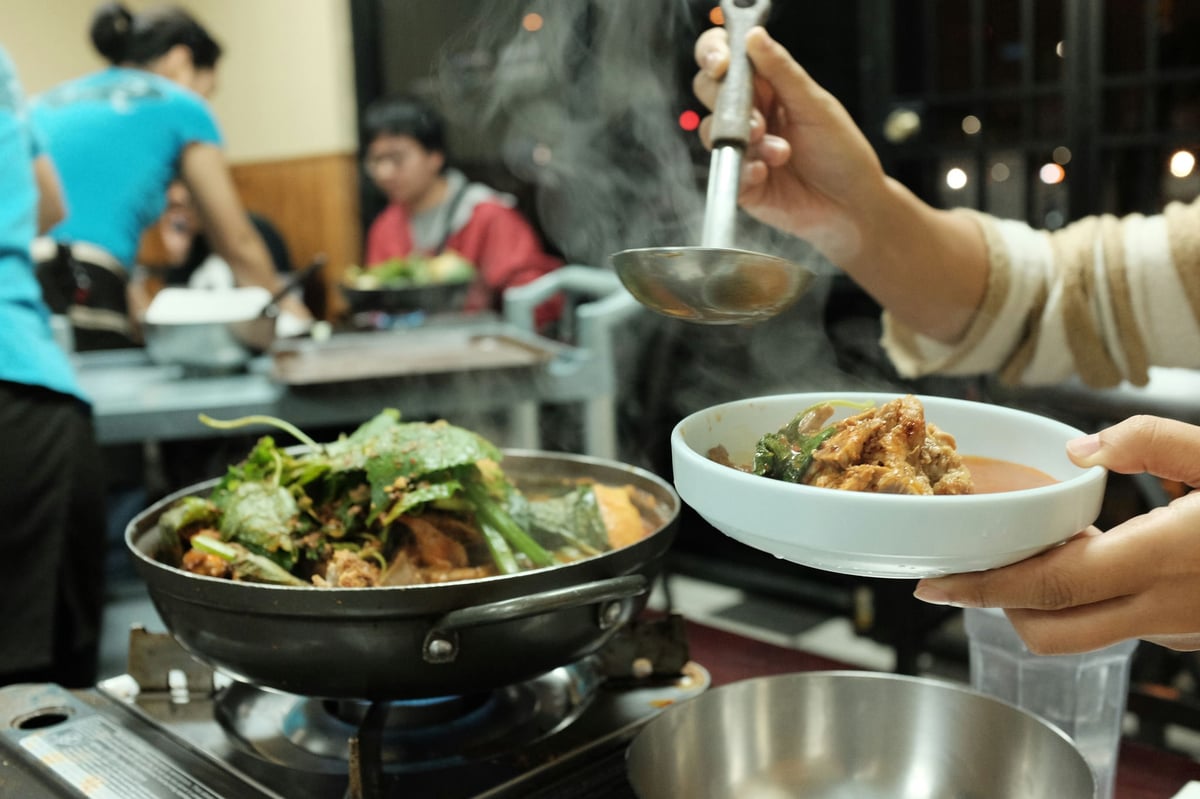
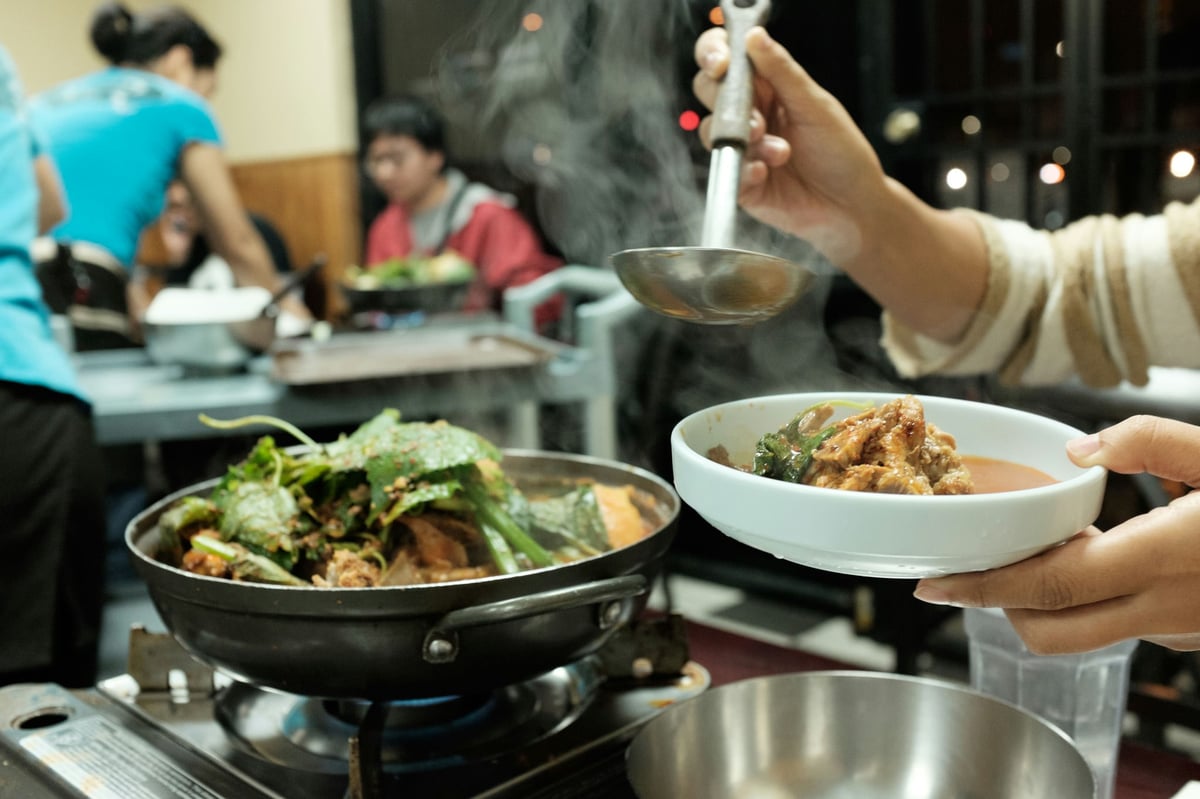
Shot 1 – Gamjatang Korean Soup

In this relatively well-lit area with semi-even lighting. The difference between RAW and JPEG using Classic Chrome was very subtle. Almost unnoticeable. You can only really see the subtleties in the highlights and shadows. It looks like the Fuji X100T has pulled down the highlights a little bit to preserve them and has lifted the blacks just slightly. A look that I actually think helps contribute to the film look that we’re going for by using Classic Chrome. The JPEG is actually very nice and the RAW looks correct.

Camera: Fuji X100T
Color Profile: Classic Chrome
ISO 2500, f/4.0, 1/60sec

Use the slider at the bottom left of the image to swipe between images.

RAW <—-> JPEG
Raw ImageJPEG

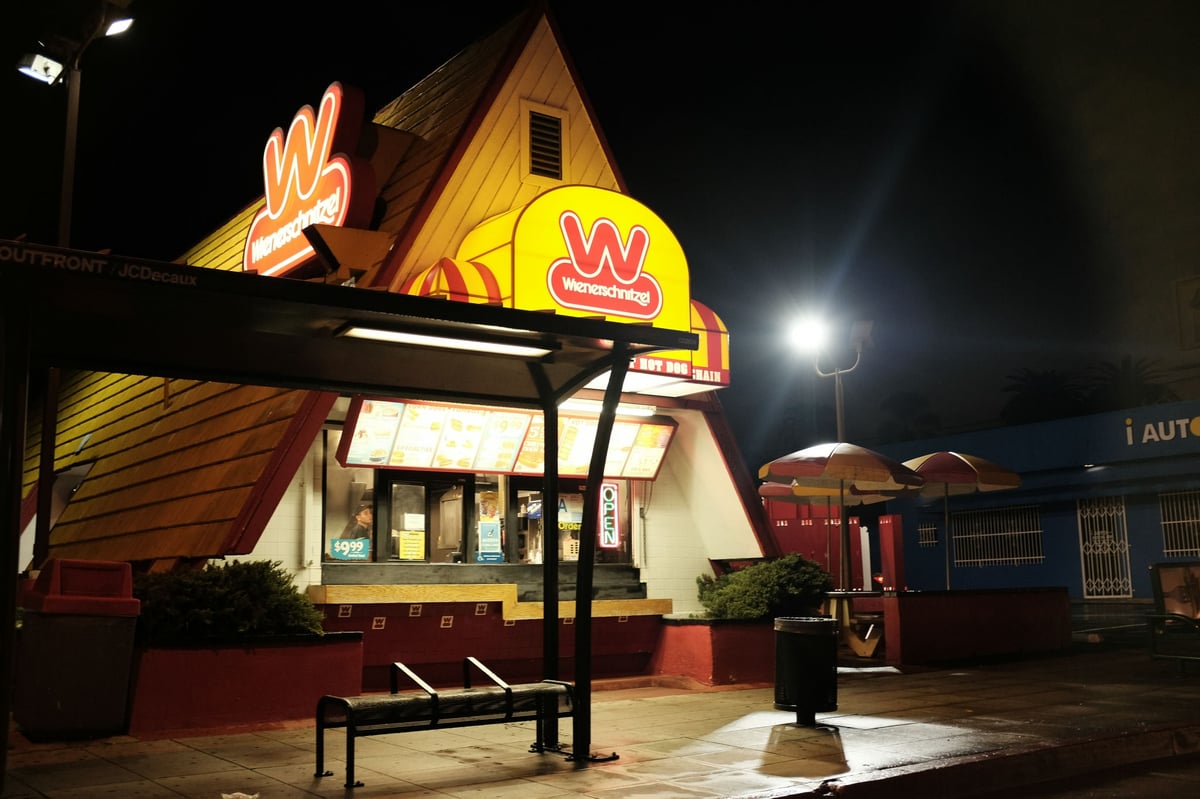
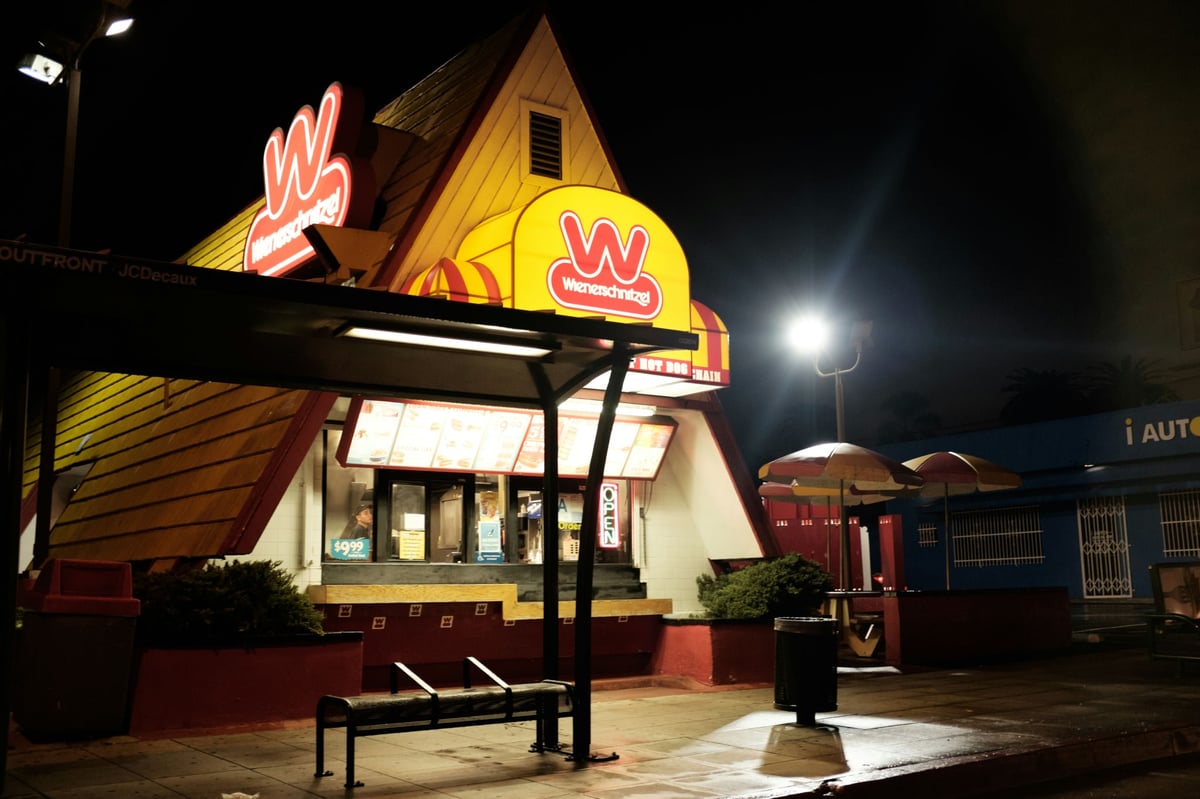
Shot 2 – Wienerschnitzel

This photo also has the lifted black and preserved highlights. Colors in the reds also seem to shift significantly. This could have something to do with the JPEG trying to bring down that highlighted detail. If you look at the W signage on the left in the RAW, you’ll see it’s a red color, and in the JPEG, it’s almost an orangish color.

Camera: Fuji X100T
Color Profile: Classic Chrome
ISO 1600, f/2.8, 1/60sec

RAW <—-> JPEG
Wienerschnitzerl RAWWienerschnitzerl JPEG

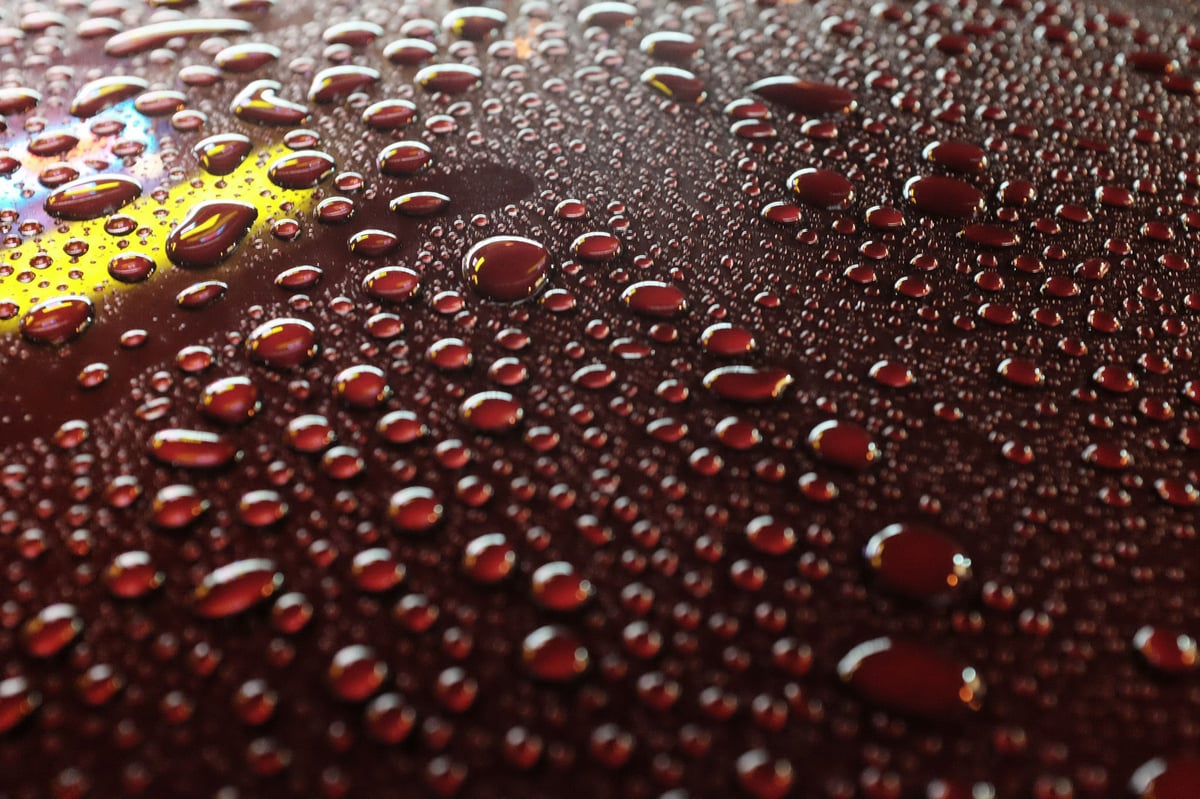
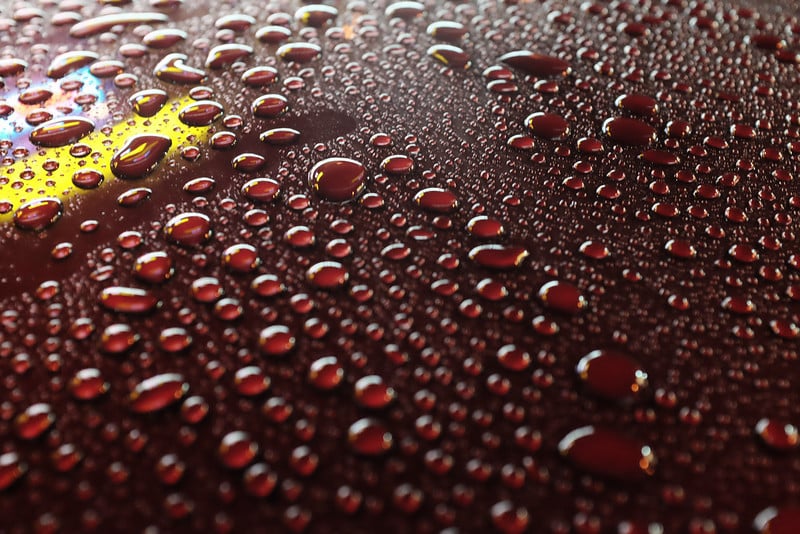
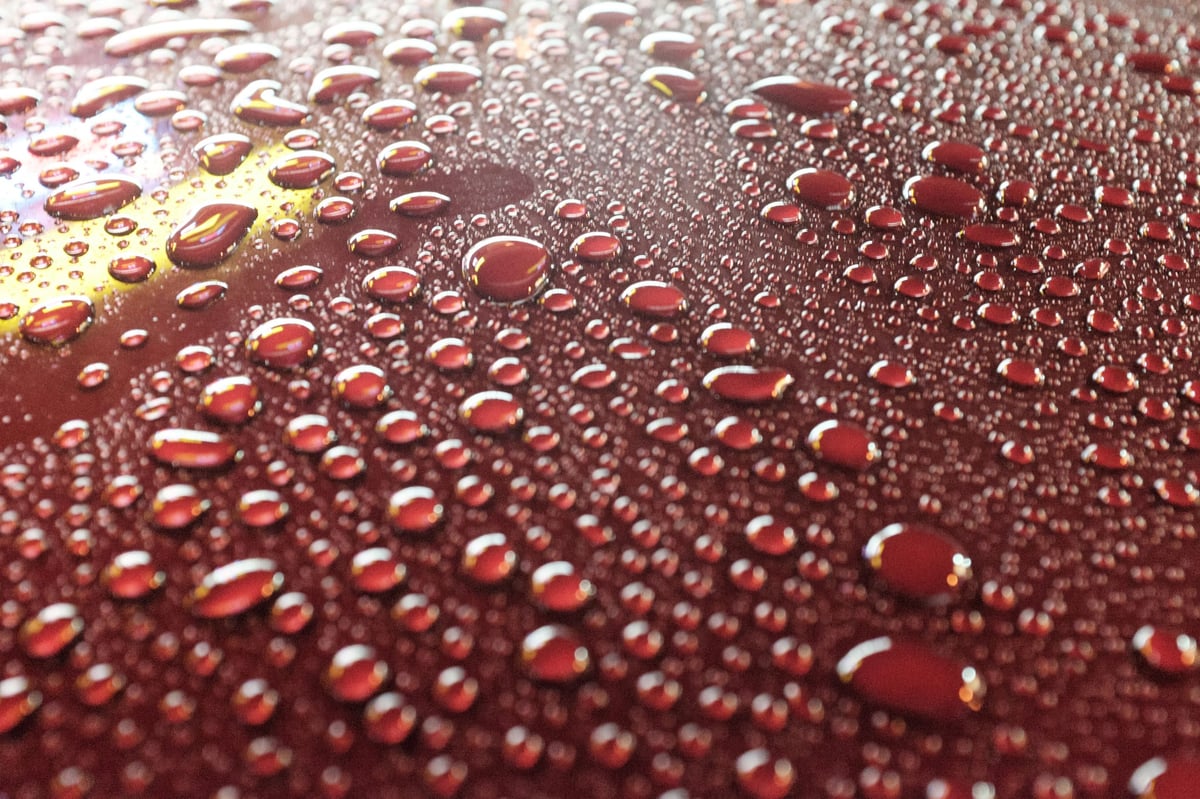
Shot 3 – Water Drops

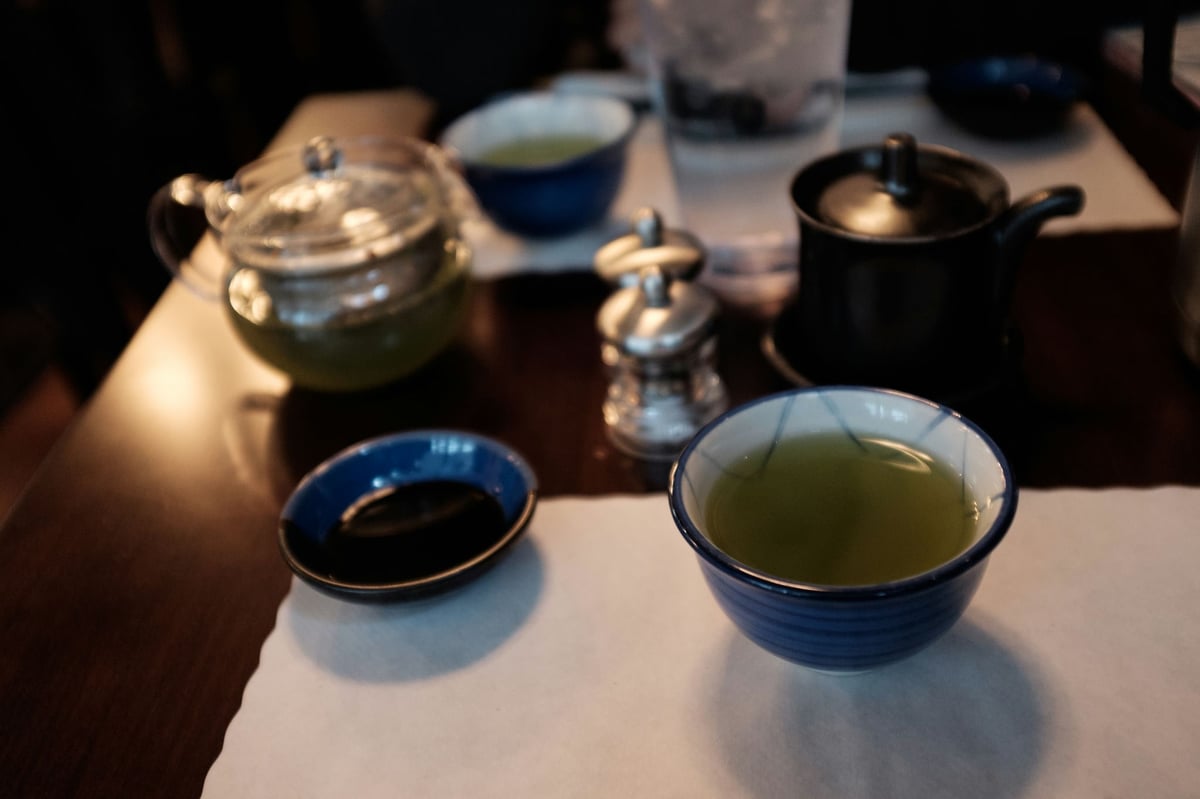
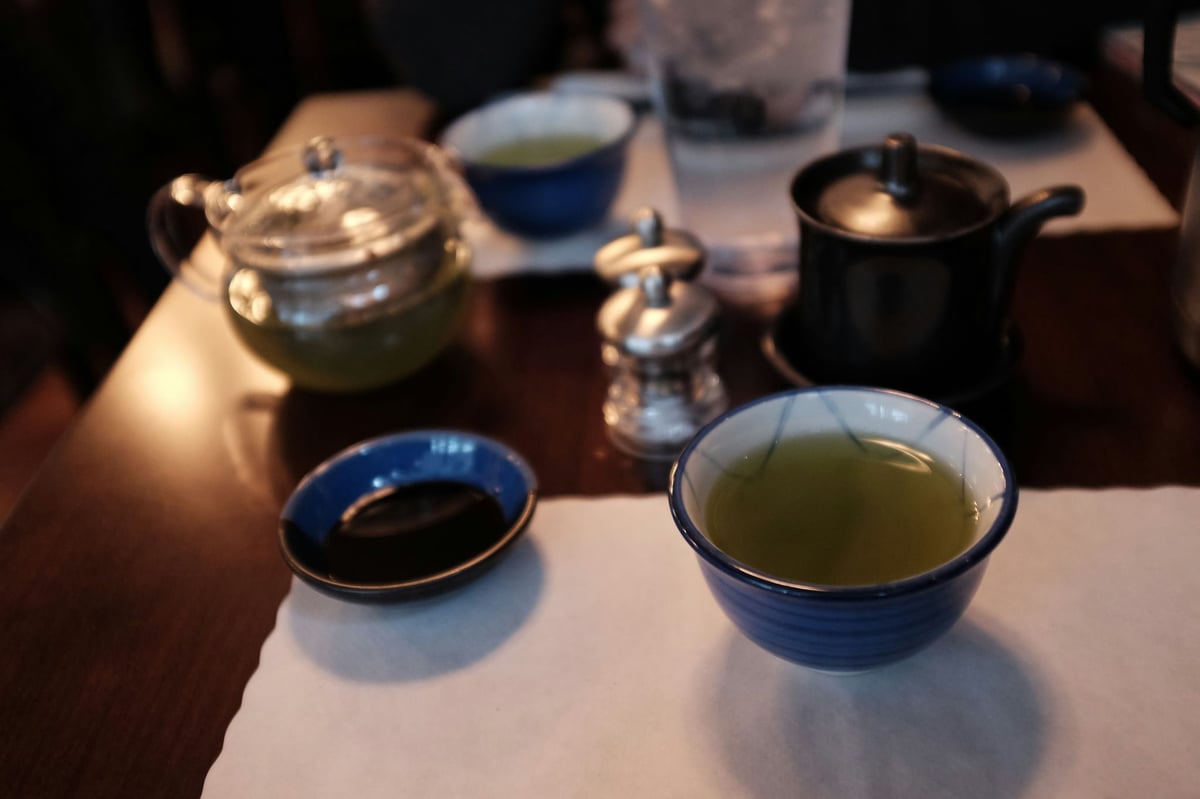
This is where things got weird. And I actually have a lot of photos that turned out like this when shooting at night. The RAW converter drastically adjusts the exposure in Lightroom. My guess is it did some sort of auto-exposure, but I don’t really know. The photo looks fine on the back LCD panel of my camera, but it’s a full stop that is too bright in Lightroom.

Camera: Fuji X100T
Color Profile: Classic Chrome
ISO 6400, f/4.0, 1/20

RAW <—-> JPEG
WaterDrops RAWWater Drops JPEG

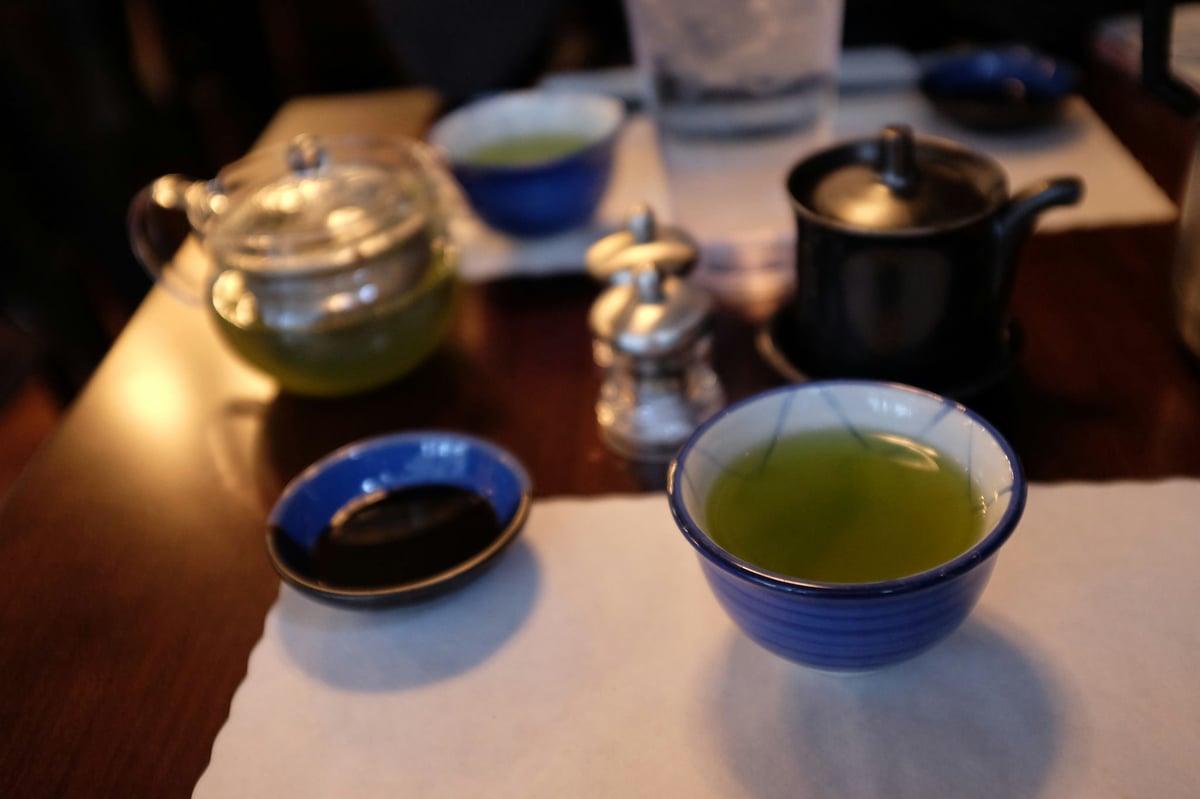
Shot 5: Sergio

The colors between the two shots here are all over the place. It feels like there is a white balance correction in the JPEG shot, shifting it towards the purple-pink spectrum. The RAW seems more green.

Camera: Fuji X100T
Color Profile: Classic Chrome
ISO 1250, f/4.0, 1/60

RAW <—-> JPEG

Sergio RAWSergio JPEG

Does Lightroom Suck For The Fuji X100T?

By doing this test on one topic, it became another. I can’t accurately compare Classic Chrome JPEG to the Classic Chrome profile in Lightroom because so many of my raws seem to be a full stop too bright. Some also seem to have the white balance shifted. So, I opened up Iridient Developer to compare its RAW files to the RAW of Lightroom.

For Lightroom, I’m using Adobe Standard; for Iridient, I’m running the default IDv300.

Iridient: IDv300 Fuji X100T Standard <—-> Lightroom: Adobe Standard

The only real difference I’m seeing is that the Lightroom image is slightly brighter, easily corrected by lowering the exposure. The colors don’t seem to be drastically different.


IridientLightroom Standard

Other Looks In Lightroom – Raw vs Jpeg

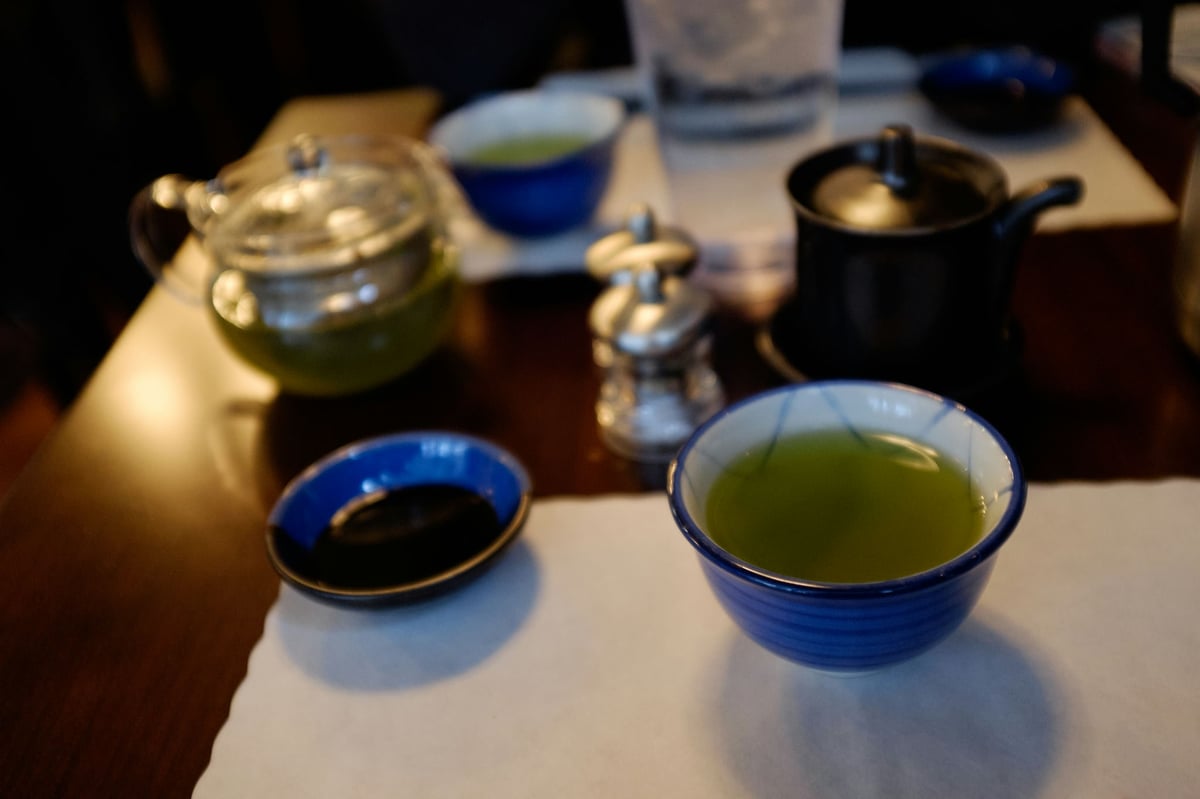
I shot these on Aperture Priority – RAW+JPEG.

All JPEG settings, Highlight Tone, Shadow Tone, Noise Reduction, Color, and Sharpness were set to 0. Long Exposure NR was also turned off.

RAW <—-> JPEG

Use the slider to reveal the RAW image.

ASTIA
Astia

VELVIA

Velvia RAWVelvia JPEG

PROVIA

Provia RAWProvia JPEG

PRO NEG STD

ProNegStd RAWProNegStd JPG

CLASSIC CHROME

Classic Chrome RAWClassic Chrome JPEG

RAW vs. JPEG With Classic Chrome Conclusions

I have to say I can’t decide how to work with files using the Fuji X100T, RAW Jpeg, or both. I want the Fuji film to look in RAW, but they seem off in Lightroom on many shots. Classic Chrome seems to be the closest, sometimes indistinguishable. But Astia, Provia, Velvia, and Pro Neg all seem to have a bigger shift to them. I imagine Adobe and not Fuji built the Adobe Fuji Simulators. Can anyone shed light on how these are made?

Strangely, some sequences turn out with bigger color and exposure shifts than others. I think it’s just that Fuji has a little army of gnomes inside the camera, developing the JPEGs to perfection. And that’s what Fuji is known for. Great JPEG imaging.

I hoped I wouldn’t RAW and add the film looks later, which I still can do. However, JPEGs are nice by default.

As an exclusive RAW shooter, now I’m in a place where I can’t ignore the quality of the JPEG. It just looks better when using the Fuji film simulators. That leaves me shooting RAW+F, which slows down your SD memory card write speeds. But we can use the JPEG images to pump out some quick looks for Instagram. And when we feel like playing with various looks or using Lightroom Presets, we still have the RAW files.

Another thing I might start using is to shoot all RAW all the time. Then, select an image from the camera and use the RAW Converter to create the JPEGs. You can do this by selecting the play button, finding an image you like, and selecting ‘Menu Ok.’ OK, your settings are right there.

I’m curious to know what everybody else is like. Are. Are you mostly shooting JPEGs or both? Which has been working better for you?

Lightroom vs. Iridient Comparisons

I’ve done a few more tests with Iridient and Lightroom, and they have all been pretty interesting.

Iridient vs Lightroom Camera Profile Test – This test is seen here but compares the Lightroom profiles to those of Iridient.

Iridient vs Lightroom Detail Comparison – This test shows how much better the Iridient X-Trans Raw Converter is compared to Lightroom.

0
0
0
0
0
Alik Griffin

A professional video editor, and photographer with a Bachelors in Film studies from UCSD. Based in Los Angeles, I have created commercials, trailers, and other video content for various clients and platforms since 2005. I also love to write about my passions and share my insights on my blog.

Related Topics
  • Fuji X100T
  • Photography Tips
  • Reviews
Previous Article
Antelope Canyon Landscape Photo
  • Blog
  • Photo Stories

Going Handheld – Antelope Canyon

  • Alik Griffin
  • December 14, 2024
View Post
Next Article
Dockweller Fujifilm X100T
  • Camera Reviews
  • Update

Fujifilm X100T – A Real World Review

  • Alik Griffin
  • April 12, 2024
View Post

Subscribe

Subscribe now to our newsletter

You May Also Like
Pure Cinema
View Post
  • Blog
  • Featured
  • Lens Reviews
  • Reviews

Viltrox TCL-X100VI Review | A Budget-Friendly 50mm Upgrade

  • Alik Griffin
  • February 17, 2026
  • No comments
Thypoch Simera 75mm f1.4 Review
View Post
  • Blog
  • Featured
  • Lens Reviews

Thypoch Simera 75mm f1.4 Review & Sample Photos

  • Alik Griffin
  • February 18, 2026
  • No comments
Kakurajima View
View Post
  • Blog
  • Featured
  • Lens Reviews

Viltrox WCL-X100VI Review | A Budget-Friendly 28mm Upgrade

  • Alik Griffin
  • February 17, 2026
  • 2 comments
Sony A7V Announcement
View Post
  • Blog
  • What's New

Sony A7V – They’re Back In The Game

  • Alik Griffin
  • December 30, 2025
  • 4 comments

Leave a Reply Cancel reply

Your email address will not be published. Required fields are marked *

San Clemente Sunset

Join The Newsletter

Featured
  • Mud Face
    Nikon Z 35mm f1.4 vs Nikon Z 35mm f1.8 S – Sample Images
    • 28 comments
  • Nikon Z 50mm f1.8 S Lens Review
    Nikon Z 50mm f1.8 S Lens Review & Sample Photos
    • 59 comments
  • Kalina Picking Sakura
    Nikon Z 85mm f1.8 S Review & Sample Photos
    • 20 comments
  • What is Micro Contrast
    Micro-Contrast, Is It Real? – Samples With Lens Comparisons
    • 17 comments
  • Pure Cinema
    Viltrox TCL-X100VI Review | A Budget-Friendly 50mm Upgrade
    • No comments
  • Biker Bro
    Viltrox Spark Z3 Flash – Review & Sample Photos
    • 3 comments
  • Tiffen Black Pro Mist Filter At Night. Streets Of Tenjin Japan
    Tiffen Black Pro Mist Review – Is This The One?
    • 10 comments
  • On Board
    Fujifilm X100VI Review & Sample Photo
    • 5 comments

Subscribe

Subscribe now to our newsletter

Privacy Policy | Licensing | About Me | Contact

Copyright © Alik Griffin Inc. 2025

Input your search keywords and press Enter.