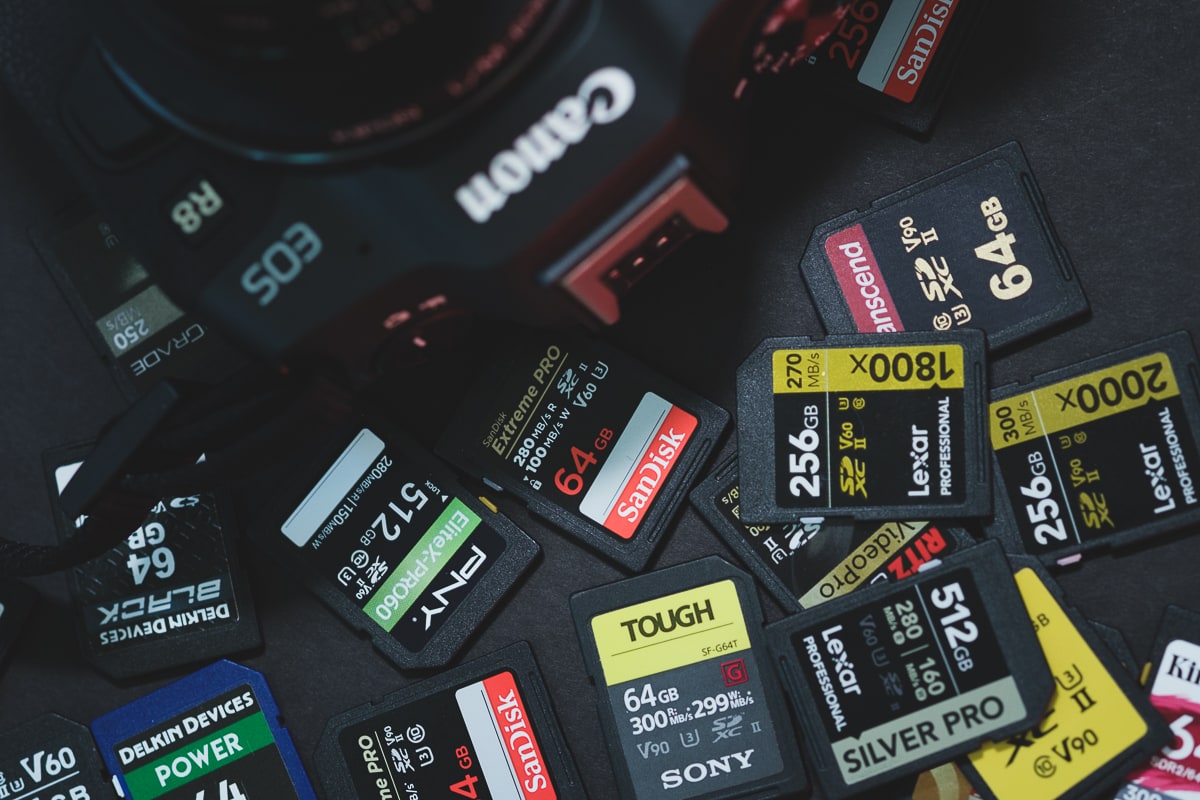
The Canon EOS R8 uses a single SD UHS-II Memory Card slot. It’s a fairly capable hybrid camera, so you’ll need to make sure you buy the right memory card, or you could be locked out of some of its video features.
Here is what you need to know.
Best Speed Class For Photographers: Since the Canon R8 can shoot raw images at 40 fps with the electronic shutter or 12 fps with the mechanical shutter, photographers looking to take advantage of these fast burst speeds will want to buy the fastest V90 UHS-II SD memory cards.
Best Speed Class For Videographers: The Canon R8 shoots video at a data rate of up to 340Mbps or 42.5MB/s and can shoot for 120 minutes. To guarantee this performance, you only need a v60 UHS-II memory card. The V60 UHS-II SD cards offer a good balance of value to capacity, which works well for videography. They’re also great for photographers who shoot more casually and don’t regularly shoot at high burst rates.
Recommended Memory Cards Canon R8
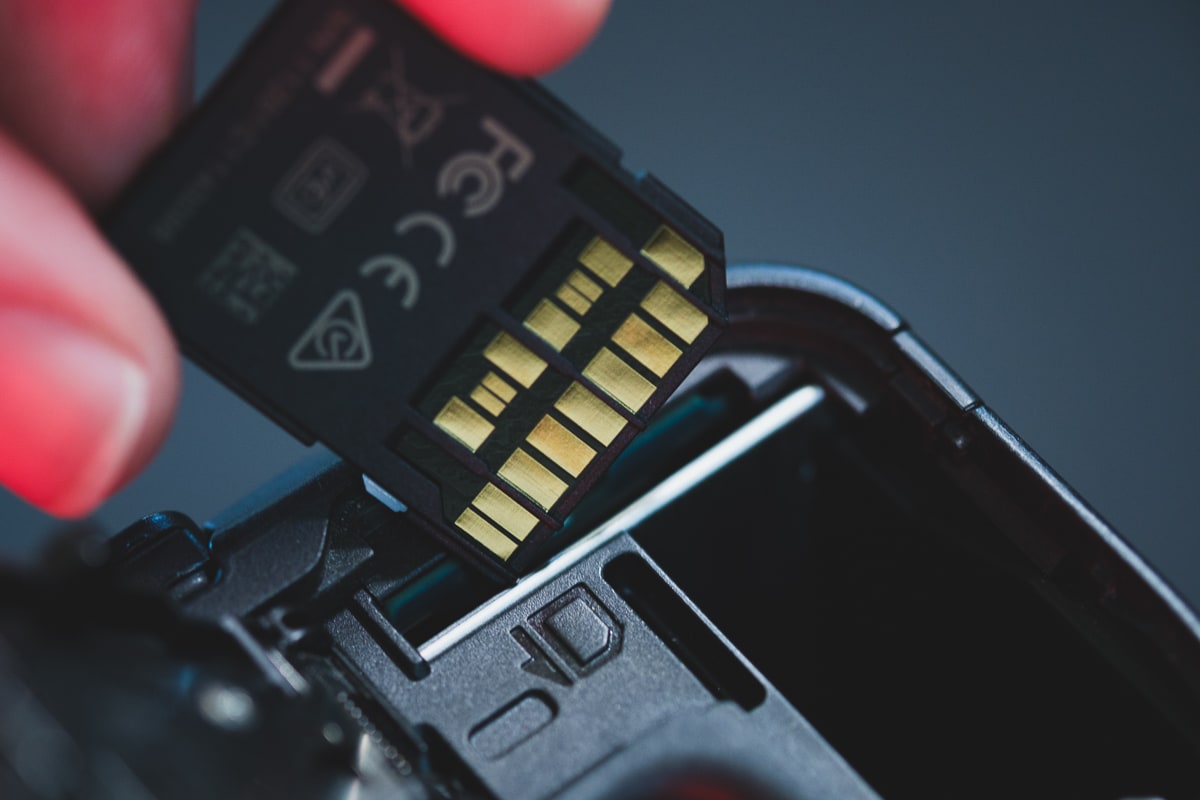
This list shows some of the best cards for the Canon EOS R8.
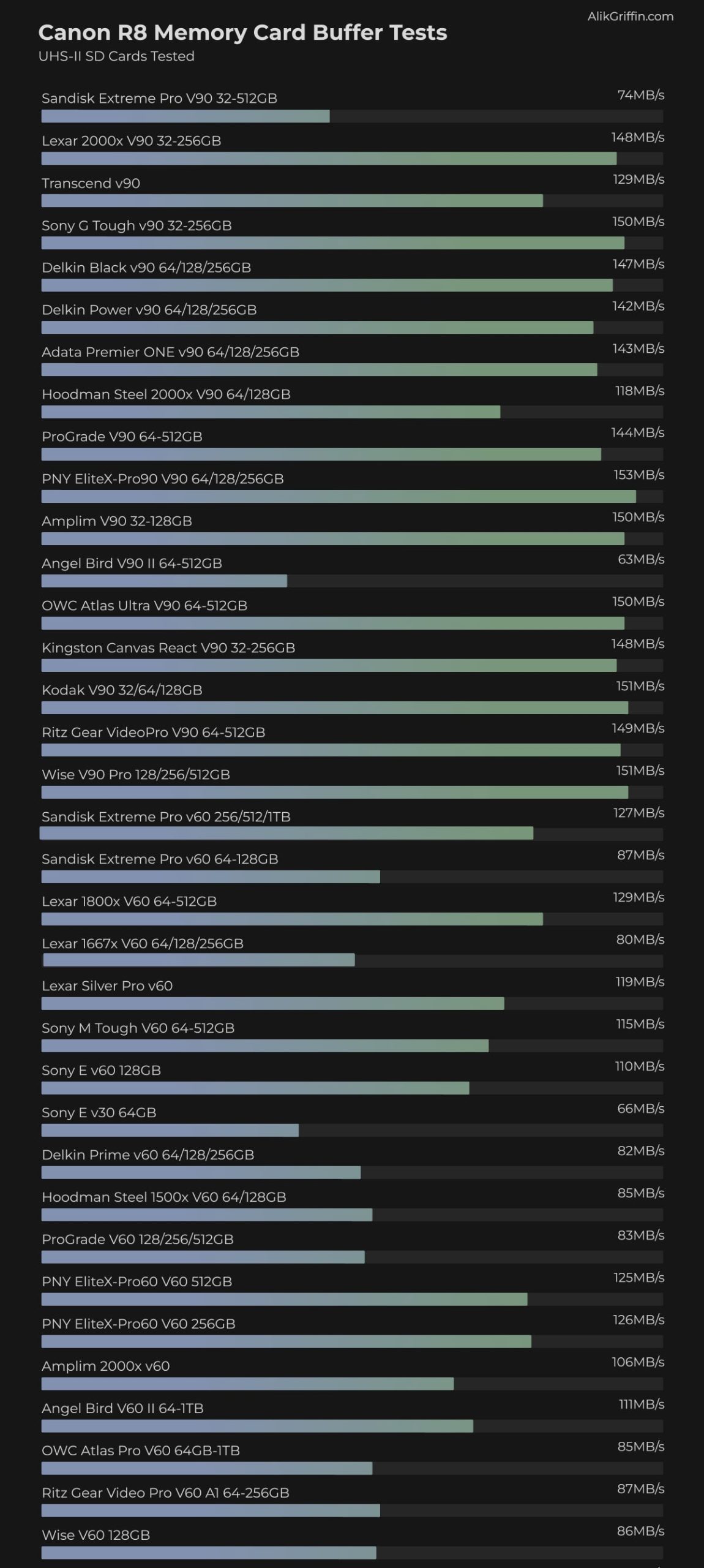
Some cards don’t perform well with Canon cameras; for some reason, I keep having issues with the Sandisk Extreme Pro V90 with Canon UHS-II cameras, so I don’t recommend that card. I know many people like Sandisk, but in this case, I recommend avoiding their V90 cards; the V60 cards are great, however.
You’ll also notice that a good V60 card is almost as fast as a good V90 card, so V60 is probably the best option for most people and will save you a lot of money.
| SD Memory Card Recommendations | Review Links | USB Write | USB Read | Canon R8 | Check Price |
|---|---|---|---|---|---|
| SD UHS-II V90 | Hide | ||||
| Sandisk Extreme Pro V90 32-512GB | Sandisk Extreme Pro V90 UHS-II Review | 268 | 293 | 74 | Amazon / B&H |
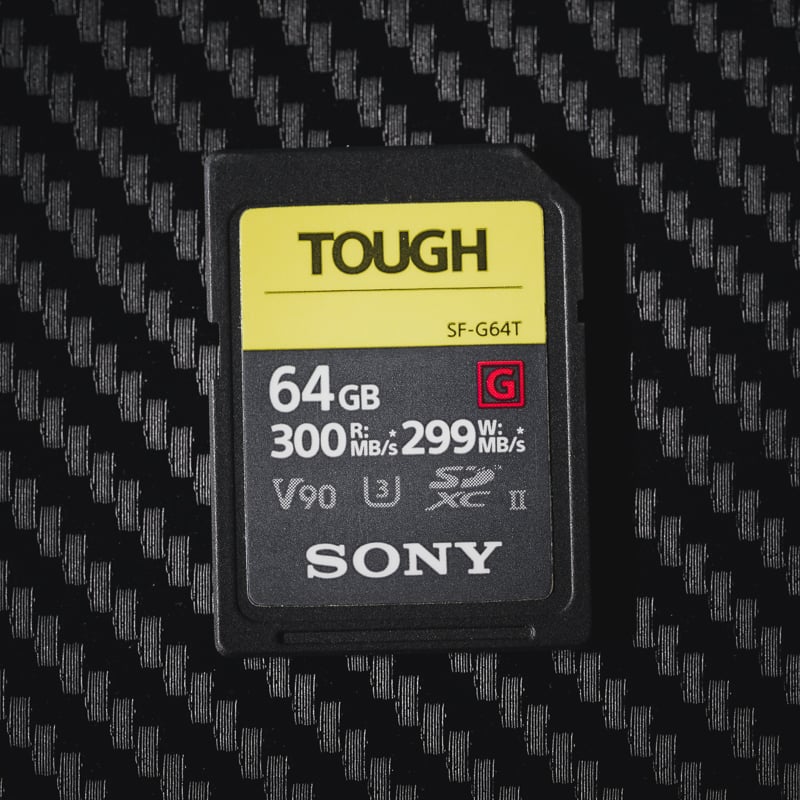
| Sony G Tough v90 32-256GB | Sony G Tough V90 UHS-II Review | 258 | 296 | 150 | Amazon / B&H |
| Delkin Black v90 64/128/256GB | 253 | 278 | 147 | B&H | |
| Delkin Power v90 64/128/256GB | Delkin Power v90 | 240 | 275 | 142 | Amazon / B&H |
| Adata Premier ONE v90 64/128/256GB | Adata v90 | 229 | 268 | 143 | Amazon |
| Amplim 2000x V90 32-128GB | 275 | 287 | 150 | Amazon | |
| Kingston Canvas React V90 32-256GB | Kingston Canvas React Plus V90 | 274 | 292 | 148 | Amazon / B&H |
| Kodak V90 32/64/128GB | 260 | 272 | 151 | Amazon | |
| SD UHS-II V60 | Hide | ||||
| Sandisk Extreme Pro v60 256/512/1TB | 189 | 279 | 127 | Amazon / B&H | |
| Lexar ARMOR Gold V90 256GB-1TB | 191 | 258 | Amazon / B&H |
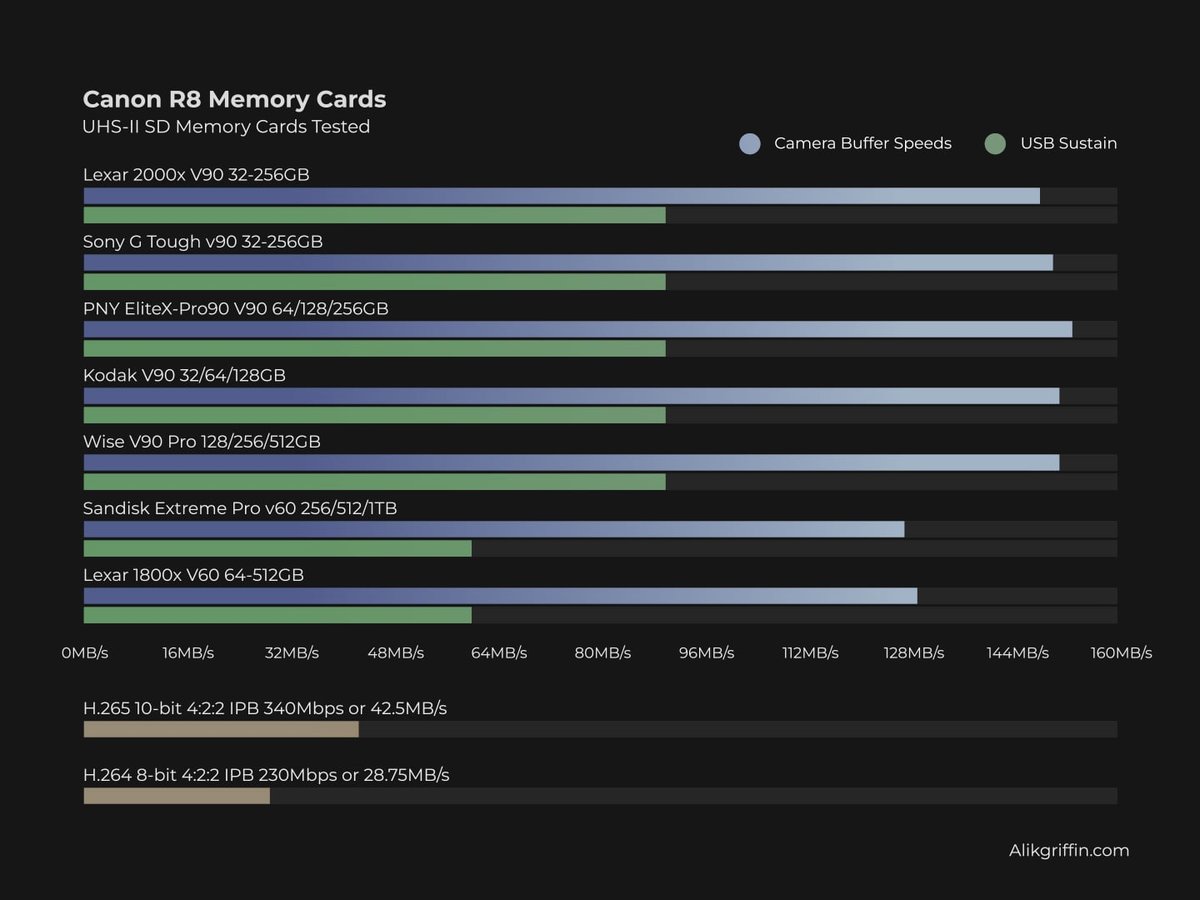
Here is a quick table showing how some of the best cards in the v90 and v60 speed class performed when tested in the Canon R8 and how they compare with the video bitrates. The chart shows that even with a v60 card, you can use all the different video recording modes.
Canon R8 Memory Buffer Tests
Buffer performance is measured by shooting with a continuous burst and measuring the time it took to clear the buffer against how much data was written. A few UHS-II V90 cards had trouble initializing as UHS-II cards, so be careful purchasing those since they can potentially cause performance issues. If you do have a UHS-II card that is having trouble initializing, take the battery out, put the battery in, then the card, and power on the camera.
Canon EOS R8 Specs
| Sensor: Full Frame 24.2MP CMOS Processor: Digic X Continuous Shoot: 12fps Mechanical, 40fps Electronic Est. Buffer Size: 1GB RAW Shots To Fill Buffer: 40 RAW | 120 JPEG 56 RAW Max Memory Card Capacity: Any size, no limit. Video Record Limit: 120 minutes 4k Datarate: 340 Mbps | 42.5 MB/s |
Want to see USB-C Read and Write Speed Tests? Check out the UHS-I and UHS-II SD Card Benchmarks.
Recommended Cards For Video
The Canon EOS R8 can internally shoot 4k at 60 frames per second, with a maximum bitrate of 340Mbps, equivalent to 42.5MB/s.
Although writing 4K video doesn’t necessarily require the fastest cards, opting for a v60 speed class UHS-II card is recommended to ensure a minimum write speed of 60MB/s. U3 UHS-I cards can also work for lower bitrates under 30MB/s or 240Mbps.
For video shooters, I recommend using V60 UHS-II cards. The best performers are the Sandisk Extreme Pro V60, Lexar 1800x, or the PNY Elite-X v60 cards.
Canon EOS R8 Video Specs & Recording Modes
Record Limit: 120 minutes.
Audio File Format: AAC, Linear PCM
4k Recording Modes 1080p Recording Modes |
Canon EOS R8 Record Times – Memory Card Capacity
The following chart displays record times for various bitrates across different memory card sizes.
| Canon R8 Record Times | 64GB | 128GB | 256GB | 512GB |
| 4k | ||||
| 4k 340Mbps | 42.5MB/s | 25min | 50min | 100min | 201min |
| 4k 230 Mbps | 28.75 MB/s | 37min | 74min | 148min | 297min |
| 4k 170 Mbps | 21.25 MB/s | 50min | 100min | 201min | 402min |
| 4k 120 Mbps | 15 MB/s | 71min | 142min | 284min | 569min |
| 1080p | ||||
| 1080p 270Mbps | 33.75 MB/s | 32min | 63min | 126min | 253min |
| 1080p 120Mbps | 15 MB/s | 71min | 142min | 284min | 569min |
| 1080p 28Mbps | 3.8 MB/s | 305min | 610min | 1219min | 2438min |
| 1080p 12Mpbs | 1.5 MB/s | 711min | 1422min | 2844min | 5689min |
What Size Memory Card To Buy
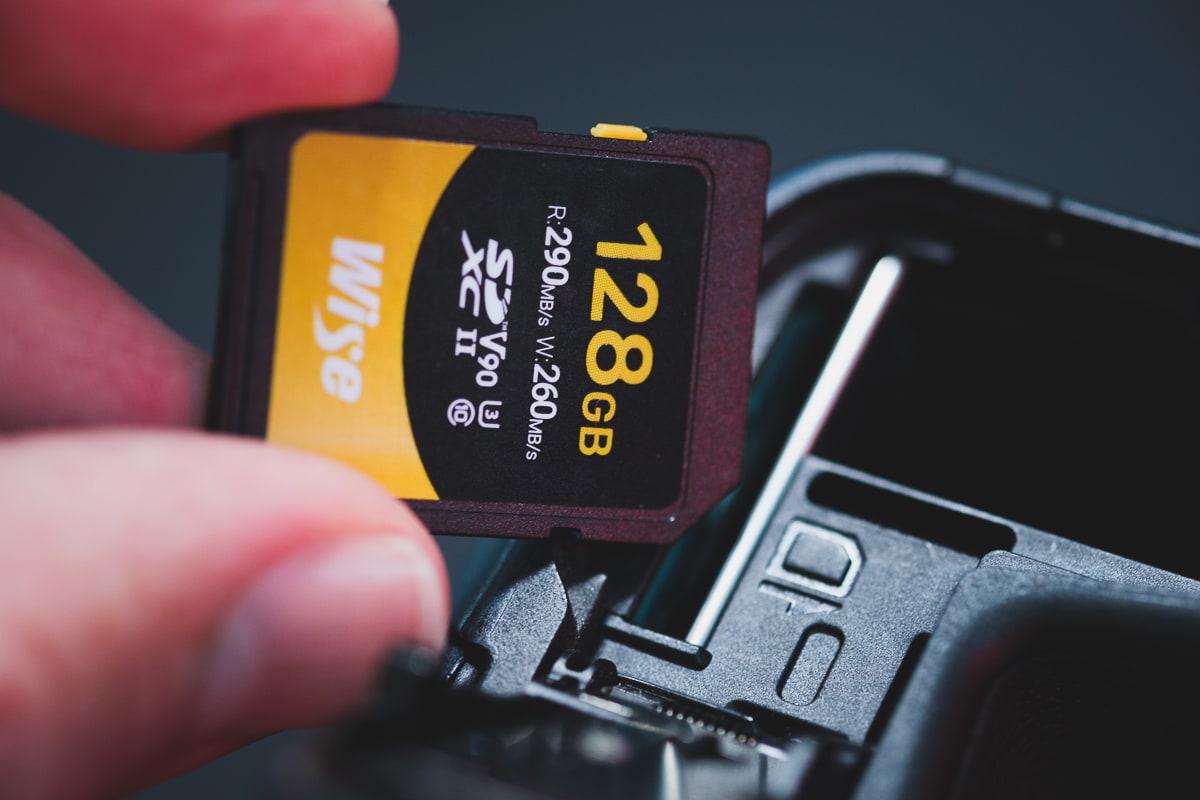
If you casually shoot photography and occasionally shoot a little video, I recommend starting with a 128GB card. In my experience, 128GB cards work well for lower-megapixel cameras, such as a 24MP camera, since they do not tend to fill up in a single day.
For a 64GB card, I typically do not run out of space unless I am shooting continuously on the same card for several days. Additionally, Canon offers CRAW and HEIF image codecs, which produce smaller files than standard RAW, allowing for more shots per card if you shoot casually. Still, I currently use 128GB cards at a minimum, and I’ve found that to be the sweet spot for capacity.