
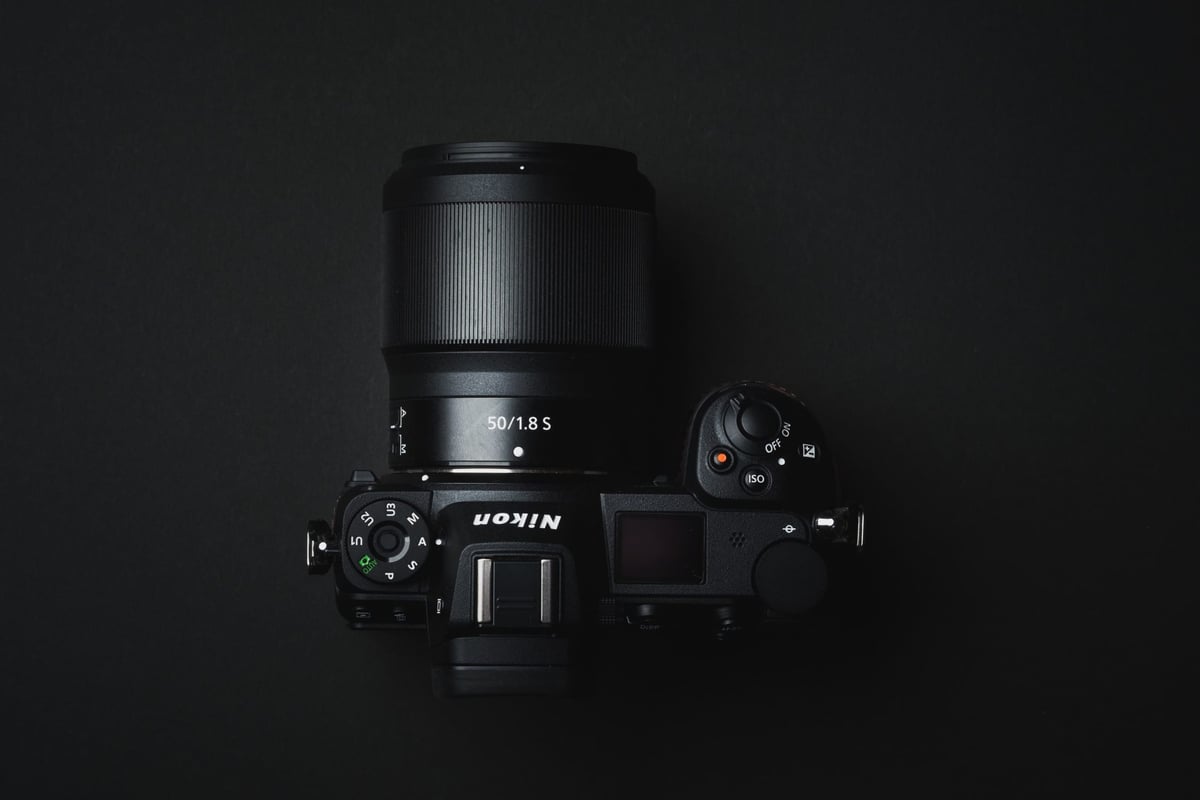
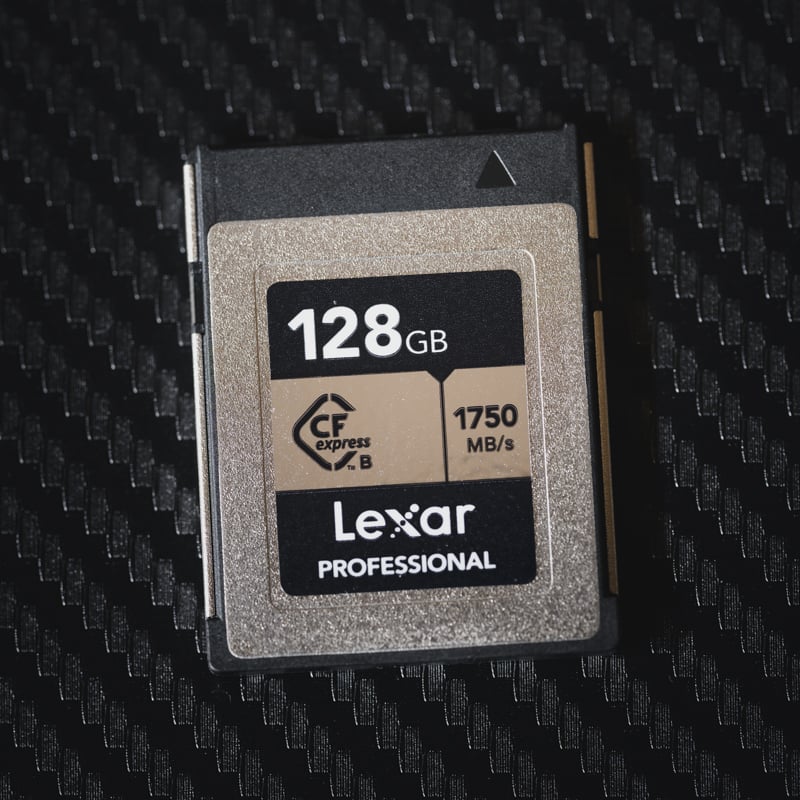
The Nikon Z6 and Z7 feature a single CFexpress Type-B memory card slot. If you have some older XQD memory cards lying around, you can also use them.
You don’t need the fastest memory cards for the Nikon Z6 and Z7 as they don’t do anything that demands them. However, you still want something reliable.
CFexpress Type B Memory Cards Nikon Z6 & Z7 Recommendations
Lexar and Delkin are the best brands for Nikon’s CFexpress memory cards. Stick with the Lexar Gold, Silver, or Delkin cards, which should also give you great performance even if you decide to upgrade to another camera.
Here are some great recommended Memory Cards for the Nikon Z6 or Nikon Z7.
Lexar Silver CFexpress Type-B

Lexar Silver 128-256GB CFexpress Type B
Tested Write: 749 MB/s
Tested Read: 1719 MB/s
Tested Sustain: 490 MB/s
Lexar Silver 512GB CFexpress Type B
Tested Write Speed: 1141 MB/s
Tested Read Speed: 1624 MB/s
Tested Sustain: 891 MB/s
Lexar Silver 1TB CFexpress Type B
Tested Write: 1661 MB/s
Tested Read: 1732 MB/s
Tested Sustain: 1382 MB/s
Warranty: 10-Year Limited
See Details: Lexar Silver CFexpress Type-B Review
Lexar 128-256GB
Lexar 512GB
Lexar 1TB
The Lexar Gold card is the best memory card for most people. The Nikon Z6 and the Z7 perform at a top speed of 286MB/s in-camera.
Lexar Gold CFexpress Type-B Memory Cards

Lexar Gold 128-512GB CFexpress Type B
Tested Write: 1410 MB/s
Tested Read: 1525 MB/s
Tested Sustain: 1382 MB/s
Lexar Gold 1TB-2TB CFexpress Type B
Tested Write Speed: 1642 MB/s
Tested Read Speed: 1695 MB/s
Tested Sustain: 1582 MB/s
Warranty: Limited Lifetime
See Details: Lexar Gold CFExpress Type-B Review
128-256GB
1TB-2TB
Delkin Power memory cards are also a great option for most people and perform well in any situation, even with new cameras. In the Z6 they top out at a speed of around 215MB/s.
Delkin Power G4 CFexpress Type-B

Delkin Power G4 128-512GB CFexpress Type B
Tested Write: 920 MB/s
Tested Read: 1226 MB/s
Tested Sustain: 842 MB/s
Delkin Power G4 650GB-2TB CFexpress Type B
Tested Write Speed: 1588MB/s
Tested Read Speed: 1710MB/s
Tested Sustain: 1507 MB/s
Warranty: Limited Lifetime
See Details: Delkin Power G4 CFExpress Type-B Review
128-256GB
650GB-2TB
Be sure to check out my list of Accessories Nikon Z6 / Z7. Or if you’re ever considering upgrading your camera and want to buy a memory card that is future-proof, check out the Nikon Z8 memory card guide.
Memory Card Speed & Buffer Tests
Each card is tested in-camera. Several sets of burst sequences are shot, and math is used to calculate how much data is written vs. how long it took to clear the buffer.
These tests are done using Uncompressed RAW with continuous burst H+. While the Z6 and Z7 have been discontinued, I’ve updated this chart with the results taken from the Nikon Z7II to understand how memory cards perform with Nikon Hardware.

| Nikon Z6 Specs | Nikon Z7 Specs |
Sensor: 24.5MP FX-Format BSI CMOS | Sensor: 45.7MP FX-Format BSI CMOS |
What Size Memory Card To Buy
Most photographers should start with a 128GB card. This allows you to shoot for a few days and even a little video without worrying about running out of space.
I usually use 128GB cards and never fill them up in a single day of shooting.













Comments
11 responses to “Best Memory Cards Nikon Z6/Z7 – Real Benchmarks”
Lol what a coincidance:) We chat on Nikonrumors. Now there’s talk about cards, i research writing speed to card, and here it is on your site, nice. And we also now found reason why lame XQD is crazy overpriced, All amazon shops (and others except maybe b&h), sell only ONE kinds of XQD, ONE! Sony. And only one line, G line (m line gone). This is pure monopoly abuse. We need Sandisk competition.
Yeah, I agree, Sony killing the M cards seems suspicious. However, for a 64GB card, they are only $15 more than the top of the line UHS-II cards and perform a little bit better. The problem is the larger cards are way too expensive. I’m hoping CFexpress card bring these prices down. I doubt it though. CFexpress will be top of the line in performance and it will probably demand a premium price even though it’s an “open” format.
At B&H, there are Sony, Delkin and Nikon XQD cards. The Nikon seems to be the lowest price at the moment. All current Nikon XQD-compatible cameras will be able to use CFexpress cards in the future, and there are a dozen manufacturers who are indicating they will produce CFe cards.
SD cards are brittle and have a short usable life, in my experience, which makes me want to avoid them at all costs.
You need to test other cards before you make a statement like 64gb cfexpress doesn’t work as ppl automatically have assumed Sandisk cfexpress doesn’t work at all and came up to me telling me that. I’ve had no problem with my 128 and 256 so it’s likely just a small card issue with the Zs, so please re-evaluate and state clearly so ppl aren’t mislead, not that you were misleading them intentionally, we just live in a headline driven world.
I said this in my article. “I would assume that it’s possible Nikon has yet to optimize firmware for the 64GB cards, since most brands like Prograde and Sony aren’t offering cards in that size. CFexpress cards are unique in that each size runs at a different speed. It’s possible 120GB or 128GB cards will all work fine from different brands but not anything smaller.”
I guess I could spell it out more, because yeah, I have heard people having no issues with their larger Sandisk cards. Maybe I’ll mention that. I’ll grab some 128GB Sandisk cards next time I go to pick up the Sony cards.
And I know, people are foaming at the mouth to say something terrible about CFexpress right now. I’ll update, thanks for the feedback Aranu!
It sucks because I had all the CFexpress cards coming when I was in the US so I could have tested everything, but I had to fly back to Japan before they got there. So now I’m limited to only what comes in to the stores here in Japan.
Ok so I added some bold text to make things a little more clear based on feedback people are giving me.
Just tried a newly released Wise 256GB Cfexpress card with 1550 mb/s writing speed on my Nikon Z7. It is well compatible with Z7 as described by the manufacturer. However, I did not feel any improvement over my Sony and Lexar QXD cards. Z7 stopped after 20 shots within 2 seconds due to buffer full. In sum, upgrading XQD to Cfexpress doesn’t improve performance of Nikon 7.
Thanks, yeah I have the 120GB ProGrade card and the results are the same. I’ll test everything probably next month sometime.
anybody going to try these from Germany. They seem quite cheap!
Wow, I wonder what they’re doing to get that price so low. I wonder if I can get them in the US. I’ll be going back in 2 weeks so I can test everything.
This article was written in december 2020 and things has happen since then (now July 2022). Apparently there are 128 GB CFe-card that are XQD-compatible, that means that they work both in XQD- and CFe-environment, even if the equipment only can handle one of the formats. I have a Z6 and in those days there were only XQD-cards available and I also bought an XQD-card reader. This also means that I do not have to buy a new card reader, I can use my Sony XQD/SD II reader.
The CFe I have been looking at is Lexar CFExpress Type B Pro Silver R1000/W600 128GB, which comes for SEK 1990:- (appr $195 USD)