We use minimal analytics to improve the site. Is that okay?

Alik Griffin
San Clemente Sunset
Subscription Form
  • Reviews
    • Accessory Reviews
    • Calculators
      • Video Data Rate Calculator | Record Time Calculator
      • Diffraction Calculator
      • DoF Calculator | Lens Equivalent
      • Shutter Speed to Shutter Angle Calculator
    • Camera Reviews
    • Lens Reviews
    • Memory Cards Recommendations
      • Fastests SD Memory Cards
      • Fastest MicroSD Cards
      • Fastest CFExpress Type-B Card
      • Fastest CFExpress Type-A Cards
      • Best CFast Memory Card
    • List of Mics
      • Best Streaming & Podcast Mics
  • Camera Guides
    • List of all Blackmagic Cameras
    • List Of all Canon RF Cameras
    • List of all Fujifilm Cameras
    • List of all Nikon Z Cameras
    • List of all Panasonic Cameras
    • List Of all Sony E Cameras
  • List of Lenses
    • Canon RF Lenses
    • Fujifilm GFX Lenses
    • Fujifilm XF Lenses
    • L-Mount Lenses
    • Leica M Lenses
    • Micro Four Thirds Lenses
    • Nikon Z Lenses
    • PL Mount Cine Lenses
    • Sony E Lenses (FE and APS-C)
  • Store
  • My account
Alik Griffin
Alik Griffin
  • Reviews
    • Accessory Reviews
    • Calculators
      • Video Data Rate Calculator | Record Time Calculator
      • Diffraction Calculator
      • DoF Calculator | Lens Equivalent
      • Shutter Speed to Shutter Angle Calculator
    • Camera Reviews
    • Lens Reviews
    • Memory Cards Recommendations
      • Fastests SD Memory Cards
      • Fastest MicroSD Cards
      • Fastest CFExpress Type-B Card
      • Fastest CFExpress Type-A Cards
      • Best CFast Memory Card
    • List of Mics
      • Best Streaming & Podcast Mics
  • Camera Guides
    • List of all Blackmagic Cameras
    • List Of all Canon RF Cameras
    • List of all Fujifilm Cameras
    • List of all Nikon Z Cameras
    • List of all Panasonic Cameras
    • List Of all Sony E Cameras
  • List of Lenses
    • Canon RF Lenses
    • Fujifilm GFX Lenses
    • Fujifilm XF Lenses
    • L-Mount Lenses
    • Leica M Lenses
    • Micro Four Thirds Lenses
    • Nikon Z Lenses
    • PL Mount Cine Lenses
    • Sony E Lenses (FE and APS-C)
  • Store
  • My account
  • Pure Cinema
    Viltrox TCL-X100VI Review | A Budget-Friendly 50mm Upgrade
    • February 21, 2026
  • Thypoch Simera 75mm f1.4 Review
    Thypoch Simera 75mm f1.4 Review & Sample Photos
    • February 18, 2026
  • Kakurajima View
    Viltrox WCL-X100VI Review | A Budget-Friendly 28mm Upgrade
    • February 17, 2026
  • Viltrox 9mm f2.8 Air Review
    Viltrox 9mm f2.8 AIR Review & Sample Photos
    • February 18, 2026
  • Biker Bro
    Viltrox Spark Z3 Flash – Review & Sample Photos
    • February 16, 2026
  • Pure Cinema

    Viltrox TCL-X100VI Review | A Budget-Friendly 50mm Upgrade

    View Post
  • Thypoch Simera 75mm f1.4 Review

    Thypoch Simera 75mm f1.4 Review & Sample Photos

    View Post
  • Kakurajima View

    Viltrox WCL-X100VI Review | A Budget-Friendly 28mm Upgrade

    View Post
Trending Posts
  • Nikon Zf Official Announcement 1
    Nikon Zf – The Fujifilm Killer?
    • February 18, 2026
  • Nikon Z 50mm f1.8 S Lens Review 2
    Nikon Z 50mm f1.8 S Lens Review & Sample Photos
    • February 18, 2026
  • Kamlan 50mm f1.1 II Product Shot 3
    Kamlan 50mm f1.1 II Review & Sample Photos
    • January 18, 2025
0
  • Blog

ETERNA Film Simulator Recipe – Perfect For General Use

  • Alik Griffin
  • May 25, 2024
  • 4 comments

This website contains affiliate links. We will earn a small commission on purchases made through these links. Some of the links used in these articles will direct you to Amazon. As an Amazon Associate, I earn from qualifying purchases.

The Eterna Film Simulator from Fujifilm can be a great tool for photography, providing filmmakers and photographers with a classic film look without the hassle of shooting on film. Learn how to unlock the full potential of this simulator to achieve stunning results when shooting stills.

How To Use Eterna For Photography

A lot of people talk about using Eterna but mostly for video, but if you tune it up, it actually ends up being one of the better profiles to use for stills.

A lot has changed with Fujifilm’s JPG processing engine since the X-H1 or even when I originally first started using Eterna with the XT3, not only do we have a newish BSI sensor but Fujifilm has also expanded on the image processing tools in the new cameras so that we can really tune and modify the looks even further.

Mainly, we now have more color chrome effects, color chrome blue, more grain control, and clarity.

I always found Eterna to be a little too blue, but I saw Richie at FujiXWeekly heavily tweaking the WB with it and that’s where this look began. This might now be one of my favorite looks to come out of a Fujifilm camera. I’ve since done some modifications to protect the highlights a bit more and bring out a little more color with the chrome effects, but R+5 with a -6 B just seems to always work best when going for the warm tones, so no changes from what Richie was doing, but there is a more Teal look I’ve been experimenting with that does WB Shift at R-3, B+2. Gives a colder look which does some nice things when shooting landscapes.
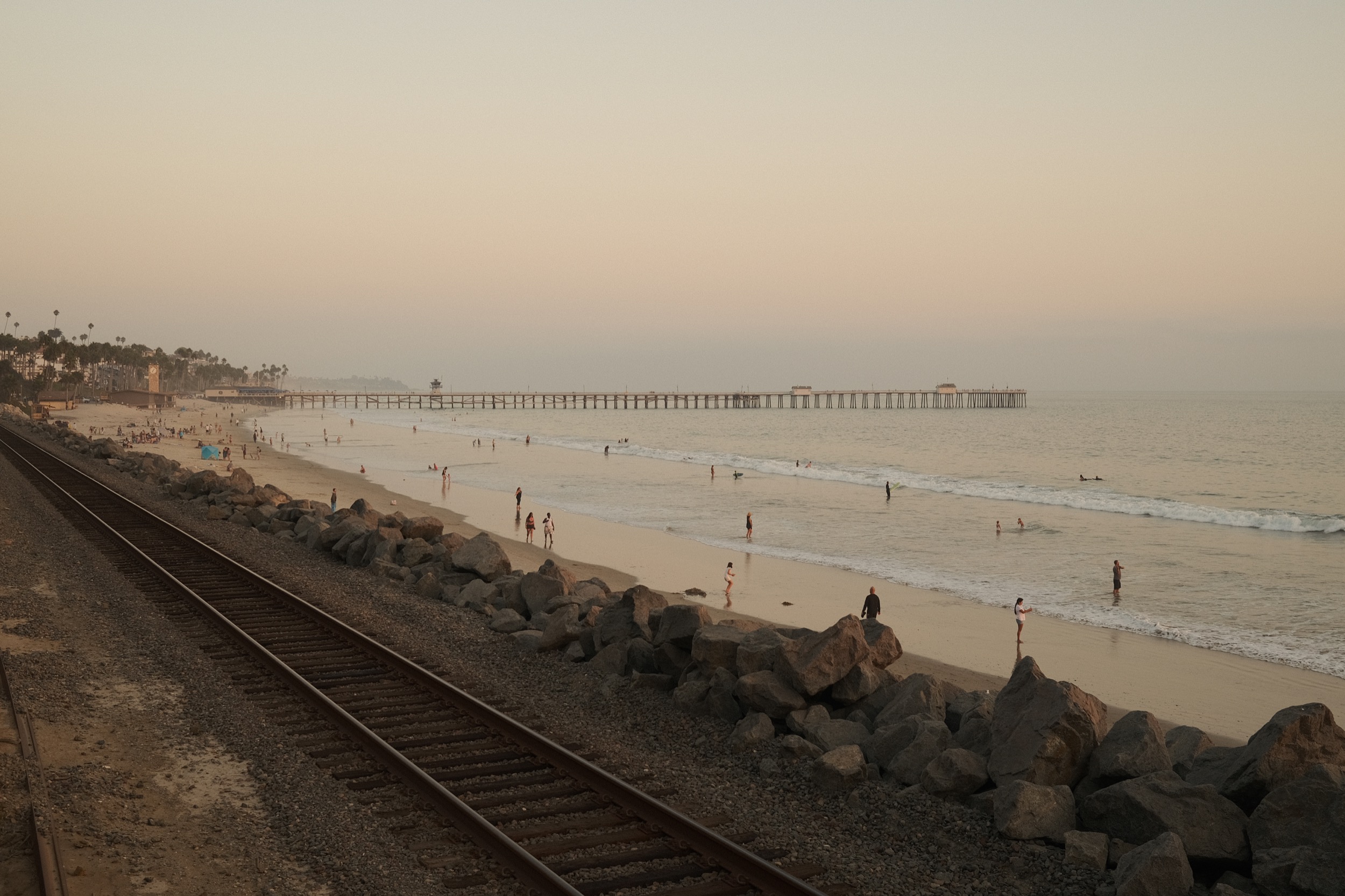
Landscape photo of San Clemente Pier using Eterna
ISO 160, f5.6, 1/80

Fujifilm ETERNA Recipe

Here is where I am at with it right now.

Film Simulator: Eterna
WB: AUTO | R +5 B: -6
Exposure Comp: + 2/3
Tone Curve: H-1, S+3
Color: +4
Sharpness: +2
Clarity: 0
Noise Reduction: -4
DR: 100
DR Priority: Off
Grain Effect: Small Weak or Large Weak 
Color Chrome Effect: Strong
Color Chrome FX Blue: Weak

You always need to turn Noise Reduction down otherwise you’ll notice the camera eating fine details like hair. It’s better to just let there be noise and then add your own grain as a layer on top so you don’t lose details.

There are a few settings you might adjust on the fly depending on your situation. I play around a lot with the Tone Curves if I need more or less contrast, but a -1 with Highlights and +3 with Shadows is a great start and works 90% of the time.

The clarity I don’t mess with too much anymore since it slows down the camera processing. It’s nice to maybe do a -2  on landscapes when you don’t need to take several pictures quickly, but when dealing with people where you might want to grab a few quick shots in succession, I keep it off. Then I can always add it later with the in-camera controls since I shoot RAW+JPG.

For my other settings when I’m shooting fairly static subject matter like this I still like to limit my shutter speed to no slower than 1/80 and I limit my ISO to 6400. This will give you pretty sharp images with very little motion blur when shooting handheld.

You also don’t really need to adjust the DR when using Eterna since it’s already a fairly flat profile and does a decent job of protecting your highlights. If your highlights are getting clipped, you can turn that on to DR200, or mess with your exposure comp dial on your Tone Curves. Or just turn on Dynamic Range Priority, but Dynamic Range Priority does tend to have a little bit of a mind of its own.
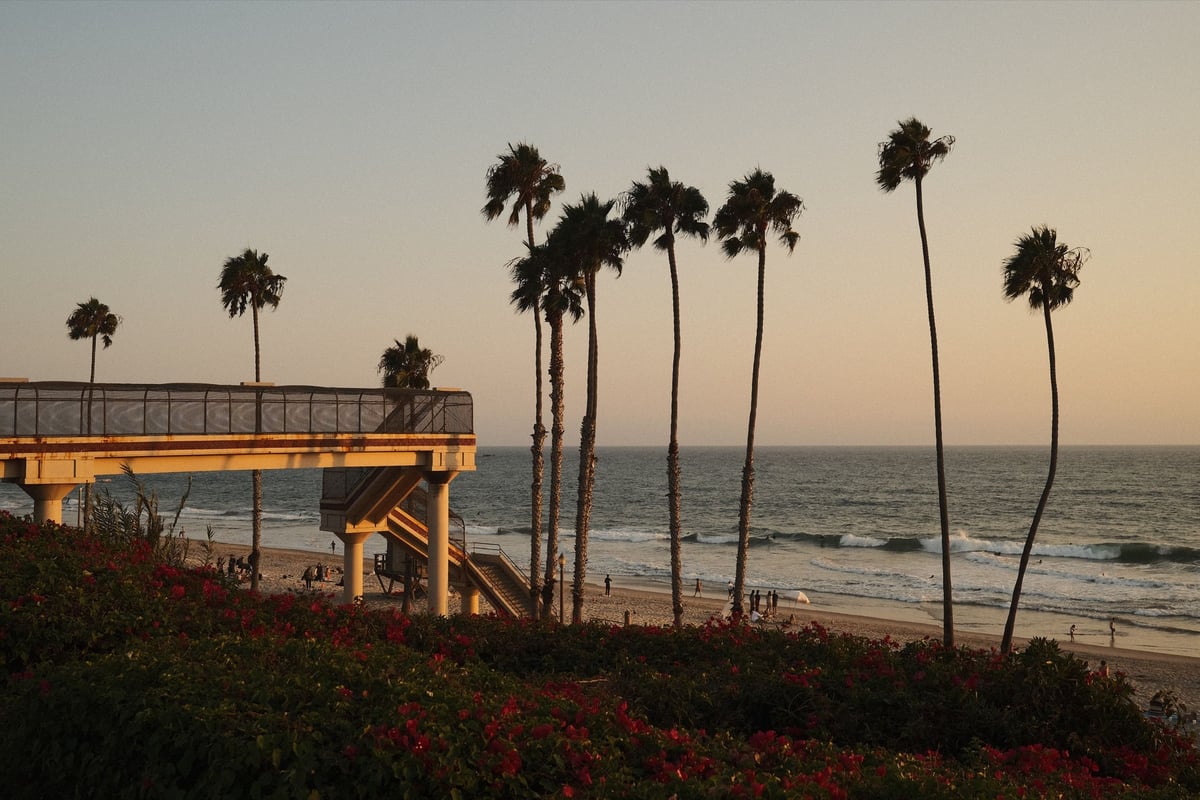
Landscape Photo of T-Street using Eterna
ISO 160, f5, 1/220

This look does come in a little on the orange side, but you can also turn the WB shit to be a bit more teal and it also works for a cooler look. Try a WB shift of R-3, B+2 for cooler landscapes.
Straight out of camera Eterna Film Recipe
ISO 160, f4, 1/105
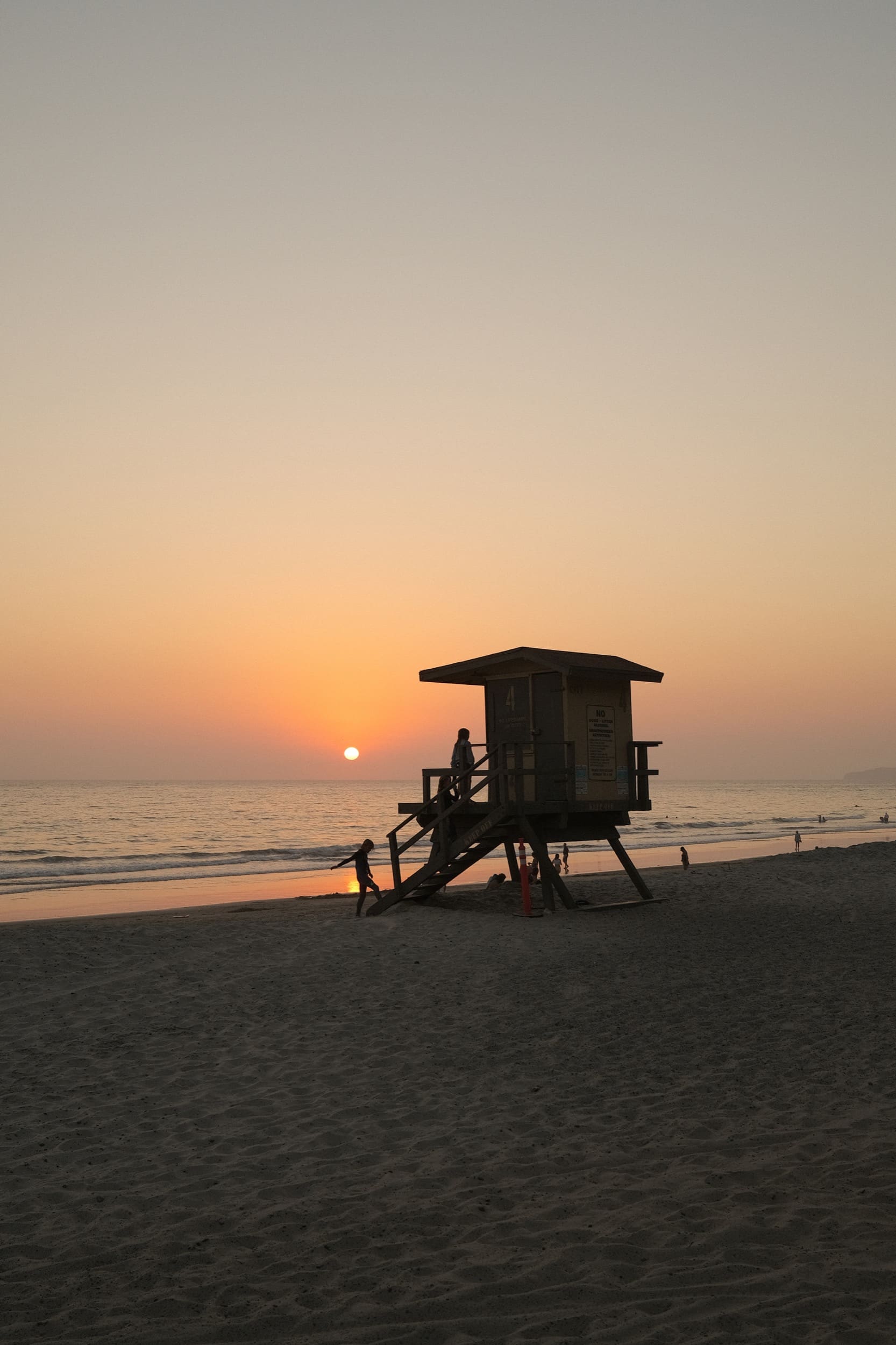
Straight out of camera Eterna Film Recipe, landscape photo of lifeguard tower in San Clemente
ISO 160, f4, 1/220
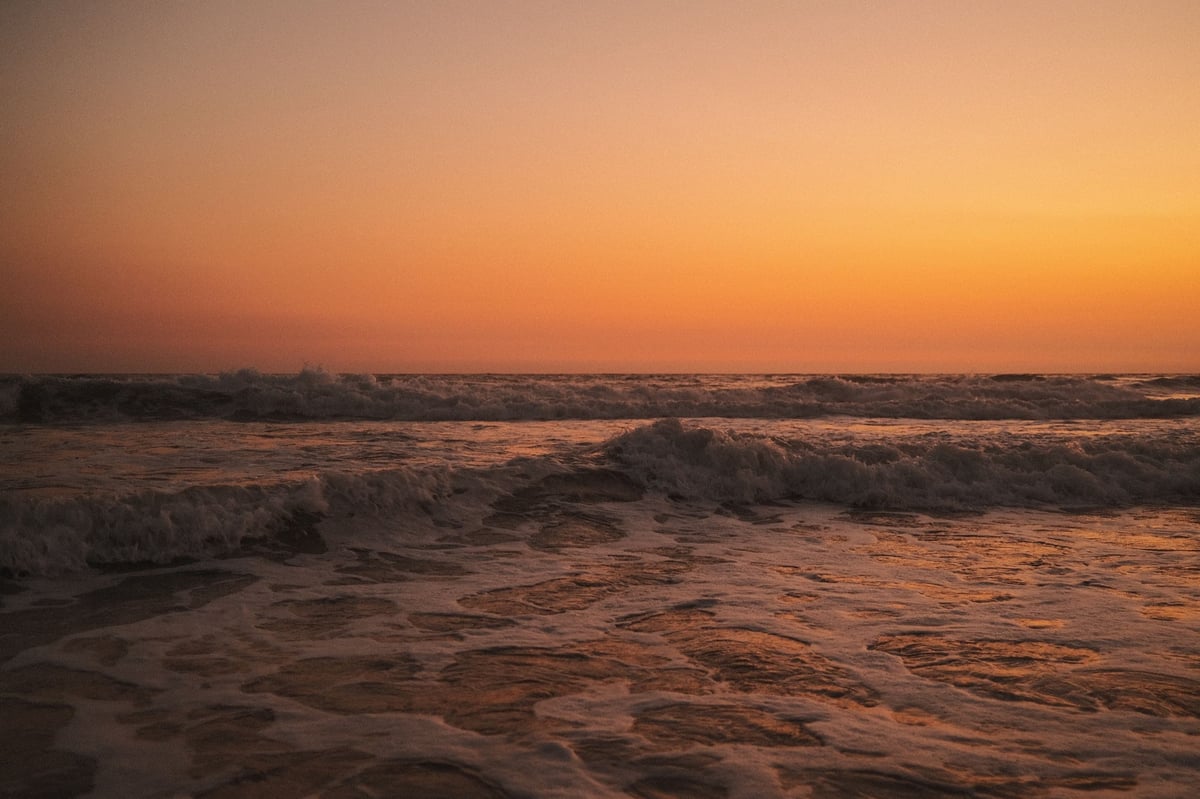
Beach Photo of waves using Eterna
ISO 1000, f2, 1/80
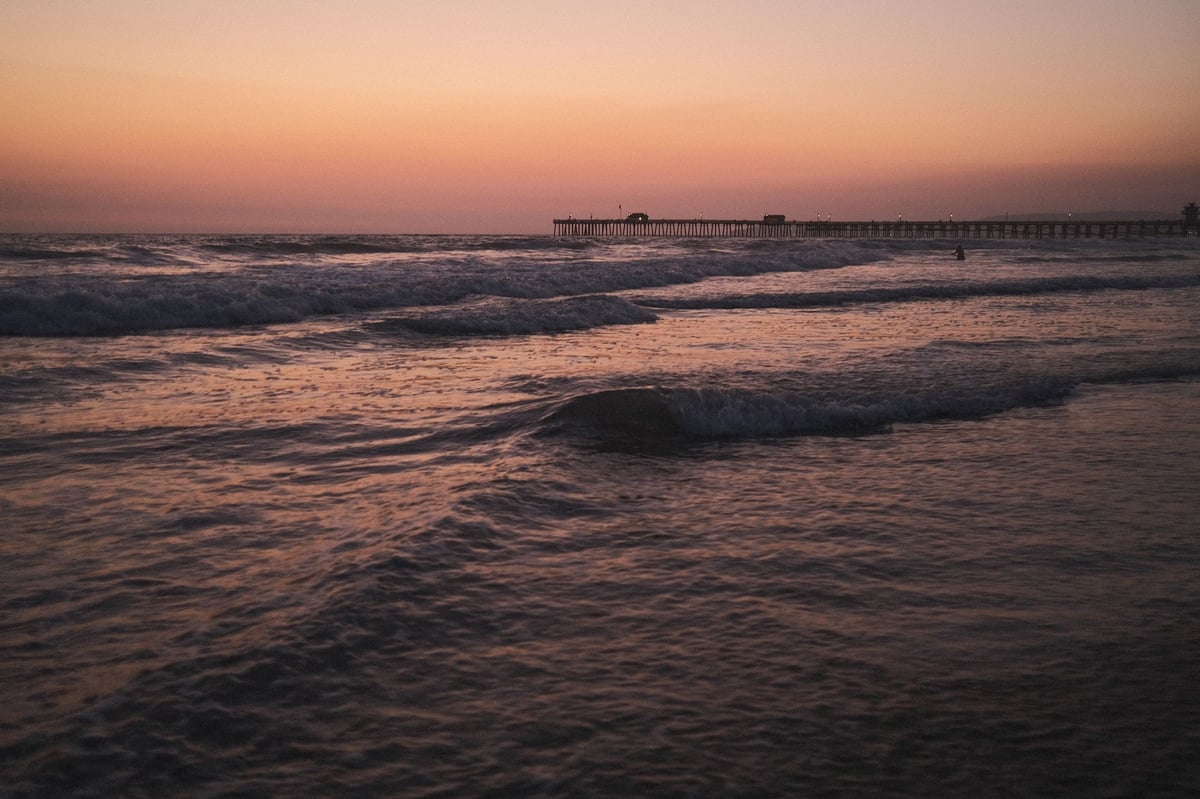
using Eterna film recipe at night
ISO 2500, f2, 1/80
using Eterna film recipe after sunset
ISO 160, f5.0, 1/450
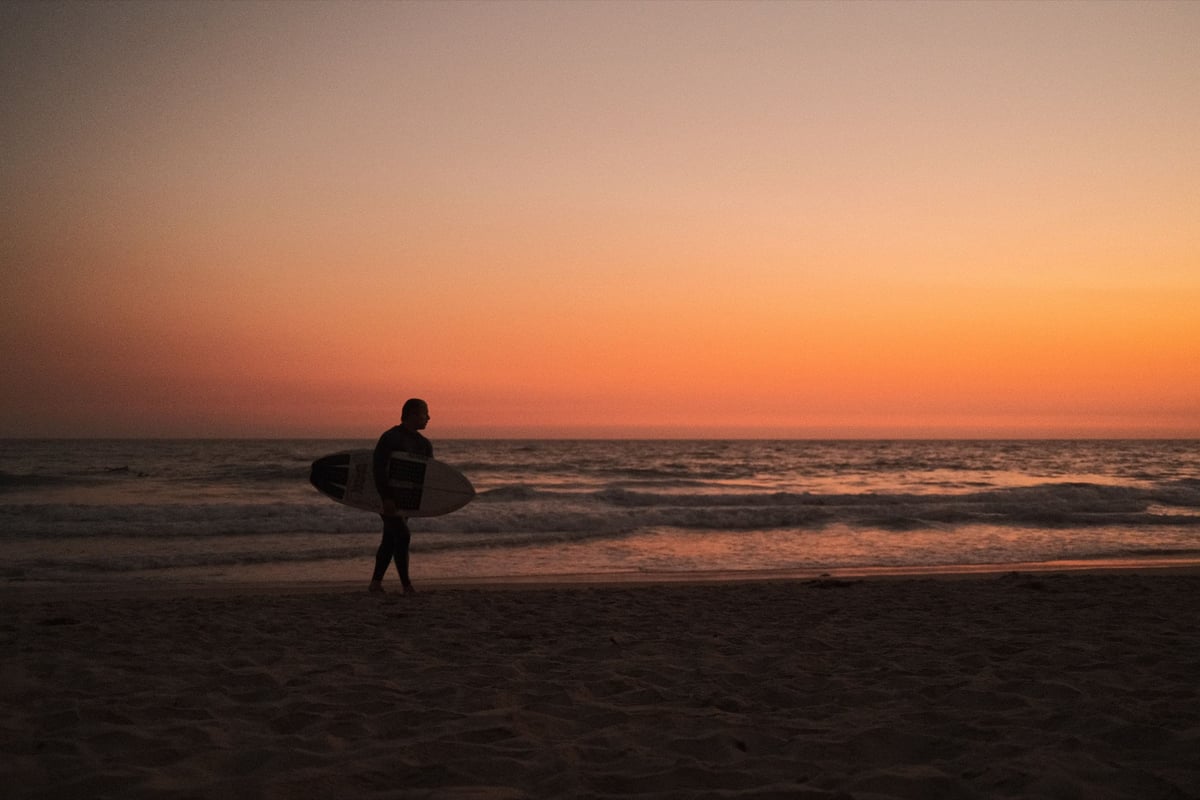
Surfer walks across beach at night
ISO 2500, f2, 1/80
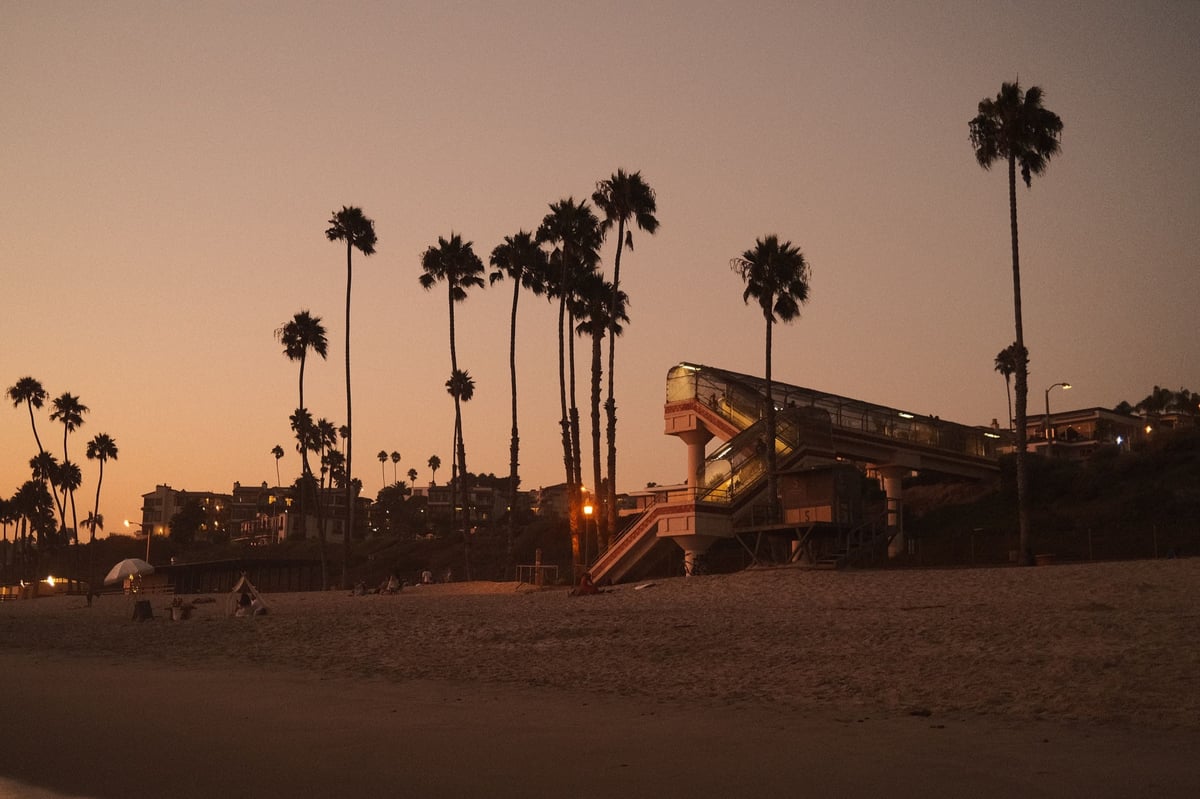
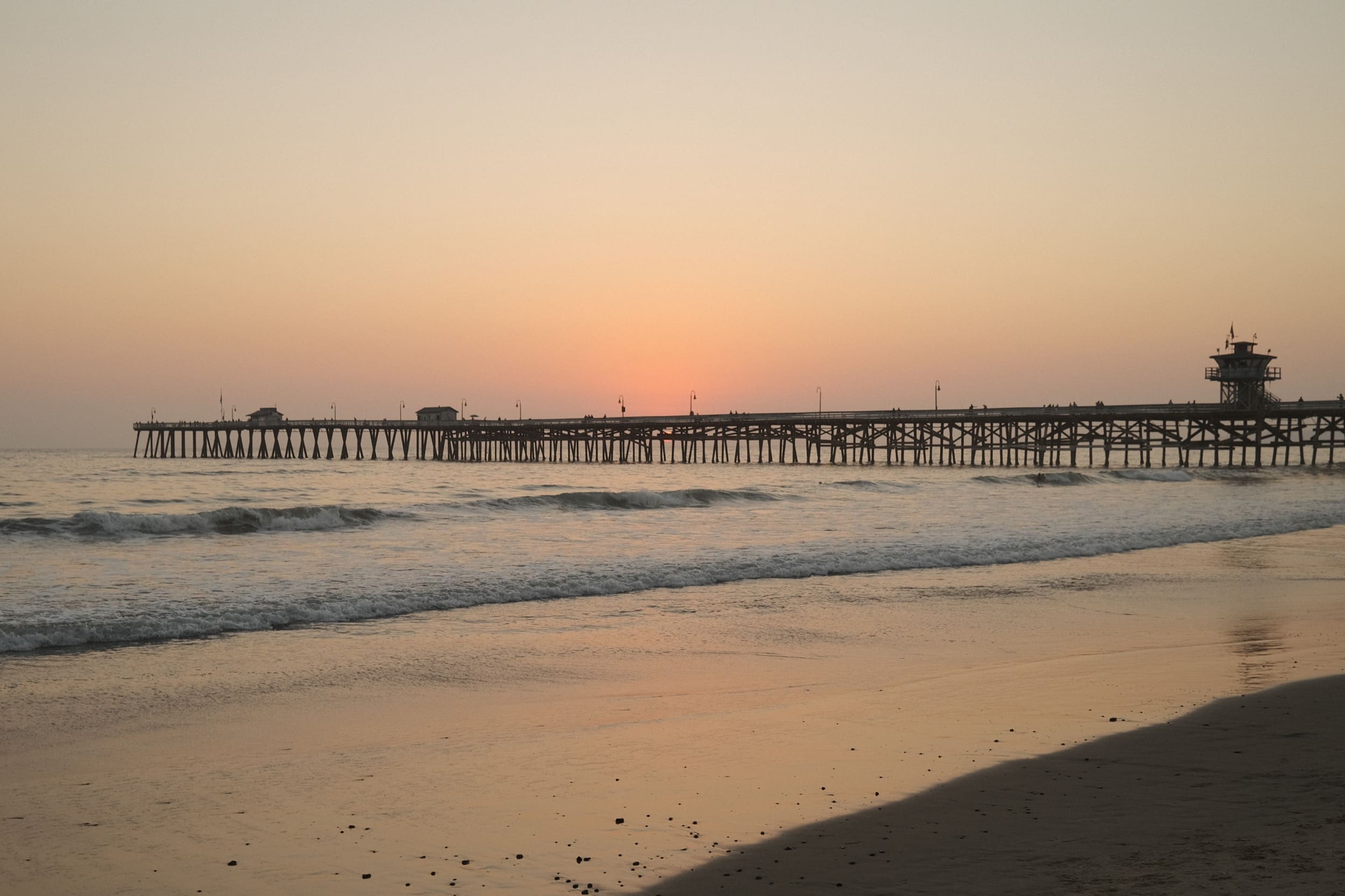
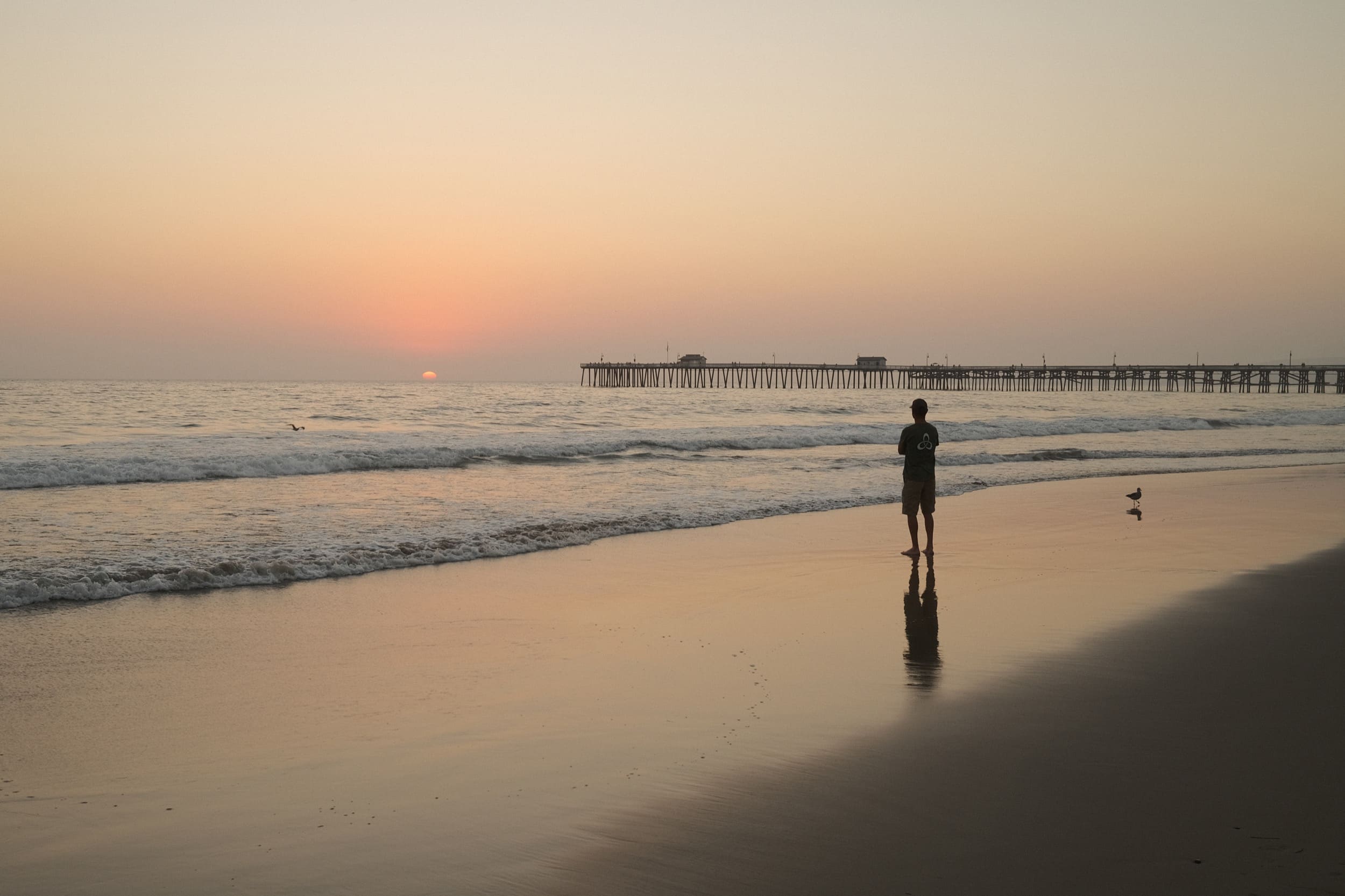
San Clemente Pier after sunset
ISO 500, f2, 1/80
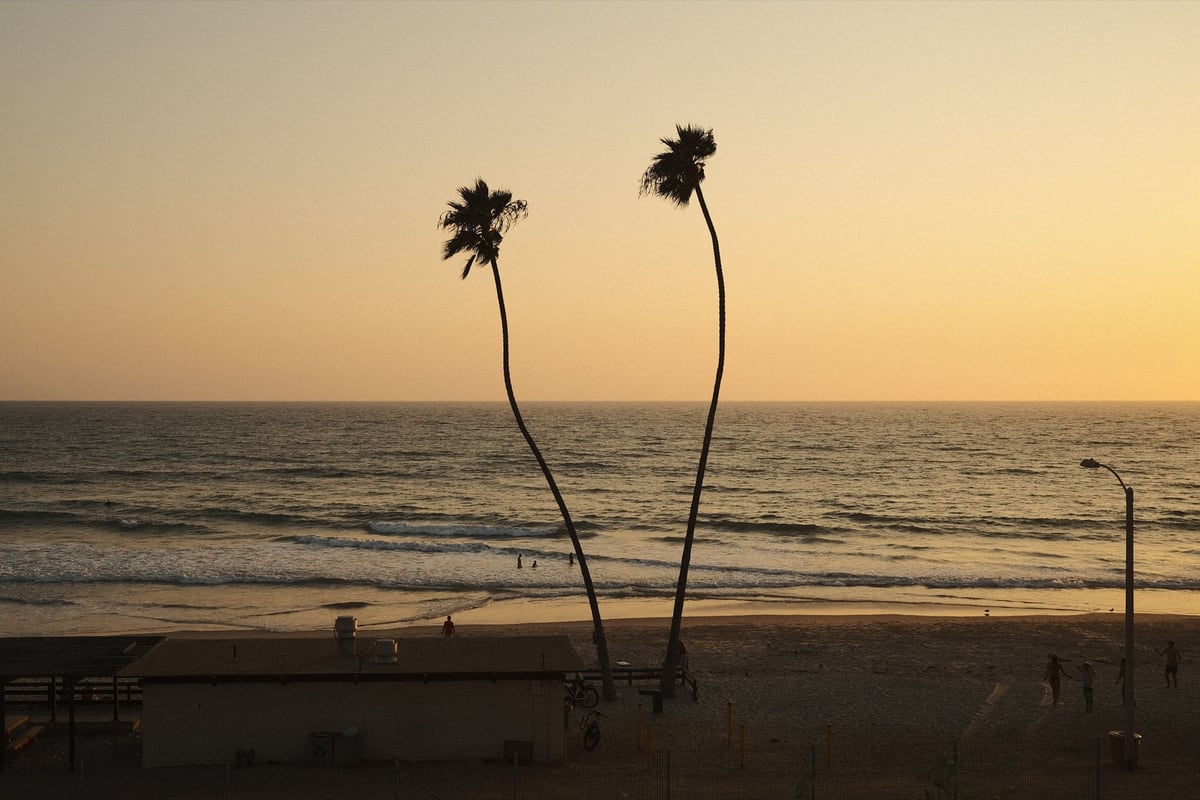
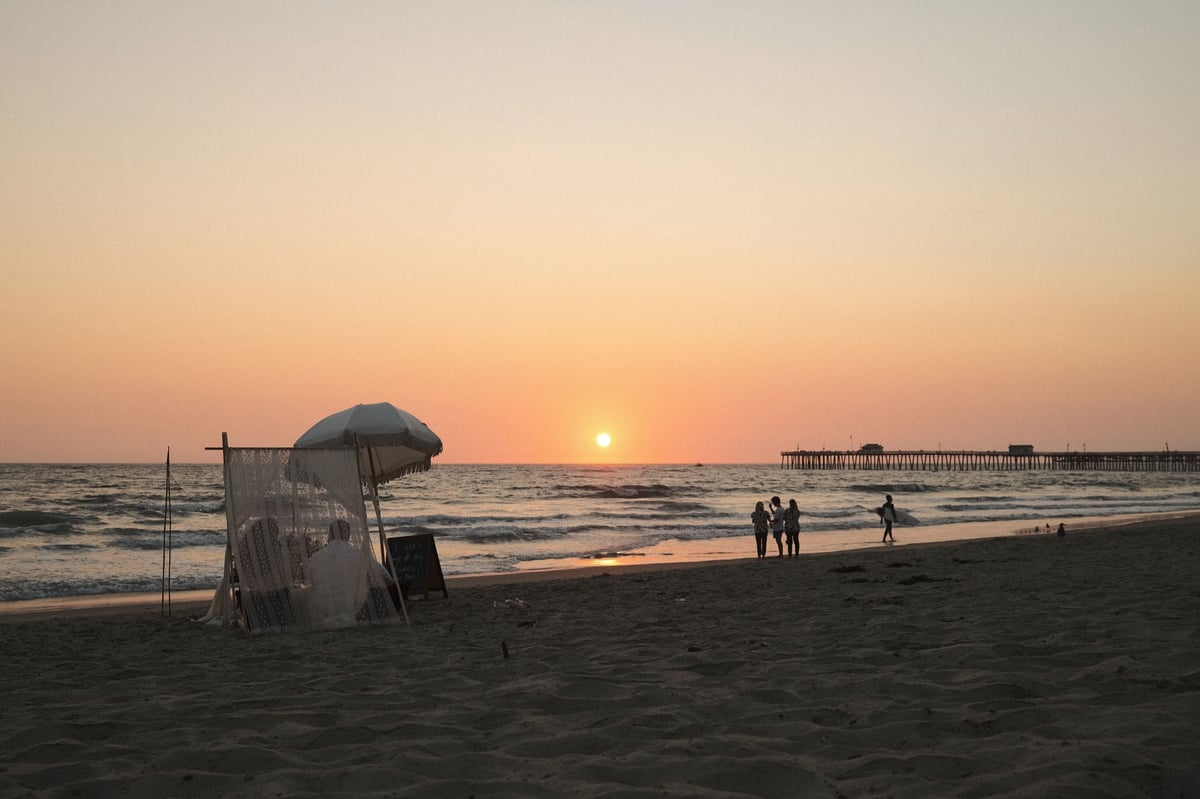
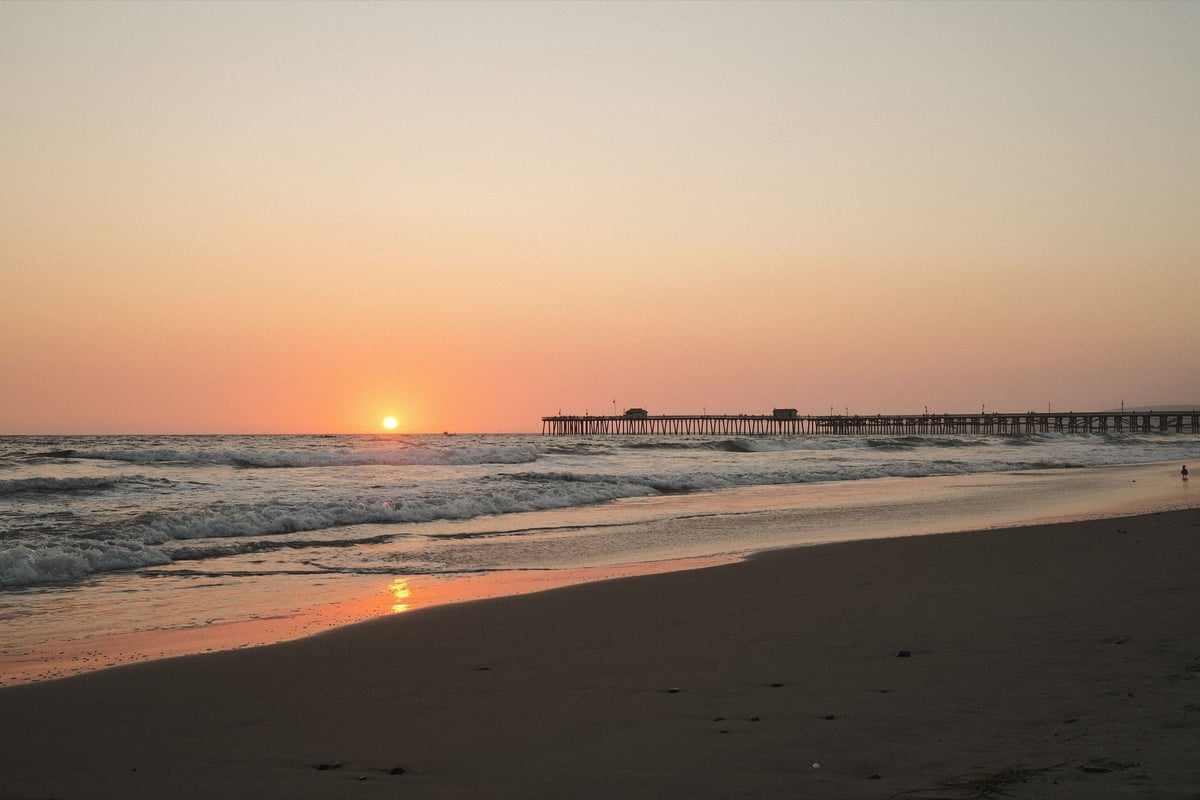
San Clemente Pier Sunset
ISO 160, f3.6, 1/210
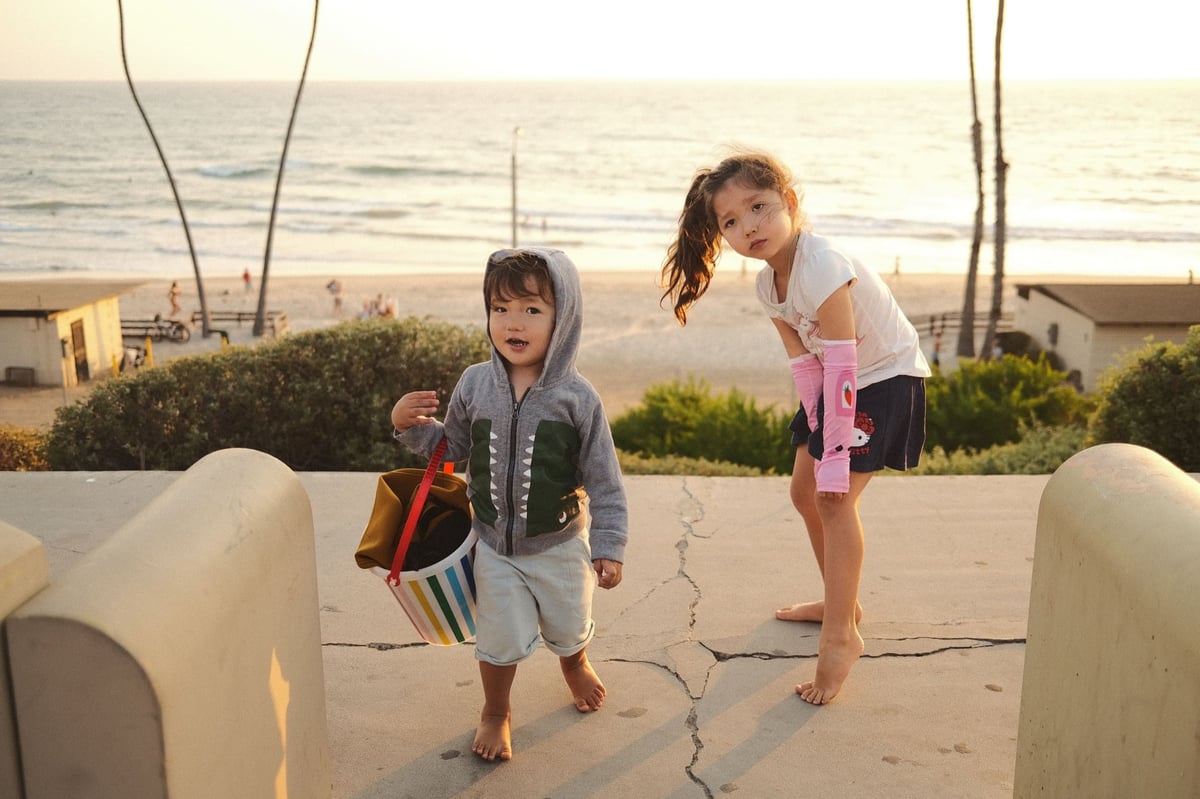
life style photo of kids hanging out at the beach
ISO 160, f2, 1/400
san clemente pier
ISO 160, f4, 1/125
san clemente beach photo
ISO 160, f4, 1/100

Using ETERNA With The On-Camera Flash

I’ve been on a quest for weeks to find a look that works really well indoors with crappy lighting and I think this is it. But, it’s even better if you use the flash.

Here is how to get the best performance from your flash.

Set the flash up to TTL with a -2 Compensation, and set your Exposure compensation down to 0. This lets you shoot with your flash subjects that are fairly close without blowing things out.

You can, and maybe should use that little flash that came with your X-T3 or X-T4 as well, it helps a lot when shooting indoors on low power.

closeup of little boy
ISO 640, f2, 1/80
0
0
0
0
0
Alik Griffin

A professional video editor, and photographer with a Bachelors in Film studies from UCSD. Based in Los Angeles, I have created commercials, trailers, and other video content for various clients and platforms since 2005. I also love to write about my passions and share my insights on my blog.

Related Topics
  • Eterna
  • Fujifilm Recipes
  • Fujifilm X100V
Previous Article
  • Memory Card Buffer Tests

Best Memory Cards Panasonic S5

  • Alik Griffin
  • March 24, 2024
View Post
Next Article
  • Calculators

Video Data Rate Calculator

  • Alik Griffin
  • February 20, 2026
View Post

Subscribe

Subscribe now to our newsletter

You May Also Like
Pure Cinema
View Post
  • Blog
  • Featured
  • Lens Reviews
  • Reviews

Viltrox TCL-X100VI Review | A Budget-Friendly 50mm Upgrade

  • Alik Griffin
  • February 21, 2026
  • No comments
Thypoch Simera 75mm f1.4 Review
View Post
  • Blog
  • Featured
  • Lens Reviews

Thypoch Simera 75mm f1.4 Review & Sample Photos

  • Alik Griffin
  • February 18, 2026
  • No comments
Kakurajima View
View Post
  • Blog
  • Featured
  • Lens Reviews

Viltrox WCL-X100VI Review | A Budget-Friendly 28mm Upgrade

  • Alik Griffin
  • February 17, 2026
  • 2 comments
Sony A7V Announcement
View Post
  • Blog
  • What's New

Sony A7V – They’re Back In The Game

  • Alik Griffin
  • December 30, 2025
  • 4 comments
4 comments
  1. Pasi Lepola says:
    September 6, 2020 at 5:08 am

    Thank you so much for this modification. I tested these settings yesterday and Eterna really got a new life! These settings work really well in early fall colors and light. This has the potential to become one of my favorites. You can find my test shots at Instagram (Post 1, Post 2, Post 3)

    Reply
    1. Alik Griffin says:
      September 6, 2020 at 11:43 am

      Those look great, especially that first shot of the girl.

      Reply
  2. Lou says:
    March 16, 2024 at 5:38 pm

    Would you also recommend this recipe for video?

    Reply
    1. Alik Griffin says:
      March 19, 2024 at 7:05 pm

      You can definitely try it. I was messing around with it for awhile with video. It’s a little too orange/yellow maybe.

      Reply

Leave a Reply to Pasi Lepola Cancel reply

Your email address will not be published. Required fields are marked *

San Clemente Sunset

Join The Newsletter

Featured
  • Nikon Z 40mm f2 Review | The New Compact King
    • 26 comments
  • TTArtisan 23mm f1.8 Product Shots
    TTArtisan AF 23mm f1.8 Lens Review & Sample Photos
    • 3 comments
  • Nikon Z 50mm f1.8 S Lens Review
    Nikon Z 50mm f1.8 S Lens Review & Sample Photos
    • 59 comments
  • Pure Cinema
    Viltrox TCL-X100VI Review | A Budget-Friendly 50mm Upgrade
    • No comments
  • On Board
    Fujifilm X100VI Review & Sample Photo
    • 5 comments
  • Tiffen Black Pro Mist Filter At Night. Streets Of Tenjin Japan
    Tiffen Black Pro Mist Review – Is This The One?
    • 10 comments
  • Kakurajima View
    Viltrox WCL-X100VI Review | A Budget-Friendly 28mm Upgrade
    • 2 comments
  • Nikon Z 28mm f2.8 Review & Sample Photos
    • 18 comments

Subscribe

Subscribe now to our newsletter

Privacy Policy | Licensing | About Me | Contact

Copyright © Alik Griffin Inc. 2025

Input your search keywords and press Enter.