We use minimal analytics to improve the site. Is that okay?

Alik Griffin
San Clemente Sunset
Subscription Form
  • Reviews
    • Accessory Reviews
    • Calculators
      • Video Data Rate Calculator | Record Time Calculator
      • Diffraction Calculator
      • DoF Calculator | Lens Equivalent
      • Shutter Speed to Shutter Angle Calculator
    • Camera Reviews
    • Lens Reviews
    • Memory Cards Recommendations
      • Fastests SD Memory Cards
      • Fastest MicroSD Cards
      • Fastest CFExpress Type-B Card
      • Fastest CFExpress Type-A Cards
      • Best CFast Memory Card
    • List of Mics
      • Best Streaming & Podcast Mics
  • Camera Guides
    • List of all Blackmagic Cameras
    • List Of all Canon RF Cameras
    • List of all Fujifilm Cameras
    • List of all Nikon Z Cameras
    • List of all Panasonic Cameras
    • List Of all Sony E Cameras
  • List of Lenses
    • Canon RF Lenses
    • Fujifilm GFX Lenses
    • Fujifilm XF Lenses
    • L-Mount Lenses
    • Leica M Lenses
    • Micro Four Thirds Lenses
    • Nikon Z Lenses
    • PL Mount Cine Lenses
    • Sony E Lenses (FE and APS-C)
  • Store
  • My account
Alik Griffin
Alik Griffin
  • Reviews
    • Accessory Reviews
    • Calculators
      • Video Data Rate Calculator | Record Time Calculator
      • Diffraction Calculator
      • DoF Calculator | Lens Equivalent
      • Shutter Speed to Shutter Angle Calculator
    • Camera Reviews
    • Lens Reviews
    • Memory Cards Recommendations
      • Fastests SD Memory Cards
      • Fastest MicroSD Cards
      • Fastest CFExpress Type-B Card
      • Fastest CFExpress Type-A Cards
      • Best CFast Memory Card
    • List of Mics
      • Best Streaming & Podcast Mics
  • Camera Guides
    • List of all Blackmagic Cameras
    • List Of all Canon RF Cameras
    • List of all Fujifilm Cameras
    • List of all Nikon Z Cameras
    • List of all Panasonic Cameras
    • List Of all Sony E Cameras
  • List of Lenses
    • Canon RF Lenses
    • Fujifilm GFX Lenses
    • Fujifilm XF Lenses
    • L-Mount Lenses
    • Leica M Lenses
    • Micro Four Thirds Lenses
    • Nikon Z Lenses
    • PL Mount Cine Lenses
    • Sony E Lenses (FE and APS-C)
  • Store
  • My account
  • Pure Cinema
    Viltrox TCL-X100VI Review | A Budget-Friendly 50mm Upgrade
    • February 21, 2026
  • Thypoch Simera 75mm f1.4 Review
    Thypoch Simera 75mm f1.4 Review & Sample Photos
    • February 18, 2026
  • Kakurajima View
    Viltrox WCL-X100VI Review | A Budget-Friendly 28mm Upgrade
    • February 17, 2026
  • Viltrox 9mm f2.8 Air Review
    Viltrox 9mm f2.8 AIR Review & Sample Photos
    • February 18, 2026
  • Biker Bro
    Viltrox Spark Z3 Flash – Review & Sample Photos
    • February 16, 2026
  • Pure Cinema

    Viltrox TCL-X100VI Review | A Budget-Friendly 50mm Upgrade

    View Post
  • Thypoch Simera 75mm f1.4 Review

    Thypoch Simera 75mm f1.4 Review & Sample Photos

    View Post
  • Kakurajima View

    Viltrox WCL-X100VI Review | A Budget-Friendly 28mm Upgrade

    View Post
Trending Posts
  • Nikon Zf Official Announcement 1
    Nikon Zf – The Fujifilm Killer?
    • February 18, 2026
  • Nikon Z 50mm f1.8 S Lens Review 2
    Nikon Z 50mm f1.8 S Lens Review & Sample Photos
    • February 18, 2026
  • Kamlan 50mm f1.1 II Product Shot 3
    Kamlan 50mm f1.1 II Review & Sample Photos
    • January 18, 2025
0
  • Blog
  • Software Reviews

Photomatix Pro Review and Sample Photos

  • Alik Griffin
  • February 15, 2026
  • No comments

This website contains affiliate links. We will earn a small commission on purchases made through these links. Some of the links used in these articles will direct you to Amazon. As an Amazon Associate, I earn from qualifying purchases.

Photomatix Pro is software designed to create stunning HDR images by combining multiple photos captured at different exposures into a single image. 

Update: This is an old review. I do all my HDR in Lightroom now, which has great built-in features. I was also using Aurora HDR for a while.

Photomatix Pro Review

Kiyomizu Dera
Kyoto Japan

This program took me a while to understand. It’s not that it was hard to use; it’s not. The hard part is the technical learning curve of wanting a photo to look a particular way and having no idea how to get there.

I started by ignoring the default presets and creating my own. Whenever I got a photo the way I liked, I’d save it as a preset. Over time, it became much easier and quicker to go through my 20 or 30 presets to find a unique style or look.

Photomatix Pro is a major part of my HDR photography workflow.

The Preset

The presets are great, and you should always create your own.

This will help you quickly find looks that may or may not work for the scene. Every scene is different, so not having presets is very hard. I wish the program came with some better ones that created more natural-looking scenes.

I like the natural-looking HDR photography vs the crazy surreal-looking images.

My Workflow Using Photomatix Pro

This is important. I went through a lot of trial and error to get it right, and I see a lot of other HDR photographers struggle with this.

Remove Noise First

I’ve concluded that you need to remove noise from your HDR photos before sending them to Photomatix. Otherwise, the software’s algorithms will enhance the grain into super-HDR grain, which can get messy. The software I’ve found works best is Topaz Denoise, though Lightroom works fine as well. 

Cycle Through The Presets

I usually cycle through a few presets until I find one close to what I’m going for. Then, you almost always have to make a few adjustments to get your shot right. Once you’re done, save it and reload it in Lightroom.

Back In Lightroom

Once the photo is back in Lightroom, I usually make a few more color tweaks and contrast adjustments before sending it to Photoshop.

What I do In Photoshop

Once the photo is in Photoshop, I often sharpen it here. I like the high-pass filter. Some photographers think Smart Sharpen is the way to go. Sometimes, I use both.

Photoshop is also important for touch-ups and clean-ups, such as removing excess grain from the sky. Sometimes, you’ll have to bring back one of the original photos.

I have also been using Nik’s Collection, which gives me access to more filters and presets.

Photomatix HDR Process

Photomatix offers two ways to create HDR images. Tone mapping and Exposure Fusion.

Tone mapping Review, which manipulates the various tones of the images. Meaning, you can shift the highlights and shadows around so everything looks properly exposed, or shift all the tones closer together so everything is a Midtone. Then the software will create halos around each tone, causing a separation. This gives that surreal look that HDR is so famous for. 
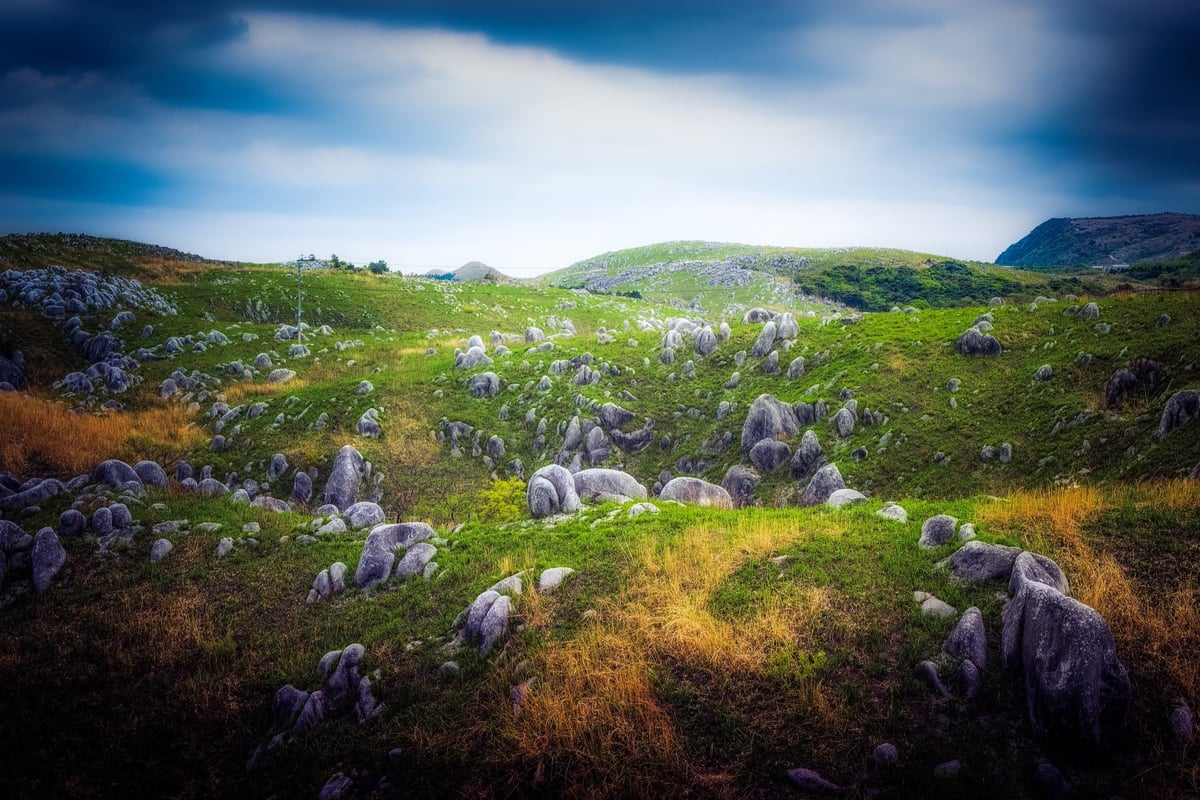
Fukuoka Stone Garden

You don’t always need multiple photos to create an image. The photo above was a single image tone-mapped with Photomatix. Shot with the Sony A7r.

Exposure Fusion Review works similarly to Tonemapping, shifting the exposures slightly. But this doesn’t try to lift the shadows to a mid-tone or pull the highlights. It seems to use more of what’s there, without creating the halo effect that gives you that famous HDR look. I use this method on 25% of my HDR photos. It often looks more natural but has fewer controls.
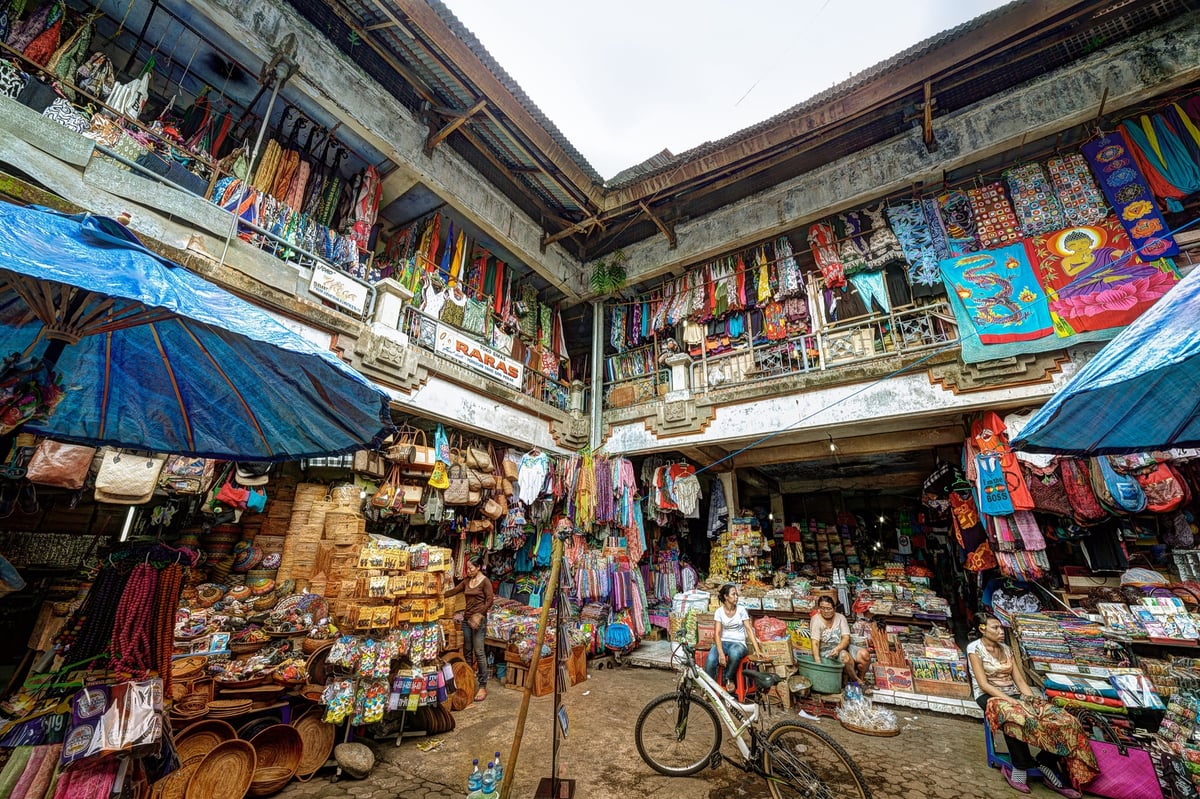
Bali Local Market

The photo above used the Exposure Fusion process, which is a great way to create a different high-dynamic-range photo without having that tone-mapped look.

What I Don’t Love

I’ve added a few things I don’t like to this Photomatix Review so your expectations aren’t too high, and you know what you’re getting into.

Weak Sharpening And Denoise Tools

I wish Photomatix had better sharpening and denoise tools, but it just doesn’t, and it forces you to use all these other applications around it.

Maybe it makes more sense for you to do everything in Photoshop and stay in Photoshop. But I don’t mind bouncing around from program to program. Once you have your intermediate tiff file, you can do as many tweaks as you wish.

The Loupe Is Not Accurate

The loupe isn’t accurate, so it’s almost completely worthless for inspecting detail.

Auto Ghosting Is Only 50% Awesome

. I let Photomatix handle ghosting in most of my HDR photos. But it doesn’t always work, forcing me to reprocess the image and mask by hand. It’s not a huge deal, but it could be better.

Photomatix Pro Sample Images
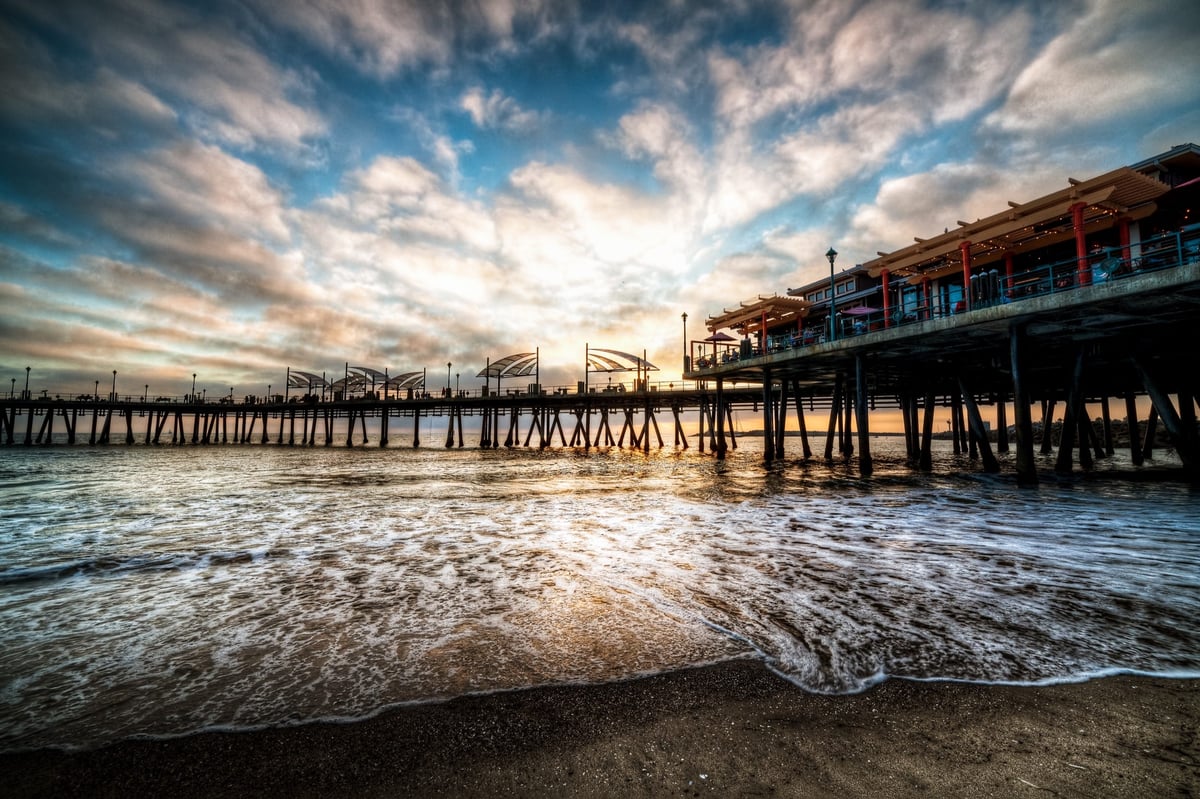
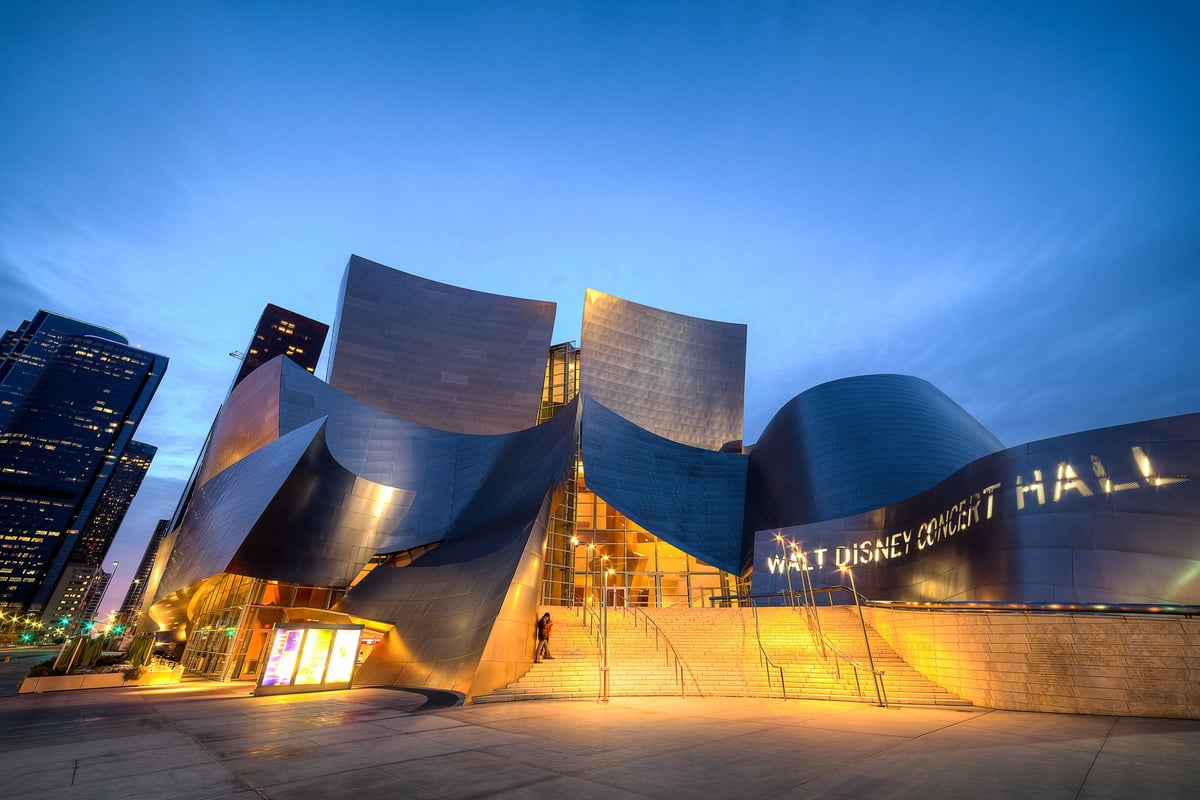
Redondo Beach Pier
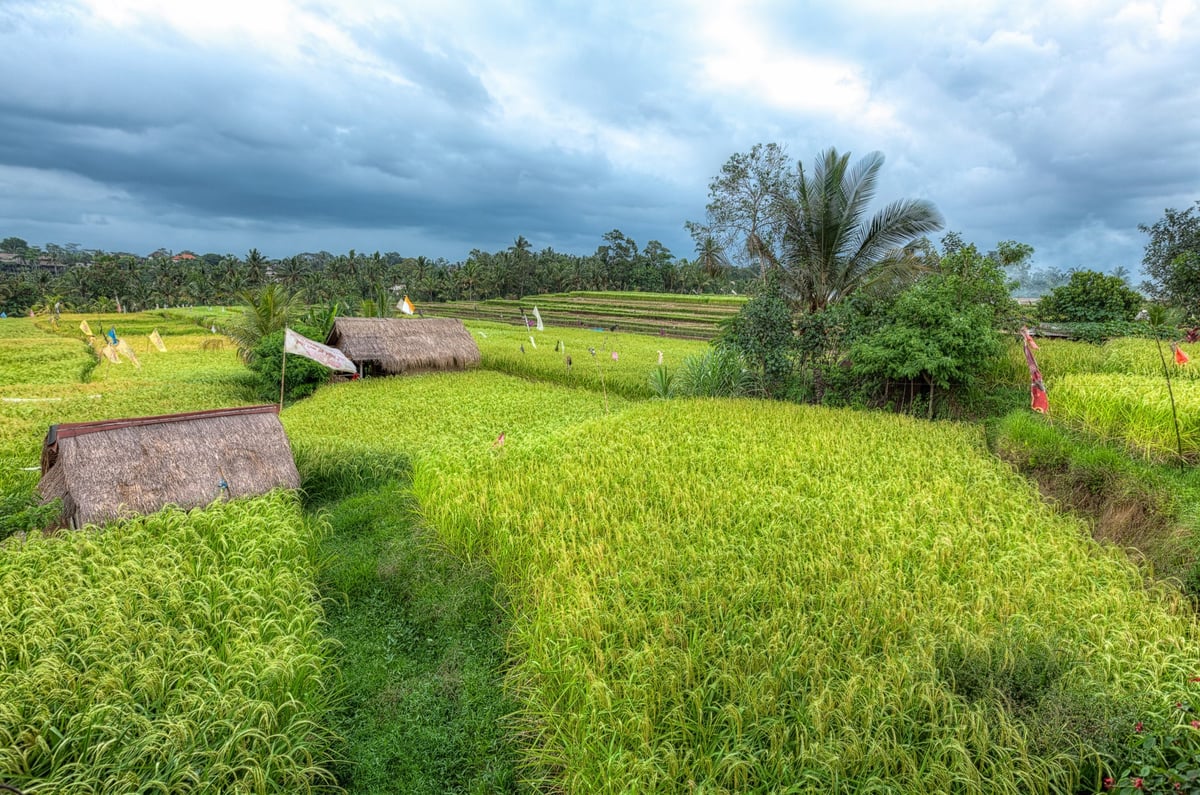
Bali Rice Fields in HDR

0
0
0
0
0
Alik Griffin

A professional video editor, and photographer with a Bachelors in Film studies from UCSD. Based in Los Angeles, I have created commercials, trailers, and other video content for various clients and platforms since 2005. I also love to write about my passions and share my insights on my blog.

Related Topics
  • HDR Photography
  • Photomatix
  • Reviews
Previous Article
Death Valley Mesquite Dunes
  • Blog
  • Photo Stories

Mesquite Dunes – Death Valley

  • Alik Griffin
  • December 8, 2024
View Post
Next Article
Bali Rice Fields Palm Tree Retro Color Edit
  • Blog

My Experience with the HDR Software Photomatix

  • Alik Griffin
  • December 8, 2024
View Post

Subscribe

Subscribe now to our newsletter

You May Also Like
Pure Cinema
View Post
  • Blog
  • Featured
  • Lens Reviews
  • Reviews

Viltrox TCL-X100VI Review | A Budget-Friendly 50mm Upgrade

  • Alik Griffin
  • February 21, 2026
  • No comments
Thypoch Simera 75mm f1.4 Review
View Post
  • Blog
  • Featured
  • Lens Reviews

Thypoch Simera 75mm f1.4 Review & Sample Photos

  • Alik Griffin
  • February 18, 2026
  • 2 comments
Kakurajima View
View Post
  • Blog
  • Featured
  • Lens Reviews

Viltrox WCL-X100VI Review | A Budget-Friendly 28mm Upgrade

  • Alik Griffin
  • February 17, 2026
  • 2 comments
Sony A7V Announcement
View Post
  • Blog
  • What's New

Sony A7V – They’re Back In The Game

  • Alik Griffin
  • December 30, 2025
  • 4 comments

Leave a Reply Cancel reply

Your email address will not be published. Required fields are marked *


San Clemente Sunset

Join The Newsletter

Featured
  • Thypoch Simera 75mm f1.4 Review
    Thypoch Simera 75mm f1.4 Review & Sample Photos
    • 2 comments
  • Kalina Picking Sakura
    Nikon Z 85mm f1.8 S Review & Sample Photos
    • 20 comments
  • Nikon Z 50mm f1.8 S Lens Review
    Nikon Z 50mm f1.8 S Lens Review & Sample Photos
    • 59 comments
  • Nikon Z 26mm f2.8 Review – A Little Miracle
    • 24 comments
  • Mud Face
    Nikon Z 35mm f1.4 vs Nikon Z 35mm f1.8 S – Sample Images
    • 28 comments
  • What is Micro Contrast
    Micro-Contrast, Is It Real? – Samples With Lens Comparisons
    • 17 comments
  • TTArtisan 23mm f1.8 Product Shots
    TTArtisan AF 23mm f1.8 Lens Review & Sample Photos
    • 3 comments
  • Tiffen Black Pro Mist Filter At Night. Streets Of Tenjin Japan
    Tiffen Black Pro Mist Review – Is This The One?
    • 10 comments

Subscribe

Subscribe now to our newsletter

Privacy Policy | Licensing | About Me | Contact

Copyright © Alik Griffin Inc. 2025

Input your search keywords and press Enter.