

This website contains affiliate links. We will earn a small commission on purchases made through these links. Some of the links used in these articles will direct you to Amazon. As an Amazon Associate, I earn from qualifying purchases.
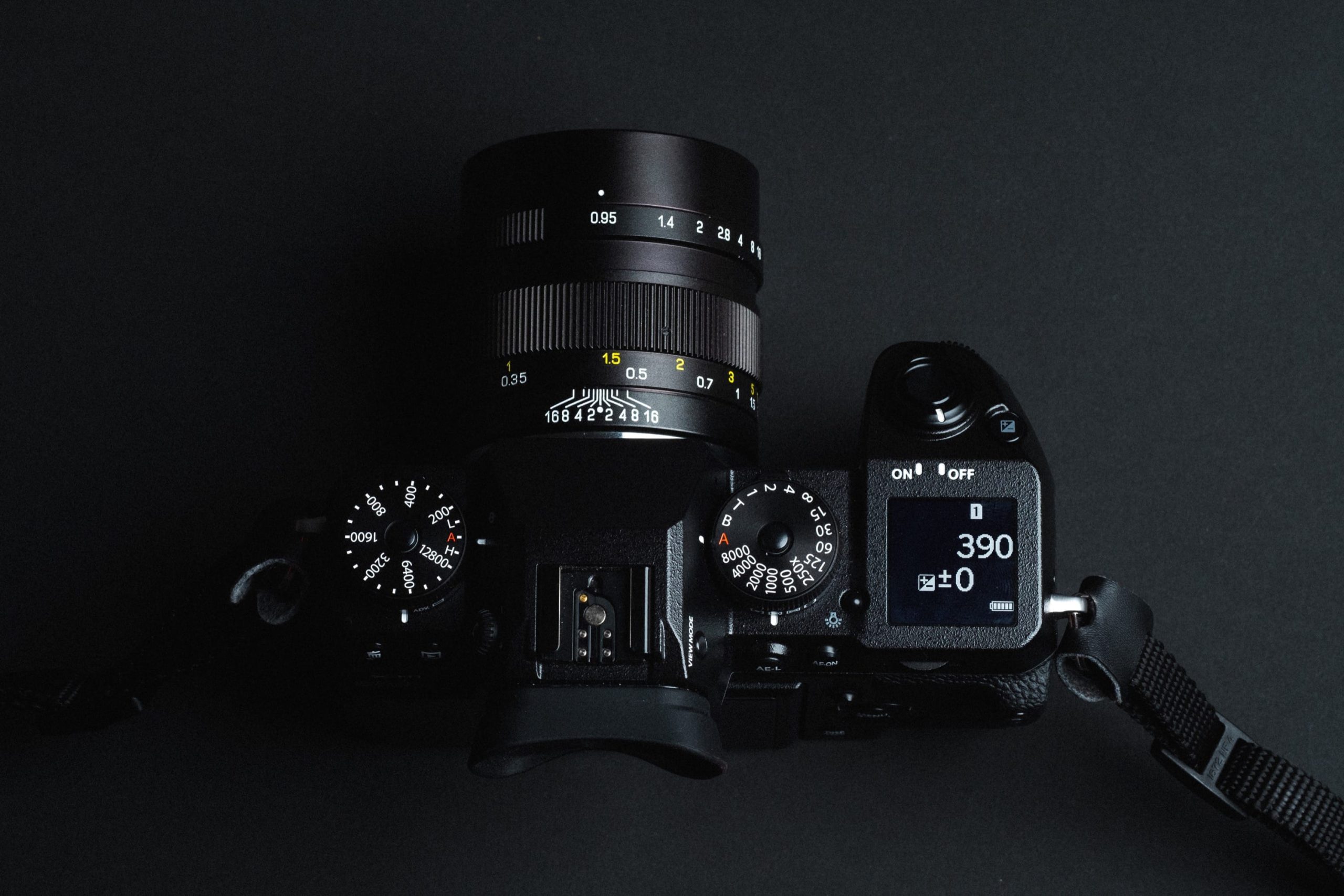
Today, the Fujifilm X-H1 has cemented its status as a modern classic. It offers a build quality and shutter feel that the newer X-H2 and X-T5 simply do not match.
However, using a camera from 2018 today comes with challenges—mainly power management and outdated ports. This guide focuses on the modern accessories that modernize the X-H1 workflow, making it feel like a brand-new camera.
1. The Power Fix: USB-C Rechargeable Batteries
The X-H1’s biggest weaknesses are its battery life (with the older NP-W126S) and its lack of internal USB-C charging. In the past, you had to carry a clunky plastic cradle charger.
The Solution: USB-C Direct-Charge Batteries. Brands like SmallRig and Wasabi now make NP-W126S batteries with a USB-C port built directly into the battery cell.
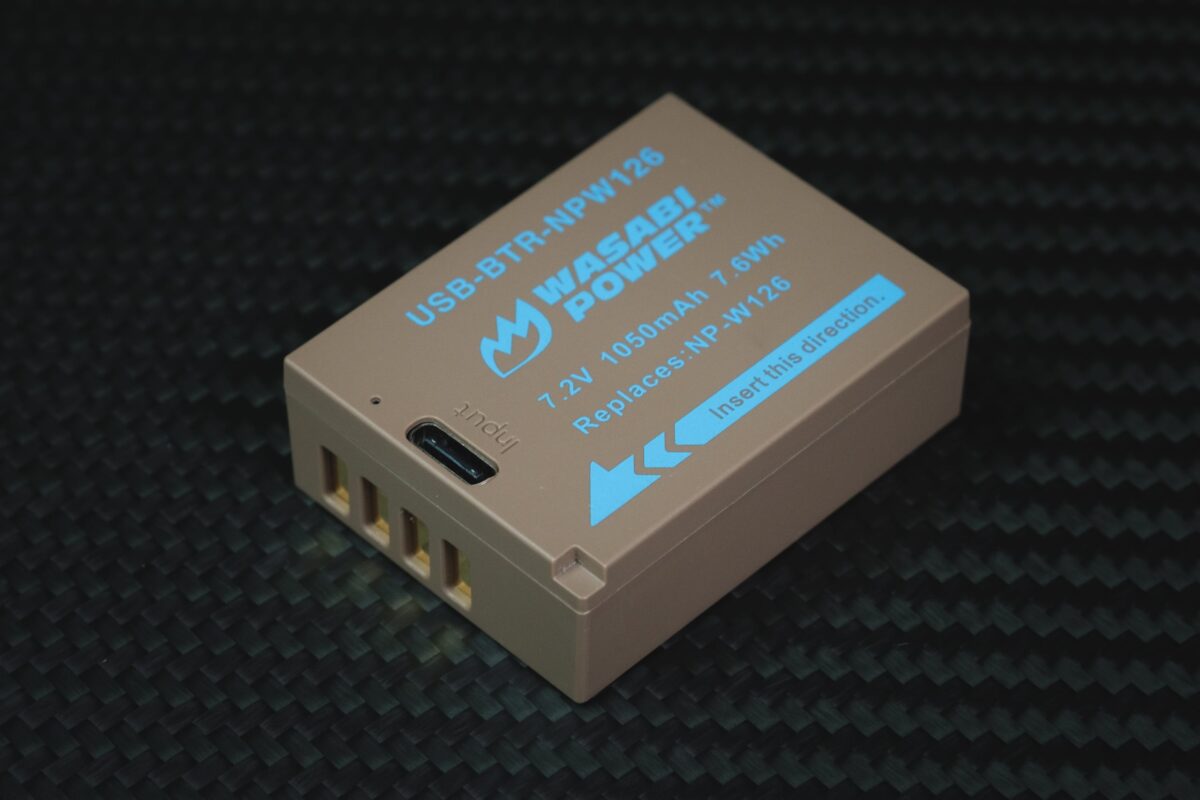
- Why you need this: You can now charge your X-H1 batteries with the same cable you use for your phone or MacBook, completely eliminating the need for a separate charger. Meaning you can keep your batteries charging in your bag with a portable charger.
- Top Pick: Wasabi NP-W126S USB-C Rechargeable Battery – Amazon
2. The “Must-Have” Grip: VPB-XH1 (Used Market Only)
- Status: Discontinued (Buy Used)
- Why it’s essential: Unlike modern grips that just add battery life, the VPB-XH1 actually overclocks the camera. It is required to unlock:
- 11fps mechanical burst (up from 8fps).
- Reduced shutter lag.
- “Boost Mode” performance reliability.
3. Flash: Godox V1 Mid (New for 2026)
The X-H1 is a chunky camera, so tiny flashes look silly, but full-size speedlights are top-heavy.
- The Recommendation: Godox V1 Mid – Amazon
- Why: Released in early 2026, this is the perfect middle-ground. It features the round head for natural, soft light fall-off (unlike the rectangular harshness of older flashes), but is significantly smaller and lighter than the massive Godox V1 Pro. It balances perfectly on the X-H1’s deep grip.
- For a Smaller Flash, the Viltrox Spark Z3 is a fun option. You can see the full Viltrox Spark Z3 Flash Review here, along with plenty of sample street photography.
4. Ergonomics: The “Soft Release” Warning
Many Fuji users love screw-in soft release buttons. I generally use them on all of my Fujifilm cameras.

- The X-H1 features a “leaf-spring” shutter mechanism that is famous for being “hair-trigger” sensitive. Adding a soft release button increases this leverage.
- My Advice: If you find yourself accidentally taking photos just by resting your finger on the button, remove the soft release. If you do want one, get a convex (domed) wood button (like from VKO), which encourages a gentler press than concave metal ones.
5. Straps: Peak Design Slide Lite
The X-H1 is heavier than an X-T5 but lighter than a GFX.
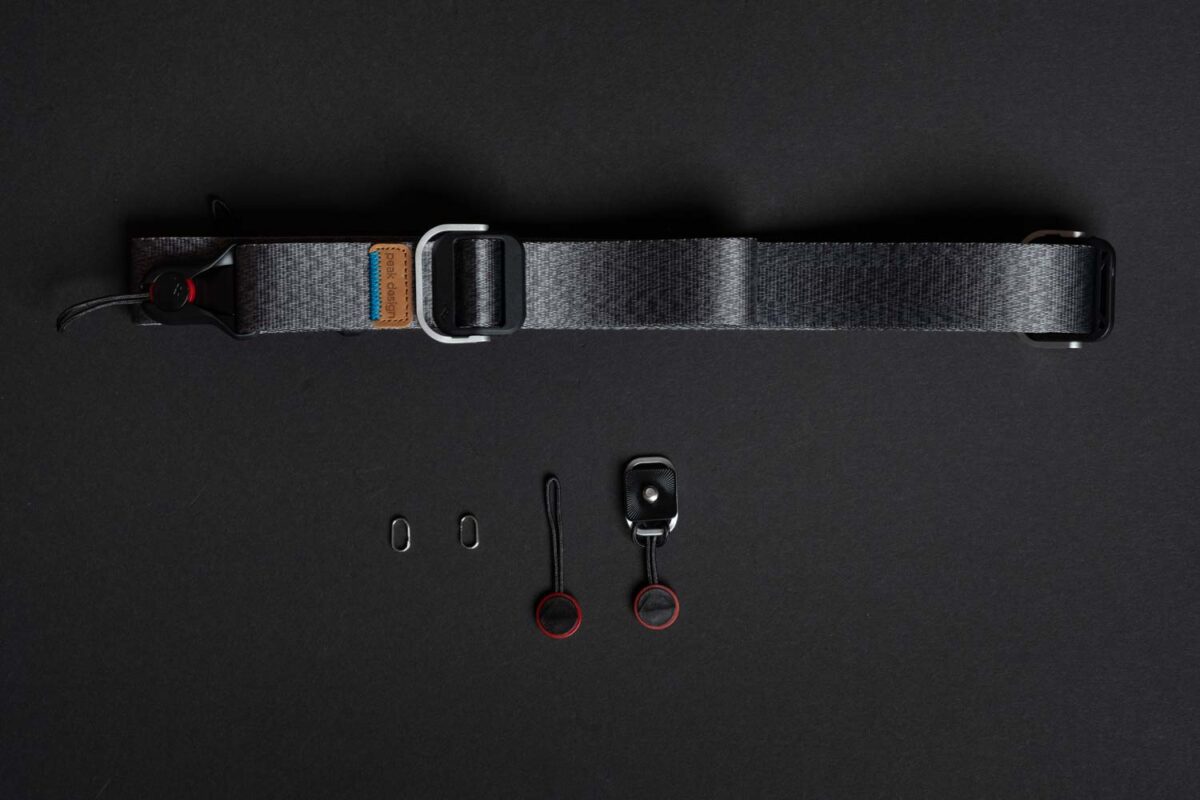
- The Recommendation: Peak Design Slide Lite (The “Lite” version, not the thick padded one).
- Why: The standard Slide is too bulky for mirrorless, but the “Leash” is too thin for the X-H1’s weight. The Slide Lite is the “Goldilocks” width. Plus, the anchor links allow you to strip the camera down instantly for gimbal work.
6. Screen Protection: Tempered Glass
The top LCD (the little square one) is actually quite scratch-resistant, but the main rear LCD is vulnerable.
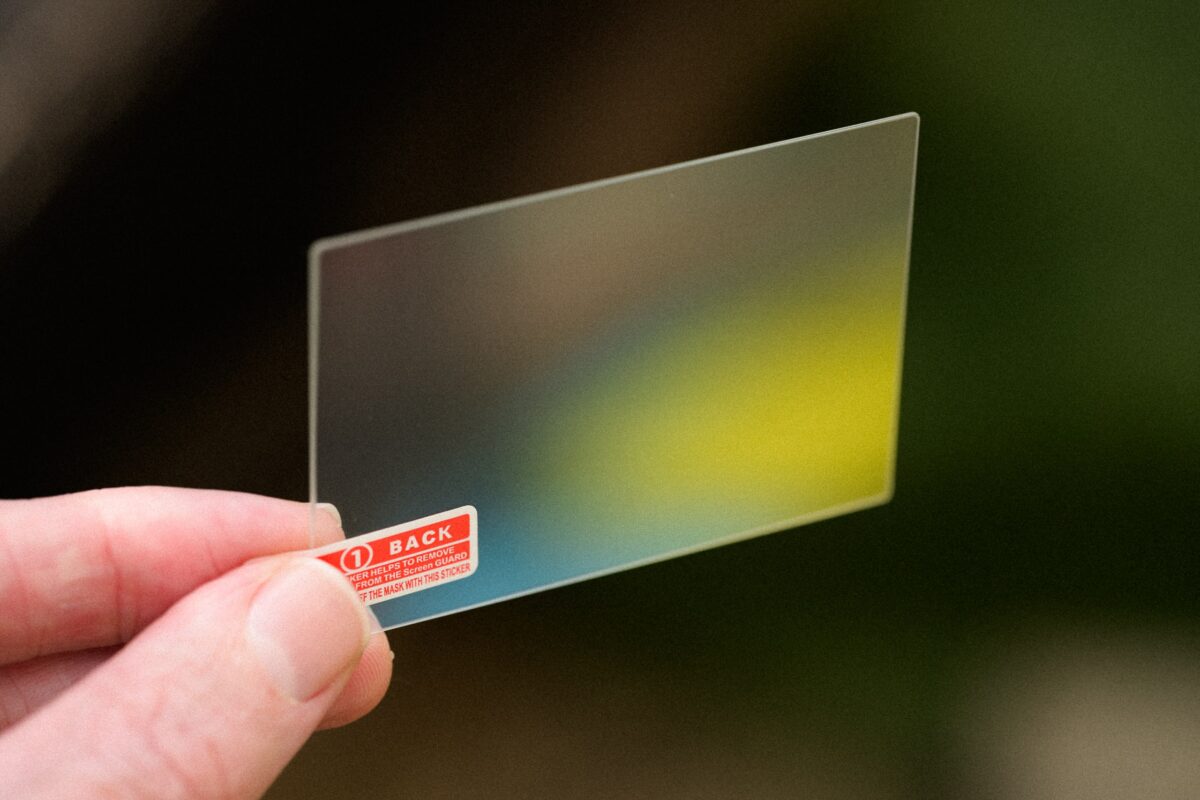
- The Recommendation: Just grab a generic 9H Tempered Glass screen protector. They are all basically the same. Here is one you can look at – Amazon
- Note: You do not need a specific “X-H1” protector if you can’t find one. The screen dimensions are identical to the X-T3 and X-T2, so you can use protectors labeled for those cameras interchangeably.
7. Cage / L-Bracket: The “Universal” Shift
- Status: Specific SmallRig cages (like the 2123) are long discontinued and rare.
- The Solution: If you cannot find a used SmallRig 2123, look for a “Universal Arca-Swiss L-Bracket” (like the 3 Legged Thing Ellie).
- Why: The X-H1’s body is wide enough that universal brackets actually fit it quite well without blocking the battery door (unlike on smaller X-T bodies).


5 comments
So, u own a fuji x-h1? How it quality compared to Sony mirrorless?
I don’t own the X-H1. My buddy has one and I borrowed from BHphoto so my experience is limited to only a few weeks of shooting.
I’ve also owned the A6300 for a year and borrowed the A6400 for about a month. But I still own the X-T2 which is the same guts as the H1 just no Eterna and no IBIS.
If you’re comparing the Sony APS-C cameras they outperform it with speed and focus and battery life, but the X-H1 use to smoke the Sony cameras with IBIS, but now that the A6600 added the bigger IBIS system I’m curious to see the difference.
Now really the only advantage (except maybe IBIS) that the X-H1 has over the Sony A6600 is the dual card slots, video features and the lens lineup. But that Sony A6600 looks incredible. Fujifilm will need to release an X-H2 soon.
So when comparing the two, it really depends on your style of shooting since each system has advantages and disadvantages.
In my test of A6600 I really hated that you can’t change any of settings (ISO, exposure, f-stop etc.) when shooting and buffer is full! It’s a huuuuge deal when buying such a camera.
While all Fuji’s I’ve tested has this ability and no problems while buffer is full!
I’m soon getting my X-H1 so I might EDIT this post when I see how it works out for me 🙂
Cool thanks Vedranius. I totally forgot about that. You really notice it on the larger sensor Sony cameras. Was shooting with an old A7rII last week, and the camera basically locks you out when clearing buffer. Most other cameras let you access controls and menu when the buffer is clearing though. A lot of the newer Sony cameras have a faster buffer at least, not sure what the A6600 is like though, but the older A6000, A6500 had that slower UMDA 4 tech still which limited to around 32MB/s of write speeds. So even if you used a fast card, it still took forever to clear the buffer.
In my test with A6600 ive used SD card with 90MB/s read write and had this problem while same card was in Fuji too and no problem at all!