
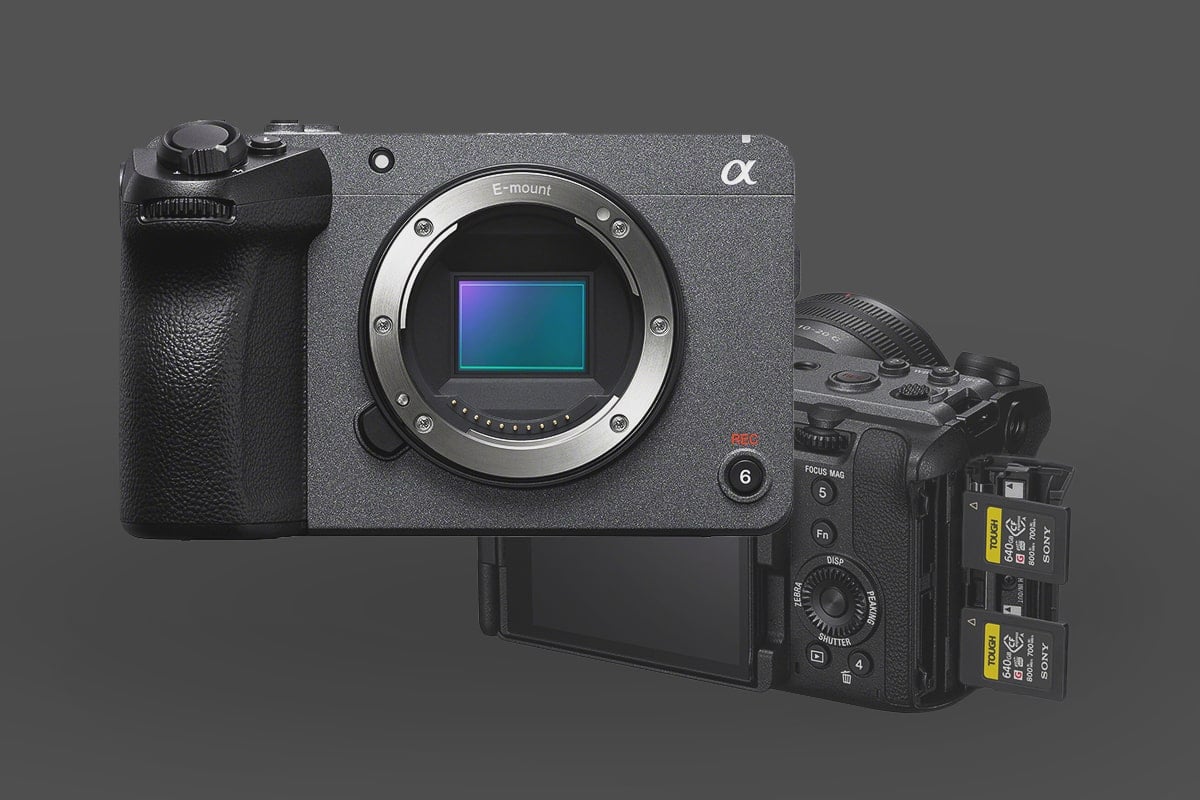
The Sony FX30 is a beast of a cinema camera and very popular for compact filmmaking due to its 1.5x crop-factor sensor and compatibility with Sony’s Super35mm APS-C Lenses. But its true potential is unlocked by the media you put inside it. Unlike many standard mirrorless cameras, the FX30 supports high-end codecs like XAVC S-I (All-Intra), which require high sustained write speeds.
As a professional video editor, I know that your choice of card doesn’t just affect whether the camera “records”—it affects how fast you can ingest that data into your workstation. Below is my guide to the best CFexpress Type A and SD cards that handle the FX30’s high bitrates.
Recommended SD Cards For Sony FX30: Quick Picks
In a hurry? Here are my top picks for the Sony FX30.
Note: Some CFexpress type-A cards, like the Lexar Silver cards, are faster and less expensive than the Sony Tough V90 UHS-II cards and are probably your best choice. Also, new CF4.0 CFexpress Type-A cards are on the market if you want to future-proof your investment.
Choose V60 cards if you plan to record at a lower bitrate, such as in any H.265 recording mode outside the S&Q slow motion modes, as these modes require faster cards.
| Recommended For Sony | USB Write | USB Read | Check Price | |
|---|---|---|---|---|
| CFExpress Type-A | Hide | |||
| Sony G Tough CF4.0 240/480/960/1920GB | B&H | |||
| Sony M Tough 960GB | Sony M Tough CFExpress Type-A Review | Amazon / B&H | ||
| Sony G Tough 80/160/320/640GB | Sony G Tough CFExpress Type-A Review | 658 | 847 | Amazon / B&H |
| Lexar Gold 80/160GB/320GB | 825 | 886 | Amazon / B&H | |
| Delkin Black 80GB | 654 | 845 | Amazon / B&H | |
| ProGrade Iridium CF4.0 480-960GB | 1272 | 1532 | Amazon / B&H | |
| Pergear Standard 256GB | Pergear Standard 256GB CFxA Review | 768 | 812 | Amazon |
Check out the Memory Cards for Sony A7sIII to understand how these cards perform in-camera. Since the Sony FX30 cannot burst-shoot RAW stills, I cannot benchmark them, but I did at least try.
CFexpress Type A: The New Standard for FX30
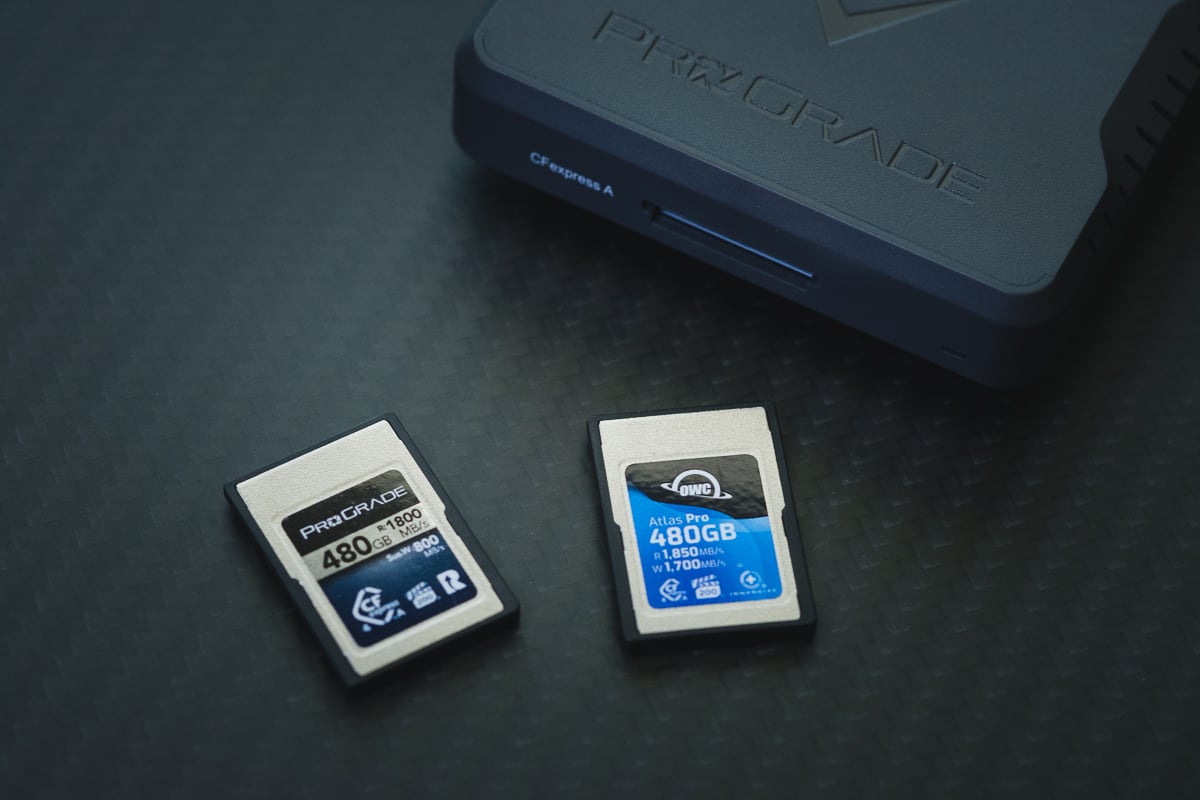
- CFExpress Type-A: For a long time, CFexpress Type A was an expensive luxury. In 2026, the market has shifted. Brands like Lexar (Silver Series) and Pergear have brought prices down to the point that their cards are often cheaper than high-end V90 SD cards.
- CFExpress 4.0: You’ll see new CF 4.0 cards on the market. While the FX30 itself can’t utilize the extra speed for recording, your computer can. If you have a USB4 or Thunderbolt reader, these cards will slash your offload times in half, which is a massive win for your post-production workflow.
The “All-I” Requirement: If you plan to shoot in XAVC S-I at 4K 120p, the camera will require a CFexpress Type A or a V90 SD card to keep up with the 600 Mbps data stream.
- V90 UHS-II: You can now pretty much find CFexpress Type-A cards at a comparable price to V90 UHS-II cards, so I wouldn’t really recommend V90 UHS-II cards for this camera anymore. They would be a bad value.
The “Best Value” Strategy: V60 SD Cards
You don’t always need the most expensive media. If you’re shooting in XAVC HS (H.265), the bitrates are much lower (around 200Mbps) because the compression is more efficient, and V60 SD cards are more than capable here.
Editor’s Tip: Just remember that H.265 (XAVC HS) is harder on your computer’s CPU during editing. If you have an older machine, you might prefer All-I on CFexpress Type A cards to keep your playback smooth without proxies, while still delivering the best image quality.
The Workhorse Card: A high-quality V60 SD card (like the ProGrade or Lexar 1667x) handles 90% of the FX30’s recording modes. It’s the perfect choice for long-form content like interviews or b-roll where you don’t need the massive overhead of All-Intra.
- SD UHS-I: If you’re a blogger or podcaster and want to use a lower bitrate under 240Mbps, you can use UHS-I U3 SD cards.
Sony FX30 Memory Card Capacity
What’s the largest SD card I can use with the Sony FX30?
Sony doesn’t specify a maximum SD card size for the FX30. However, newer Sony cameras typically handle cards up to 2TB without issues.
Sony FX30 Camera Specs
Sensor Size: 26.1MP APS-C BSI CMOS Sensor Estimated Buffer Size: untested Video Bitrate: Sony FX30 has a data rate of up to 600Mbps for H264 and S&Q. 200Mbps for H.265. |
Sony FX30: What Size Card To Buy?
If you’re into videography, I suggest starting with at least a 128GB card. However, the actual size you need depends heavily on your chosen bitrate. For instance, shooting at 600Mbps would require a larger card.
Capacity Planning: Don’t Get Caught Mid-Shoot
The FX30’s “Unlimited” record time is only as good as the card inside. At 600Mbps, you are generating 75 megabytes of data every single second.
On a 128GB card, you get roughly 28 minutes of footage. For narrative work or music videos, that’s fine. For a wedding or a live event? You’ll be swapping cards every half hour. This is why I generally recommend 256GB or 512GB as the starting point for FX30 shooters. It gives you that peace of mind during long takes.
Sony FX30 Recording Specs & Details
These bitrates and specs should help you find the best memory cards for 4K recording on the Sony FX30. You can use a slower card with better cost savings if recording at lower bitrates.
Record Limit: Unlimited
Audio File Format: AAC, Linear PCM
4k Recording Modes |
Sony FX30 Record Times – Memory Card Capacity
Check out this table for an overview of recording durations at different bitrates, or use the bitrate-to-time converter.
| Sony FX30 Record Times | 64GB | 80GB | 128GB | 160GB | 256GB | 512GB |
| 4k | ||||||
| 4k 600Mbps | 75MB/s H.264 | 14min | 18min | 28Min | 36min | 57min | 114min |
| 4k 280Mbps | 35MB/s H.265 | 30min | 38min | 61min | 76min | 122min | 244min |
| 4k 200Mbps | 25MB/s | 43min | 53min | 85min | 107min | 171min | 341min |
Best Memory Cards Sony FX30 | Conclusions
How do you choose the right memory card for a Sony FX30?
Using the FX30 as a B-Cam to the full-frame Sony FX3? Good news: they share the exact same bitrate architecture. This means the V90 or CFexpress Type A cards recommended in my Sony FX3 Memory Card Guide are 100% compatible with your FX30, unlocking all its high-frame-rate modes.
When paired with the right memory cards (either CFxA or UHS-II SD), the Sony FX30 can unlock impressive high-end video capabilities.
Remember, you’ll only need a faster card than the V60 if you’re working with XAVC S-I encodings or using the S&Q slow-motion features. Opting for V60 cards can save you some cash for everyday videography, but there could be limitations with specific video features on the camera.
Once your media is sorted, you’ll want to protect your camera and improve its ergonomics. Since the FX30 uses the same chassis as the FX3, you have plenty of options. Read my Ultimate Accessory Guide for the Sony FX3 / FX30 to see my top picks for screen protectors, cages, and mics.







Leave a Reply