
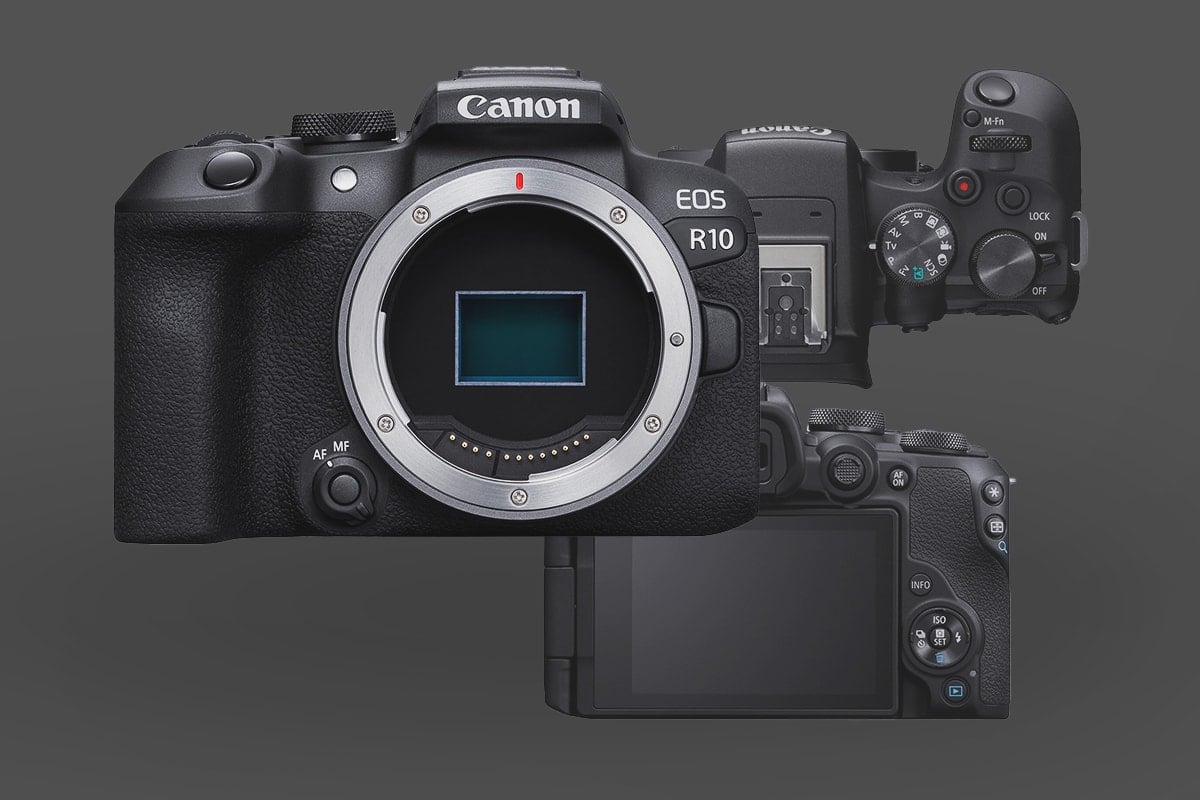
The Canon EOS R10 is a “goldilocks” camera—it hits a sweet spot for price and performance—but it has specific technical constraints that can trip you up if you aren’t prepared. This guide is a no-nonsense roadmap for setting up a lean, functional R10 rig without wasting money on fluff.
1. The R10 Reality Check
Before you start buying, understand that this camera has a few “fun” quirks that dictate your gear choices:
- The 4K60 Crop: When you jump to 4K60, you get an additional 1.56x crop on top of the 1.6x APS-C sensor crop. Your effective focal length becomes roughly 2.5x. That 16mm lens you bought for vlogging? It’s now a 40mm lens. You could, of course, just record 4k30p, which is more standard anyway – especially for vlogging and YouTube.
- Single Memory Card Slot: There is only one UHS-II SD slot. Buy reliable, name-brand cards because there is no “Plan B” if a cheap card fails. A TOUGH style card might be useful here.
- Battery Anxiety: The LP-E17 is tiny. Expect about 45 minutes of 4K video before it dies.
- No IBIS: You are relying entirely on lens stabilization or your own steady hands. Check out the complete list of Canon lenses to see all the Full Frame and APS-C Lenses for this camera.
2. No IBIS – Shooting Steady
Since the R10 lacks In-Body Image Stabilization (IBIS), your handheld footage can easily look “nervous”.
- Neck Strap Tension: For some poor man’s stability, put the strap around your neck and push the camera out until the strap is taut. This “third point of contact” kills the micro-jitters.
- The Gimbal Choice: Don’t buy a massive pro gimbal; it’s overkill for this body. The DJI RS 3/4 Mini is the right tool here. It’s light, handles the R10 easily, and lets the Dual Pixel AF do the heavy lifting.
3. Memory Cards: Speed Matters
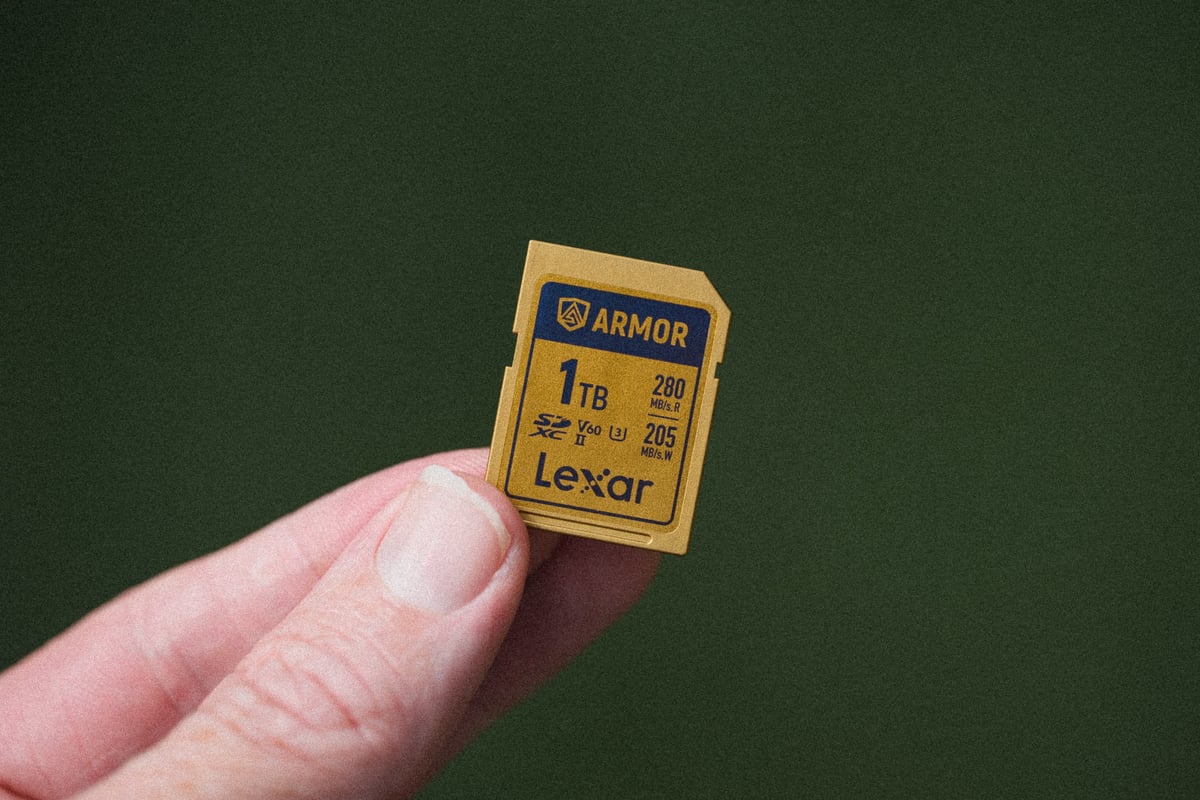
The R10 can push 10-bit 4:2:2 HDR-PQ. To keep up with that bitrate without the camera stopping mid-take, you need the right sustained write speed.
- 4K 30p: A V30 card is usually fine.
- 4K 60p (10-bit): Move to a V60 UHS-II card. It provides the necessary thermal and buffer headroom for long-form recording.
- You can see my full Canon R10 memory card guide here for detailed recommendations and specs.
4. Power Solutions
If you’re out in the field all day, one battery isn’t going to cut it.
- Spares: Carry at least three. Avoid the ultra-cheap generics; many won’t show an accurate battery percentage on the R10’s screen.
- USB-C PD: This is the pro move. The R10 can be powered via its USB-C port using a Power Delivery (PD) bank rated at 30W or higher.
Official Canon LP-E17 Batteries
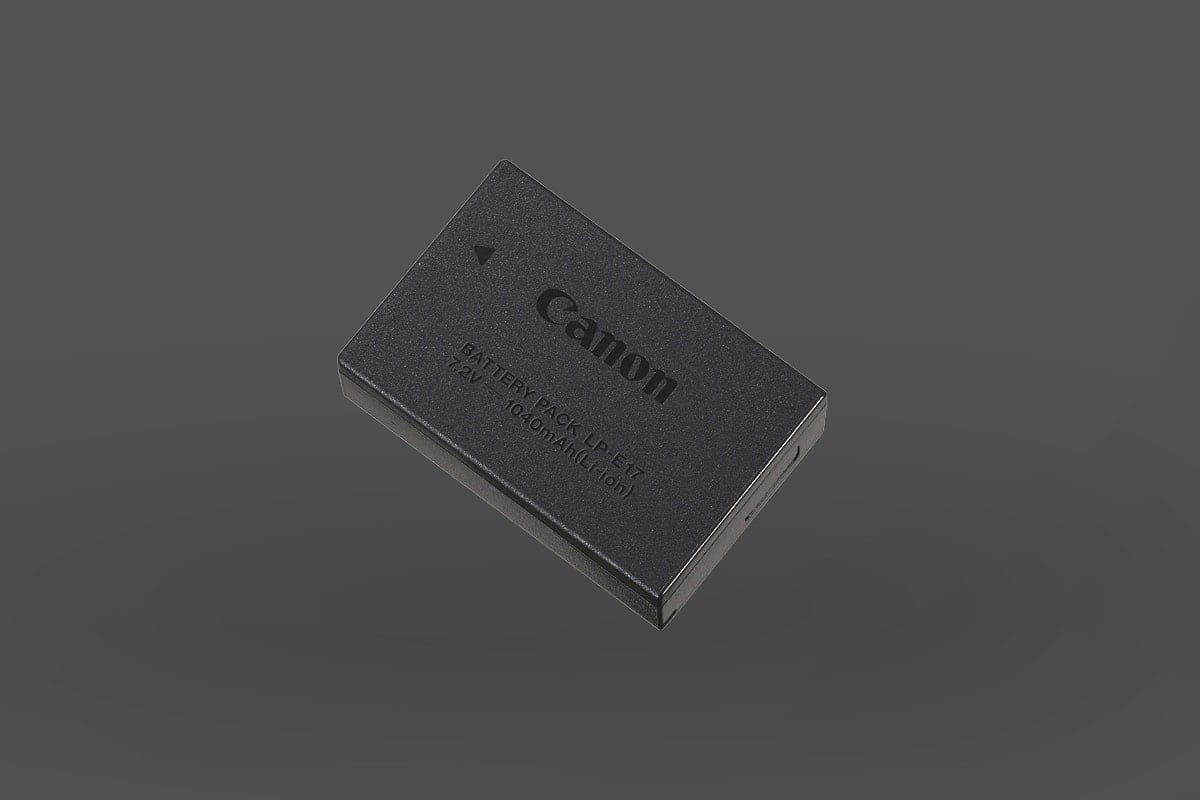
These are the official Canon LP-E17. If you are doing critical work, you might want to have official batteries as backup.
Available At: B&H
Third-Party K&F CONCEPT 2-Pack LP-E17 Battery
If you just like to shoot casually, then third-party batteries work well enough and can save you a ton of money. I use third-party batteries all the time.
These have the USB-C charging capabilities built directly into the battery, which is very convenient.
A common pain point for R10 owners is finding a fully charged battery completely drained after a few days—or even hours—of the camera being switched to “Off.” This isn’t necessarily a hardware failure; it’s more about how the camera handles background tasks.
Available At: Amazon
The Battery Drain Issue: The Culprits
- Constant Network Polling: By default, the R10 often continues to “listen” for Wi-Fi or Bluetooth connections to pair with your smartphone even when powered down.
- Third-Party Mount Adapters: Using older EF lenses with non-Canon adapters (such as Viltrox) is a common cause of drain. These adapters can sometimes maintain an active electronic bridge that pulls current while attached.
The Battery Drain Recommendations
- Toggle Airplane Mode: Unless you are actively transferring files to your phone, keep the camera in Airplane Mode.
- Watch the Adapters: If you are using a third-party EF-to-RF adapter, try to stick with the official Canon versions for storage. If that isn’t an option, simply detach the adapter from the body when you put the camera in your bag.
- The “Pro” Habit: The general consensus among R10 power users is simple: Remove the battery entirely if the camera will be stored for more than 24 hours. It is the only 100% reliable way to ensure you have a full charge when you actually start shooting. The Canon R10 uses an internal rechargeable battery to keep the time and date, so don’t leave the battery out for too long (weeks), or you could lose all your settings.
5. Audio: The Missing Monitor
The R10 has a mic input but no headphone jack.
- The Workaround: Since you can’t monitor audio in-camera, use an external monitor like a FeelWorld F6 Plus or Atomos Ninja V. Connect via Micro-HDMI and use the monitor’s headphone jack to listen to the feed.
- Mic Choice: The Rode Wireless GO (gen 3) is the best “set it and forget it” option—they are lightweight and have built-in batteries. While I personally like and use Rode mics, if you’re going to get involved in the full DJI ecosystem with gimbals and action cameras, it might be best to stick with DJI here for their proprietary wireless connection technology.
Rode Wireless Go (gen 3) or Wireless Pro ( I use the Pro )
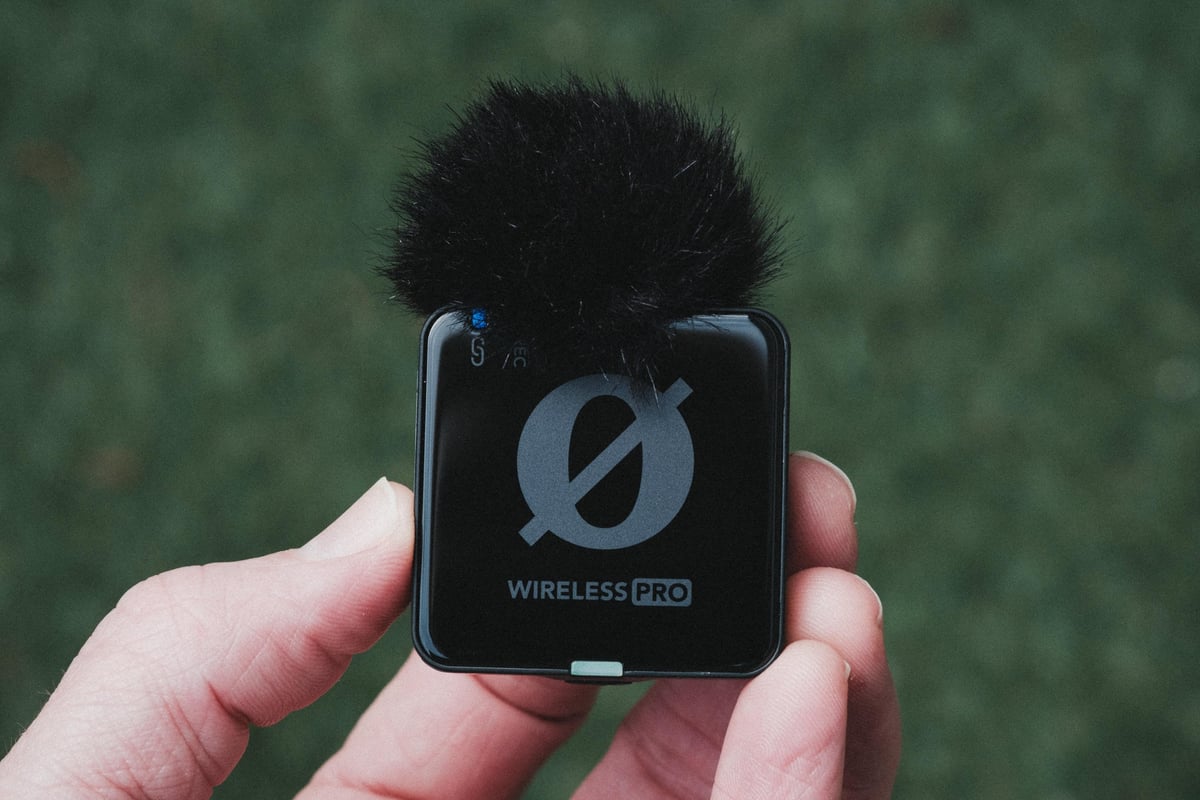
The RØDE Wireless GO III is an ideal companion for the Canon R10 because its Intelligent GainAssist and 32-bit floating-point internal recording effectively bypass the camera’s built-in preamps, ensuring professional-grade audio without the hiss. Its ultralight, compact design perfectly matches the R10’s small footprint, keeping your vlogging setup balanced and portable. By using the RØDE Central app’s dedicated Canon preset, which adds the automatic -6 dB, you can achieve a “set-and-forget” workflow that delivers perfectly leveled audio directly into your video files.
I personally use the Pro because I wanted the 32-bit, but the Go (gen 3) has that now.
6. What Not to Buy
- Cheap Variable ND Filters: A sharp 4K sensor will expose cheap glass. You’ll see “X-patterns” and soft edges. Buy one high-quality VND (like PolarPro) rather than three cheap ones. Neewer also makes good VNDs without the X-pattern.
- Full Cages: Unless you are mounting a cinematic Frankenstein rig, a full cage just adds bulk. A simple baseplate or L-bracket is better if you just need a bit more height for your pinky finger to rest on.
I use the K&F Nano X Variable ND. But there are many other versions of this, and this one I have has been great.
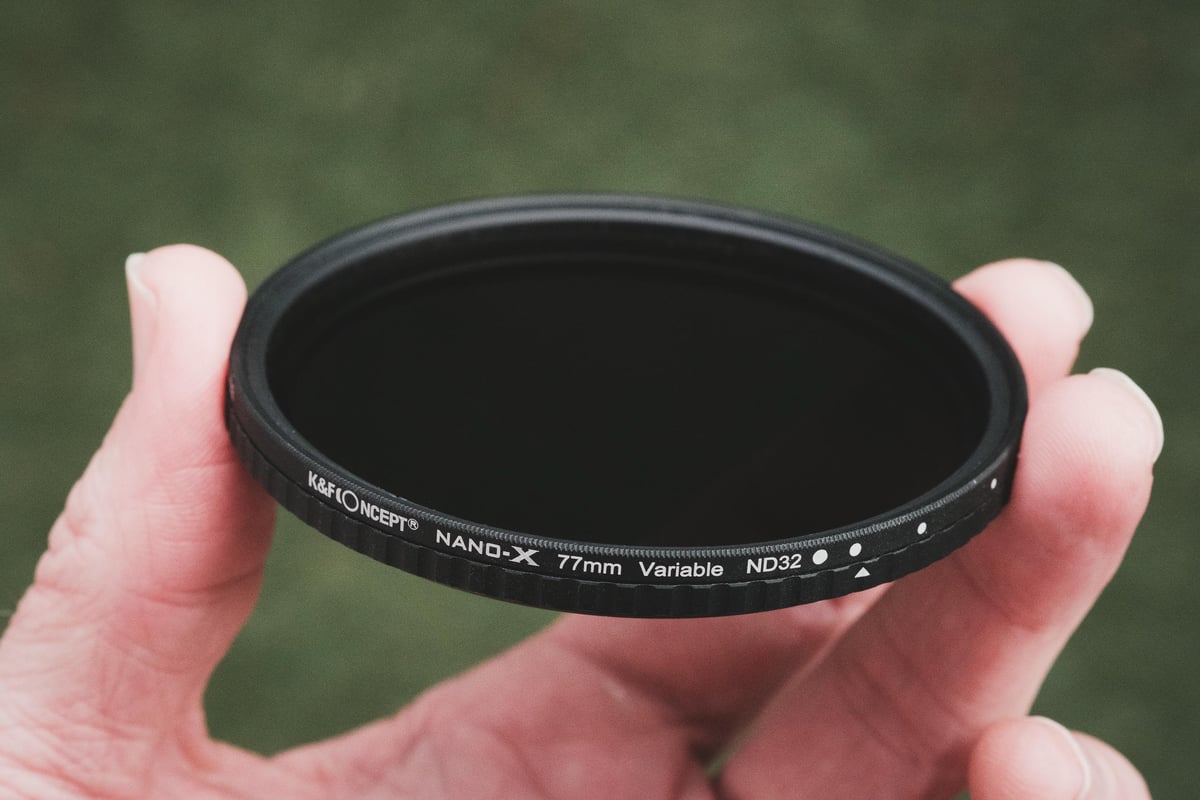
K&F Variable ND Filter
This 2-in-1 filter is a must-have for the Canon R10 because it lets you keep the cinematic 180° shutter rule in bright sunlight without overexposing your footage, while still preserving a shallow depth of field with 1 to 5 stops of precise light control. Additionally, the integrated circular polarizer is perfect for cutting through harsh reflections on water or glass and deepening the blue skies.
Available At: Amazon
7. What to Buy First (Priority Order)
- Two Extra LP-E17 Batteries: Official or Third-Party, an absolute necessity.
- V60 UHS-II SD Card: To reliably unlock 10-bit video features.
- Rode WirelessGO (gen3): Because internal audio is always the weakest link. You could also use a shotgun mic on camera or DJI wireless Mics.
- RF-S 10-18mm IS STM Lens: This is just one suggestion, but it will help you combat the 2.5x 4K60 crop factor, while giving you roughly a 28mm field of view on the longer end with that 1.6x Canon APS-C crop factor.











Leave a Reply