
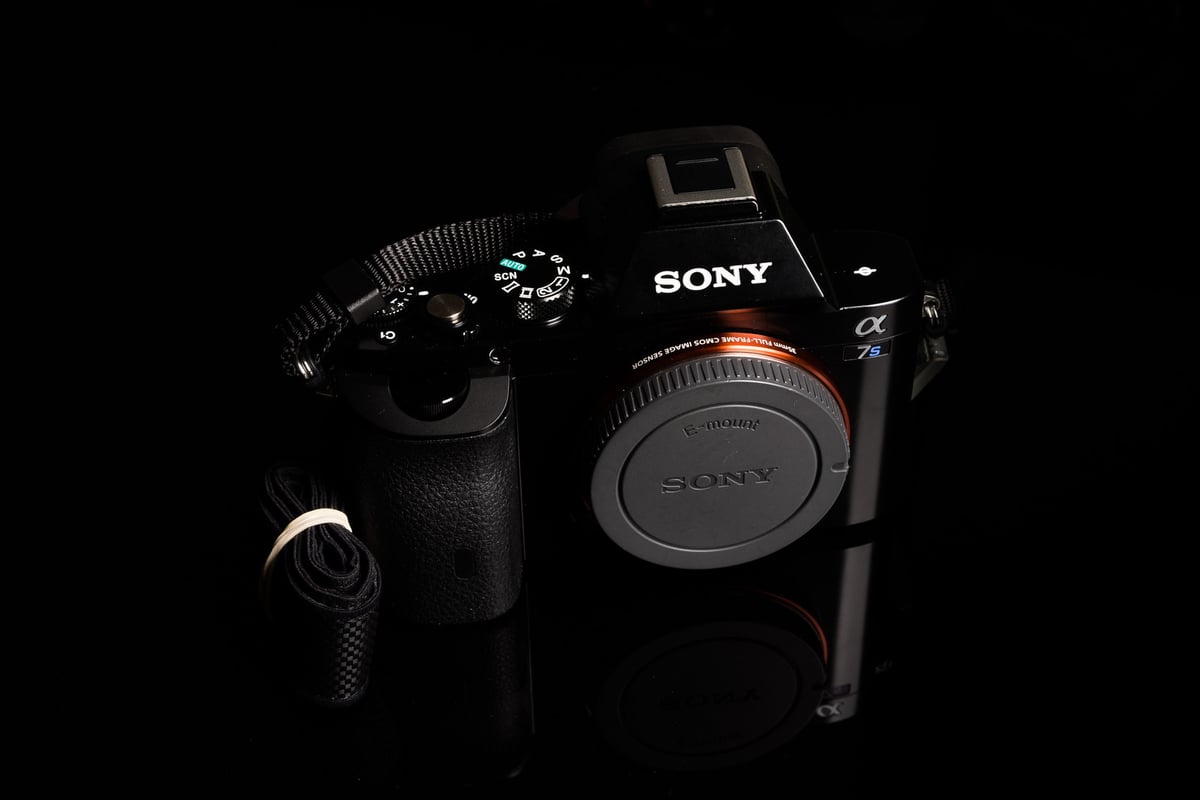
The Sony A7, A7r, and A7S models, released in the early to mid-2010s, were top sellers for a long time. Whether you’re a current owner looking for new memory cards or considering a second-hand purchase, you might be looking for the best options available today.
This guide will provide you with essential knowledge about memory cards and recommend top picks for your Sony A7 series cameras.
Recommended Memory Cards Sony A7, A7r, A7s

The Sony A7 series is compatible with UHS-I SD cards, which are widely available. While UHS-II cards can be used, they will not provide any advantage in write speed.
For video recording in 1080p, the A7, A7s, and A7r models require memory cards with a minimum write speed of 6.25MB/s. Both U3 and U1 cards meet this specification.
The Sony A7 series supports memory cards up to 128GB, so using cards between 64-128GB should pose no issue. Given that the A7 series has a write speed limit of around 35 MB/s, there’s no need to invest in high-end v90 cards or cards larger than 128GB.
Consider the following recommendations for the latest memory cards. Specifically, the Sony E series cards are noteworthy for their UHS-I write speeds and UHS-II read speeds, offering excellent value for these cameras.
| Recommended SD Cards | Speed Class | USB Write | USB Read | Links |
|---|---|---|---|---|
| SD UHS-II V60 | Hide | |||
| Sony E v60 128GB | UHS-II v60 | 142 | 252 | Amazon / B&H |
| Sony E v30 64GB | UHS-II v30 | 73 | 247 | Amazon / B&H |
| UHS-I U3 | Hide | |||
| Sandisk Extreme Pro 64GB | UHS-I | 137 | 175 | Amazon / B&H |
| Kingston Canvas Go! Plus 256GB-1TB | UHS-I | Amazon / B&H | ||
| Prograde Cobalt CF2.0 165/325/650GB | CFx-B | 1429 | 1029 | Amazon / B&H |
Sony A7, A7r, A7s Memory Card Benchmarks
Here are the benchmarks of how the various cards performed in the Sony A7r. These are older cards but they should still give you an idea of the bottlenecks we’re seeing on these cameras.
| SD Memory Cards | Sony A7r Write |
| Kingston 64GB SDXC Class 10 / U3 | 35.46 MB/s |
| Sandisk Extreme Plus 64GB SDXC Class 10 / U3 | 35.10 MB/s |
| Sandisk Extreme 64GB SDXC Class 10 U/3 | 34.90 MB/s |
| Sandisk Extreme Pro 64GB SDXC Class 10 / U3 | 34.86 MB/s |
| Transcend 64GB SDXC Class 10 / U3 | 34.23 MB/s |
| PNY 64GB SDXC Class 10 / U1 | 34.10 MB/s |
| Samsung Pro 64GB SDXC Class 10 / U1 | 34.00 MB/s |
| Lexar 600x 64GB SDXC Class 10 / U1 | 33.53 MB/s |
| Sony 64GB SDXC Class 10 / U3 | 33.46 MB/s |
In testing, all memory cards delivered comparable performance, suggesting a potential bottleneck, likely within the camera’s processor or bus interface. As a result, the cards listed will perform similarly.
On the Sony A7r, shooting exclusively in JPEG format reduces throughput to approximately 20 MB/s, possibly due to increased processor demand for JPEG processing.
The performance of all Sony mirrorless cameras tested, including the A7r, seems to be limited by this bottleneck, with speeds consistently around 33-34MB/s, regardless of the camera or card used. I’ve conducted tests on the A7S and will share those findings soon. I’m also aiming to test the Sony A7ii and anticipate it will show similar performance.
Best Memory Card For The Sony A7S, A7 Video Modes
The Sony A7S and A7 utilize the XAVC internal format, offering a bitrate of 50Mbps, which translates to roughly 6-7MB/s or megabytes per second.
To record in XAVC, you’ll need an SDXC card that’s 64GB or larger. Smaller cards, like a 32GB SDHC, won’t be compatible with XAVC recording.
There are three things you should know right now when buying SD cards.
- UHS-II Cards: For the vast majority of cameras, UHS-II cards are not a necessity. Investing in one for your camera could be an unnecessary expense unless you’re seeking to expedite file transfers to a compatible computer or card reader.
- SDXC Cards: It’s time to consider SDXC memory cards, typically starting at 64GB. They’re becoming a standard requirement for many modern video codecs, particularly in Sony cameras, so they’re a wise choice for future-proofing your gear.
- Speed Class Symbols: You’ll notice a ‘U’ symbol with a number—either 1 or 3—on memory cards. This represents the speed class, indicating the card’s minimum write speed. A Class 1 card guarantees a minimum write speed of 10 MB/s, while Class 3 ensures at least 30 MB/s. Keep in mind that this is about consistent performance under all conditions, not the card’s peak speed. And remember, the advertised speeds on memory cards usually pertain to read speeds, which have little impact on your photography experience.
Sony A7r Speeds
The Sony A7r shoots a 36.3 MP file, which delivers RAW images roughly 37-38 Megabytes in size.
Burst Speeds: 4 fps, 1.4 after buffer.
37MB x 4fps = 148MB/s.
Sony A7r Buffer
The buffer on my camera seems to fill up after 16-18 shots. Which means the buffer is about 512 MB in size. And when the buffer is full, it shoots at 1.4 fps.
Then, depending on your card’s speed, it will take between 15 and 25 seconds to clear the buffer and write the data to the card.
Sony A7 Speeds
The Sony A7 shoots 24.3MP files, which produce RAW files of roughly 25 MB each.
Burst Speeds: 5 fps, 1.5 after buffer.
25MB / 5fps = 125MB/s.
Sony A7 Buffering
The camera has a buffer that allows you to shoot 49 JPEGs or 21 RAWs.
What About Video, Won’t I Need A Faster Card?
Shooting video is like shooting a stream of JPEG’s. JPEG images use only a fraction of the data rate of a RAW image. You’ll only need a fraction of the speed.
The Sony A7, A7r, and A7S can all shoot 1080p60 using the AVCHD codec. The AVCHD codec bottlenecks at 24 Mbps, peaking at 28 Mbps when shooting at 60 fps. That’s a data rate of around 3.5MB/s.
Any card with reasonable speed should work for AVCHD recording.
Memory Card Speed Class Ratings
If you can’t find a data rate listed on your card, there is another way of knowing how fast it is. Each card has a number code on it. The older Speed Class cards have four numbers. Class 10, 6, 4, and 2. Newer UHS-I cards have Class 10 (U3), also known as v30. You also might see an I or an II, depending if it’s UHS-I or UHS-II.
About Minimum Speeds
The Minimum speeds listed above pertain to card fragmentation. When a drive’s data gets scrambled or when a drive gets near full capacity, speeds will usually be reduced.
Having a minimum speed of 10MB/s or 30MB/s guarantees that no matter how fragmented an SD card gets, you’ll still get at least those numbers. It’s important for video, not so much for photography since you’re working with a buffer.
The Sony A7r is compliant with UHS-I. When using a UHS-I card that’s been fragmented and near full, you’ll still be rated at 10 MB/s, which is more than enough for video, but you might end up with a little buffering during a long burst.
The Best SD memory card for video with the Sony A7ii, A7r, or A7S will be a Class 6, Class 10, or UHS-I card. A Class 4 card would be riding the line of acceptable speeds for video.
UHS-II cards have a different pin configuration and may not work with the Sony A7 or A7r.
Memory Card Speed Tests Conclusions
I suggest going for the SanDisk Extreme Pro or Sony E-series cards.
While the speed of most cards appears to be limited by the camera’s bottleneck, and no significant variance is noticeable during continuous bursting with most modern cards, some old cards can still perform poorly. They not only operate slower but also delay the display of images.
Check out the list of all the Sony lenses available.










Leave a Reply