
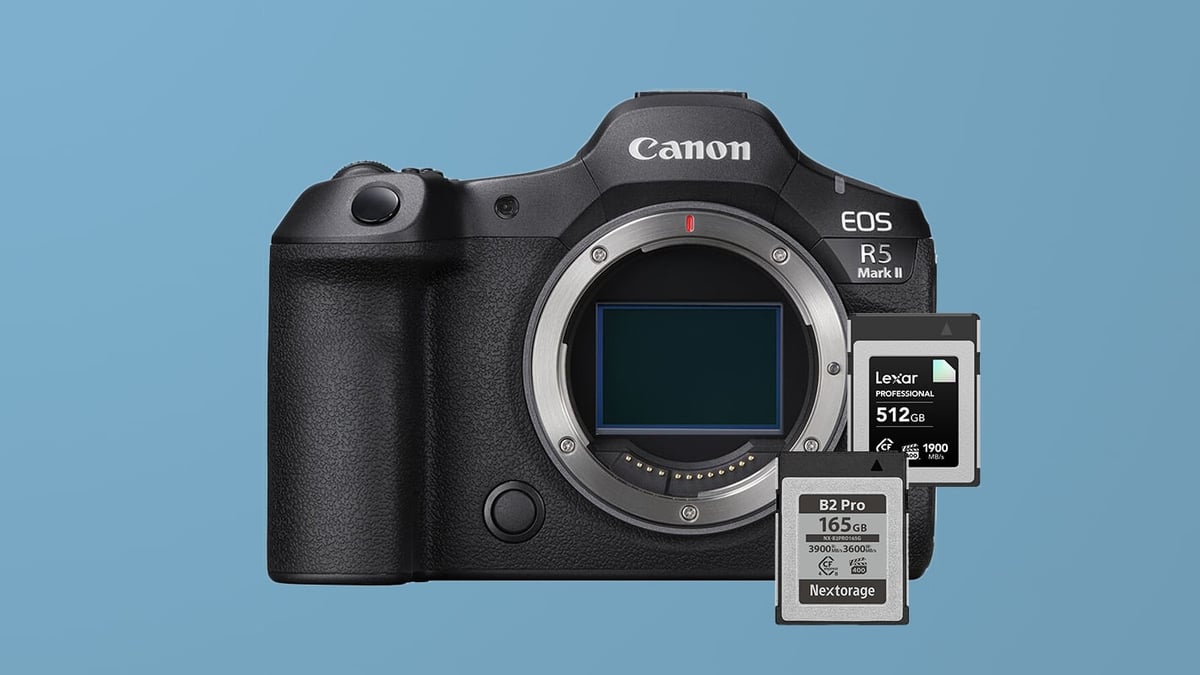
The Canon EOS R5 Mark II is a powerhouse hybrid camera, but getting the most out of it requires navigating a confusing landscape of memory card speeds and standards. With one CFexpress Type B slot and one SD UHS-II slot, your choice of media dictates everything from video reliability to how fast your buffer clears during action bursts.
Many photographers are asking: Do you need the new CFexpress 4.0 cards? Is VPG400 required?
In this guide, I break down the best memory cards for the Canon R5 II based on compatibility, heat management, and value. Whether you are shooting 8K RAW video or casual landscapes, these recommendations will help you avoid overspending on specs you can’t use.
Table of Contents
Quick Top Picks: Canon R5 II Memory Cards
Capacity Note: The camera supports memory cards up to 2TB.
If you don’t want to get bogged down in the technical specs, here are the cards that offer the best balance of price, performance, and reliability for the R5 Mark II.
- Best CFexpress Type B (Performance): [Lexar Diamond Series] or [Nextorage B2 Pro Series] – Essential for 8K RAW video and heavy burst shooting.
- Best Value CFexpress: [Lexar Gold] or [Delkin Power] – Great performance for 90% of photographers at a better price.
- Best SD Card (UHS-II): [Sony SF-G Tough V90] or [Sandisk Extreme Pro V90] – Fastest possible backup speeds to prevent bottlenecks.
- Best Budget SD: [Lexar Armor Gold V60 Series] – Good for JPG backup or standard 4K video.
Best CFexpress Type B Cards for Canon R5 II
Here is a quick list of the best memory cards for the Canon R5 II. While VPG400 cards are recommended for important video work, they are not strictly required for every mode.
For 8K video, you want a card with high sustained write speeds rather than just peak sequential speeds. Cards with high sustain speeds typically run cooler and maintain performance even after the card’s internal “fast cache” fills up.
| CFExpress Type-B Memory Cards | Review Links | Rating | RatedW | RatedR | Sustained | Minimum | USBW | USBR | Tested Sustain | Check Price |
|---|---|---|---|---|---|---|---|---|---|---|
| CFExpress Type-B | ||||||||||
| Lexar Diamond CF4.0 128GB-1TB | VPG400 | 3400 | 3700 | 3200 | 400 | Amazon / B&H | ||||
| Lexar Gold CF4.0 512/1TB/2TB | 3300 | 3600 | 3000 | Amazon / B&H | ||||||
| Lexar Gold 128/256GB | Lexar Gold 128-512GB CFeB Review | 1500 | 1750 | 1000 | 1410 | 1525 | 1382 | Amazon / B&H | ||
| Lexar Silver CF4.0 256/512GB/1/2TB | 1650 | 1750 | 200 | Amazon | ||||||
| Prograde Iridium CF4.0 400GB | VPG400 | 3000 | 3550 | 850 | 2704 | 3212 | 808 | Amazon / B&H | ||
| ProGrade Gold CF4.0 256GB/512GB | 3,000 | 3,400 | 850 | 2545 | 3203 | 844 | Amazon / B&H | |||
| Delkin Black CF4.0 512GB/1/2TB | 3200 | 3600 | 2040 | 400 | 1736 | 2476 | 1693 | Amazon / B&H | ||
| Delkin Power CF4.0 512GB | 3240 | 3650 | 820 | Amazon / B&H | ||||||
| Wise Pro MkII CF4.0 660GB/1.3TB | 3600 | 3700 | 3400 | B&H | ||||||
| Wise Advance Mk II CF4.0 512GB | 2600 | 3400 | 800 | B&H | ||||||
| Nextorage B2 Pro CF4.0 660/1330GB | VPG400 | 3600 | 3700 | 3400 | 400 | B&H | ||||
| Nextorage B2 Pro CF4.0 165/330GB | VPG400 | 3600 | 3900 | 3400 | 400 | B&H |
Best SD UHS-II Memory Cards for Slot 2 (V90 vs V60)
Critical Warning for Dual Slot Shooters: If you record to both cards simultaneously (Backup Mode), your camera will slow down to the speed of the SD card. Even the fastest CFexpress card will be throttled. Solution: If you need redundancy, use a V90 SD card to minimize the performance hit.
- Note on PNY Cards: We have received reader reports of file corruption with PNY Elite X-Pro60 cards, specifically on the R5 Mark II. While this may be isolated, we recommend sticking to Sony, Delkin, Sandisk and Lexar for critical professional work until further notice.
| SD Memory Card Recommendations | Review Links | USB Write | USB Read | Check Price |
|---|---|---|---|---|
| SD UHS-II V90 | Hide | |||
| Sandisk Extreme Pro V90 32-512GB | Sandisk Extreme Pro V90 UHS-II Review | 268 | 293 | Amazon / B&H |
| Sony G Tough v90 32-256GB | Sony G Tough V90 UHS-II Review | 258 | 296 | Amazon / B&H |
| Delkin Black v90 64/128/256GB | 253 | 278 | B&H | |
| Delkin Power v90 64/128/256GB | Delkin Power v90 | 240 | 275 | Amazon / B&H |
| Adata Premier ONE v90 64/128/256GB | Adata v90 | 229 | 268 | Amazon |
| Amplim 2000x V90 32-128GB | 275 | 287 | Amazon | |
| Kingston Canvas React V90 32-256GB | Kingston Canvas React Plus V90 | 274 | 292 | Amazon / B&H |
| Kodak V90 32/64/128GB | 260 | 272 | Amazon | |
| SD UHS-II V60 | Hide | |||
| Sandisk Extreme Pro v60 256/512/1TB | 189 | 279 | Amazon / B&H | |
| Lexar ARMOR Gold V90 256GB-1TB | 191 | 258 | Amazon / B&H |
CFexpress 4.0 vs 2.0: Which Does the Canon R5 II Use?
There is a lot of hype around the new CFexpress 4.0 standard, but here is the reality for R5 II shooters: The Canon R5 II utilizes the CFexpress 2.0 interface.
- In-Camera Performance: You will not see faster write speeds or better buffer clearing by using a 4.0 card. The camera’s internal bus is the speed limit.
- Offloading Speed: The main benefit of a CFexpress 4.0 card is when you transfer files to your computer. If you have a CFexpress 4.0 reader, offload times can be twice as fast as older cards.
My Verdict: Since CFexpress 4.0 cards are backward compatible, they are safe to buy and “future-proof” your kit. However, if you find a high-end CFexpress 2.0 card (like older Lexar Diamond or Delkin Black) on sale, you won’t lose any shooting performance by choosing the older generation.
Memory Card Requirements for 8K & RAW Video
The card you choose directly determines the video quality and the bitrate you can record at. If you’re having trouble with heat, you can try switching to SD cards and recording at lower bitrates.
| Recording Mode | Maximum Bitrate (MB/s) | Required Card Type | Rationale |
| RAW Standard | Up to 325 MB/s (2600 Mb/s) | CFexpress Type B | Absolutely required to handle the extreme data rate of internal RAW video. |
| High Bitrate Video | Above 90MB/s (720 Mb/s) | CFexpress Type B | Necessary for all professional, high-quality codecs and high frame rates. |
| Medium Bitrate Video | Under 90MB/s (720 Mb/s) | SD UHS-II V90 | Usable for lower bitrate codecs. |
Why VPG400 Matters for R5 II Video
When looking at R5 II CFexpress cards, you will see a small “VPG400” logo (Video Performance Guarantee) on some high-end models.
For general photography, this doesn’t matter much. However, if you plan to shoot high-bitrate video or Cinema RAW Light, Canon recommends VPG400-certified cards. This certification guarantees a minimum sustained write speed of 400MB/s, ensuring your camera doesn’t stop recording unexpectedly due to a drop in card performance.
If you are a serious videographer, stick to the VPG400 options listed below to ensure stability.
Budget-Friendly SD Cards: V60 vs V90
A major practical advantage of using high-quality SD cards is their thermal performance: they typically don’t heat up the camera as quickly as CFexpress Type B cards, at least that’s what I’ve noticed after rigorous use with my Nikon Z8, which has a similar memory card setup. But using V60 and V90 cards will limit your bitrate options. If you are struggling with overheating during long shoots, you might also want to look into cooling fans in my full Canon R5 Mark II accessories guide.
Backup Performance (JPEG/HEIF/RAW) Use V90
If you are using the second slot for simultaneous backup of JPEG or HEIF files while shooting RAW to your CFexpress Type B card, V90 UHS-II SD cards are recommended. Since the slower SD slot dictates your maximum write speed during simultaneous recording, using the fastest SD card available (V90) minimizes the bottleneck and minimizes the impact on your continuous shooting performance.
Casual and Cost-Effective Use of V60
For photographers shooting in a slower-paced environment, such as landscape or portraiture, or lower bitrate video, V60 UHS-II SD cards offer a cost-effective solution with ample speed.
What Size Memory Card Do I Need?
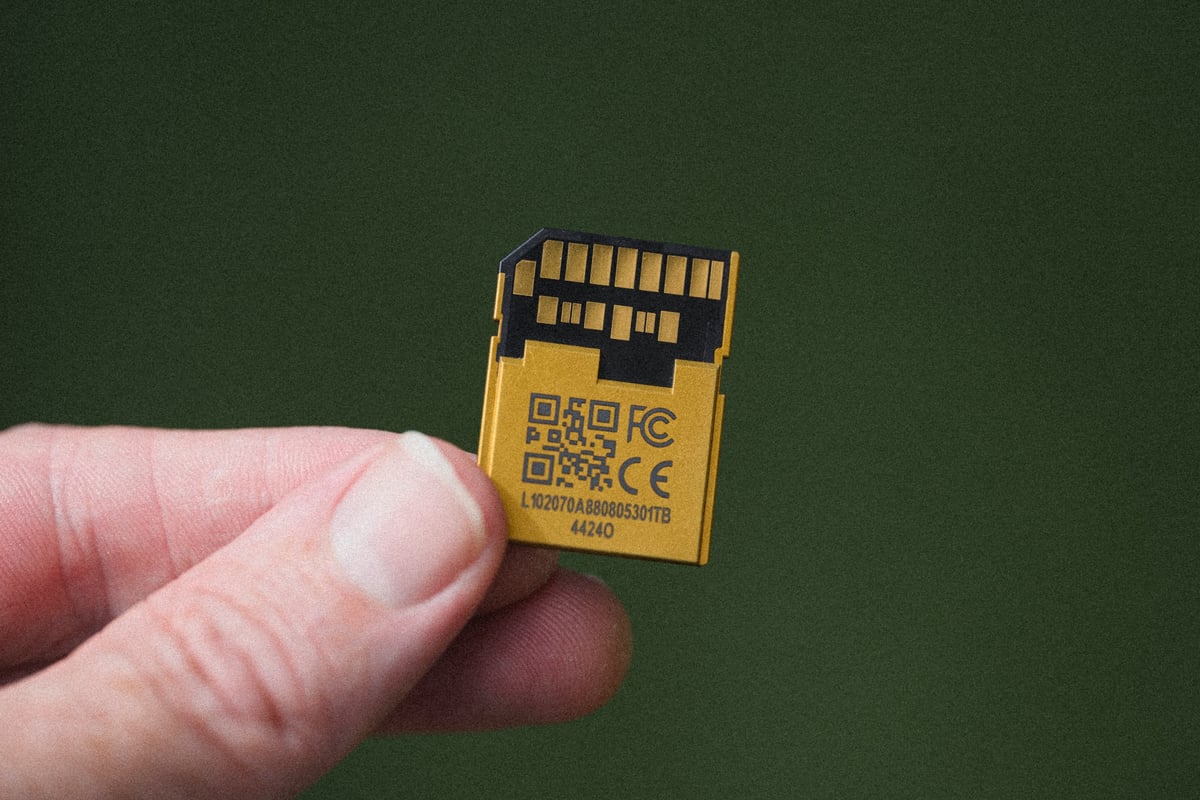
The Canon R5 Mark II produces large 45MP image files and massive 8K video files. Choosing the right capacity depends entirely on whether you shoot mostly stills or video.
For Photographers (128GB – 256GB). If you primarily shoot stills, a 128GB or 256GB card is usually the sweet spot.
- Capacity: A 128GB card can hold approximately 2,200+ standard RAW images or nearly 4,000 C-RAW images.
- Recommendation: Unless you are shooting a multi-day event without offloading, 256GB provides ample space for a full day of heavy shooting without forcing you to change cards.
For Hybrid & Video Shooters (512GB – 2TB). If you plan to touch the record button, storage requirements skyrocket.
- 4K HQ & 8K: High-quality video modes eat through storage fast. For example, shooting 8K RAW can consume roughly 18-20GB per minute. A 128GB card might fill up in less than 7 minutes.
- Recommendation: For mixed hybrid use (some 4K video and photos), start with 512GB. If you plan to shoot 8K RAW or long-form 4K HQ interviews, a 1TB or 2TB card is almost mandatory to avoid constant swapping.
Pro Tip: If you can afford it, it is often safer to buy two 512GB cards rather than one single 1TB card. This spreads your risk—if one card fails or gets lost, you haven’t lost your entire shoot.
Your Canon R5 II Memory Card Checklist
Choosing the right media for the Canon R5 II is a balance between performance, budget, and intended use. Here is the concise breakdown of the best choices for every scenario:
| Use Case | Recommended Card Type | Key Feature Required | Performance Summary |
| Max Performance (Photo/Video) | CFexpress Type B | VPG400 Rating | Essential for 12 fps mechanical shutter bursts and all Cinema RAW Light modes (up to 325 MB/s). Clears buffer 2-3x faster than SD. |
| High-Quality Video (Budget) | SD UHS-II V90 or Budget CFexpress Type-B | Minimum 90 MB/s Sustained | Sufficient for most high-bitrate compressed 4K recording modes and less demanding video codecs. |
| Slower Video / Cost Savings | SD UHS-II V60 | Minimum 60 MB/s Sustained | Using a slower card (even a V90 SD card) for backup will bottleneck your camera’s burst speed. |
Final Takeaway: While the R5 II is flexible, investing in at least one high-speed CFexpress Type B VPG400 card is mandatory to unlock the camera’s full potential for high-speed shooting and professional video. Unfortunately, since the second slot is limited to SD UHS-II speeds, recording with redundancy will lower the camera’s overall performance. So you will need a V90 SD card to get maximum performance.









Leave a Reply