
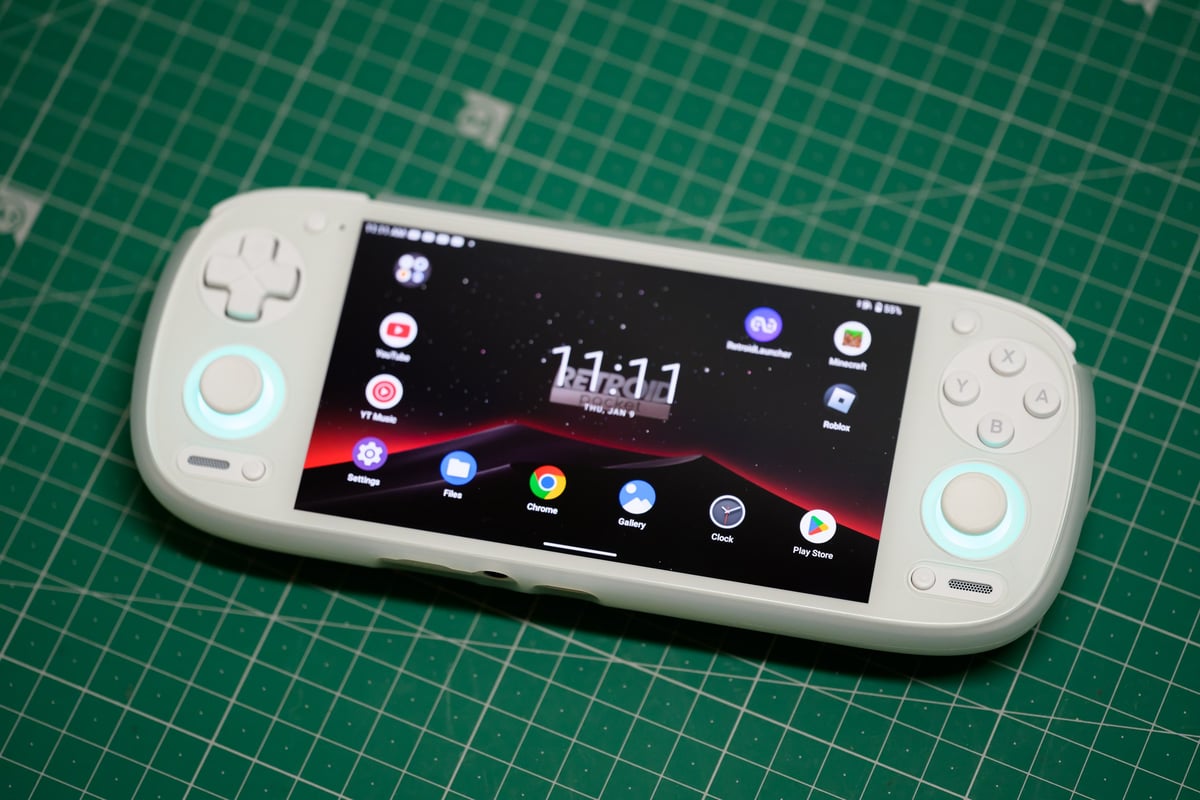
The Retroid Pocket 5 has one microSD slot and 128GB of built-in UFS 3.1 storage. In my tests it read 72–90 MB/s from every card, about twice as fast as the Retroid Pocket 4 Pro, so sequential speed barely separates cards. Random read speed does, and the Samsung PRO Plus and PRO Ultimate led at 7.34 and 8.85 MB/s. Like on the Retroid Pocket 4 Pro, I still recommend Samsung cards; they have the best bang for the buck with the best overall performance.
Table of Contents
How I Tested SD Cards in the Retroid Pocket 5
I tested 43 microSD cards in the Retroid Pocket 5 in 2025 using the Android app Cross Platform Disk Test, which measures sequential and random read and write speeds. I ran the test twice on each card to let the card warm up, since the random speeds always improved on the second test. Most of the cards I tested are 128GB. I’ve also tested these cards in Windows 11, which you can find in the microSD memory card guide.
Quick Picks: Best SD Cards for the Retroid Pocket 5
Not sure what capacity to get? Check what size SD card you need before you buy; it depends entirely on which systems you plan to play.
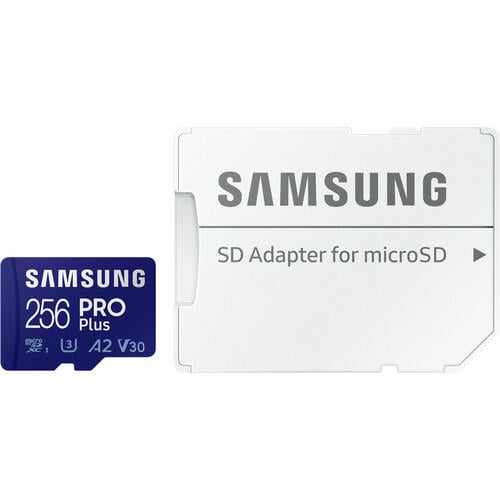 | Best overall: Samsung PRO Plus V30 A2. 7.34 MB/s random read and 2.51 MB/s random write in the Retroid Pocket 5, with 88 MB/s sequential reads. The best mix of random speeds I measured, and the card I would buy. |
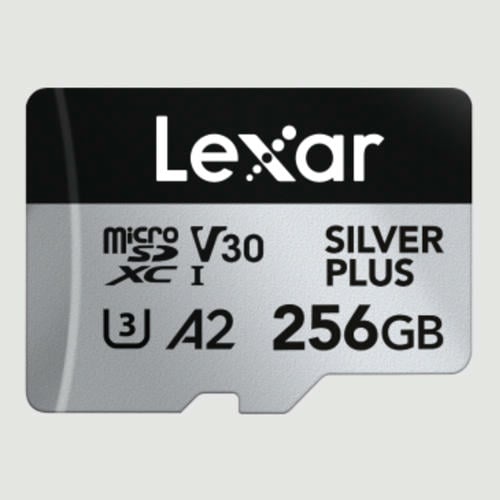 | Best for big libraries: Lexar SILVER PLUS V30 A2. Comes in sizes up to 1TB, and its 3.30 MB/s random write was the second best I measured. Sequential reads were the lowest of the group at 72 MB/s, but its 6.49 MB/s random read is close to the Samsung cards. |
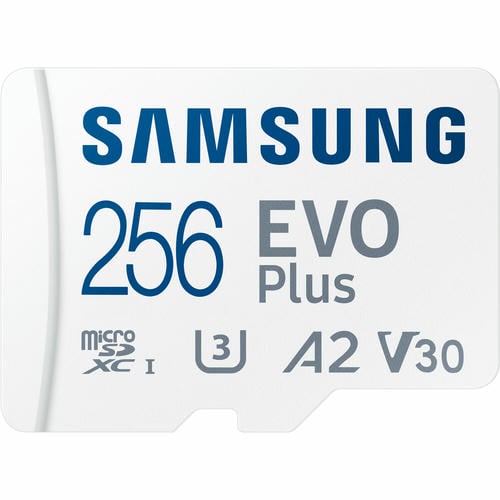 | Best value: Samsung EVO Plus V30 A2. 6.34 MB/s random read and 88 MB/s sequential reads in the Retroid Pocket 5. Slower random writes (1.42 MB/s) than the PRO Plus, which you won’t notice with older systems. |
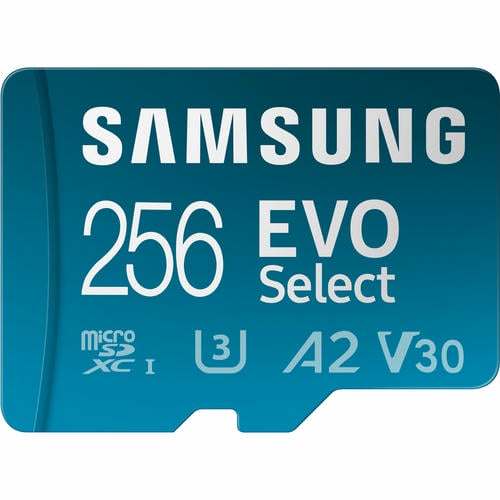 | Also good value: Samsung EVO Select V30 A2. 5.33 MB/s random read and 88 MB/s sequential reads, and it comes in sizes up to 1TB. If you find a good deal on this or the EVO Plus, just go for it. |
Why Random Read Speed Matters More Than Sequential Speed
Every card I tested read between 72 and 90 MB/s in the Retroid Pocket 5, so the speed printed on the package tells you very little. Random read speed, how fast the card handles lots of small reads, ranged from 3.39 to 8.85 MB/s, and that is where cards actually differ.
Playing newer emulators: You will want a higher-end card if you’re playing bigger games, such as Wii, Switch, or even some bigger Android games. Some of these games are several gigabytes large, and for these games, you can benefit from having cards with faster random read and write speeds, which the more premium cards offer. I would go with the Samsung PRO Plus over the PRO Ultimate since they performed about the same in the RP5, and the PRO Plus actually scored better with random write speeds (2.51 vs 1.38 MB/s) and only slightly less with random read speeds (7.34 vs 8.85 MB/s).
Playing older emulators: You really don’t need fast cards to play old games. Samsung EVO Plus or EVO Select cards are great value cards here, and their random speeds are only slightly slower than the above cards. If you find a really good deal on these cards, just go for it; you likely won’t even notice any difference in performance.
UHS-II Cards in the Retroid Pocket 5
UHS-II microSD cards work in the Retroid Pocket 5 but run at UHS-I speeds. The five UHS-II cards I tested read 77–84 MB/s, no faster than good UHS-I cards, and none of them beat the Samsung cards on random read. Don’t pay extra for UHS-II for this handheld.
Retroid Pocket 5 vs Retroid Pocket 4 Pro SD Card Speeds
Across the 35 cards I tested in both handhelds, the Retroid Pocket 5 read cards at a median of 86 MB/s versus 41 MB/s on the Retroid Pocket 4 Pro, so it reads cards about twice as fast. The random read and write speeds come in a little slower than the previous generation, though: a median random read of 4.99 MB/s on the RP5 versus 6.14 MB/s on the RP4 Pro.
How to Format an SD Card for the Retroid Pocket 5
Format the card in the Retroid Pocket 5 itself rather than on a computer. Insert the card, open Android’s Settings > Storage, select the SD card, and format it as portable storage. Portable storage keeps the card readable on a computer, so you can still copy files to it with a card reader. Formatting erases everything on the card, so copy off anything you want to keep first.
What Size SD Card Do You Need for the Retroid Pocket 5?
The card size you need to buy depends entirely on your game selection. I would go with 256GB or 512GB cards if you have a lot of games you want to load it up with. If you’re running more modern titles or have a lot of Android games, you’ll want a 512GB microSD card as a starting point or even a 1TB card if you’re a game hoarder. The Retroid Pocket 5 can play more advanced games than the 4 Pro, so you can install newer titles. I think most people will be fine with a 512GB card.
If you’re just buying one of these for your kids to play Minecraft and Roblox, you really won’t even need an external card; that will all run off the internal 128GB drive without any problems. My daughter mostly uses hers for Roblox, Minecraft, and YouTube, so I gave her only a 128GB card.
| System | Typical game size |
|---|---|
| NES | About 250KB |
| SNES | About 2–3MB |
| Nintendo 64 | About 12–32MB |
| PlayStation | About 500MB–1GB |
| Dreamcast | About 1.5GB |
| PSP | About 1–2GB |
| Wii | 1–7GB, usually 2–3GB |
| PlayStation 2 | 2–5GB, up to 8GB for games like God of War |
| Nintendo Switch | About 5GB |
| PlayStation 3 | 16–30GB |
Retroid Pocket 5 SD Card Test Results (Tested 2025)
Some of the cards here are also really good, and the only reason they didn’t make the recommendation list usually just comes down to price. But the prices always fluctuate, so some cards in this list might be better deals. Values are in MB/s (megabytes per second).
| Card | Bus | Random read (MB/s) | Random write (MB/s) | Sequential read (MB/s) | Sequential write (MB/s) |
|---|---|---|---|---|---|
| Samsung PRO Ultimate V30 A2 | UHS-I | 8.85 | 1.38 | 87.14 | 38.22 |
| Samsung PRO Plus V30 A2 | UHS-I | 7.34 | 2.51 | 88.24 | 38.32 |
| Silicon Power Superior V30 A2 | UHS-I | 6.84 | 2.31 | 88.17 | 29.76 |
| Patriot EP A1 V30 | UHS-I | 6.61 | 1.05 | 87.63 | 33.32 |
| Lexar SILVER PLUS V30 A2 | UHS-I | 6.49 | 3.30 | 71.72 | 35.33 |
| Delkin Hyperspeed V30 | UHS-I | 6.45 | 3.40 | 86.11 | 40.13 |
| Samsung EVO Plus V30 A2 | UHS-I | 6.34 | 1.42 | 88.18 | 35.20 |
| Kingston Canvas Go! Plus V30 A2 (discontinued) | UHS-I | 6.34 | 2.87 | 85.91 | 40.00 |
| PNY Elite-X V30 A1 | UHS-I | 6.11 | 1.36 | 86.34 | 34.51 |
| Silicon Power GAME V30 A1 | UHS-I | 6.10 | 2.86 | 89.92 | 51.53 |
| Samsung PRO Endurance V30 | UHS-I | 6.08 | 1.66 | 87.43 | 33.65 |
| Silicon Power High Endurance U3 | UHS-I | 5.75 | 2.57 | 89.48 | 53.47 |
| Lexar PLAY U1 A1 128GB | UHS-I | 5.74 | 1.85 | 85.14 | 16.90 |
| Lexar PLAY U3 A1 256GB | UHS-I | 5.59 | 1.66 | 88.60 | 42.77 |
| Silicon Power Superior V30 A1 | UHS-I | 5.51 | 1.72 | 87.99 | 38.40 |
| ProGrade V60 | UHS-II | 5.39 | 0.19 | 84.39 | 42.12 |
| Samsung EVO Select V30 A2 | UHS-I | 5.33 | 1.76 | 87.99 | 39.11 |
| Delkin Black V30 | UHS-I | 5.29 | 1.61 | 83.10 | 38.12 |
| Silicon Power 3D NanD V30 A1 | UHS-I | 5.20 | 1.85 | 87.50 | 37.55 |
| Lexar SILVER 1066x A2 | UHS-I | 5.17 | 1.66 | 88.12 | 39.94 |
| SanDisk Extreme U3 A2 256GB-1TB | UHS-I | 5.03 | 1.50 | 86.49 | 44.93 |
| Lexar FLY V30 A2 | UHS-I | 5.02 | 2.36 | 88.90 | 41.38 |
| PNY PRO Elite U3 A2 | UHS-I | 4.99 | 1.41 | 88.48 | 22.06 |
| Ritz Gear V30 A1 | UHS-I | 4.99 | 1.98 | 82.43 | 38.51 |
| Transcend 300s V30 A1 | UHS-I | 4.94 | 1.18 | 87.54 | 31.64 |
| Lexar Blue 633x V30 A1/A2 | UHS-I | 4.89 | 2.40 | 88.04 | 43.38 |
| PNY Premier-X A2 V30 | UHS-I | 4.88 | 1.71 | 88.24 | 45.95 |
| PNY PRO Elite U3 | UHS-I | 4.87 | 0.89 | 81.57 | 45.20 |
| Kingston Canvas Select Plus V30 A1 | UHS-I | 4.67 | 2.02 | 80.45 | 42.49 |
| SanDisk Outdoors 4k V30 A2 | UHS-I | 4.66 | 1.81 | 87.01 | 46.54 |
| Lexar 1000x V60 (older card) | UHS-II | 4.62 | 0.36 | 84.27 | 28.90 |
| SanDisk Ultra U1 A1 (older version) | UHS-I | 4.44 | 1.75 | 86.54 | 30.55 |
| Amplim 667X V30 A1 | UHS-I | 4.37 | 1.94 | 83.20 | 38.11 |
| SanDisk Extreme Plus U3 A2 (older card) | UHS-I | 4.37 | 1.77 | 86.44 | 44.11 |
| SanDisk Max Endurance V30 | UHS-I | 4.25 | 1.68 | 86.48 | 32.27 |
| Delkin Select V30 64GB (discontinued) | UHS-I | 4.19 | 1.89 | 82.86 | 38.75 |
| Delkin Power V90 | UHS-II | 4.13 | 1.09 | 79.57 | 53.06 |
| SanDisk Nintendo Switch V30 A1 | UHS-I | 4.05 | 1.71 | 85.25 | 39.52 |
| SanDisk High Endurance V30 | UHS-I | 4.00 | 1.72 | 84.39 | 40.38 |
| SanDisk Extreme Pro U3 A2 | UHS-I | 3.95 | 1.70 | 84.71 | 40.73 |
| Lexar Professional GOLD V60 A1 | UHS-II | 3.88 | 1.82 | 82.89 | 42.37 |
| Angelbird V60 A1 | UHS-II | 3.74 | 1.50 | 76.58 | 38.10 |
| Netac Pro A1 U3 | UHS-I | 3.39 | 0.81 | 86.09 | 35.46 |
Retroid Pocket 5 SD Card Quick Answers
What is the best SD card for the Retroid Pocket 5?
The Samsung PRO Plus V30 A2 is the one I’d buy. Out of the 43 cards I tested, sequential speeds barely separated them at 72–90 MB/s, but the PRO Plus delivered the best mix with 7.34 MB/s random read and 2.51 MB/s random write. The Samsung PRO Ultimate has a faster 8.85 MB/s random read, but it drops to 1.38 MB/s random write and performs about the same in this device, while the Samsung EVO Plus and EVO Select are solid value picks.
How much internal storage does the Retroid Pocket 5 have?
It comes with 128GB of built-in UFS 3.1 storage, which is plenty of space for Android games like Minecraft and Roblox without needing a microSD card at all.
More guides: Retroid Pocket 4 Pro memory cards, best microSD cards, and best microSD Express cards for the Nintendo Switch 2.










Leave a Reply