

Choosing SD memory cards for the Panasonic S9 is fairly straightforward, but there are a few restrictions you’ll need to consider.
The Panasonic S9 has a memory card size limit of 512GB.
There’s only one SD memory card slot, and you can use up to UHS-II V90 cards.
If you’re just buying this camera for video, V90 UHS-II SD cards are unnecessary, since the camera’s maximum bitrate is 200 Mbps. This would be 25MB/s, so an SD UHS-I U3 card would be totally fine for video.
However, I recommend a V60 UHS-II card to give yourself some headroom and improve performance when shooting stills. If you’re bursting with stills photography, a V90 card could be useful.
Recommended Memory Cards Panasonic S9
I tested all the UHS-II SD cards I had for this camera, and here are some results from the top card.
| SD Card Recommendations | USBW | USBR | S9 Speeds | Check Price | |
|---|---|---|---|---|---|
| SD UHS-II V90 | 1 | Hide | |||
| SD UHS-II V60 | 1 | Hide | |||
| Sandisk Extreme Pro v60 256/512/1TB | 60 | 191 | 270 | 89 | Amazon / B&H |
| Lexar ARMOR Gold V60 256GB-1TB | 60 | 179 | 252 | Amazon / B&H | |
| Lexar Silver Pro v60 128GB-1TB | 60 | 158 | 248 | 88 | Amazon |
| Kingston Canvas React Plus V60 128GB | 60 | 101 | 276 | Amazon | |
| Sony M Tough V60 64-512GB | 60 | 155 | 277 | 88 | Amazon / B&H |
| Sony E v60 256GB | 60 | 183 | 275 | 87 | Amazon / B&H |
| PNY EliteX-Pro60 V60 256GB | 60 | 185 | 277 | 91 | Amazon / B&H |
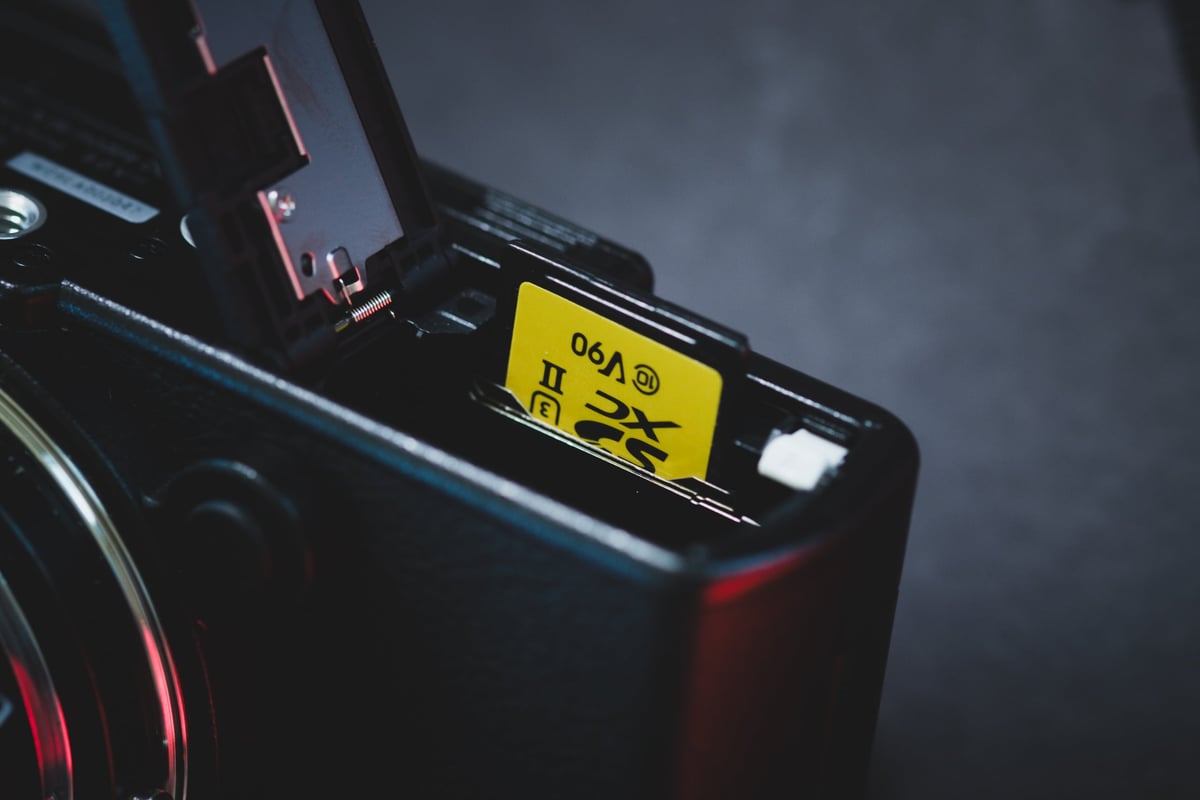
This camera has only a single SD card slot, so be sure to get a reputable card just for some peace of mind. If I were you, I would probably buy a Sony Tough V60 card. The only downside to those cards is that they lack a write-protection switch.
Panasonic S9 Memory Card Speed & Buffer Test
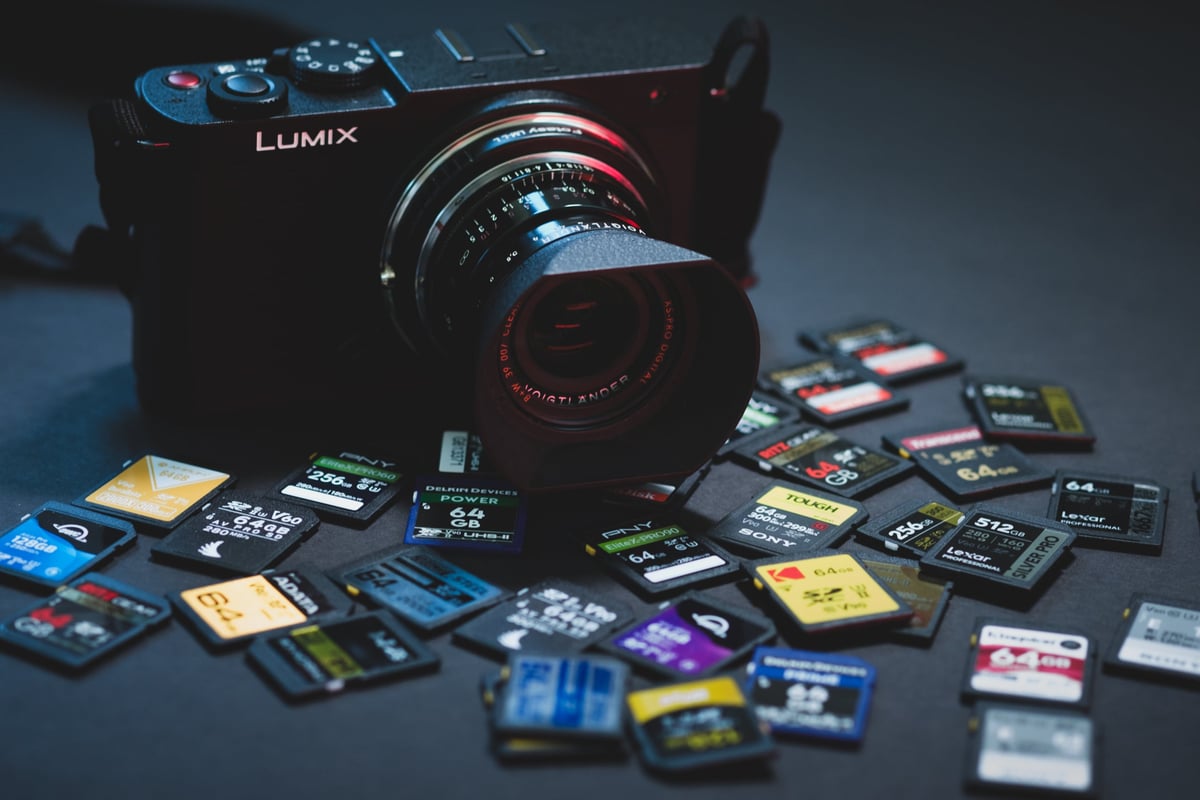
Here is the full list of benchmarks tested on the Panasonic S9.
Ignore the poor results on some of those V90 cards. One of the pins on the SanDisk card was dirty, which I didn’t catch during the test. SanDisk is usually a great card and top performer. Check out more SD card performance tests, including PC benchmarks. If you’re also building out your lens kit for the S9, I’ve put together a complete L-Mount lens guide covering every native Leica, Panasonic, and Sigma option available.
Why V60 Often Matches V90 on the Panasonic S9
The S9’s internal write speed maxes out around 90 MB/s regardless of card tier. The fastest V90 cards — Sony G Tough, Lexar 2000x, Delkin Power — all land between 83–90 MB/s. Several V60 cards fall within the same range: the PNY EliteX-Pro60 V60 (256GB) tested at 91 MB/s, the SanDisk Extreme Pro V60 (256GB+) at 89 MB/s, and the Lexar Silver Pro V60 at 88 MB/s. You’re paying a V90 premium for no measurable in-camera performance gain.
V90 Results
| Card | S9 Speed |
| Sony G Tough V90 | 90 MB/s |
| Lexar 2000x V90 | 89 MB/s |
| Delkin Power V90 | 88 MB/s |
| OWC Atlas Ultra V90 | 84 MB/s |
| Hoodman Steel 2000x V90 | 84 MB/s |
| ProGrade V90 | 83 MB/s |
| Adata V90 | 83 MB/s |
| Transcend V90 | 82 MB/s |
| PNY EliteX-Pro90 V90 | 82 MB/s |
| Amplim V90 | 79 MB/s |
| Delkin Black V90 | 79 MB/s |
| Kingston Canvas React V90 | 79 MB/s |
| Kodak V90 | 79 MB/s |
| Wise V90 Pro | 79 MB/s |
| Ritz Gear V90 | 78 MB/s |
V60 Results
| Card | S9 Speed |
| PNY EliteX-Pro60 V60 256GB | 91 MB/s |
| Sandisk Extreme Pro V60 256GB+ | 89 MB/s |
| Lexar Silver Pro V60 | 88 MB/s |
| Sony M Tough V60 | 88 MB/s |
| PNY EliteX-Pro60 V60 512GB | 88 MB/s |
| AngelBird V60 II | 87 MB/s |
| Sony E V60 | 87 MB/s |
| Amplim 2000x V60 | 85 MB/s |
| SanDisk Extreme Pro V60 64–128GB | 75 MB/s |
| Ritz Gear V60 | 75 MB/s |
| Wise V60 | 74 MB/s |
| Delkin Prime V60 | 65 MB/s |
| Hoodman Steel 1500x V60 | 65 MB/s |
| Lexar 1800x V60 | 57 MB/s |
| Lexar 1667x V60 | 50 MB/s |
What the Speed Numbers Mean
The MB/s figure for each card is the sustained write speed measured across the full burst sequence — from the first frame through the last frame written to card after the buffer drains. It’s a real-world throughput number, not a lab spec: faster cards mean the camera recovers sooner and you can burst again; slower cards mean a longer wait.
On the S9, cards above 85 MB/s recover quickly and give you essentially the same shooting experience. Cards in the 50–65 MB/s range (Lexar 1800x, Lexar 1667x) will noticeably slow your recovery between bursts. Given how close V60 and V90 performance is on this camera, there’s little reason to pay the V90 premium here.
Can I Use a microSD Card in the Panasonic S9?
The Panasonic S9 uses a full-size SD card slot. MicroSD cards work with an adapter, but from experience they can lose connection inside the adapter — I wouldn’t use one for anything critical. See the microSD memory card guide if you need to use one.
Frequently Asked Questions
Does the Panasonic S9 support UHS-II cards?
Yes. The S9 has a single UHS-II SD slot that supports cards up to V90. As the benchmark results show, the camera’s internal write ceiling is around 90–91 MB/s regardless of whether you insert a V60 or V90 card — the slot doesn’t bottleneck either class at this level.
Should I get a V60 or V90 card for the S9?
V60, in almost every case. The benchmark data shows multiple V60 cards (PNY EliteX-Pro60, SanDisk Extreme Pro V60, Lexar Silver Pro, Sony M Tough) matching or exceeding the best V90 results in this camera. V90 adds cost without adding measurable in-camera performance on the S9. The only scenario where V90 makes sense here is if you need the V90 rating for compatibility with a different camera in your kit.
What size card should I use for the S9?
The S9’s maximum bitrate is 200 Mbps (25 MB/s). At that rate, a 128GB card covers roughly 85 minutes of recording. For video-focused shooting, 128GB or 256GB is the practical range. The camera has a 512GB capacity limit, so you can go up to that — but carrying a spare 128GB card gives you better redundancy than one large card with no backup.
Can I use a UHS-I card in the Panasonic S9?
Yes, for video. At 200 Mbps (25 MB/s required), a fast UHS-I U3 card handles the video requirement fine. You’ll lose the in-camera UHS-II write speed advantage for stills burst shooting, but if you’re primarily using the S9 as a video camera and want to save money on cards, UHS-I U3 is a workable option.














Leave a Reply