
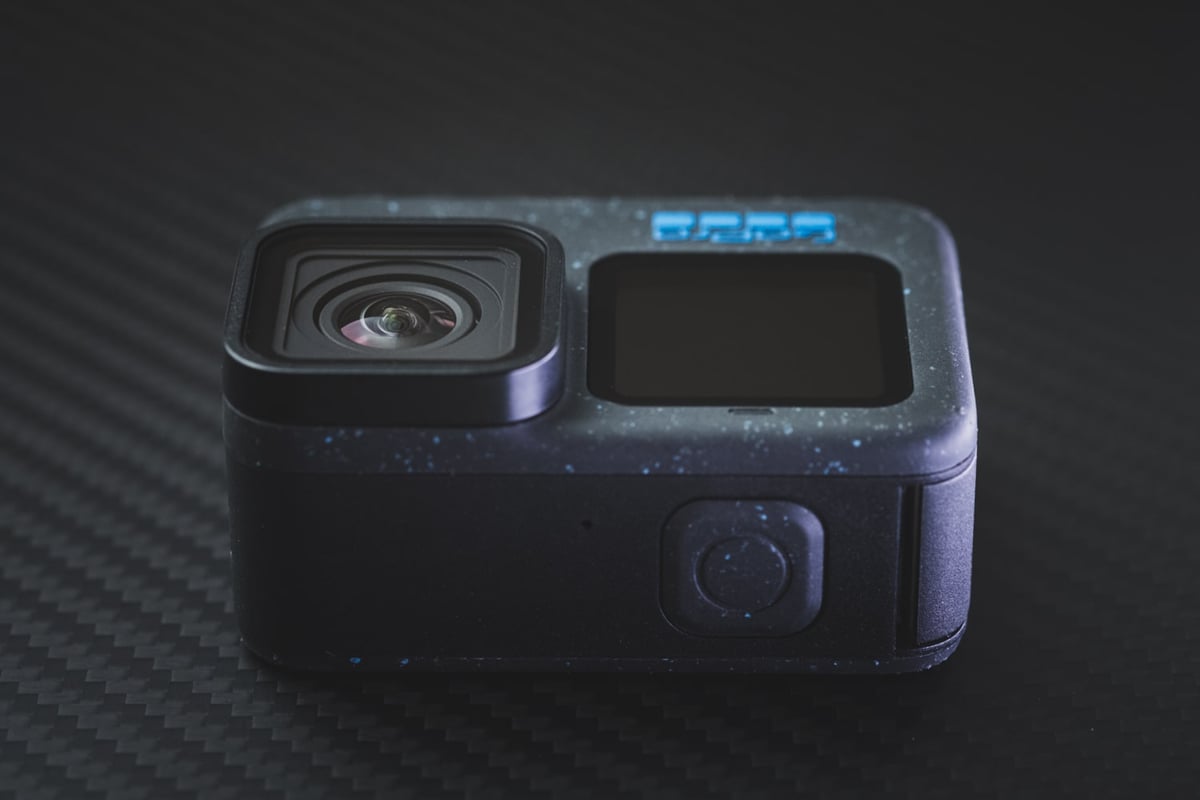
 When picking a microSD memory card for your GoPro Hero 12 Black, remember these key factors: this camera can shoot in 5.3K at 60p or 4K at 120 frames per second, with a max bitrate of 120mbps and 10-bit color support.
To handle the GoPro Hero 12’s max bitrate of 120mbps (15MB/s), you’ll need at least a U3 UHS-I card. The Hero 12 also now accepts memory cards up to 1TB.
Recommended SD Cards GoPro Hero 12
Here are the official GoPro recommendations.
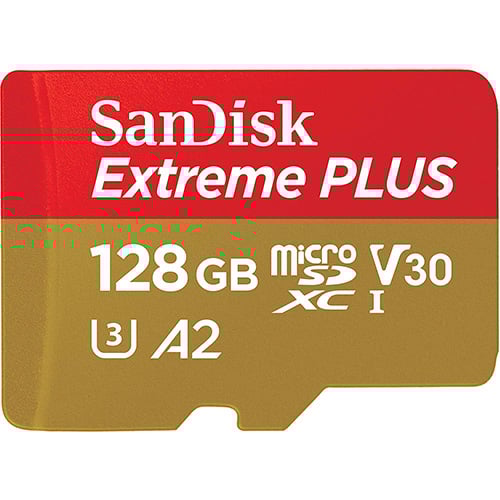
Of these, I like the Sandisk Extreme U3 A2 card as one of the best values for this camera. However, you’ll notice no performance difference in the Hero 12 between any of these cards; you might want a higher-tier card if you decide to use it for anything outside the camera.
| Recommended Cards | Speed Class | Check Price | ||
|---|---|---|---|---|
| MicroSD Express | ||||
| Lexar PLAY PRO EX 256/512GB / 1TB | EX | Amazon | ||
| Sandisk EX 128GB/512GB | EX | Amazon | ||
| Samsung EX 256GB | EX | Amazon | ||
| PNY EX 128GB/256GB | EX | Amazon | ||
| Adata Premier Extreme EX U3 | EX | Amazon | ||
| Addlink EX U3 | EX | Amazon | ||
| Dato EX V30 A1 | EX | Amazon | ||
| Gigastone EX V30 A1 256GB | EX | Amazon | ||
| Patriot EP EX V30 | EX | Amazon | ||
| TeamGroup APEX EX V30 A1 256GB | EX | Amazon | ||
| UHS-II | ||||
| Lexar 1800x V60 | UHS-II | |||
| Lexar 1000x V60 | UHS-II | Amazon | ||
| Lexar Gold V60 A1 | UHS-II | Amazon / B&H | ||
| ProGrade V60 | UHS-II | Amazon / B&H | ||
| Delkin Power V90 | UHS-II | Amazon / B&H | ||
| Angel Bird A1 V60 | UHS-II | Amazon / B&H | ||
| UHS-I | ||||
| Sandisk Extreme Pro U3 A2 | UHS-I | Amazon | X | |
| Sandisk Extreme Plus U3 A2 | UHS-I | Amazon / B&H | X | |
| Sandisk Outdoors 4k V30 A2 | UHS-I | Amazon / B&H | ||
| Sandisk Extreme U3 A2 256GB-1TB | UHS-I | Amazon / B&H | ||
| Sandisk Extreme U3 A2 128GB | UHS-I | Amazon / B&H | X | |
| Sandisk Ultra U1 A1 – 0ld | UHS-I | B&H | ||
| Sandisk Nintendo Switch V30 A1 | UHS-I | Amazon / B&H | ||
| Sandisk High Endurance V30 | UHS-I | Amazon / B&H | ||
| Sandisk Max Endurance V30 | UHS-I | Amazon / B&H | ||
| Samsung Pro Ultimate v30 A2 | UHS-I | Amazon / B&H | ||
| Samsung Pro Plus V30 A2 | UHS-I | Amazon / B&H | X | |
| Samsung EVO Plus V30 A2 | UHS-I | Amazon / B&H | X | |
| Samsung EVO Select V30 A2 | UHS-I | Amazon / B&H | ||
| Samsung Pro Endurance V30 | UHS-I | Amazon / B&H | ||
| Kingston Canvas Go! Plus V30 A2 | UHS-I | Amazon / B&H | X | |
| Kingston Canvas Select Plus V30 A1 | UHS-I | Amazon / B&H | ||
| Kingston Industrial V30 A1 | UHS-I | X | Amazon / B&H | |
| Lexar Silver Plus V30 A2 | UHS-I | Amazon / B&H | X | |
| Lexar Silver1066x A2 | UHS-I | Amazon / B&H | ||
| Lexar Blue 633x V30 A1/A2 | UHS-I | Amazon / B&H | ||
| Lexar FLY V30 A2 | UHS-I | Amazon / B&H | ||
| Lexar PLAY U3 A2 512GB-1TB | UHS-I | Amazon / B&H | ||
| Lexar PLAY U3 A1 256GB | UHS-I | Amazon / B&H | ||
| Lexar PLAY U1 A1 128GB | UHS-I | Amazon / B&H | ||
| Lexar E-Series Plus U3 A2 | UHS-I | Amazon | ||
| Lexar E-Series U3 A1 | UHS-I | Amazon | ||
| Delkin Black V30 | UHS-I | B&H | ||
| Delkin Hyperspeed V30 | UHS-I | Amazon / B&H | ||
| Delkin Select V30 64GB | UHS-I | Amazon / B&H | ||
| Delkin Dashcard V30 | UHS-I | Amazon / B&H | ||
| Transcend 500S U3 | UHS-I | X | Amazon / B&H | |
| Transcend 350V High Endurance U3 | UHS-I | X | Amazon / B&H | |
| Transcend 340S Ultra Performance V30 A2 | UHS-I | X | Amazon / B&H | |
| Transcend 330S High Performance V30 A2 | UHS-I | X | Amazon / B&H | |
| Transcend 300s V30 A1 | UHS-I | Amazon / B&H | ||
| PNY Premier-X A2 V30 | UHS-I | Amazon / B&H | X | |
| PNY PRO Elite U3 A2 | UHS-I | Amazon / B&H | X | |
| PNY PRO Elite U3 | UHS-I | Amazon / B&H | ||
| PNY Elite-X V30 A1 | UHS-I | Amazon / B&H | ||
| Amplim 667X V30 A1 | UHS-I | Amazon | ||
| Netac Pro A1 U3 | UHS-I | X | ||
| Patriot EP PRO U3 | UHS-I | Amazon | ||
| Patriot EP A1 V30 | UHS-I | Amazon / B&H | ||
| Patriot High Endurance U3 | UHS-I | X | ||
| Silicon Power Superior Pro | UHS-I | X | B&H | |
| Silicon Power Superior V30 A2 | UHS-I | Amazon / B&H | ||
| Silicon Power Superior V30 A1 | UHS-I | |||
| Silicon Power 3D NanD V30 A1 | UHS-I | Amazon / B&H | ||
| Silicon Power GAME V30 A1 | UHS-I | Amazon / B&H | ||
| Silicon Power High Endurance U3 | UHS-I | Amazon / B&H | ||
| Ritz Gear V30 A1 | UHS-I | Amazon | ||
| Gigastone 4k Camera Extreme Max | UHS-I | X | Amazon | |
| Gigastone 4k Camera Extreme | UHS-I | X | Amazon | |
| Gigastone 4k Camera Pro Max V30 A2 | UHS-I | X | Amazon | |
| Gigastone 4k Camera Pro V30 A2 | UHS-I | X | Amazon | |
| Gigastone Camera Plus V30 A1 | UHS-I | X | Amazon | |
| Gigastone 4k Game Turbo A2 U3 | UHS-I | X | Amazon | |
| Gigastone Game Pro Max V30 A2 | UHS-I | X | ||
| Gigastone 4k Game Pro V30 A2 | UHS-I | X | Amazon | |
| Gigastone Gaming Plus A1 V30 | UHS-I | X | Amazon | |
| Gigastone 10x High Endurance V30 | UHS-I | X | Amazon | |
| TeamGroup A2 Pro+ 256GB-1TB | UHS-I | X | Amazon | |
| TeamGroup A2 Pro+ 128GB | UHS-I | X | Amazon | |
| TeamGroup Go V30 A1 | UHS-I | X | Amazon | |
| TeamGroup High Endurance V30 | UHS-I | X | Amazon | |
| Amazon Basics V30 A2 | UHS-I | Amazon |
GoPro Hero 12 Capacity
What is the maximum capacity of memory cards that can be used with the GoPro Hero 12 Black?
The GoPro Hero 12 Black is compatible with microSD memory cards ranging from 32GB to a massive 1TB or more if such cards are available. Given that this camera records at a rate of 15MB/s, a card in the 128GB to 256GB range is probably the ideal choice for most people.
GoPro Hero 12 Memory Card Compatibility
For the GoPro Hero 12 Black, make sure you go with a U3 class microSD memory card. These cards offer a minimum write speed of 30MB/s, which the camera needs because it records at 120mbps or 15MB/s.
To avoid technical headaches, it’s wise to stick with memory cards that work well with the device (recommended by GoPro). I steer clear of specialty cards like the ones designed for Nintendo Switch, as they sometimes don’t play nice with the GoPro cameras.
If you run into issues like fast battery drain or lost clips even with a compatible card, try switching cards or dropping the capacity from 512GB to 256GB or even 128GB. Those tricks fixed these issues for me in the past.
Can You Use UHS-II cards?
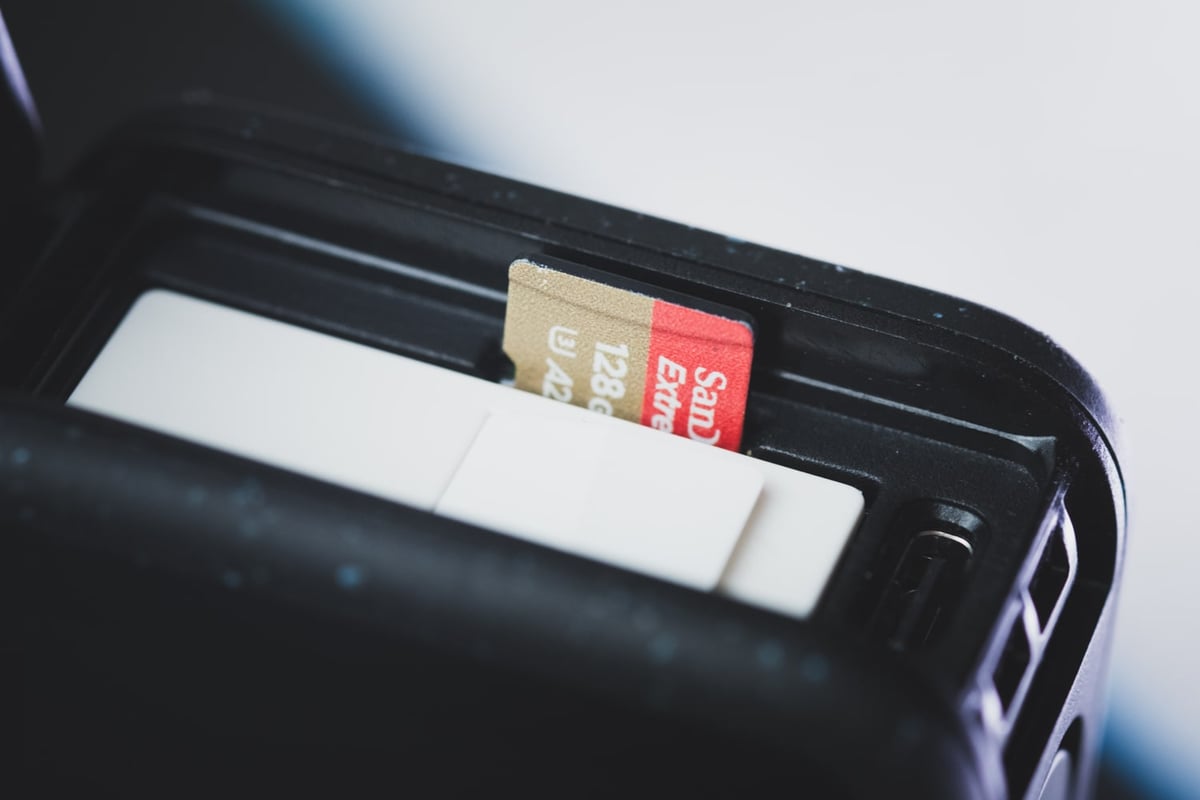
Yes, you can use UHS-II cards with this camera, but they won’t enhance its performance because it has just one UHS-I memory card slot. To achieve GoPro’s maximum speeds of 120mbps or 15MB/s, you only need a UHS-I U3 memory card.
If you’re aiming for faster footage transfer speeds with a UHS-II card, you can consider using an adapter to make your UHS-II card compatible with your computer, which could be beneficial.
SD Card Related Camera Specs
Sensor Size: 27 MP 4:3 1/1.9 inch CMOS |
Best Size Memory Card For GoPro Hero12 Black
What’s the ideal microSD card size for the GoPro Hero 12? Considering its theoretical maximum storage of around 2TB, at 5.3k 120Mbps, you could record about 2,276 minutes of footage on a single card, half of that for the 1TB cards that exist today.
If you capture a decent amount of footage for casual shooting, a 128GB card should do the job. But if you plan on shooting over multiple days or have more extensive requirements, a 256GB card would be your best bet. This should give you ample space for extended use without worrying about running out of storage.
GoPro Hero 12 Bitrates
This chart displays the anticipated recording durations for different card sizes when shooting at the maximum 120Mbps bitrate.
| Video Rates | Megabytes | 128GB | 256GB | 512GB |
| H.265 120Mbps | 15MB/s U3 | 142min | 284min | 569min |
Alternatively, you can use the bitrate calculator.
Best SD Cards GoPro Hero12 Black | Conclusions
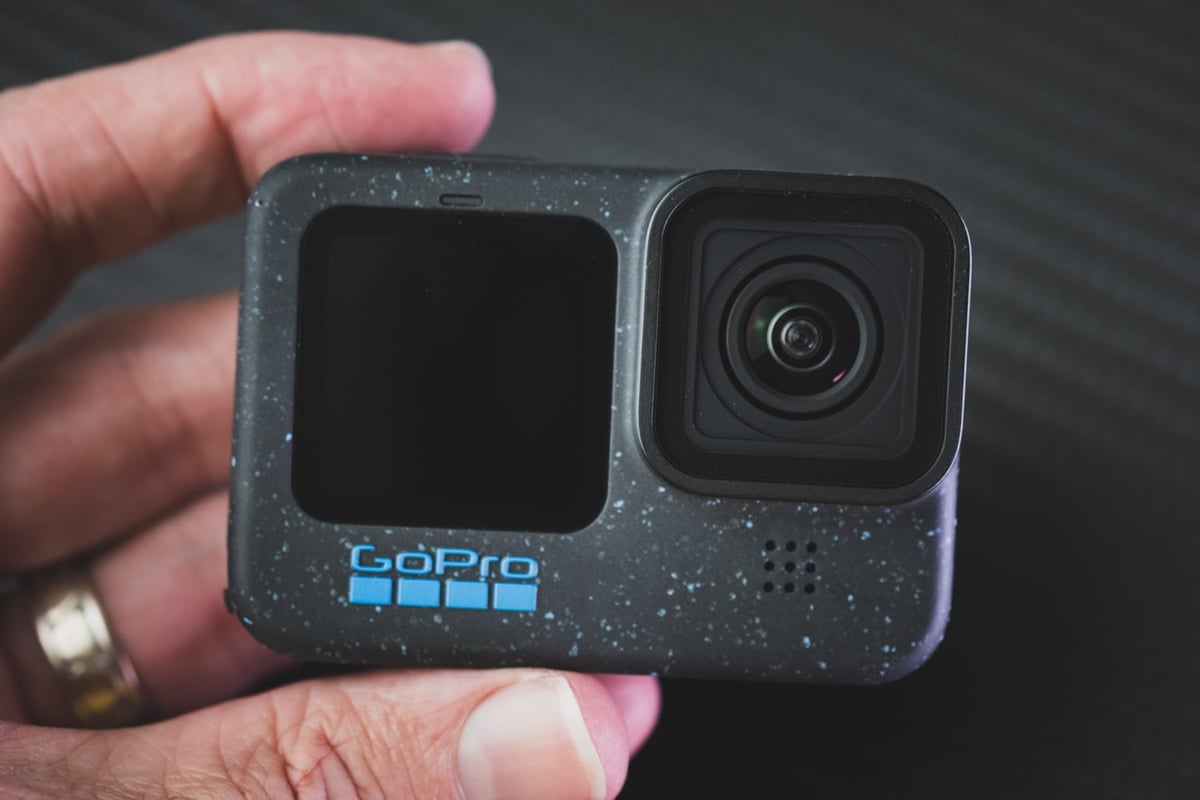
The GoPro Hero 12 Black is a fantastic camera that can deliver outstanding results with the right storage. Sandisk, Samsung, or Kingston offer dependable 64GB U3 micro SD cards that work seamlessly with the Hero 12 Black. Users can use these cards to capture breathtaking footage and photos with their Hero 12 device! Have fun!
Related Articles
Best Memory Cards DJI Action 4
Best Memory Cards GoPro Hero13
Best Memory Cards GoPro Hero11
Best Memory Cards GoPro Hero10
Have an even older camera? Check out this guide to the Best SD Cards For GoPro Cameras.













Leave a Reply