
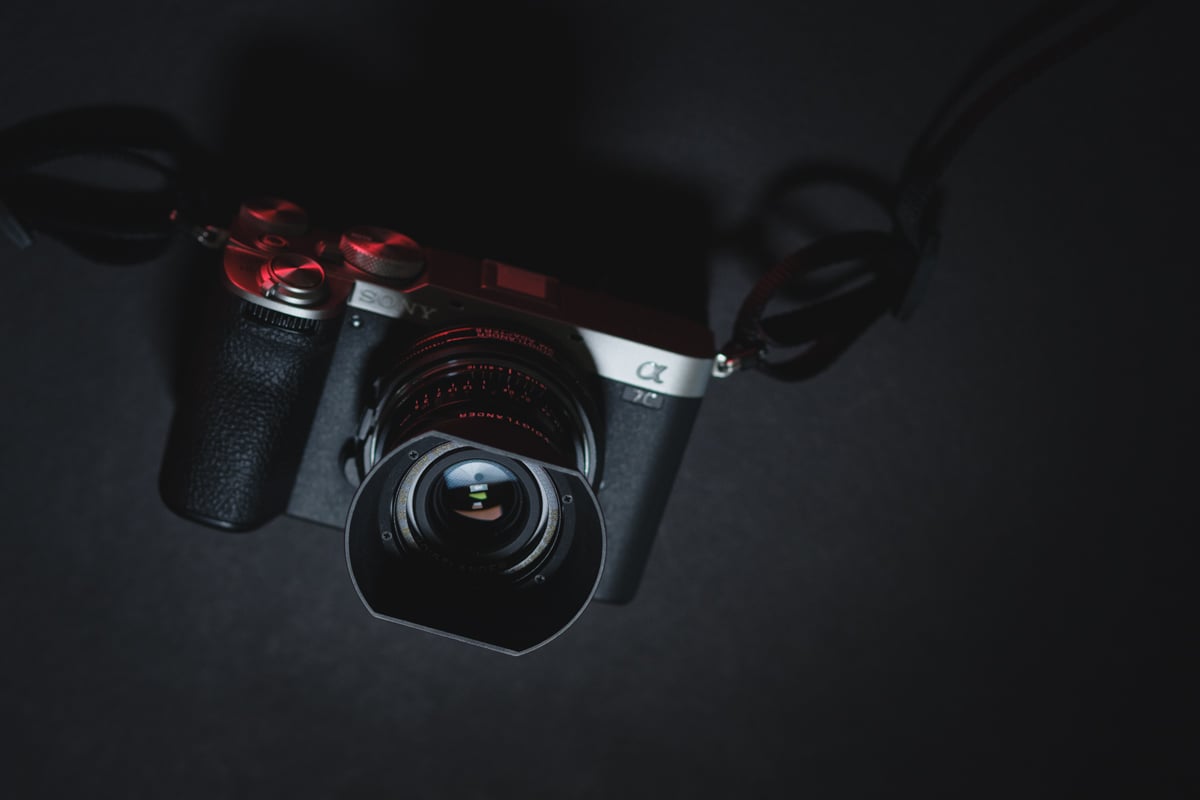
The A7C II is Sony’s compact full-frame — 33MP, single UHS-II SD slot, no CFexpress. The card decision is simpler than on dual-slot Sony bodies: V60 covers all H.265 HEVC recording and most shooting scenarios at meaningful cost savings. V90 is only required for 600Mbps H.264 All-I or S&Q slow-motion modes. For burst shooting at 10fps with 33MP files, V90 clears the buffer noticeably faster — but the buffer is relatively small, so either class gets you back to shooting reasonably quickly.
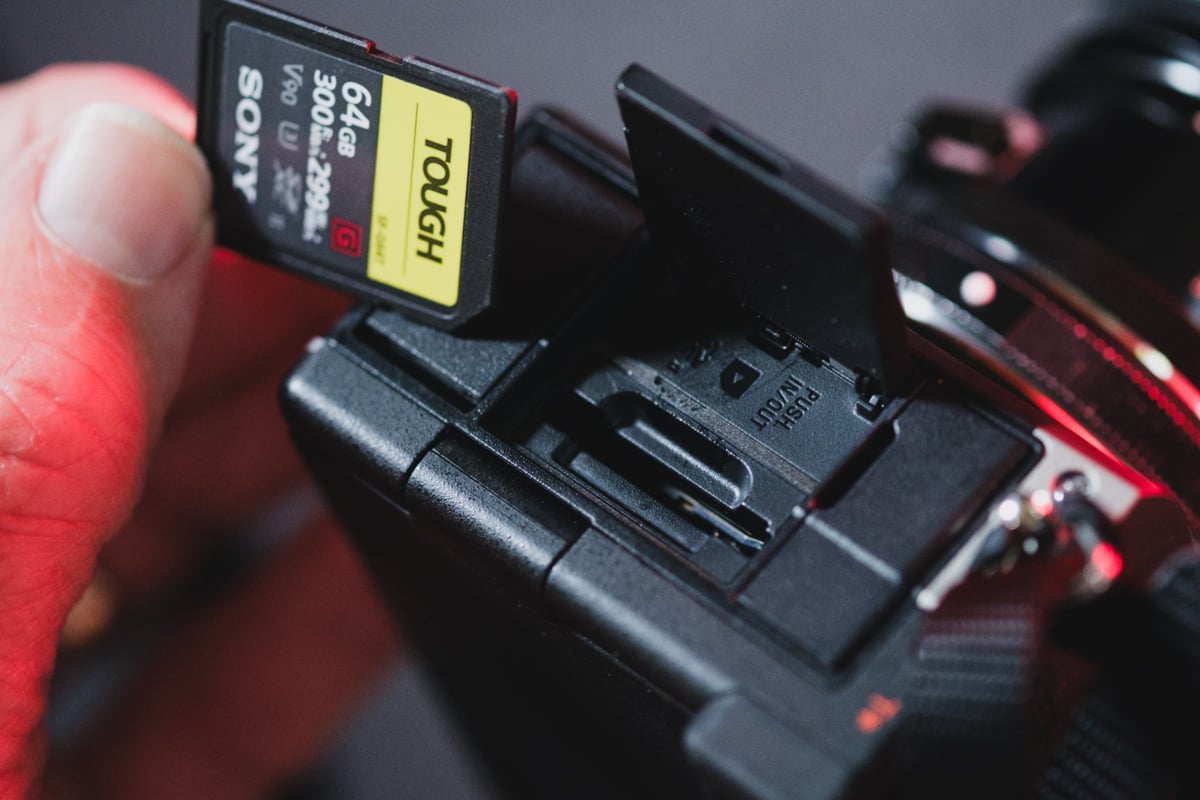
What You Need For Video: While V90 UHS-II cards will be the fastest SD cards for the Sony A7c II, you only need them when shooting at the maximum bitrate of 600Mbps with the H.264 codec or S&Q slow motion.
Any bitrate of 480Mbps or lower will work fine with V60 UHS-II SD cards, and you can find some pretty significant cost savings shooting at the lower bitrate with a more efficient H.265 codec, which Sony labels XAVC HS, but you won’t be able to use the fastest S&Q modes.
What You Need For Photography: V90 UHS-II SD cards will give you improved speeds when clearing the buffer (useful when bursting at 10fps with 33MP). Buy the fastest card depending on your needs. For most people, V60 cards are good enough.
Here is a quick guide showing some of the fastest V90 and V60 cards that performed well in the benchmarks.
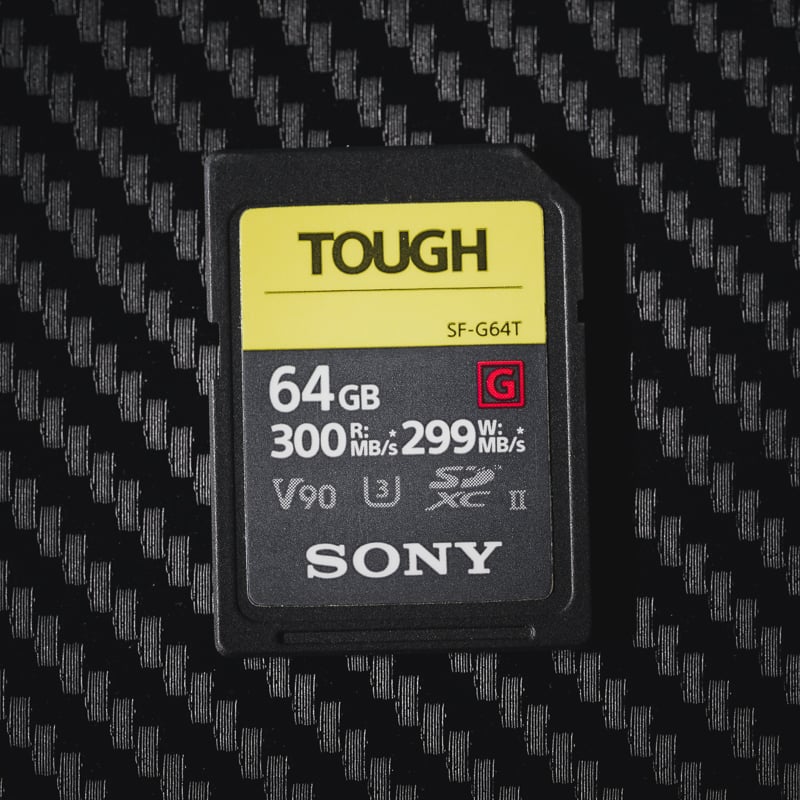
Recommended SD Cards For Sony A7c II
Here are some great SD card recommendations for the Sony A7c II. Depending on the video modes you plan to shoot in, you’ll have to decide between V60 and V90.
| Recommended For Sony | Review Links | USB Write | USB Read | Check Price |
|---|---|---|---|---|
| SD UHS-II V90 | Hide | |||
| SD UHS-II V60 | Hide | |||
| Lexar ARMOR Gold V60 256GB-1TB | 179 | 252 | Amazon / B&H | |
| Kingston Canvas React Plus V60 128GB | 101 | 276 | Amazon | |
| Sony M Tough V60 64-512GB | Sony M V60 UHS-II Review | 155 | 277 | Amazon / B&H |
| Sony E v60 256GB | Sony E Series V60 256GB Review | 183 | 275 | Amazon / B&H |
Sony A7c II Memory Card Benchmarks
Each memory card is tested in the camera by how quickly it can clear the buffer. The Sony A7c II likes some cards better than others. Also, Sony cameras sometimes have more trouble initializing some memory card brands with the UHS-II connection than others.
This is not always an issue if you use the same card and rarely remove it, but you often need to ensure the camera is powered off before inserting the card to ensure it initializes correctly. If it still doesn’t work, try removing the battery, inserting the battery, then the card, and powering the camera.

Memory Card Capacity
What is the maximum capacity of SD cards that can be used with the Sony A7c II?
Sony does not directly specify the A7c II’s max capacity; however, these new Sony cameras typically do not have any restrictions on memory card sizes, and you should be fine with cards up to 2TB.
Sony A7c II Camera Specs
Sensor Size: 33MP Full-Frame Exmor R BSI Sensor |
Sony A7c II What Size Card To Buy?
For photo and video usage, I’d recommend starting with a 128GB card. For those focusing more on high-bitrate video, you may want to move up to a 256GB card.
Sony A7c II Recording Specs & Details
Record Limit: Unlimited
Audio File Format: AAC, Linear PCM
|
4k Recording Modes |
Sony A7c II Record Times – Memory Card Capacity
This table shows the different recording modes and how much time they use for different card sizes. To get your numbers, I have to build a bitrate-to-time converter.
| Sony A7cII Record Times | 64GB | 80GB | 128GB | 160GB | 256GB | 512GB |
| 4k | ||||||
| 4k 600Mbps | 75MB/s H.264 | 14min | 18min | 28Min | 36min | 57min | 114min |
| 4k 280Mbps | 35MB/s H.265 | 30min | 38min | 61min | 76min | 122min | 244min |
| 4k 200Mbps | 25MB/s | 43min | 53min | 85min | 107min | 171min | 341min |
In-Camera Benchmark Results
The speeds below are measured directly in the Sony A7c II across a full burst sequence — from first frame through buffer drain. 35 cards tested.
UHS-II V90 Results
| Card | Speed |
| Kodak V90 | 227 MB/s |
| Ritz Gear VideoPro V90 | 224 MB/s |
| Sony G Tough V90 | 216 MB/s |
| PNY EliteX-Pro90 V90 | 215 MB/s |
| OWC Atlas Ultra V90 | 213 MB/s |
| Delkin Black V90 | 211 MB/s |
| Adata Premier ONE V90 | 210 MB/s |
| Kingston Canvas React V90 | 207 MB/s |
| Amplim 2000x V90 | 207 MB/s |
| AngelBird V90 II | 205 MB/s |
| Delkin Power V90 | 205 MB/s |
| ProGrade V90 | 198 MB/s |
| Lexar 2000x V90 | 194 MB/s |
| Wise V90 Pro | 193 MB/s |
| Transcend V90 | 178 MB/s |
| Sandisk Extreme Pro V90 | 148 MB/s |
| Hoodman Steel 2000x V90 | 143 MB/s |
UHS-II V60 Results
| Card | Speed |
| PNY EliteX-Pro60 V60 512GB | 174 MB/s |
| Sandisk Extreme Pro V60 256GB+ | 174 MB/s |
| Lexar 1800x V60 | 173 MB/s |
| Lexar Silver Pro V60 | 150 MB/s |
| Sony M Tough V60 | 143 MB/s |
| Sony E V60 | 136 MB/s |
| AngelBird V60 II | 135 MB/s |
| Amplim 2000x V60 | 132 MB/s |
| Sandisk Extreme Pro V60 64–128GB | 102 MB/s |
| Lexar 1667x V60 | 100 MB/s |
| Ritz Gear Video Pro V60 | 100 MB/s |
| ProGrade V60 | 97 MB/s |
| Wise V60 | 96 MB/s |
| Hoodman Steel 1500x V60 | 96 MB/s |
| OWC Atlas Pro V60 | 95 MB/s |
| Delkin Prime V60 | 80 MB/s |
| Sony E V30 64GB | 70 MB/s |
What the Speed Numbers Mean
These speeds are measured across the full burst sequence — from first frame through the last frame written after the buffer drains. For 600 Mbps H.264 video (75 MB/s required), V90 is mandatory — all V60 cards fall short. For 280 Mbps H.265 (35 MB/s), any V60 card in this list handles it comfortably. For burst shooting at 10fps with 33MP files, V90 cards at 200+ MB/s recover the buffer noticeably faster than V60 options.
Sony A7C II Memory Cards — FAQ
Does the Sony A7C II support CFexpress Type A?
No. The A7C II has a single UHS-II SD card slot only — no CFexpress support of any kind. This is different from the A7S III, FX3, A7R V, and A9 III, all of which accept CFxA in a dual-slot setup. If CFexpress support matters to you, those are the bodies to look at.
Do I need V90 cards for the Sony A7C II?
Only for specific modes. V90 is required for 600Mbps H.264 All-I recording and S&Q slow-motion modes. For H.265 HEVC recording at 480Mbps or lower, V60 handles it comfortably and costs significantly less. For casual stills shooting, V60 also works fine — though V90 does clear the buffer noticeably faster at 10fps burst.
What’s the Sony UHS-II initialization issue?
Some Sony cameras — including the A7C II — can struggle to initialize UHS-II cards at full speed if you insert the card with the camera powered on. The fix: power the camera off before inserting the card. If it still doesn’t initialize correctly, remove the battery, insert it, then insert the card, then power on. Not all cards trigger this, but it’s worth knowing before you assume you have a faulty card.
How much storage do I need for a shoot day?
At 33MP, uncompressed RAW files are around 65–70MB each. A 128GB card holds roughly 1,800–2,000 shots — plenty for most shoot days. For video-heavy work at 600Mbps H.264, 128GB gives you about 28 minutes of recording. If you’re mixing high-bitrate video with heavy stills, 256GB per card is a comfortable starting point given there’s only one slot to work with.













Leave a Reply