
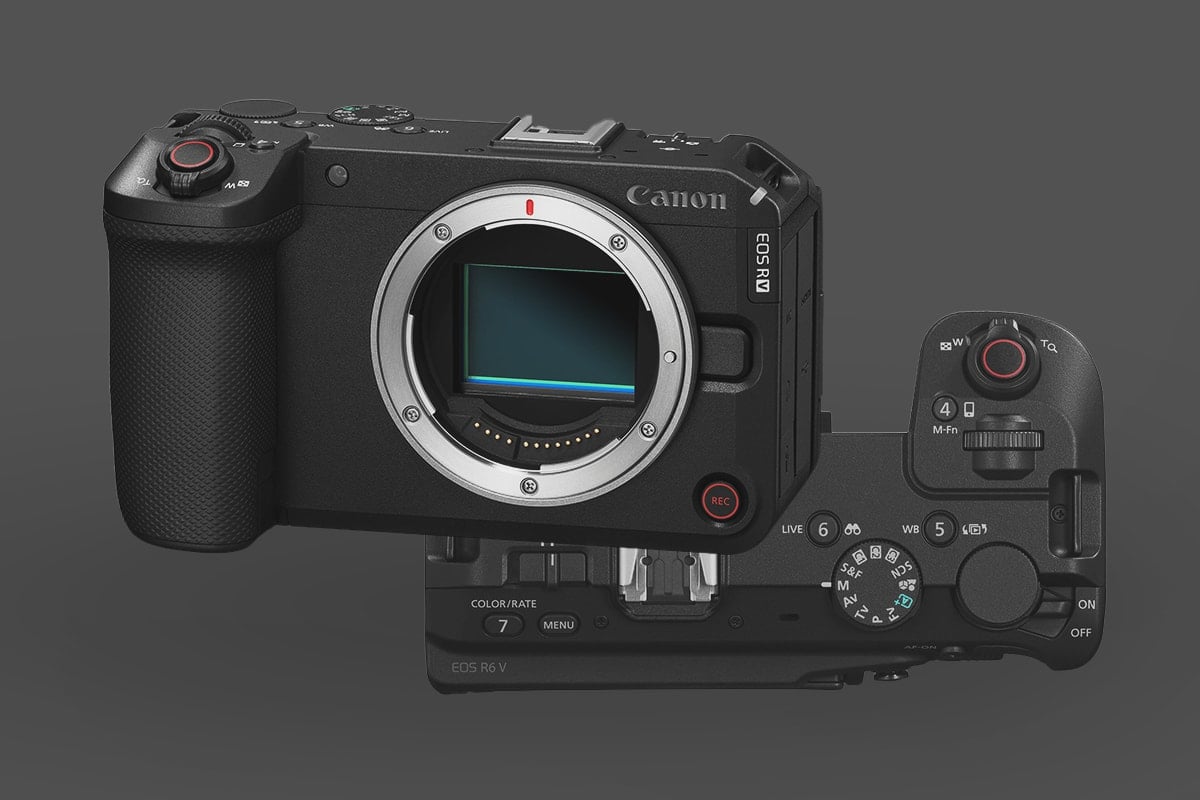
The Canon EOS R6 V represents a massive shift in Canon’s full-frame mirrorless lineup, stripping away the EVF to deliver a streamlined, video-first powerhouse tailored for filmmakers, documentarians, and high-end creators.
Before diving into the memory cards’ requirements, here is how to match your storage to your shooting style so you don’t overspend:
- The Absolute Max Bitrate: If you are shooting 7K 60p RAW or 7K Open Gate, the R6 V generates massive data rates, pushing up to 2,410 Mbps (around 301 MB/s). To guarantee your buffer won’t stall during extended recording or 40fps still bursts, you absolutely need a CFexpress Type B card—ideally one with a VPG400 rating.
- What Most People Actually Use: If you are like most users, you will be recording in highly efficient, standard consumer codecs like H.264 or H.265 (MP4). Regular oversampled 4K 60p video tops out at 340 Mbps, while specialized 4K Time-lapse files peak at 470 Mbps.
- The Bottom Line: 470 Megabits per second translates to only 59 Megabytes per second. Do not waste money on elite-tier CFexpress cards if you strictly shoot standard MP4 video. A high-quality SD UHS-II V90 (or even a V60) in your secondary slot will handle those everyday consumer bitrates flawlessly.
- The Midrange Sweet Spot: If you prefer CFexpress, midrange Type-B cards offer incredible value. I find they work well for almost everything, including occasional RAW recording. While they might not guarantee a VPG400 rating throughout the card’s life, most modern midrange cards have sustained write speeds well above 400 MB/s. Just verify those sustained speeds before buying, and test the card in your heaviest recording modes before a critical shoot. This is what I would do, because high-end cards are very expensive, and often paired up with other features like 48-hour replacement guarantees that you are paying for with the premium price but not necessarily needing, and honestly, when I test these cards, they usually perform very close to the mid-tier versions.
Capacity Note: The camera supports memory cards up to 8 TB.
Top CFexpress Type B Memory Cards for the Canon R6 V
When dealing with the blistering data rates of 7K 60p RAW, the primary CFexpress Type B slot will do all the heavy lifting. For a full comparison of every Type B card we’ve tested, see our CFexpress Type B roundup — below are the top picks specifically for the R6 V’s RAW workflows.
For the R6 V, VPG400-rated cards are highly recommended for RAW workflows. The VPG400 rating guarantees a sustained write speed of 400 MB/s, ensuring your buffer won’t stall during extended high-bitrate video sessions or when using the camera’s 40fps burst mode.
If your workflow consists mostly of standard 4K, cards like the Lexar Gold or Silver series will perform flawlessly and offer great value. However, for internal RAW, lean toward Prograde Iridium, Lexar Diamond, or Delkin Black.
| CFExpress Type-B Memory Cards | Review Links | Rating | RatedW | RatedR | Sustained | Minimum | USBW | USBR | Tested Sustain | Check Price |
|---|---|---|---|---|---|---|---|---|---|---|
| CFExpress Type-B | ||||||||||
| Lexar Diamond CF4.0 128GB-1TB | VPG400 | 3400 | 3700 | 3200 | 400 | Amazon / B&H | ||||
| Lexar Gold CF4.0 512GB-4TB | 3300 | 3600 | 3000 | Amazon / B&H | ||||||
| Lexar Silver CF4.0 512GB/1TB | 1650 | 1750 | 200 | Amazon | ||||||
| Lexar Gold 128/256GB | Lexar Gold 128-512GB CFeB Review | 1500 | 1750 | 1000 | 1410 | 1525 | 1382 | Amazon / B&H | ||
| Prograde Iridium CF4.0 400GB | VPG400 | 3000 | 3550 | 850 | 2704 | 3212 | 808 | Amazon / B&H | ||
| ProGrade Gold CF4.0 512GB | 3,000 | 3,400 | 850 | 2545 | 3203 | 844 | Amazon / B&H | |||
| Delkin Black CF4.0 512GB/1/2TB | 3200 | 3600 | 2040 | 400 | 1736 | 2476 | 1693 | Amazon / B&H | ||
| Delkin Power CF4.0 512GB | 3240 | 3650 | 820 | Amazon / B&H | ||||||
| Nextorage B2 Pro CF4.0 660/1330GB | VPG400 | 3600 | 3700 | 3400 | 400 | B&H | ||||
| Nextorage B2 Pro CF4.0 165/330GB | VPG400 | 3600 | 3900 | 3400 | 400 | Amazon / B&H |
(Note: While CFexpress 4.0 cards work perfectly in the R6 V due to backward compatibility, the camera utilizes the 2.0 protocol. The 4.0 speed benefits will only be noticeable when you offload footage to your computer using a CFexpress Type B reader.
Essential SD UHS-II Memory Cards for Backups and Proxies
The secondary SD card slot is your utility slot. While it cannot handle the bandwidth of 7K RAW, it is absolutely essential for generating proxy files, recording lower-bitrate MP4 backups, or providing redundancy when shooting stills.
For the R6 V, a V90 card is optimal if you want to push high-quality compressed codecs. For a full breakdown of every SD card we’ve tested across speed tiers, our SD memory card guide will help you find the right card without overspending.
Note Regarding Heat: Although this camera is actively cooled, I’ve noticed and experienced in testing these Videocentric cameras that UHS-II cards often generate much less internal heat than some CFExpress Cards. The latest CFExpress cards are better than older generations, but they still seem to generate much more heat than many SD cards. So, if you are getting hot-card issues, consider switching to SD cards. Of course, this only works if you’re recording at the more consumer bitrates.
| SD Memory Card Recommendations | Review Links | USB Write | USB Read | Check Price |
|---|---|---|---|---|
| SD UHS-II V90 | Hide | |||
| Delkin Power v90 64GB-2TB | Delkin Power v90 | 248 | 287 | Amazon / B&H |
| SD UHS-II V60 | Hide | |||
| Sandisk Extreme Pro v60 256/512/1TB | 191 | 270 | Amazon / B&H | |
| Lexar ARMOR Gold V60 256GB-1TB | 179 | 252 | Amazon / B&H | |
| Kingston Canvas React Plus V60 128GB | 101 | 276 | Amazon | |
| Sony M Tough V60 64-512GB | Sony M V60 UHS-II Review | 155 | 277 | Amazon / B&H |
Optimized Memory Card Choices for Videographers
Your memory card dictates the ceilings of your video formats on the R6 V. Here is how you should match your storage to your recording modes:
| Recording Mode | Required Card Type | Rationale |
| 7K RAW & 7K Open Gate | CFexpress Type B (VPG400) | Essential for managing the intense, sustained data demands of 12-bit RAW and full-sensor readout without stalling. |
| 4K 120p & High Bitrate | CFexpress Type B | Required for high-framerate slow motion and premium intra-frame codecs. |
| Standard 4K & Proxies | SD UHS-II V90 or V60 | Suitable for standard compressed MP4 formats, proxy generation, and talking-head content under 480 Mbps. |
Canon R6 V vs. R6 Mark III: Core Video Differences
While the R6 V shares the same 32.5MP full-frame CMOS sensor and DIGIC X processor as the Canon R6 Mark III, the physical and functional differences are entirely geared toward continuous, high-end video production:
- Form Factor: The R6 V eliminates the electronic viewfinder (EVF) entirely, adopting a rangefinder-style, vlogging-first body that is significantly easier to balance on gimbals.
- Active Cooling: Unlike the R6 III’s passive cooling, the R6 V features a built-in active cooling fan. This drastically extends recording times for 7K RAW and high-framerate 4K without overheating the camera.
- Open Gate Recording: The R6 V introduces 7K 30p Open Gate (3:2) RAW. This allows you to capture the entire sensor area, providing ultimate flexibility in post-production to crop into vertical (9:16) and horizontal (16:9) formats simultaneously.
- Native Vertical Rigging: The grip includes secondary tripod mounts, allowing you to mount the camera vertically without needing a bulky L-bracket.
Essential Video Accessory Roundup for the Canon R6 V
To fully tap into the performance upgrades of the R6 V, a few key accessories will help round out the ergonomics and power demands of this video-centric body:
Screen Protectors
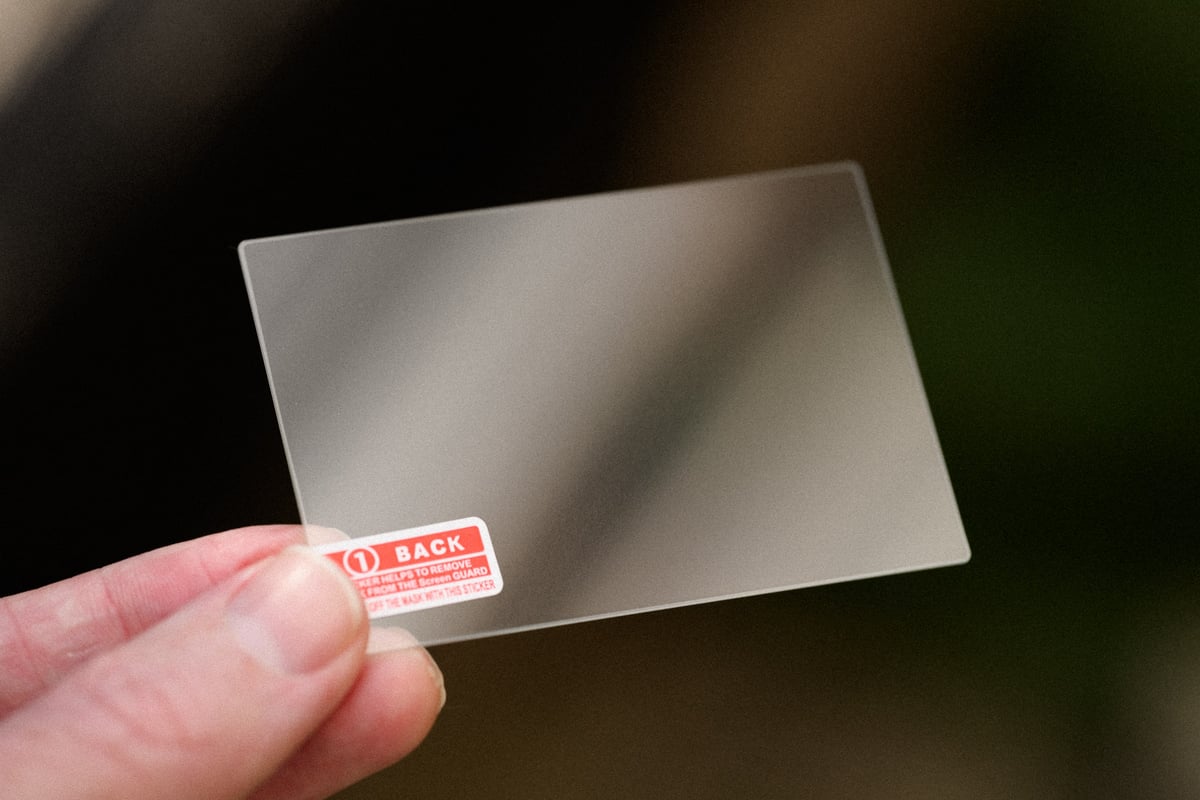
Screen Protectors are one of those accessories that are easy to forget, and I always regret it when I don’t use one, since I’ve destroyed a few screens in the past. These days, I typically just use the 9H Hardness screen protectors; the brands don’t really matter all that much, you just want something that gives you a couple of them in case you mess up your install or crack a screen down the road.
Screen Protector: Amazon
Cages & Top Handles
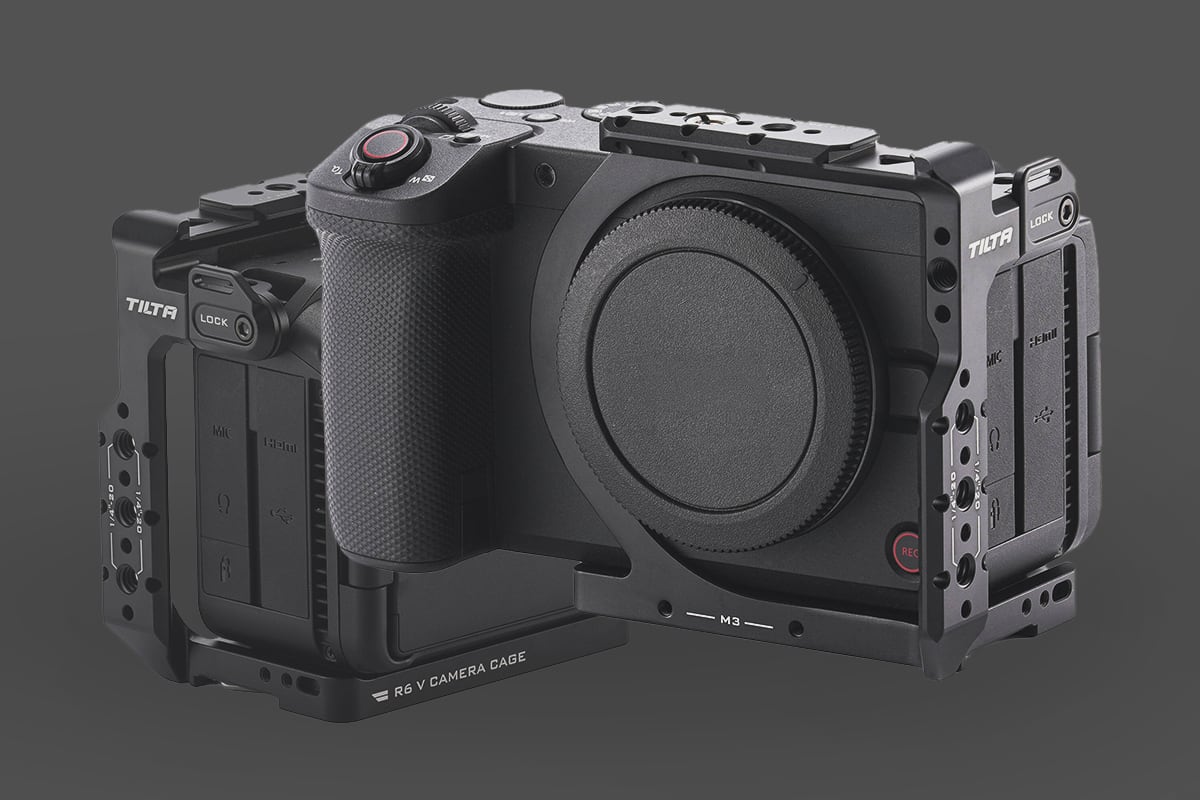
The R6 V’s inclusion of a secondary tripod mount in the grip is a blessing for vertical video. Pairing this with a dedicated half-cage allows you to seamlessly transition between. There are a few brands that make camera cages now. I usually go for SmallRig for all my cameras, but I’m really liking what Tilta is doing, since you can order the half-size, full-size or various options with rails, a battery plate and an Arca receiver. SmallRig has all this now, too, but Tilta has this nice, sleek form-fitting design that I’m really liking.
Tilta Cage: B&H
Variable ND Filters
Since the camera lacks internal ND filters, maintaining a 180-degree shutter angle for that uncropped 4K 120p requires a high-quality variable ND to avoid diffraction or sacrificing your shallow depth of field.
The Best Options:
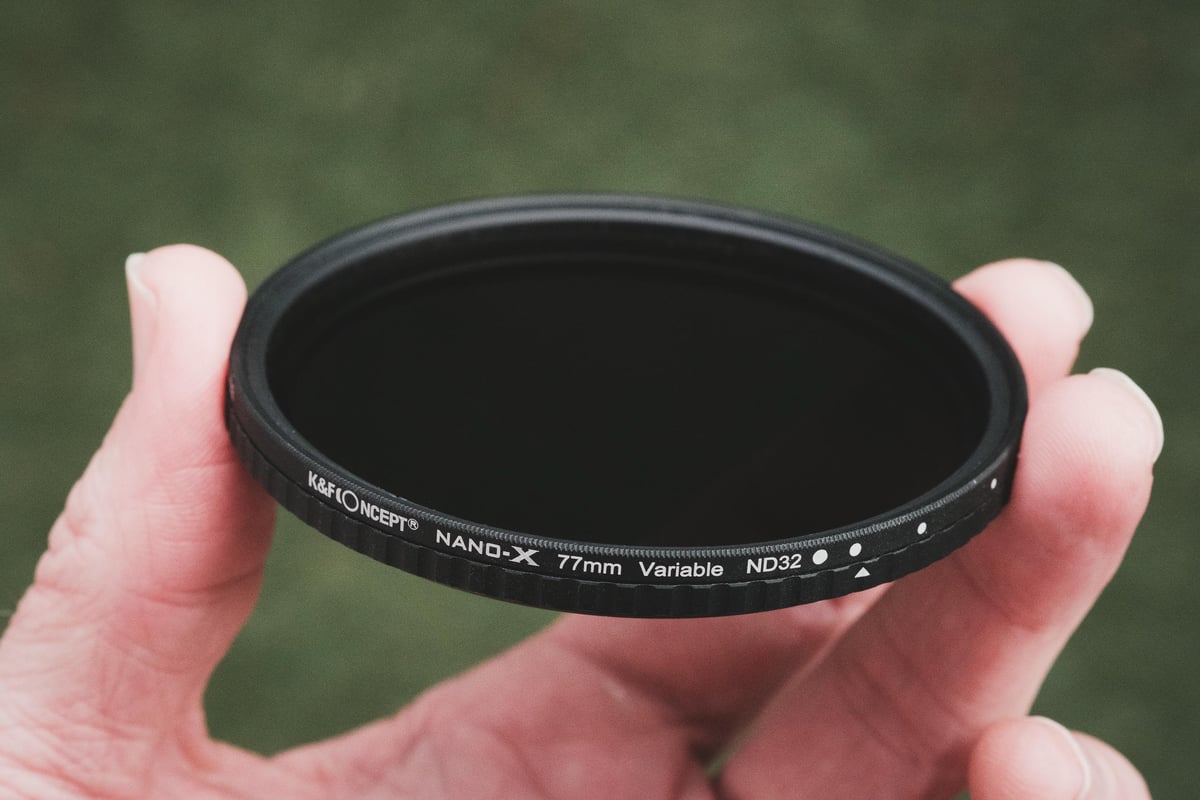
Best Option: K&F Concept Nano-X True Color VND (1-5 stops): This hits the absolute sweet spot for performance and price. Unlike older variable NDs that leave a yellow color cast, the “True Color” coating stays genuinely neutral. It features hard stops to prevent accidental over-rotation and delivers absolutely zero “X-pattern” cross-polarization. This is my personal go-to filter.
Premium Option: PolarPro Peter McKinnon Edition II. For unmatched build quality, nothing beats the PolarPro—it honestly feels like jewelry. It is significantly more expensive, but the tactile, engraved preset stop values (2, 3, 4, 5) offer incredible precision.










Leave a Reply