
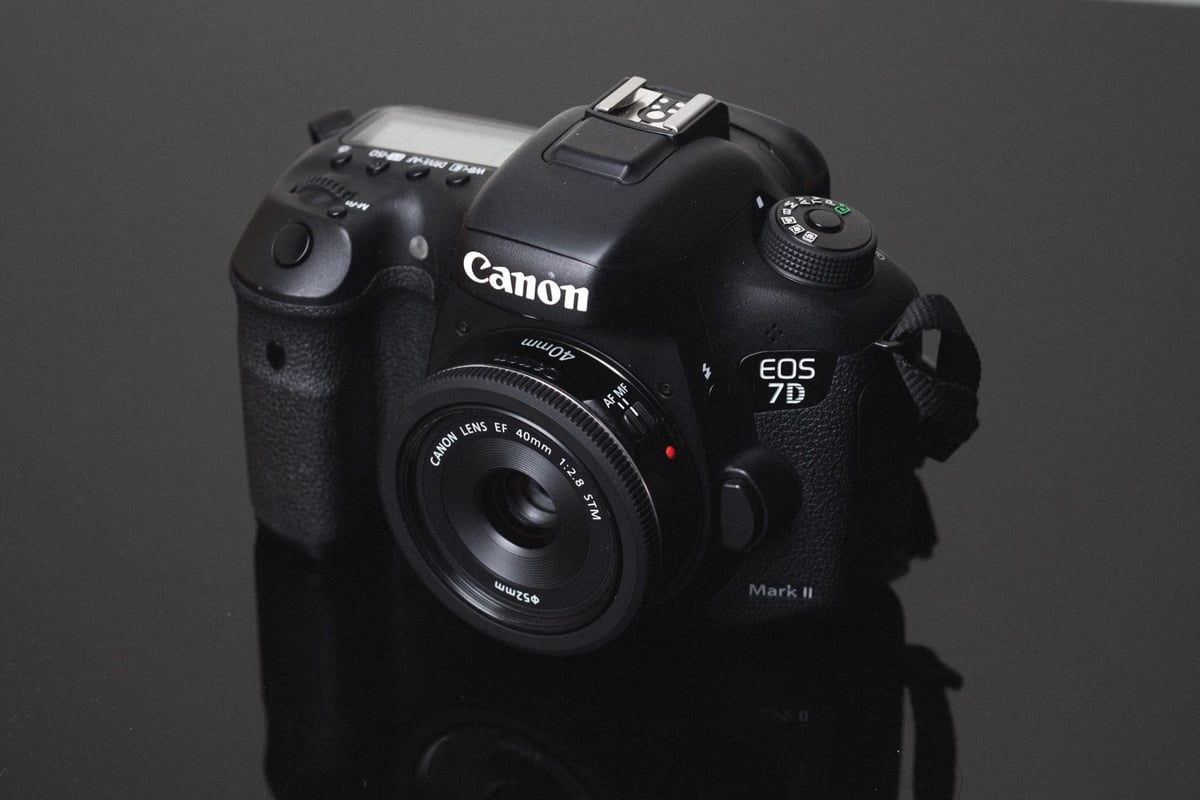
A speed comparison between all the most popular SD and CF memory cards in the Canon 7D II to help you find which cards work the best for your style of shooting.
Best Memory Card Canon 7D II – CF vs SD Comparison
USB 3.0 read and write speeds are determined using Crystal Disk on Windows 10.
Compact Flash Memory Cards
| Compact Flash (CF Card) | USB 3.0 Read | USB 3.0 Write | Canon 7D II |
| Lexar 1066x 32GB | 155.50 MB/s | 138.40 MB/s | 102.66 MB/s |
| Sandisk Extreme Pro 32GB | 154.90 MB/s | 135.20 MB/s | 101.70 MB/s |
| KomputerBay 1066x 32GB | 153.34 MB/s | 135.90 MB/s | 101.66 MB/s |
| KomputerBay 1000x 32GB | 147.80 MB/s | 134.90 MB/s | 100.80 MB/s |
| Toshiba 1066x 32GB | 158.00 MB/s | 134.30 MB/s | 100.14 MB/s |
| Transcend 1000x 32GB | 155.30 MB/s | 132.80 MB/s | 97.56 MB/s |
| Kingston 600x 32GB | 114.90 MB/s | 101.70 MB/s | 90.11 MB/s |
| PixelFlash 1106x 32 | 154.34 MB/s | 90.71 MB/s | 82.59 MB/s |
| Sandisk Extreme 32GB | 118.10 MB/s | 68.43 MB/s | 59.12 MB/s |
| Lexar 800x 32GB | 152.70 MB/s | 44.72 MB/s | 41.19 MB/s |
| Transcend 800x 32GB | 152.30 MB/s | 40.25 MB/s | 36.48 MB/s |
| Transcend 400x 32GB | 152.50 MB/s | 39.55 MB/s | 35.77 MB/s |
| KomputerBay 600x 32GB | 85.77 MB/s | 51.16 MB/s | 24.54 MB/s |
| KomputerBay 800 32GB | 86.42 MB/s | 50.83 MB/s | 24.46 MB/s |
SD Memory Cards
| SD Memory Cards | USB 3.0 Read | USB 3.0 Write | Canon 7D II |
| UHS-II | |||
| Toshiba Exceria Pro | 238.5 MB/s | 199.7 MB/s | 72.57 MB/s |
| Lexar 2000x | 280.9 MB/s | 181.4 MB/s | 70.56 MB/s |
| Delkin 250 | 245.1 MB/s | 164.6 MB/s | 69.66 MB/s |
| Transcend | 290.2 MB/s | 182.1 MB/s | 66.61 MB/s |
| Lexar 1000x | 145.0 MB/s | 60.7 MB/s | 58.49 MB/s |
| Sandisk Extreme Pro 280 | 257.3 MB/s | 109.9 MB/s | 27.28 MB/s |
| UHS-I | |||
| Sandisk Extreme Pro U3 | 89.0 MB/s | 84.7 MB/s | 72.21 MB/s |
| Kingston U3 | 88.1 MB/s | 74.3 MB/s | 68.88 MB/s |
| Samsung Pro U1 | 86.8 MB/s | 77.2 MB/s | 67.16 MB/s |
| Sony U3 – Old Model | 87.2 MB/s | 71.9 MB/s | 66.56 MB/s |
| PNY Elite Performance U1 | 86.1 MB/s | 54.5 MB/s | 58.71 MB/s |
| Sandisk Extreme Plus U3 | 88.9 MB/s | 62.0 MB/s | 55.30 MB/s |
| PNY Elite Performance U3 | 87.9 MB/s | 61.6 MB/s | 53.51 MB/s |
| Lexar 600x U1 | 85.6 MB/s | 60.1 MB/s | 52.76 MB/s |
| Lexar 633x U3 | 85.6 MB/s | 61.2 MB/s | 51.32 MB/s |
| Transcend U3 | 87.7 MB/s | 64.1 MB/s | 49.53 MB/s |
| Sandisk Extreme U3 | 71.3 MB/s | 52.1 MB/s | 47.07 MB/s |
| Samsung U1 EVO | 43.9 MB/s | 22.7 MB/s | 23.08 MB/s |
Clearly the fastest cards for the Canon 7D II are the CF cards and in this test, the Lexar 1066x came out on top at 102MB/s. But all of the high-end CF cards were very close.
SD memory card speeds are still very quick running at 72 MB/s.
Best CF Memory Cards For the Canon 7D II
Here are the top fastest CF memory cards for the Canon 7D II. The results were so close that any of the cards would perform noticeably the same and in fact, if I ran the test several more times I could see the order alternate since I only take an average of three tests per card.
- Lexar 1066x 32GB – Amazon
- Sandisk Extreme Pro 32GB – Amazon
- KomputerBay 1066x 32GB – Amazon
- Komputerbay 1000x 32GB – Amazon
- Toshiba 1066x 32GB – Amazon
- Transcend 1000x 32GB – Amazon
Best UHS-II Memory Card
The Toshiba is the fastest memory card if you’re using UHS-II. But only marginally faster than the Lexar.
Toshiba 64GB UHS-II – Amazon
Lexar x2000 64GB UHS-II – Amazon / Adorama
Best UHS-I Memory Cards
The fastest UHS-I memory card is the Sandisk. But Kingston, Samsung, and Sony all come very close.
Sandisk Extreme Pro U3 64GB – Amazon / Adorama
Kingston U3 64GB – Amazon / Adorama
Samsung Pro U1 64GB – Amazon / Adorama
Sony U3 64GB – Amazon
Best Memory Card Reader
If you want the best USB 3.0 Memory card reader that supports UHS-II, check out the following comparison:
Best SD / CF Memory Card Reader
Camera Specs
Sensor: APS-C 20MP / Processor: Dual Digic 6
Memory Card Type: SD UHS-I / Compact Flash
Shots Taken To Fill Buffer: 50 RAW
Avg. RAW File Size: 23.5 MB
Avg. JPEG File Size: 5.8 MB
Est. Size Of Buffer: 1GB
10fps – continuous shooting with autofocus
SD Memory Cards – UHS-I vs UHS-II
Which is better, UHS-I or UHS-II for the Canon 7d II? From the results, very little speed is gained in the camera by using a UHS-II card; this is because this camera only supports UHS-I memory cards. However, file transfer via USB 3.0 is much faster with UHS-II cards.
The UHS-II Sandisk Extreme Pro, the Kingston, Samsung Pro, and the Sony are the fastest memory cards for the Canon 7DII. For the price, the Sony is oftentimes less expensive and you get very close to the same performance.
Should You Use UHS-II Memory Cards For The Canon 7DmkII?
This is a question you should consider. A lot of people use UHS-II cards for their cameras simply because they can get faster file transfer speeds to their computers. If file transfer speeds from card to computer are a problem for you then you might want to consider this option.
CF vs SD Cards – Which Is Better?
The CF cards are much quicker than the SD cards in the Canon 7D II. However, if you’re just casually shooting you might not notice the difference in speed unless you’re doing a lot of bust shooting where you’re constantly filling the buffer. With that being said, SD cards are more affordable and more practical for the casual shooter. However, the Pro that runs dual memory cards will have to get a CF card and SD card.
Canon 7Dmkii CF & SD Card Configuration Options
If you have a CF card and an SD card there are a few cool ways you can configure them to work together.
CF Primary SD Backup
Probably the most useful configuration is to use your CF card as a primary and have backups stored to the SD card. This will however bottleneck your speeds to your slowest card, most likely the SD card you use, so be sure if you’re using backup, that you get the fastest sd memory card you can.
CF Primary SD Card Overflow
Another option is to use your CF card as a primary and when that fills up the camera will overflow to the SD card. This again will slow down write speeds to the SD card once the camera makes the switch to slot 2.
Best Memory Cards For The Canon 7D II Conclusions
So should you buy CF cards or SD cards?
For casual shooting I would just go with SD cards, they’re cheaper, smaller, they usually plug right into your laptop or computer, and overall are much easier to deal with. But if you’re a pro and need to run a lot of burst shooting or need a backup, then the CF card is most likely what you’ll need.
As far as speed, most of the time I find you don’t notice a difference in card speeds when shooting in real-world situations as long as you have a card that is decent with camera write speeds. So with UHS-II cards, you probably should consider the Lexar x2000 over the Toshiba because it has much better USB 3.0 read speeds than the Toshiba.
Use this test chart to determine what’s best for you. There are a lot of options at a lot of different prices. Good luck!







Leave a Reply