
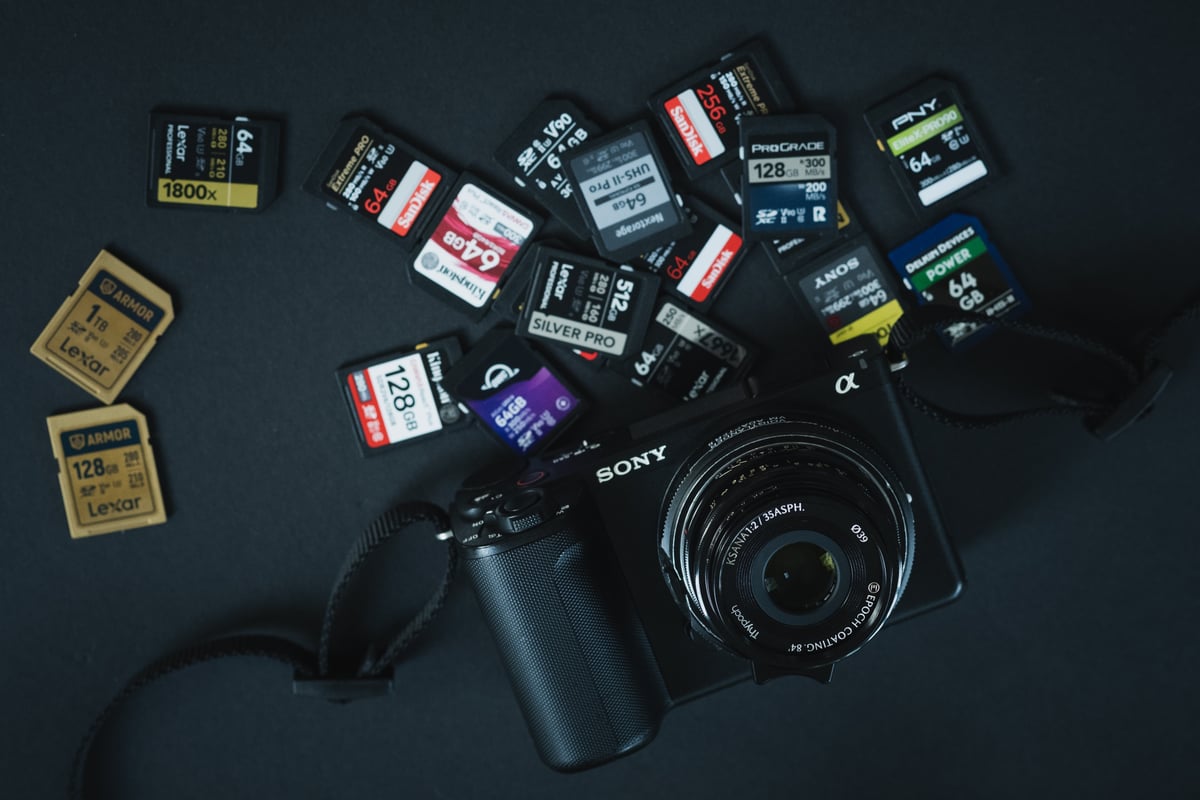
The ZV-E10 II has one SD card slot and no CFexpress option, so the card you put in it decides what the camera can record. It shoots 10-bit 4:2:2 H.265 and 600 Mbps All-Intra, and that All-Intra mode is where most people get caught out: it needs a V90 card, and the camera won’t let you select it with a V60 card. I tested 31 UHS-II SD cards in-camera to find out which ones are worth buying.
Best Memory Cards for the Sony ZV-E10 II
The fastest V90 cards wrote between 215 and 232 MB/s in this camera, which is about as fast as UHS-II gets in a Sony body (the best SD cards hit 225–228 MB/s in my A7R V tests). Since this is primarily a video camera, I’d buy V90 unless you know you’ll never use XAVC S-I.
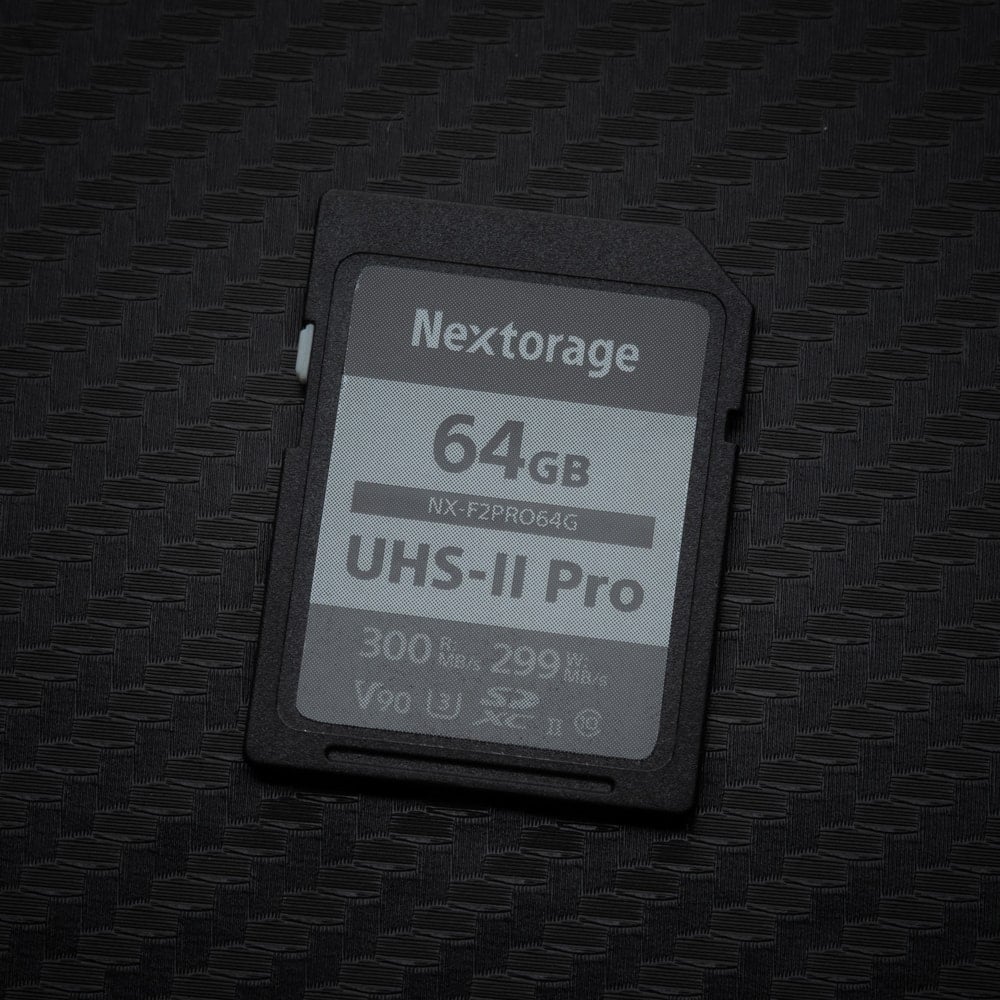 | Fastest tested: Nextorage NX-F2PRO V90. 232 MB/s, clearing the buffer in 1.7 seconds. It was also the fastest SD card in my A7V tests at 225 MB/s, so it’s consistently on top in Sony bodies. If you shoot bursts and want the shortest wait, this is the one. |
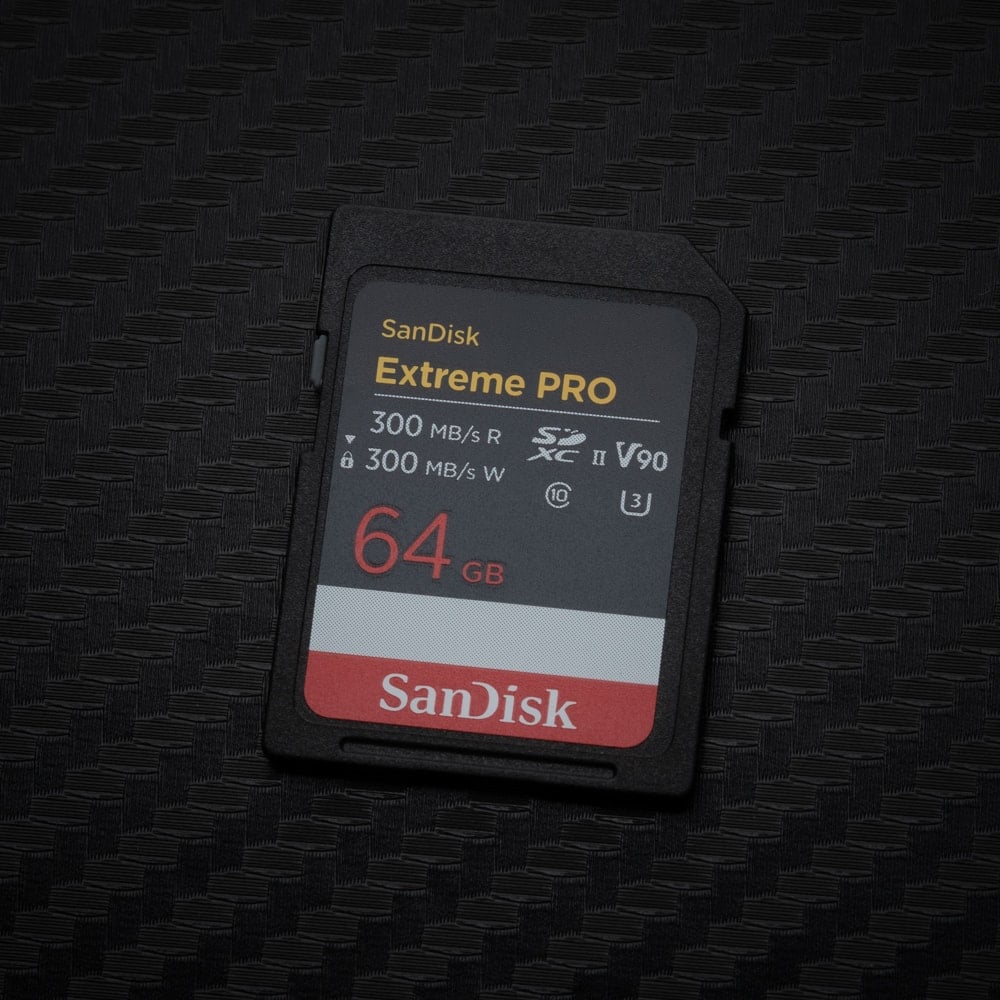 | Best all-around V90: SanDisk Extreme PRO V90. 226 MB/s (64GB) and 218 MB/s (128GB), and easy to find almost anywhere. It came in right behind the Nextorage in my A7V tests too, and it’s available up to 2TB, so it’s the safe choice if the Nextorage is out of stock or you need a bigger card. |
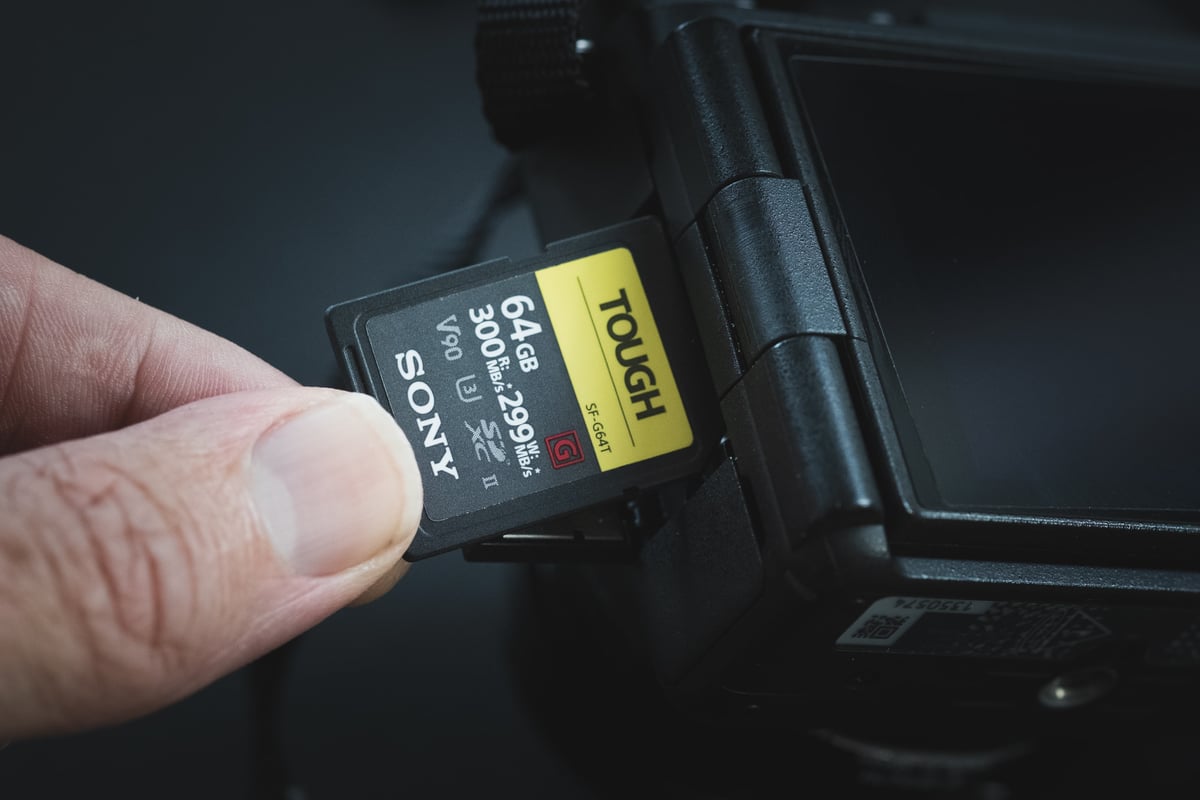
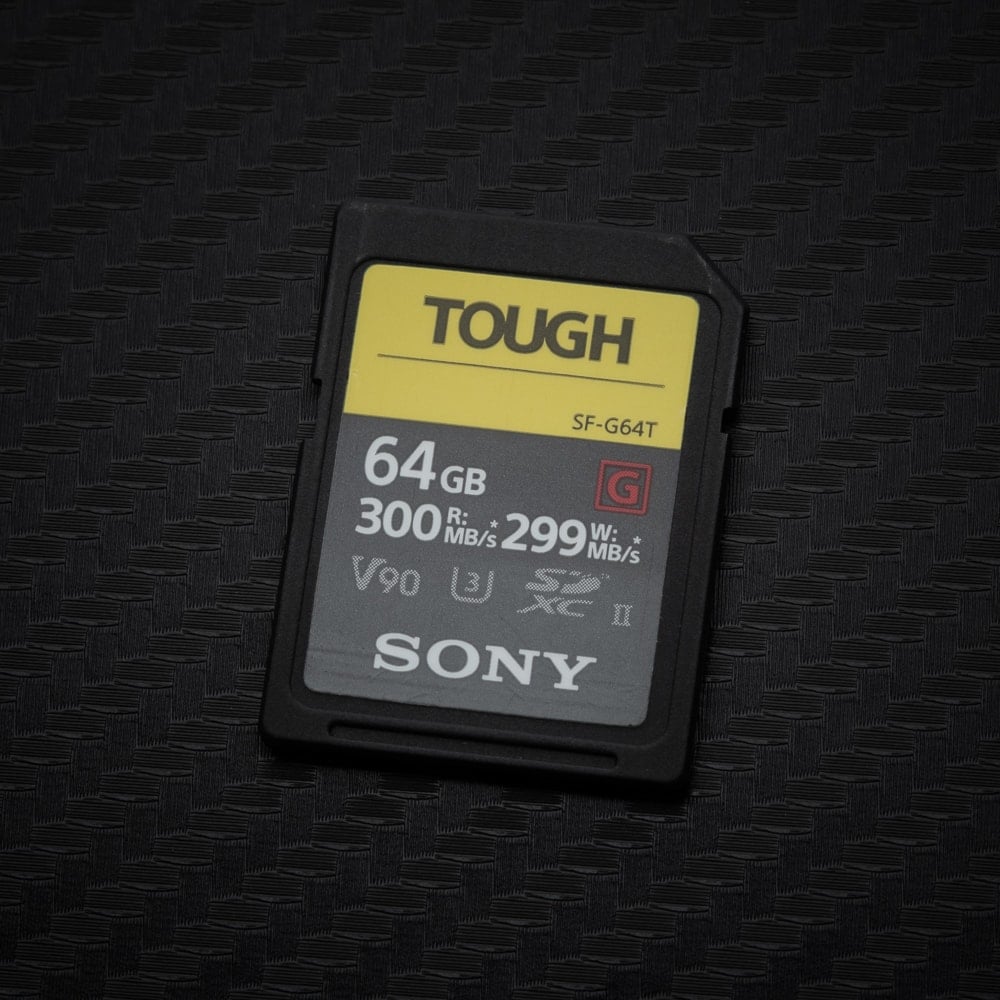 | Durability: Sony TOUGH G V90 or OWC Atlas Ultra V90. 216 MB/s and 215 MB/s. The Sony TOUGH has a one-piece body with no ribs or write-protect switch to break off. The OWC is a good alternative if you can’t find the Sony; in this camera, they performed almost identically. |
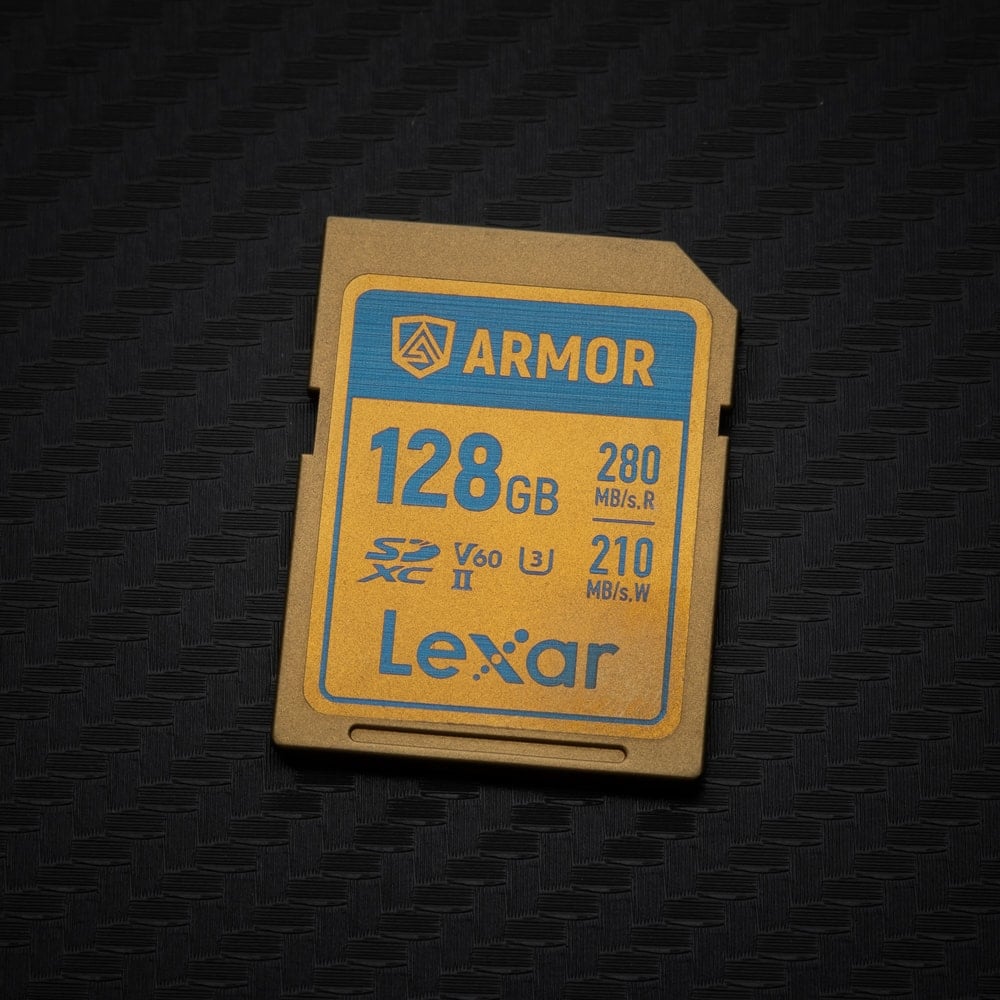 | Best V60: Lexar ARMOR Gold V60 128GB. 188 MB/s, faster than some V90 cards I tested. It’s also one of the most durable cards here, with a stainless steel body and no write-protect switch to break off, so it’s the tough-card pick if you don’t need V90. Fine for H.265, XAVC S, and S&Q in XAVC HS and XAVC S, but not for XAVC S-I. |
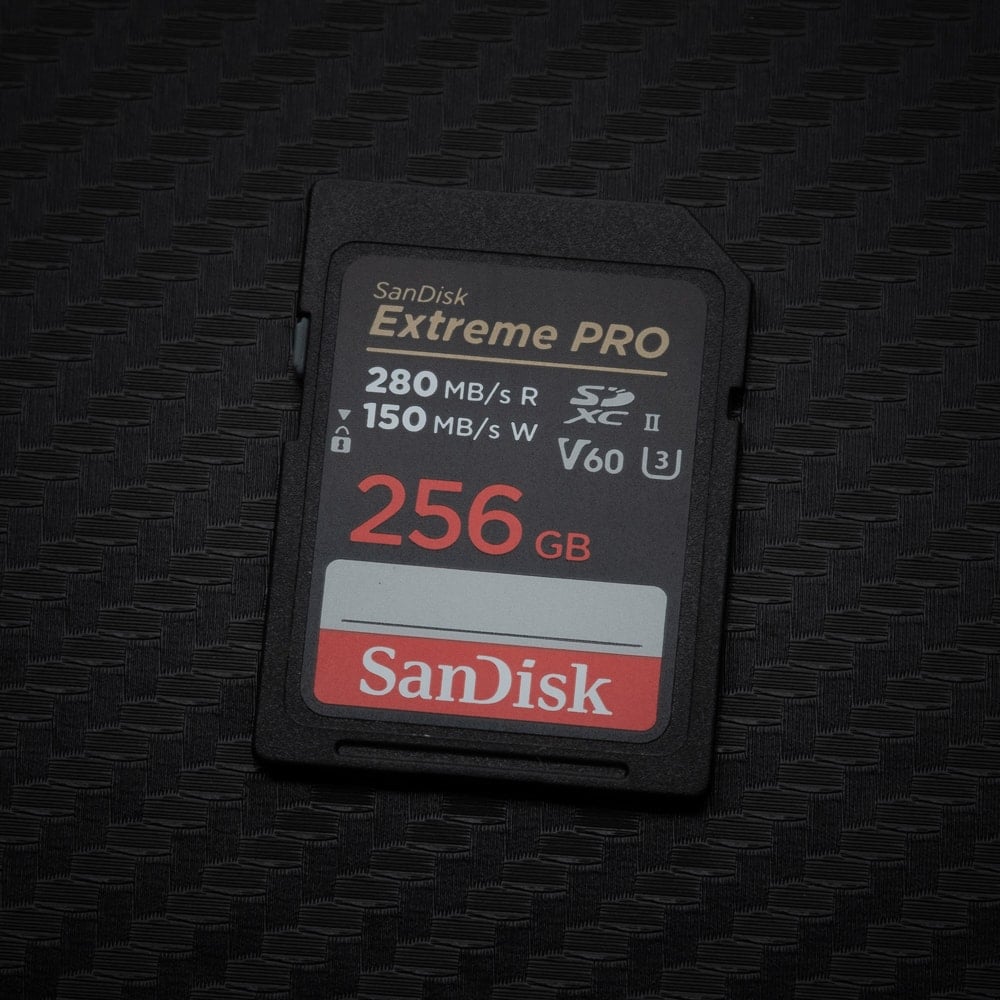 | Budget V60: SanDisk Extreme PRO V60 256GB–1TB. 175 MB/s. Buy 256GB or larger: the 64GB and 128GB versions only wrote 96 MB/s. The larger versions have been consistent across my Sony tests, hitting 174–175 MB/s in the A7V and A7R V too. A good pick for H.265 and stills if you don’t need All-Intra. |
V90 or V60: Which Should You Buy?
It comes down to whether you’ll shoot XAVC S-I. Sony requires a V90 card for All-Intra at 600 Mbps in 4K and 222 Mbps in HD, and the camera won’t record those modes on a V60 card. Everything else, including 4K H.265 at 200 Mbps and S&Q in XAVC HS and XAVC S, works on V60.
For stills, the gap is smaller than the labels suggest. The best V60 cards cleared the buffer in about 2.1–2.3 seconds, compared to 1.7–1.8 seconds for the fastest V90 cards. The real drop-off is between V60 cards: about half of them wrote under 100 MB/s and took 4.6 seconds or longer to clear. Part of the reason the times are so short is the buffer itself. Sony rates it at 59 compressed RAW frames, so there just isn’t much data to clear compared to a camera like the A7V.
Capacity matters too. The 128GB versions of the SanDisk Extreme PRO V60, PNY EliteX-PRO60, and Sony E V60 all wrote around 92–96 MB/s, while the 256GB and larger versions of the same cards wrote 168–175 MB/s. The Lexar ARMOR Gold V60 128GB was the exception at 188 MB/s.
What I’d Buy for the ZV-E10 II
Most people shooting this camera are recording H.265 (XAVC HS), and for that, I’d just get a big V60 card. 4K at 200 Mbps is only 25 MB/s, so any good V60 card handles it with plenty of room to spare, and a 256GB card gives you roughly 2 hours and 20 minutes of 4K. The SanDisk Extreme PRO V60 256GB or the Lexar ARMOR Gold V60 256GB are both great picks.
If you edit a lot, XAVC S-I is worth a look. It’s 600 Mbps H.264 All-Intra, so every frame is stored as a complete image instead of being compressed against the frames around it. It’s much less compressed than H.265, closer to ProRes 422, and much easier on your computer when editing. The tradeoff is that it needs a V90 card and fills cards fast, about 25 minutes on a 128GB card, so I’d go with at least a 256GB V90 card like the Nextorage or SanDisk Extreme PRO.
Sony ZV-E10 II Memory Card Benchmarks
I tested every card in-camera: I fill the buffer with a burst, then measure how much data the camera writes per second while the buffer clears. Buffer clear is the time from the end of the burst until the camera finishes writing. For reader benchmarks, see my SD card speed tests.
UHS-II SD Card Results
| Card | Class | In-camera write (MB/s) | Buffer clear (s) |
|---|---|---|---|
| Nextorage NX-F2PRO | V90 | 232 | 1.7 |
| SanDisk Extreme PRO 64GB | V90 | 226 | 1.7 |
| SanDisk Extreme PRO 128GB | V90 | 218 | 1.8 |
| Sony TOUGH G | V90 | 216 | 1.8 |
| OWC Atlas Ultra | V90 | 215 | 1.7 |
| PNY EliteX-PRO90 | V90 | 205 | 1.8 |
| Delkin POWER | V90 | 200 | 2.0 |
| Angelbird AV PRO | V90 | 200 | 1.7 |
| Kingston Canvas React Plus | V90 | 194 | 1.8 |
| Lexar 2000x | V90 | 193 | 2.1 |
| Lexar ARMOR Gold 128GB | V60 | 188 | 2.1 |
| ProGrade Digital | V90 | 181 | 2.2 |
| Lexar 1800x | V60 | 176 | 2.2 |
| SanDisk Extreme PRO 256GB–1TB | V60 | 175 | 2.3 |
| PNY EliteX-PRO60 512GB | V60 | 173 | 2.3 |
| PNY EliteX-PRO60 256GB | V60 | 171 | 2.4 |
| Lexar ARMOR Gold 1TB | V60 | 169 | 2.3 |
| Sony E 256GB | V60 | 168 | 2.4 |
| Sony TOUGH M | V60 | 141 | 3.0 |
| Angelbird AV PRO | V60 | 134 | 3.2 |
| SanDisk Extreme PRO 64–128GB | V60 | 96 | 4.6 |
| OWC Atlas Pro | V60 | 94 | 4.6 |
| Nextorage SE | V60 | 94 | 4.6 |
| Kingston Canvas React Plus | V60 | 93 | 4.7 |
| PNY EliteX-PRO60 128GB | V60 | 93 | 4.7 |
| Sony E 128GB | V60 | 92 | 4.7 |
| Delkin PRIME | V60 | 92 | 4.7 |
| Lexar 1667x | V60 | 70 | 6.1 |
| ProGrade Digital | V60 | 69 | 6.9 |
| Lexar Professional SILVER PRO | V60 | 49 | 8.7 |
| Sony E 64GB | V30 | 49 | 9.2 |
UHS-I SD Cards
The slot also accepts UHS-I cards, and Sony lists U3 cards as enough for 4K at 200 Mbps. I haven’t tested UHS-I cards in the ZV-E10 II yet, so I can’t tell you how they handle bursts here. For UHS-I speeds in a card reader, see the UHS-I section of my SD card guide.
Which Cards You Need for Video
Camera bitrates are listed in megabits per second, so divide by 8 to get megabytes per second. 4K H.265 at 200 Mbps works out to 25 MB/s, which any U3 card covers. 600 Mbps All-Intra works out to 75 MB/s, which needs V90.
Standard Recording
| Format | Max bitrate | Card required |
|---|---|---|
| XAVC HS 4K (H.265) | 200 Mbps | U3 |
| XAVC S 4K (H.264) | 200 Mbps | U3 |
| XAVC S HD | 100 Mbps | U3 |
| XAVC S-I 4K (All-Intra) | 600 Mbps | V90 |
| XAVC S-I HD (All-Intra) | 222 Mbps | V90 |
If you record proxies alongside XAVC HS or XAVC S 4K, Sony requires a V60 card. Proxy recording isn’t available with XAVC S-I or at 120p/100p.
S&Q Slow Motion
In S&Q, the bitrate shown in the menu applies to the playback frame rate, not to what’s written during capture. Shoot at a higher frame rate for 24p or 30p playback and the camera writes more data to the card than the menu suggests, which is why the card requirements go up.
| Format | Max write rate in S&Q | Card required |
|---|---|---|
| XAVC HS 4K | 250 Mbps | V60 |
| XAVC S 4K | 280 Mbps | V60 |
| XAVC S HD | 250 Mbps | V60 |
| XAVC S-I 4K | 600 Mbps | V90 |
| XAVC S-I HD | 445 Mbps | V90 |
Since the ZV-E10 II has no CFexpress slot, Sony supports slow motion in XAVC S-I 4K on V90 SD cards. That’s different from bodies like the A7R V and A7V, which require a CFexpress Type A card for that mode. Both tables are from Sony’s ZV-E10 II help guide.
Sony ZV-E10 II Record Times
These are Sony’s estimated recording times. A 256GB card holds roughly twice the 128GB figure.
| Format | 64GB | 128GB |
|---|---|---|
| XAVC HS 4K 200 Mbps | 35 min | 1 hr 10 min |
| XAVC HS 4K 150 Mbps | 45 min | 1 hr 35 min |
| XAVC HS 4K 100 Mbps | 1 hr 5 min | 2 hr 10 min |
| XAVC HS 4K 45 Mbps | 2 hr 10 min | 4 hr 30 min |
| XAVC S 4K 200 Mbps | 35 min | 1 hr 10 min |
| XAVC S HD 50 Mbps | 2 hr | 4 hr 10 min |
| XAVC S-I 4K 600 Mbps | 10 min | 25 min |
| XAVC S-I HD 222 Mbps | 30 min | 1 hr 5 min |
If you shoot All-Intra, 128GB goes fast: about 25 minutes of 4K. For podcasts or long sit-down recordings in XAVC S-I, get 256GB or larger.
Sony ZV-E10 II Specs That Affect Card Choice
| Sensor: 26MP APS-C Exmor R CMOS Processor: BIONZ XR Memory Card Slots: 1 SD (UHS-I/UHS-II) Continuous Shooting: 11fps (Hi+) RAW Shots To Fill Buffer: 59 compressed RAW / 22 lossless compressed RAW (Sony spec) 4K Datarate: H.265 200 Mbps XAVC HS (25 MB/s) / H.264 600 Mbps XAVC S-I (75 MB/s) HD Datarate: 100 Mbps XAVC S at 120p (12.5 MB/s) / 222 Mbps XAVC S-I (28 MB/s) |
Sony ZV-E10 II Memory Card FAQ
Do I need a V90 card for the ZV-E10 II?
Only if you shoot XAVC S-I (All-Intra). Sony requires V90 for XAVC S-I in both 4K and HD, including S&Q. Everything else works on V60, and standard 4K recording in XAVC HS or XAVC S only needs U3.
Does the ZV-E10 II support CFexpress cards?
No. It has a single SD card slot that takes UHS-I and UHS-II cards. The upside is that every video mode, including slow motion in XAVC S-I 4K, works on a V90 SD card.
Can I use a UHS-I card in the ZV-E10 II?
Yes. Sony lists U3 cards as enough for 4K H.265 and H.264 at 200 Mbps. You’ll need a V60 card for S&Q and proxies, and a V90 card for XAVC S-I. I haven’t tested UHS-I cards in this camera yet.
Does a faster card matter for stills?
For bursts, yes. The fastest V90 cards cleared the buffer in 1.7 seconds, while slower V60 cards took 4.6–9 seconds. If you mostly shoot single frames, any decent V60 card is fine.
For more on this camera, read my Sony ZV-E10 II impressions. For reader speed tests across every card I’ve tested, see my ultimate guide to SD cards.













Leave a Reply