
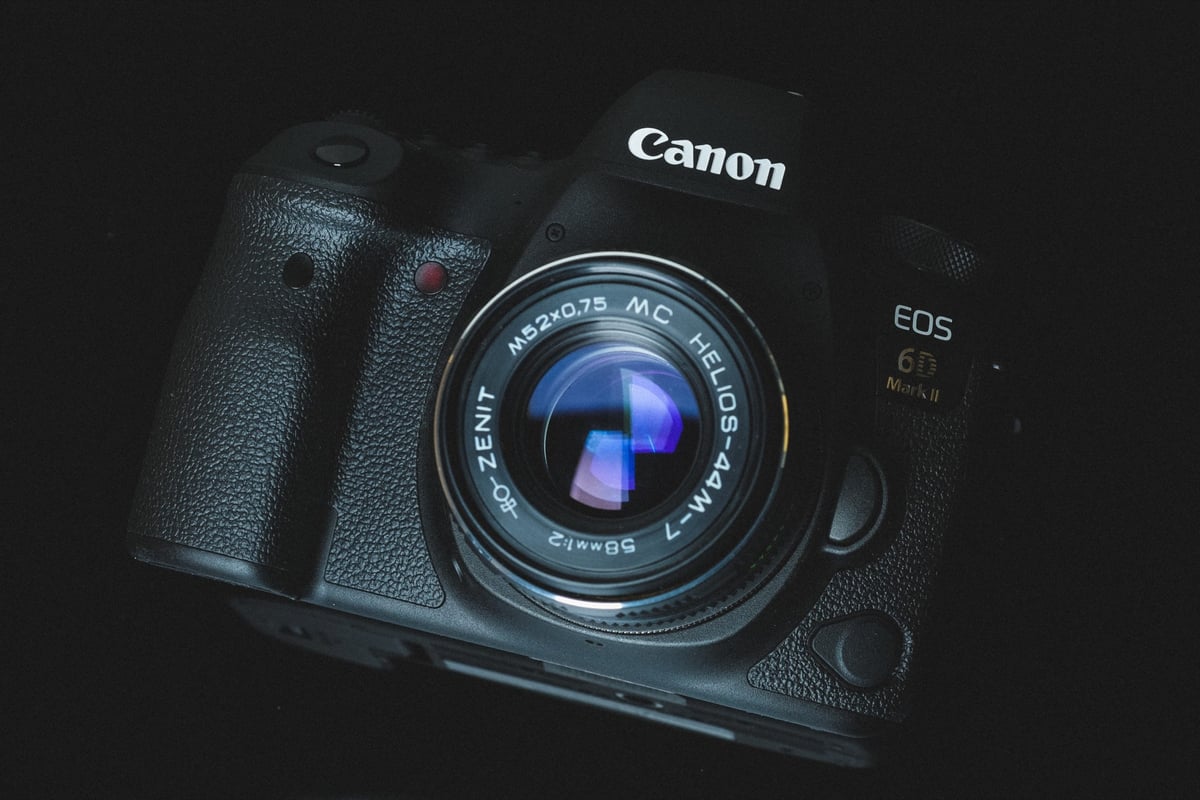
In-Camera speed comparison between memory cards in the Canon 6D II. This guide will show which memory cards perform best and are the fastest in the Canon 6D Mark II.
I test each memory card inside the Canon 6D II to see how they actually perform—real-world performance, since the speeds written on the cards are never accurate.
Top 5 Recommended Memory Cards For The Canon 6D Mark II
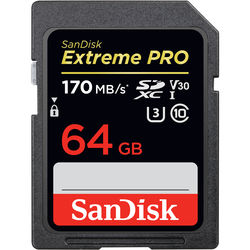 The Canon 6D Mark II has a single memory card slot that supports UHS-I cards, with a maximum capacity not specified by Canon. Usually, you can at least use 128GB memory cards.
These are the best memory cards for the EOS 6D Mark II. Also, you will notice from the speed test that UHS-II memory cards do perform slightly faster; however, you should still buy UHS-I cards, since the speed difference is not significant enough to justify the cost, and the 6D II does not support UHS-II. Only buy UHS-II if you want to get fast file transfer speeds from your card to your computer. In that case, I would recommend the Sony M or Sony E cards.
| Card Name | In-Camera Speed | Check Price |
| Sandisk Extreme Pro 170 | 75.57 MB/s | Amazon |
| Kingston Canvas React | 74.34 MB/s | Amazon |
| Delkin Advantage | 72.24 MB/s | Amazon |
| Sony U3 | 69.90 MB/s | Amazon |
| Transcend U3 | 69.64 MB/s | Amazon |
Speed Chart
Here is the chart showing how each memory card performed in the Camera, which I get by dividing the time it takes to clear the buffer by the amount of data written.
USB 3.0 speeds are measured using CrystalDiskMark in Windows 10.
| Memory Cards | USB 3.0 Read | USB 3.0 Write | Canon 6D II |
| UHS-II | |||
| Sony G | 269.3 MB/s | 234.5 MB/s | 76.95 MB/s |
| Toshiba Exceria Pro | 258.8 MB/s | 226.5 MB/s | 76.18 MB/s |
| Lexar 2000x | 272.7 MB/s | 244.5 MB/s | 75.73 MB/s |
| Delkin V90 | 271.4 MB/s | 231.3 MB/s | 74.48 MB/s |
| Adata V90 | 256.5 MB/s | 231.7 MB/s | 74.19 MB/s |
| Transcend | 290.2 MB/s | 182.1 MB/s | 74.14 MB/s |
| Hoodman Steel 2000x | 268.7 MB/s | 183.9 MB/s | 73.83 MB/s |
| Fujifilm Elite II | 294.0 MB/s | 181.6 MB/s | 73.56 MB/s |
| Sony M | 253.2 MB/s | 91.62 MB/s | 72.90 MB/s |
| Sandisk Extreme Pro 300 | 273.9 MB/s | 238.9 MB/s | 71.47 MB/s |
| Delkin 1900X | 273.3 MB/s | 97.3 MB/s | 64.31 MB/s |
| Lexar 1000x | 153.4 MB/s | 84.30 MB/s | 64.30 MB/s |
| Sandisk Extreme Pro 280 | 260.5 MB/s | 214.8 MB/s | 40.23 MB/s |
| UHS-I | |||
| Sandisk Extreme Pro U3 | 98.6 MB/s | 90.8 MB/s | 75.57 MB/s |
| Kingston U3 | 98.1 MB/s | 90.4 MB/s | 74.34 MB/s |
| Delkin 633x U3 | 98.3 MB/s | 88.7 MB/s | 72.24 MB/s |
| Samsung Pro+ U3 | 97.5 MB/s | 87.3 MB/s | 72.22 MB/s |
| Sony U3 – Old Model | 96.5 MB/s | 84.5 MB/s | 69.90 MB/s |
| Transcend U3 | 96.7 MB/s | 84.9 MB/s | 69.64 MB/s |
| Samsung Pro U3 | 97.7 MB/s | 78.6 MB/s | 69.44 MB/s |
| Samsung Pro U1 | 96.3 MB/s | 82.2 MB/s | 69.25 MB/s |
| PNY Elite Performance U1 | 96.5 MB/s | 66.5 MB/s | 60.76 MB/s |
| Lexar 633x U3 | 93.3 MB/s | 67.3 MB/s | 57.82 MB/s |
| Sandisk Extreme Plus U3 | 99.0 MB/s | 64.4 MB/s | 57.61 MB/s |
| PNY Elite Performance U3 | 96.5 MB/s | 66.1 MB/s | 57.58 MB/s |
| Sony U3 – New Model | 96.7 MB/s | 56.2 MB/s | 55.52 MB/s |
| Lexar 600x U1 | 95.4 MB/s | 64.8 MB/s | 53.97 MB/s |
| Sandisk Extreme U3 | 72.43 MB/s | 54.1 MB/s | 47.99 MB/s |
| Samsung U1 EVO | 47.7 MB/s | 27.3 MB/s | 27.85 MB/s |
| Sandisk Ultra U1 | 99.3 MB/s | 36.1 MB/s | 25.21 MB/s |
Canon 6D Mark II Memory Card Related Stats
| Sensor – 26.2MP Full-Frame CMOS Sensor with DIGIC 7 Processor 45-Point All-Cross Type AF System Video: 1080p60 – Digital IS Screen: 3″ 1.04m-Dot Vari-Angle Touchscreen Continuous Shooting: 6.5 fps Estimated Buffer Size: 500MB RAW Shots Until Buffer Fills: 24 Time To Clear Buffer: 5:41 seconds |
Canon 6D Mark II Review & Sample Photos
Frequently Asked Questions
A list of some topics that hopefully will answer any questions you have.
Should I use USH-I or UHS-II, and what’s the difference?
The Canon 6D II does not use the second set of pins on UHS-II cards to achieve its maximum speed. So you don’t get any speed benefit from UHS-II when using the card in the camera. However, if you have a fast hard drive and a fast UHS-II memory card reader, you can significantly reduce transfer times.
This, of course, depends on your needs. If you’re a professional in a studio that needs fast transfer speeds, this might be worth considering. If you’re just an average Joe, I recommend going with UHS-I memory cards.
What do all the numbers and letters on the memory cards mean?
All the numbers and letters on memory cards refer to speeds, like UHS-II or UHS-I, as well as minimum speeds.
If you see U1 or U3, it means the card can run at a minimum speed of 10MB/s with U1 or 30MB/s with U3. They’re now starting to use V30, V60, and V90 as a new format for listing these speeds.
What size memory card do I need?
I’ve always been fine with 64GB. Even when I’m shooting video, 64GB has been enough for me, and I usually carry around multiple cards. I’ve never filled a 64GB card in a day of shooting, but I have with 32GB cards. So as long as you transfer the photos of your card every night, you should be fine with a 64GB card.
If you shoot a lot of videos, you might want to go with the 128GB cards.
Best Memory Cards For The Canon 6D Mark II | Bottom Line
While UHS-II cards are the fastest, the difference is marginal and you won’t notice it in real-world shooting. Because of this, I recommend you buy the Sandisk Extreme Pro cards or the Kingston.
There are also many other great cards from SanDisk, Samsung, Lexar, and other brands. If you’re not doing much burst high-speed photography, you don’t need the fastest card. A transfer speed of around 50 MB/s is fine for most people, but I would avoid anything slower than that. So you could save yourself some money by buying one of the other brands or a lower-class card.
Considering video in the Canon 6D II, you won’t need the fastest card either, because the 6D II doesn’t have a very high bitrate like the Canon 5D IV does. I tested all these cards for video performance in the Canon 6D II and didn’t run into any issues.













Leave a Reply