
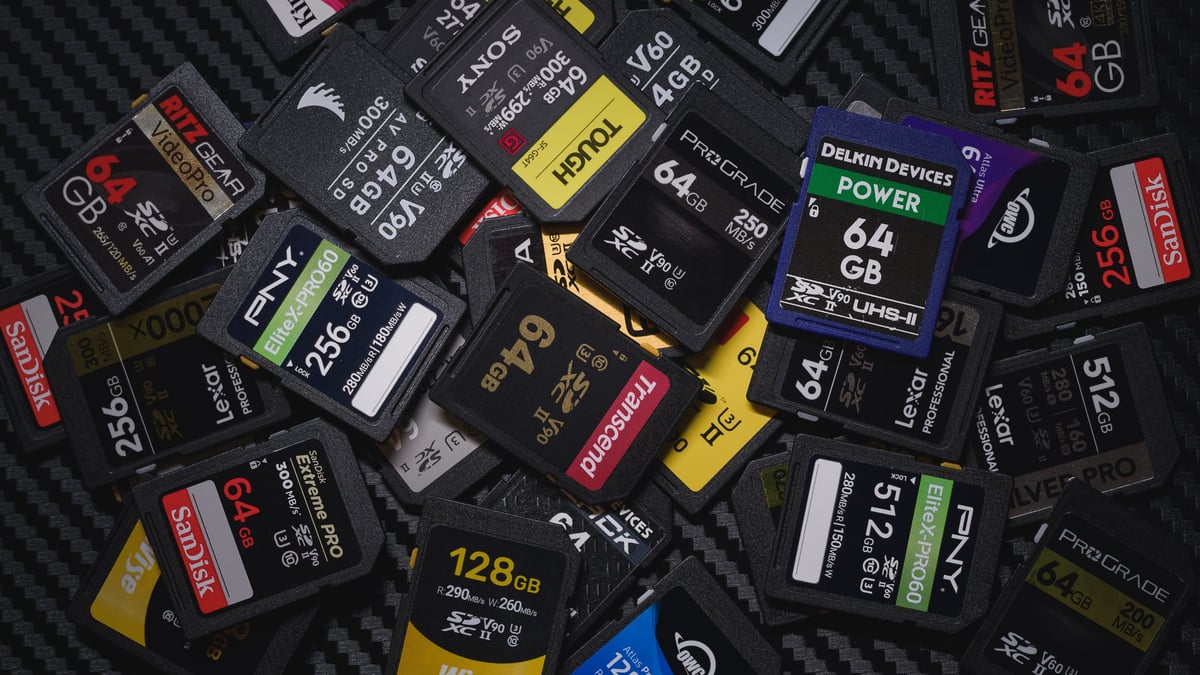
Choosing the right memory card can make or break your photography, videography, or gaming experience. With countless options like UHS-I, UHS-II, or V90, it’s easy to feel overwhelmed. This Guide to Memory Cards cuts through the noise, delivering everything you need to know in 2026. From understanding speeds and capacities to picking the best card for your camera, drone, or console, this guide combines expert insights, real-world testing, and up-to-date recommendations to help you make the perfect choice.
SD Memory Card Benchmarks
We tested USB speeds with the AJA System Test, benchmarking a UHS-II ProGrade USB-C card reader on a Windows 11 PC with USB 3.2 Gen 2×2 for accurate, reliable results.
Sort memory card results by speed or class to find the fastest SD memory cards. Note that real-world SD card speeds can vary depending on the card reader, computer, or even the USB cable used during testing. A low-quality or incompatible cable may significantly reduce performance.
| SD Memory Cards | Review Links | Speed Class | Rated Write | Rated Read | Rated Sustained | Tested Write | Tested Read | Check Price | |||
|---|---|---|---|---|---|---|---|---|---|---|---|
| SD UHS-II V90 | Hide | ||||||||||
| Sandisk Extreme Pro V90 32-512GB | Sandisk Extreme Pro V90 UHS-II Review | UHS-II v90 | 300 | 300 | 90 | 268 | 293 | 90 | Amazon / B&H | ||
| Lexar 2000x V90 32-256GB | Lexar 2000x V90 UHS-II Review | UHS-II v90 | 260 | 300 | 90 | 228 | 256 | 90 | Amazon / B&H | ||
| Transcend v90 | UHS-II v90 | 180 | 285 | 90 | 175 | 263 | 90 | Amazon / B&H | |||
| Sony G Tough v90 32-256GB | Sony G Tough V90 UHS-II Review | UHS-II v90 | 299 | 300 | 90 | 258 | 296 | 90 | Amazon / B&H | ||
| Delkin Black v90 64/128/256GB | UHS-II v90 | 250 | 300 | 90 | 253 | 278 | 90 | B&H | |||
| Delkin Power v90 64/128/256GB | Delkin Power v90 | UHS-II v90 | 250 | 300 | 90 | 240 | 275 | 90 | Amazon / B&H | ||
| Adata Premier ONE v90 64/128/256GB | Adata v90 | UHS-II v90 | 260 | 290 | 90 | 229 | 268 | 90 | Amazon | ||
| Hoodman Steel 2000x V90 64/128GB | Hoodman Steel 2000x | UHS-II v90 | 260 | 300 | 90 | 155 | 249 | 90 | Amazon / B&H | ||
| ProGrade V90 64-512GB | ProGrade V90 | UHS-II v90 | 250 | 300 | 90 | 229 | 270 | 90 | Amazon / B&H | ||
| PNY EliteX-Pro90 V90 64/128/256GB | UHS-II v90 | 280 | 300 | 90 | 276 | 293 | 90 | Amazon / B&H | |||
| Amplim 2000x V90 32-128GB | UHS-II v90 | 300 | 90 | 275 | 287 | 90 | Amazon | ||||
| Angel Bird V90 II 64-512GB | Angel Bird V90 II | UHS-II v90 | 280 | 300 | 90 | 257 | 271 | 90 | Amazon / B&H | ||
| OWC Atlas Ultra V90 64-512GB | UHS-II v90 | 250 | 300 | 90 | 270 | 289 | 90 | Amazon / B&H | |||
| OWC Atlas S Pro V90 | UHS-II v90 | 90 | 90 | X | |||||||
| Kingston Canvas React V90 32-256GB | Kingston Canvas React Plus V90 | UHS-II v90 | 260 | 300 | 90 | 274 | 292 | 90 | Amazon / B&H | ||
| Kodak V90 32/64/128GB | UHS-II v90 | 270 | 300 | 90 | 260 | 272 | 90 | Amazon | |||
| Ritz Gear VideoPro V90 64-512GB | UHS-II v90 | 250 | 280 | 90 | 258 | 273 | 90 | Amazon | |||
| Wise V90 Pro 128/256/512GB | UHS-II v90 | 260 | 290 | 90 | 256 | 275 | 90 | B&H | |||
| SD UHS-II V60 | Hide | ||||||||||
| Sandisk Extreme Pro v60 256/512/1TB | UHS-II v60 | 150 | 280 | 60 | 189 | 279 | 60 | Amazon / B&H | |||
| Sandisk Extreme Pro v60 64-128GB | UHS-II v60 | 100 | 280 | 60 | 102 | 283 | 60 | Amazon / B&H | |||
| Lexar ARMOR Gold V90 256GB-1TB | UHS-II v60 | 205 | 280 | 60 | 191 | 258 | 189 | Amazon / B&H | |||
| Lexar ARMOR Gold V60 128GB | UHS-II v60 | 210 | 280 | 60 | Amazon / B&H | ||||||
| Lexar ARMOR Silver V60 256/512GB | UHS-II v60 | 160 | 280 | 60 | Amazon | ||||||
| Lexar ARMOR Silver V60 128GB | UHS-II v60 | 120 | 280 | 60 | Amazon | ||||||
| Lexar 1800x V60 64-512GB | UHS-II v60 | 180 | 270 | 60 | 188 | 255 | 60 | Amazon / B&H | |||
| Lexar 1667x V60 64/128/256GB | Lexar 1000x | UHS-II v60 | 120 | 250 | 60 | 100 | 257 | 60 | Amazon / B&H | ||
| Lexar Silver Pro v60 | UHS-II v60 | 160 | 280 | 60 | 162 | 255 | 60 | Amazon | |||
| Sony M Tough V60 64-512GB | Sony M V60 UHS-II Review | UHS-II v60 | 150 | 277 | 60 | 153 | 269 | 60 | Amazon / B&H | ||
| Sony E v60 256GB | Sony E Series V60 256GB Review | UHS-II v60 | 120 | 270 | 60 | 60 | Amazon / B&H | ||||
| Sony E v60 128GB | Sony E Series V60 128GB Review | UHS-II v60 | 100 | 270 | 60 | 142 | 252 | 60 | Amazon / B&H | ||
| Sony E v30 64GB | UHS-II v30 | 45 | 270 | 30 | 73 | 247 | 30 | Amazon / B&H | |||
| Delkin Prime v60 64/128/256GB | Delkin Prime v60 | UHS-II v60 | 100 | 300 | 60 | 98 | 275 | 60 | Amazon / B&H | ||
| Hoodman Steel 1500x V60 64/128GB | Hoodman Steel 1500x | UHS-II v60 | 100 | 260 | 60 | 99 | 273 | 60 | Amazon / B&H | ||
| ProGrade V60 128/256/512GB | ProGrade V60 | UHS-II v60 | 130 | 250 | 60 | 98 | 155 | 60 | Amazon / B&H | ||
| PNY EliteX-Pro60 V60 512GB | UHS-II v60 | 150 | 280 | 60 | 180 | 278 | 60 | Amazon / B&H | |||
| PNY EliteX-Pro60 V60 256GB | UHS-II v60 | 180 | 280 | 60 | 183 | 280 | 60 | Amazon / B&H | |||
| PNY EliteX-Pro60 V60 128GB | UHS-II v60 | 100 | 280 | 60 | 60 | Amazon / B&H | |||||
| Amplim 2000x v60 | Amplim 2000x v60 | UHS-II v60 | 300 | 60 | 136 | 253 | 60 | Amazon | |||
| Angel Bird V60 II 64-1TB | Angel Bird V60 II | UHS-II v60 | 140 | 280 | 60 | 144 | 243 | 60 | Amazon / B&H | ||
| OWC Atlas Pro V60 64GB-1TB | UHS-II v60 | 130 | 250 | 60 | 100 | 281 | 60 | Amazon / B&H | |||
| Ritz Gear Video Pro V60 A1 64-256GB | UHS-II v60 | 120 | 265 | 60 | 103 | 280 | 60 | Amazon | |||
| Wise V60 128GB | UHS-II v60 | 100 | 290 | 60 | 102 | 269 | 60 | B&H | |||
| UHS-I U3 | Hide | ||||||||||
| Sandisk Extreme Pro 32GB-1TB | Sandisk Extreme Pro 170 | UHS-I | 140 | 200 | 30 | 137 | 175 | 30 | Amazon / B&H | ||
| Sandisk Extreme Pro 32/64/128GB | UHS-I | 90 | 200 | 30 | 144 | 172 | 30 | X | Amazon / B&H | ||
| Sandisk Extreme 256GB | UHS-I | 130 | 180 | 30 | 126 | 175 | 30 | Amazon / B&H | |||
| Sandisk Extreme 128GB | UHS-I | 90 | 180 | 30 | 98 | 175 | 30 | Amazon / B&H | |||
| Sandisk Extreme 64GB | Sandisk Extreme U3 | UHS-I | 80 | 170 | 30 | 51 | 93 | 30 | Amazon / B&H | ||
| Sandisk Ultra U1 Old | Sandisk Ultra U1 – old | UHS-I | 30 | 27 | 93 | 30 | X | ||||
| Kingston CanvasGo! 128/256/512GB/1TB | UHS-I | 90 | 170 | 30 | 124 | 161 | 30 | Amazon / B&H | |||
| Kingston CanvasGo! 64GB | UHS-I | 70 | 170 | 30 | 30 | Amazon / B&H | |||||
| Kingston Canvas Select 128/256/512GB | UHS-I | 85 | 100 | 30 | 84 | 93 | 30 | Amazon / B&H | |||
| Lexar SILVER Plus 128-256GB | UHS-I | 150 | 205 | 30 | 166 | 177 | 166 | Amazon | |||
| Lexar SILVER Plus 64GB | UHS-I | 100 | 205 | 30 | |||||||
| Lexar 1066x SILVER 128GB-1TB | UHS-I | 120 | 160 | 30 | 124 | 153 | 30 | Amazon / B&H | |||
| Lexar 1066x SILVER 64GB | UHS-I | 70 | 160 | 30 | 62 | 152 | 30 | Amazon / B&H | |||
| Lexar 800x BLUE 64/128/256GB | UHS-I | 45 | 120 | 30 | 61 | 116 | 30 | Amazon / B&H | |||
| Lexar 633x BLUE 64/128/256GB | UHS-I | 45 | 95 | 30 | 35 | 93 | 30 | Amazon | |||
| Sony Professional | Sony Professional U3 | UHS-I | 84 | 91 | X | ||||||
| Sony 94 | Sony U3 94 | UHS-I | 60 | 91 | X | ||||||
| Sony 95 | Sony U3 95 | UHS-I | 90 | 95 | 30 | 81 | 90 | 30 | Amazon | ||
| Transcend Ultra 340s A2 128/256/512GB | UHS-I | 90 | 160 | 30 | 90 | 148 | 30 | Amazon / B&H | |||
| Transcend Ultra 340s A1 64GB | UHS-I | 50 | 160 | 30 | 47 | 149 | 30 | Amazon / B&H | |||
| Transcend High 330s A2 64/128GB | UHS-I | 85 | 100 | 30 | 88 | 149 | 30 | Amazon / B&H | |||
| Transcend 300s 512GB | UHS-I | 55 | 100 | 30 | 123 | 147 | 30 | Amazon / B&H | |||
| Transcend 300s 256GB | UHS-I | 40 | 100 | 30 | 30 | Amazon / B&H | |||||
| Transcend 300s 128GB | Transcend U3 | UHS-I | 25 | 100 | 30 | 79 | 91 | 30 | Amazon / B&H | ||
| PNY Pro Elite 256/512/1TB | UHS-I | 90 | 100 | 30 | 87 | 93 | 30 | Amazon / B&H | |||
| PNY Elite-X 64-512GB | UHS-I | 30 | 100 | 30 | 56 | 92 | 30 | Amazon / B&H | |||
| PNY Elite Performance | PNY Elite Performance U3 | UHS-I | 63 | 91 | X | ||||||
| Delkin Black 32-256GB | UHS-I | 90 | 90 | 30 | 86 | 93 | 30 | Amazon / B&H | |||
| Delkin Advantage 128GB-1TB | Delkin Advantage U3 | UHS-I | 80 | 100 | 30 | 77 | 93 | 30 | Amazon / B&H |
It’s important to distinguish between microSD memory cards and standard-sized SD memory cards. While you can use microSD memory cards in a standard SD card slot with an adapter, you cannot use full-size SD cards with microSD card devices.
Using MicroSD Cards In Nn SD Card Adapter
This can work if you’re considering using a microSD memory card via an SD adapter for your camera. I have done this, but I frequently have had problems where the card would lose connection with the camera. I would then have to remove the card and reseat it in the adapter to work correctly again.
Memory Card Types And Performance
What Do All The Numbers And Letters On Memory Cards Mean?
- SDHC indicates that a card will use the 32-bit Fat32 file structure. This can have some performance limitations. Some new Speed Classes, like V30 and V60, aren’t available on these Fat32 cards. Also, you’ll see a file size limit of around 4GB.
- SDXC indicates that the card will be 64-bit using the exFat file structure. This means you get all the technology memory cards have to offer, including the V30 and V60 speed classes and larger file sizes.
- Class 10 is an older designation that is still put on memory cards. There used to be other classes written on memory cards; typically, it would be a number inside a circle. Now, every card is pretty much Class 10, and new Speed Classes have come around, like U1 / U3 and V30 / V60, etc. So it’s all getting a little cluttered. Class 10 will give you a minimum guaranteed write speed of 10MB/s.
- U1 / U3 are speed classes like Class 10 that indicate the minimum write speed a card is capable of. U1 is 10MB/s, and U3 is 30MB/s. Typically, you’ll want the U3 cards if you’re shooting high-bitrate video. Some cameras, like Sony’s, won’t let you use their advanced video codecs without a U3 memory card.
- V30 / V60 / V90 This is the latest speed class. Like Class 10 and U1 / U3, it concerns guaranteed minimum write speeds. V30 = 30MB/s, V60 = 60MB/s, and so forth.
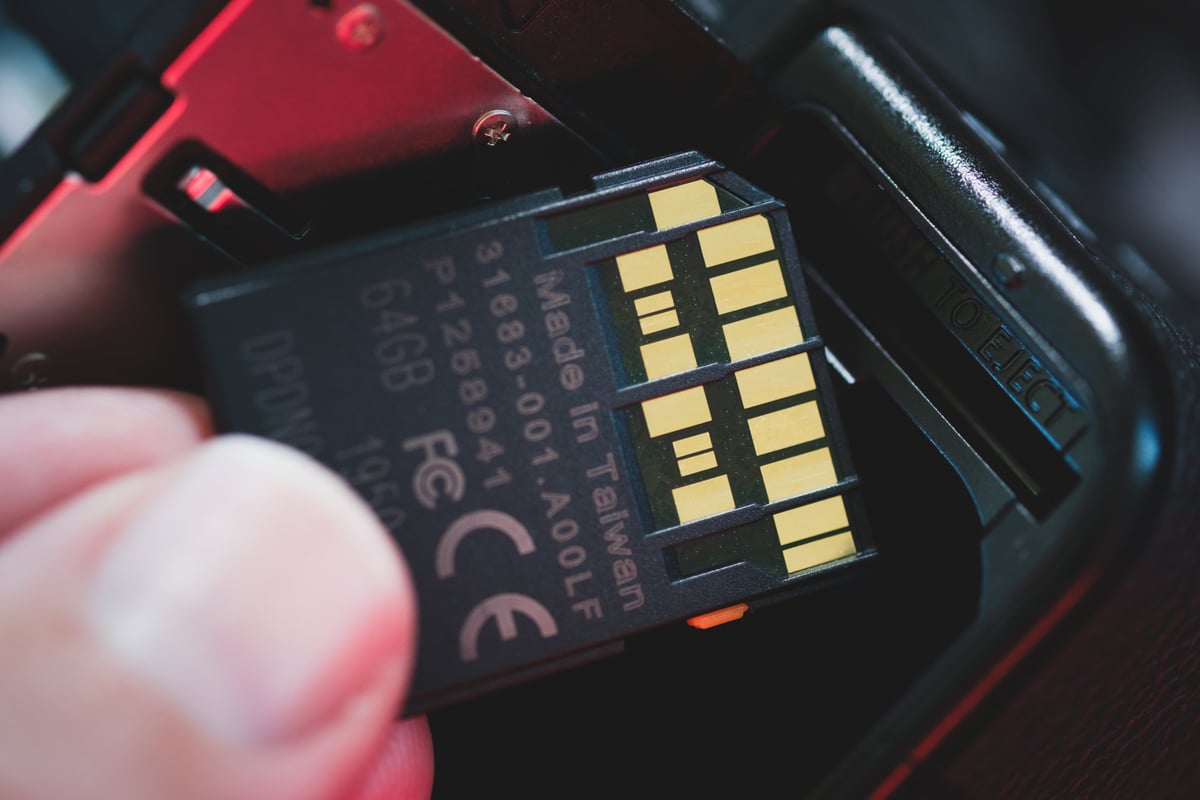
- UHS-I and UHS-II memory cards are built completely differently. UHS-II memory cards are the fastest type of SD memory card, and this is due to having a second set of pins that give them dual lanes to read and write data to and from. This potentially makes these memory cards twice as fast when used in UHS-II devices.
SD Express Cards: The Next-Gen Memory Card Format
SD Express cards are the latest leap in memory card technology, designed to meet the demands of 2025’s high-performance devices. Introduced by the SD Association, this new format uses PCIe and NVMe interfaces—think SSD-like speeds in an SD card. With transfer rates up to 4GB/s and capacities reaching 128TB (SDUC), SD Express cards outpace traditional UHS-II cards by a wide margin, making them ideal for 8K video, rapid bursts in mirrorless cameras, and data-heavy gaming consoles like the Nintendo Switch 2, which exclusively uses microSD Express.
What sets SD Express apart? These cards offer improved power and thermal management, ensuring stable performance during intensive tasks like real-time video recording or AI-driven applications. While adoption is growing (think drones, cameras, and PCs), backward compatibility is limited to UHS-I speeds with older devices, so you’ll need SD Express-compatible hardware to unlock their full potential. Brands like Lexar and Samsung are already rolling out microSD Express cards with capacities of up to 1TB, signaling a shift toward this future-proof format.
Why It Matters: SD Express cards are perfect for creators and gamers needing high-speed, high-capacity storage. As more devices adopt this standard, expect SD Express to redefine what memory cards can do. Stay tuned for our top picks as new models hit the market!
Potential Memory Card Problems
Memory Card Not Working
There are several reasons a memory card may not work, and I’ll list a few that I’ve seen or have personally dealt with.
1. Bad Memory Card – Not all memory cards are created equal, and you may occasionally find yourself with a bad one. At the same time, most brands offer warranties of 10 years or a lifetime. If you get stuck with a defective card, you can usually send it back to the manufacturer and try a new one instead.
2. Brand Incompatibility – Memory card brand instability can cause trouble when using different cameras. Certain camera brands, like Sony, may not be compatible with Samsung memory cards for video recording, and Canon states that some of its cameras do not often support Sony cards. To avoid these problems, switch to a different brand of cards, such as Sandisk, Lexar, or Delkin. These cards tend to work better with most cameras.
3. Mislabeled Sizes – It’s happened a few times over the years when a brand labels its cards wrong. I once had a Delkin card labeled as 650GB, but it was a 1TB card. This is a good problem to have, but be careful, as it could go the other way. You should generally test the size of your cards when you buy them to confirm they match the labeled specs.
4. Memory Card Is Slow – Is your memory card slow? If so, it might be defective or even counterfeit! It is best to purchase memory cards from a trusted source such as BHphoto, Amazon, or Adorama instead of buying on eBay. This ensures that you are getting an authentic product, not a fake one.
Memory Cards For Canon Cameras
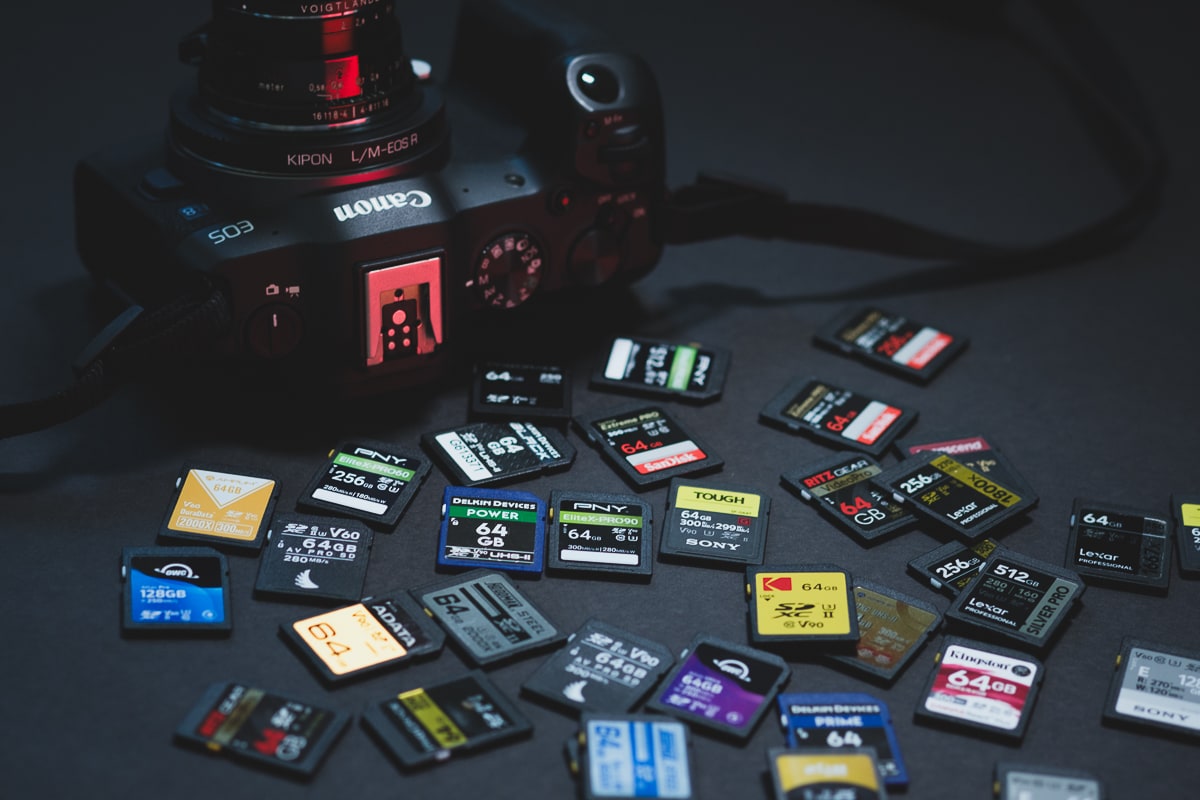
Canon’s latest cameras often use V90 UHS-II SD Memory cards, and their higher-end cameras, like the Canon R5 Mark II, often use a hybrid configuration of a CFexpress Type-B memory card with a UHS-II SD Memory card as the backup slot. In these cameras, using the second SD card slot in a backup configuration will bottleneck the performance of the CFExpress card, so you’ll want to use it ideally for JPGs since the smaller file sizes won’t take as long to transfer to these slower cards.
There are new CF4.0 memory cards on the market now but Canon cameras do not take advantage of these new cards yet. In fact, none of the camera cameras require any of the high end cards, but Canon does recommend using cards with a VPG 400 rating.
List of Canon Cameras with Memory Card Guides
Memory Cards For Nikon Cameras
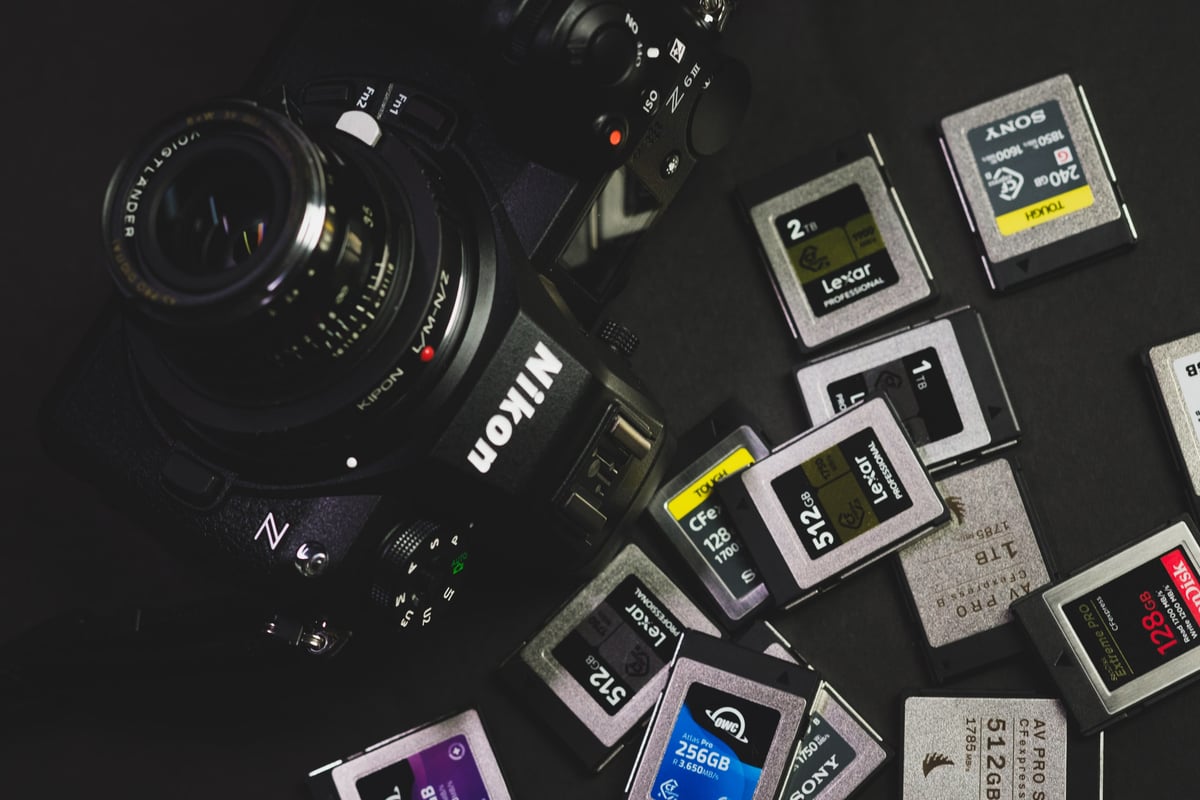
Nikon uses a mix of SD Memory cards, MicroSD cards, and CFExpress Type-B memory cards in their cameras. The Nikon Zf did something interesting which is using an SD memory card along with a MicroSD memory card.
Their higher cards, like the Nikon Z8 and Nikon Z9, use either dual CFexpress cards or a CFexpress with an SD memory card slot. These high-end cards can shoot RAW video and will require very stable and fast CFexpress cards to maintain performance. So far, none of the Nikon cameras can take advantage of the newest CF4.0 CFexpress Type-B cards that are making their way onto the market.
Their consumer-focused cameras won’t necessarily require UHS-II SD cards, UHS-I might be ok, so check the guides below.
List of Nikon Cameras with Memory Card Guides
Memory Cards For Sony Cameras
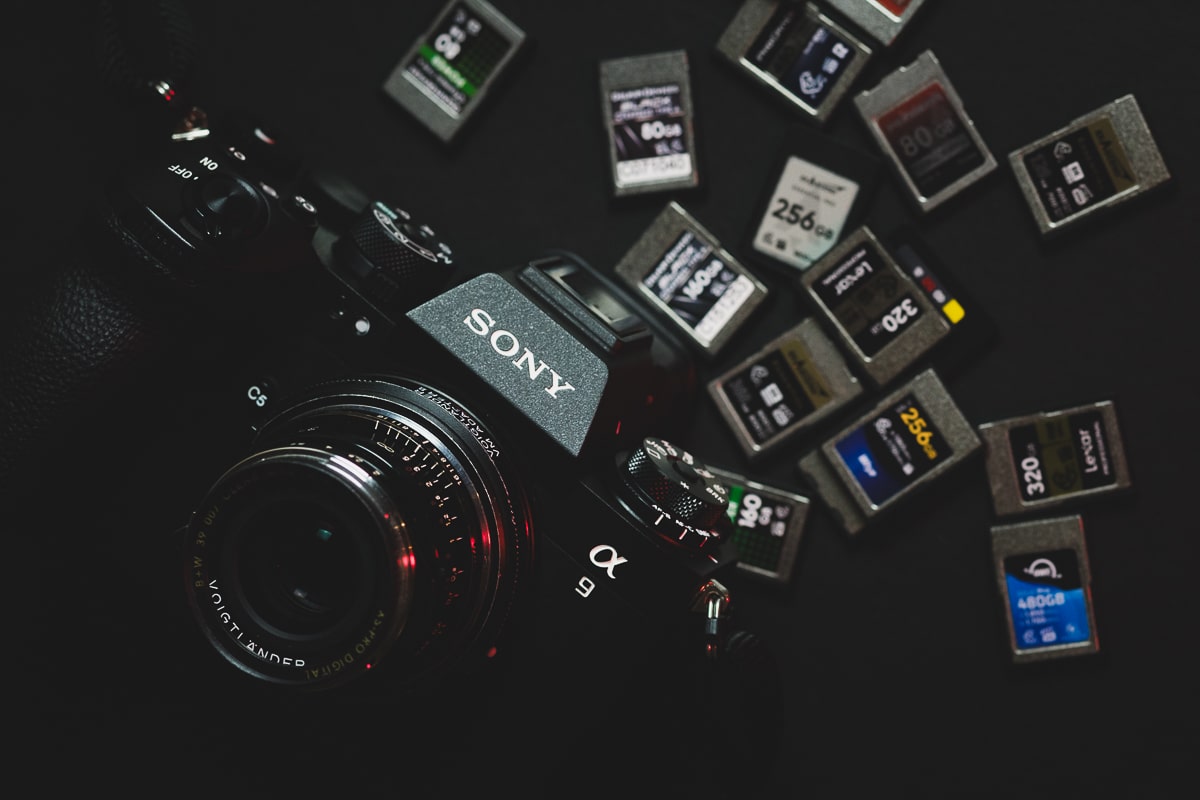
Most mid-range to high-end Sony cameras have a memory card configuration that’s a little different from the other brands. They often use a CFExpress Type-A Memory Card Slot that can also take SD Memory cards. Cameras like the Sony A7IV and Sony A7sIII use this configuration.
Their consumer-focused cameras, like the Sony A7c II, use only a single SD memory card, but you’ll still want a card with good performance to take advantage of some of the high-end video features.
List of Sony Cameras with Memory Card Guides
Memory Cards For Fujifilm Cameras
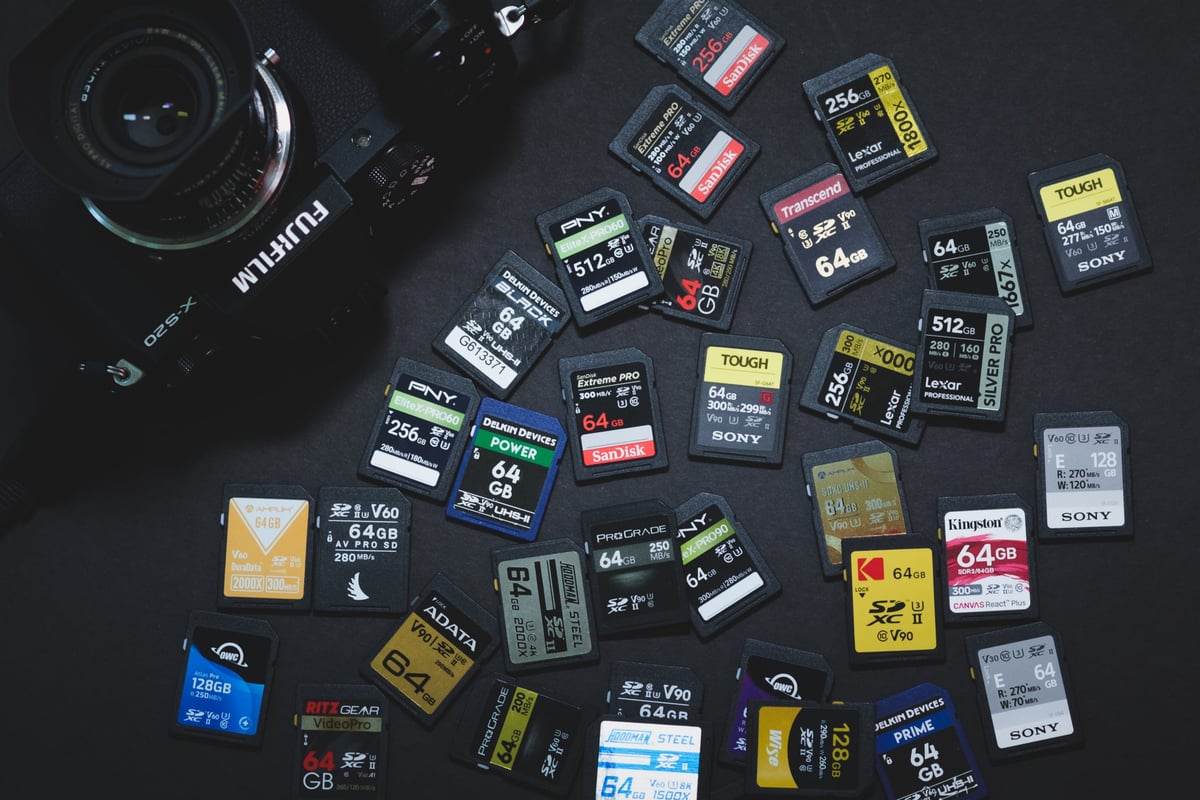
Most of the consumer focused Fujifilm cameras are only using a single SD memory card slot, but some will require UHS-II cards depending on the video features offered. Their higher-end cameras, like the Fujifilm X-T5, will use either a dual SD Memory card configuration or a CFexpress Type-B + SD memory card configuration.
List of Fujifilm Cameras with Memory Card Guides
Memory Cards For Panasonic Cameras
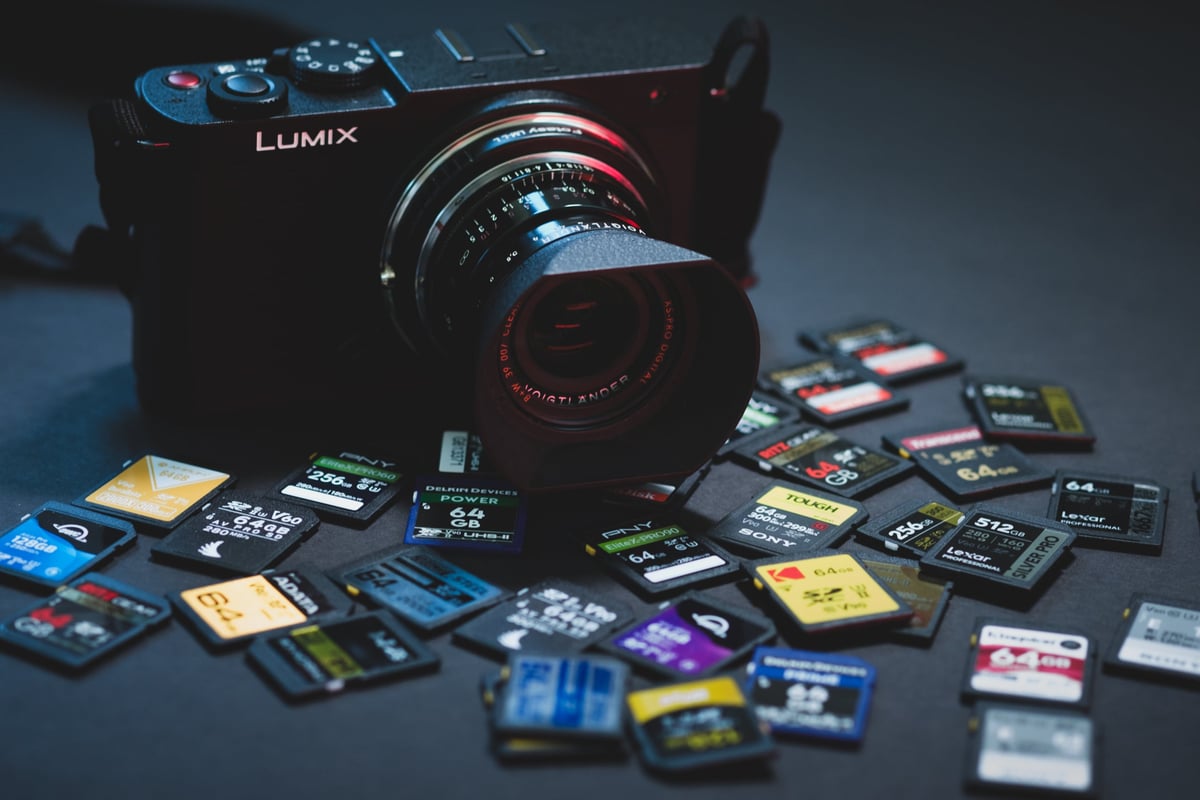
Panasonic cameras mostly use SD memory cards, but some of their higher-end Micro Four Third bodies will also use CFexpress Type-B memory cards.
You can learn more about what cards their cameras take and see the benchmarks in this guide.















Leave a Reply