
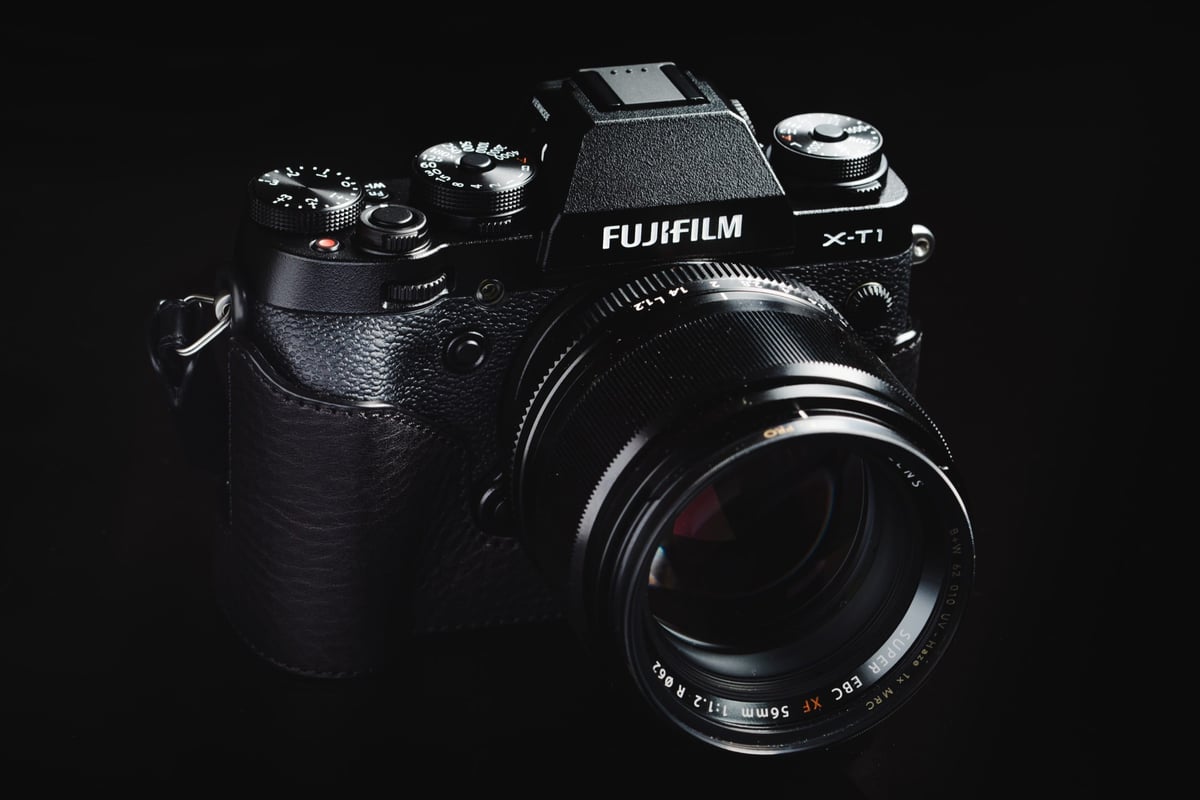
Fujifilm X-T1 is one of the original cameras that can take advantage of the UHS-II memory cards. I’ve ordered several of the most popular UHS-II memory cards and have included them in the Fuji X-T1 memory card speed test.
The results are impressive, but not all UHS-II memory cards will outperform regular UHS-I cards. Use this chart to guide your purchase decision.
Recommended Memory Cards For Today
Many of the memory cards I originally benchmarked have been updated; they’re faster, run cooler and have some improved features. Here are the latest and best UHS-II memory cards you can buy for the X-T1 today. I’ve also included some great v60 options as well, for photographers shooting casually who just want to save a little money and don’t need max speed. The X-T1 didn’t really have a super-fast buffer, so you won’t really get a huge benefit using V90 cards over V60 anyway.
| Memory Cards | Speed Class | USB-C Write | USB-C Read | Links |
|---|---|---|---|---|
| SD UHS-II V90 | Hide | |||
| Lexar 2000x V90 32-256GB | UHS-II v90 | 228 | 256 | Amazon / B&H |
| Sony G Tough v90 32-256GB | UHS-II v90 | 258 | 296 | Amazon / B&H |
| PNY EliteX-Pro90 V90 64/128/256GB | UHS-II v90 | 276 | 293 | Amazon / B&H |
| OWC Atlas Ultra V90 64-512GB | UHS-II v90 | 270 | 289 | Amazon / B&H |
| Kingston Canvas React V90 32-256GB | UHS-II v90 | 274 | 292 | Amazon / B&H |
| Wise V90 Pro 128/256/512GB | UHS-II v90 | 256 | 275 | B&H |
| SD UHS-II V60 | Hide | |||
| Sandisk Extreme Pro v60 256/512/1TB | UHS-II v60 | 189 | 279 | Amazon / B&H |
| Lexar ARMOR Gold V90 256GB-1TB | UHS-II v60 | 191 | 258 | Amazon / B&H |
| Sony M Tough V60 64-512GB | UHS-II v60 | 153 | 269 | Amazon / B&H |
| PNY EliteX-Pro60 V60 256GB | UHS-II v60 | 183 | 280 | Amazon / B&H |
In-Camera Buffer Performance
The USB 3.0 read/write test is performed using the SD card slot on the MacBook Pro. The UHS-II USB 3.0 speeds are achieved with a UHS-II card reader. This is the control. The third speed listed is the Fuji X-T1 real-world write speed test.
These tests were done by shooting a burst of RAW images for a fixed amount of time. The video was recorded with another camera to capture the time required to clear the buffer, and the total number of bytes captured per run was then calculated based on that time. An average of three runs per card was done. Plus, a test using RAW+JPEG and JPEG.
I’ve posted the RAW speeds.
| SD Memory Cards | USB 3.0 Read | USB 3.0 Write | Fuji X-T1 Write Speeds |
| UHS-II | |||
| Lexar 32GB 2000x UHS-II | 280.9 MB/s | 181.4 MB/s | 83.91 MB/s |
| Delkin 32GB UHS-II | 245.1 MB/s | 164.6 MB/s | 79.87 MB/s |
| SanDisk Extreme Pro 64GB SDXC Class 10 / U3 | 257.3 MB/s | 109.9 MB/s | 75.75 MB/s |
| Lexar 32GB 1000x UHS-II | 145.0 MB/s | 60.7 MB/s | 52.22 MB/s |
| UHS-I | |||
| SanDisk Extreme Plus 64GB SDXC Class 10 / U3 | 89.0 MB/s | 84.7 MB/s | 58.12 MB/s |
| Kingston 64GB SDXC Class 10 / U3 | 88.1 MB/s | 74.3 MB/s | 56.33 MB/s |
| Sony 64GB SDXC Class 10 / U3 | 87.2 MB/s | 71.9 MB/s | 54.95 MB/s |
| Samsung Pro 64GB SDXC Class 10 / U1 | 86.8 MB/s | 77.2 MB/s | 54.46 MB/s |
| SanDisk Extreme 64GB SDXC Class 10 U/3 | 88.9 MB/s | 62.0 MB/s | 47.16 MB/s |
| Transcend 64GB SDXC Class 10 / U3 | 87.7 MB/s | 64.1 MB/s | 47.05 MB/s |
| PNY 64GB SDXC Class 10 / U1 | 86.1 MB/s | 54.5 MB/s | 46.10 MB/s |
| Lexar 600x 64GB SDXC Class 10 / U1 | 85.6 MB/s | 60.1 MB/s | 45.29 MB/s |
| Sandisk Extreme 64GB SDXC Class 10 U/3 | 71.3 MB/s | 52.1 MB/s | 41.32 MB/s |
Conclusions From The Test
Expect the 32GB and 128GB versions of the cards listed above to perform similarly. These results can also vary from card to card, so your results could differ slightly from mine. So follow this as a general guide.
The UHS-II cards perform significantly faster,r except for the Lexar 1000x. It seemed to perform slower than even some UHS-I cards. If such a thing exists, I think it could be a card from a bad production run.
The SanDisk Extreme Pro Class 10/U3 cards are the fastest UHS-I cards. The Kingston comes in second. However, the Kingston performed slowly on the Fuji X100T.
-I’m noticing that cards sometimes give me slower speeds at random times. The speed will improve if I take the card out and reinsert it. This tells me that the contacts often get dirty or there isn’t a good connection. However, this wasn’t the case with the Lexar 1000x. It’s just a slow card.
JPEG-only write speeds were at around 20-21MB/s, no matter what card I used. I might be able to get that a little faster if I turned noise reduction to -2, but I’m not entirely sure how all that affects speed.
Shooting RAW+JPEG only slows down write speeds of about 3-5 MB/s.
Do You Need A UHS-II Card For The Fujifilm X-T1?
Based on the results and my experience with this camera, I don’t think a UHS-II card for the Fuji X-T1 is necessary, but it does help.
I would get the fastest card you can afford because when shooting something like HDR bracketed or RAW+JPEG, it takes some time for the buffer to clear between bursts, which can get in the way of getting the perfect shot. This happened to me on the beach once when I used a card that came with the camera. It wasn’t very pleasant.
If you don’t shoot bracketed or burst, it’s less of an issue, and a decently fast card like Samsung or PNY will be fine.
If you only shoot JPEG, speed won’t matter as much since each file is usually only 4-7 megabytes.
The only downside I see to UHS-II is that they do get extremely hot. These speed tests on my MacBook Pro would get very hot to the touch. But I’ve yet to have my camera overheat because of this.
Do You Think You Need A Fast Card?
The Fuji X-T1 has a small memory buffer of about 100MB-200MB, and each RAW (RAF) file is about 33.5MB. You can only fire 7 or 8 shots before the buffer fills. Then, clearing your buffer will be all about memory card write speeds. JPEG files are about 4-7MB each.
If you like shooting in burst mode or bracketing HDR photos, you will be better off with a faster card. Consider whether you should get a UHS-I or a UHS-II card. Some UHS-II cards perform almost twice as fast as some UHS-I cards while only costing slightly more.
As for size, I rarely fill up 32GB cards in a single day, but it does happen, so I’ve been buying 64GB cards just to be safe.
Speed Class 1 vs. Class 3
You’ll see a U with a little number in it on each card, either a 1 or a 3. This refers to the UHS speed class and specifies the minimum write speed. This is different than UHS-I and UHS-II.
A Class 1 or U1 card has a minimum write speed of 10MB/s
A Class 3 or U3 card has a minimum write speed of 30MB/s
Minimum write speeds mean that when a memory card is near full or fragmented, it will still perform at its minimum class speed. This doesn’t mean that a Class 1 can’t write at 30MB/s; it just means a Class 3 is always guaranteed to write at 30MB/s.
You’ll see a circle or a C with a number on older cards. These numbers also represent minimum speeds.
Class 2 – Minimum write speed 2MB/s
Class 4 – Minimum write speed 4MB/s – Fuji X10, X-Pro1, X-E1, X100, XF1, XS1
Class 6 – Minimum write speed 6MB/s
Class 10 – Minimum write speed 10MB/s – Fuji X-E2, X30, X20, X100s, X100T, X-T1, XQ1, XA1, XM1
SDXC Cards – Why They Are Important
SDXC and SDHC refer to the host controller that manages memory storage. SDXC has now replaced the SDHC. SDHC used a FAT32 file system, which is 32-bit.
Now, SDXC cards use a mandatory 64-bit exFAT file system.
The file system is important when using new video codecs, such as Sony’s XAVC. Many newer Sony cameras require an exFAT SDXC card to shoot XAVC video. This is why from now on I try only to buy SDXC or 64GB cards.
Check out all the available lenses for the Fuji X-T1













Leave a Reply